Decks or DJ Controller
Two decks form the basis of the classic DJ workflow. They can be software decks controlled by a DJ controller, separate media players or turntables.

A DJ does not automatically need two large media players, a club mixer and a complete PA system. The right equipment depends on whether you practise at home, play mobile events, work in clubs, mix vinyl or use performance and streaming functions. This guide explains which components form the basic equipment, what is optional at first and how to expand your DJ setup sensibly.
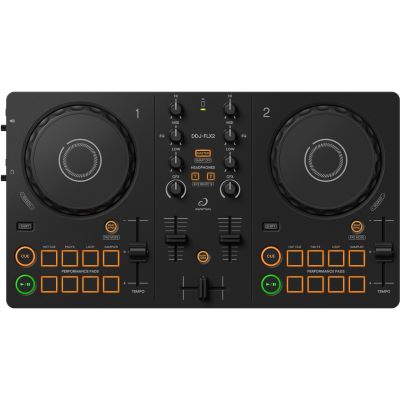
A minimal digital setup can be surprisingly compact: a two-deck controller, compatible computer or mobile device, suitable DJ software and closed-back headphones are already enough to learn cueing, beatmatching and complete transitions.
Regardless of musical style, a DJ needs a way to control at least two music sources, preview the next track and mix both signals together. The technical implementation can look very different depending on the setup.
Two decks form the basis of the classic DJ workflow. They can be software decks controlled by a DJ controller, separate media players or turntables.
The mixer connects the decks. Gain, EQ, filters and faders control level and sound. With many controllers and standalone systems, the mixer is already integrated.
The Cue signal lets you preview the next track, find its starting point and prepare a transition before the signal is sent to the Master output.
Depending on your setup, tracks can come from a computer, mobile device, USB storage, streaming service or vinyl. A clear and reliable music library is essential.
Minimal digital starting point: a two-deck DJ controller, compatible computer or mobile device, suitable DJ software and closed-back headphones are enough to learn cueing, beatmatching and complete transitions.
A bedroom DJ needs different additions from a wedding DJ. First decide where you want to play and how mobile your system should be.
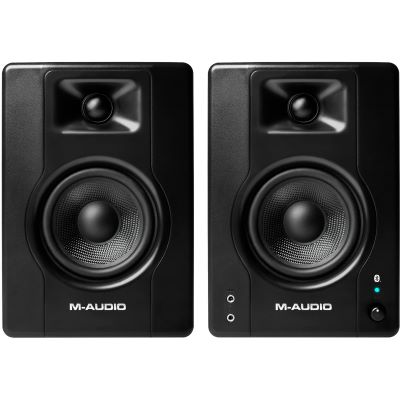
A controller, laptop, headphones and compact active monitors form a complete home setup. Quiet practice is also possible entirely through headphones.
You additionally need a suitable PA, microphone, reliable cables, power supply, DJ table and transport solutions. Lighting equipment can be added depending on the event.
In clubs you often work with existing media players and a club mixer. Your own headphones, prepared music media and a confident hardware workflow are especially important.
Two direct-drive turntables, a DJ mixer with phono inputs, cartridges, styli and slipmats form the traditional vinyl configuration.
Performance pads, stems, samplers, additional decks and effects expand traditional mixing towards live remixing and hybrid performance.
An all-in-one system already contains decks, mixer, display and audio interface. Music typically comes from USB, SD media or supported online services.
A DJ controller combines two digital decks and a mixer in one compact control surface. This teaches many principles that appear again later on larger DJ systems.
Play and Cue start or mark tracks. Jog wheels help with browsing and short timing corrections while the pitch fader changes tempo. In the mixer section, you control gain, EQ, filters and channel volume.
Traditional DJ cueing requires separate signal paths for Master and headphones. Check which audio outputs are available. Balanced Master outputs and a microphone input can become particularly useful for later mobile applications.
Four decks become interesting when additional tracks, acapellas, loops or more complex performance techniques need to run in parallel on a regular basis. They are not essential for your first purchase.
The most important controller rule: do not decide based on the number of effects. Consider software, usability, connections, space requirements and the workflow you actually want to learn.
With a controller, DJ software handles a major part of the overall system. It analyses music, provides the decks and manages playlists, cue points, loops and effects.
Particularly interesting for DJs who want to move towards an AlphaTheta/Pioneer DJ and club-oriented workflow in the long term.
A widely used platform for classic controllers, scratch setups and creative performance functions.
Closely associated with many Hercules DJ controllers and particularly interesting for beginners because of its learning functions.
An extensive workflow for DJs who want to work with effects, stems, remix decks and hybrid performance techniques.
Check compatibility: not every controller works identically with every software package. Check the operating system, physical connections, included software version and any required licences before purchasing.
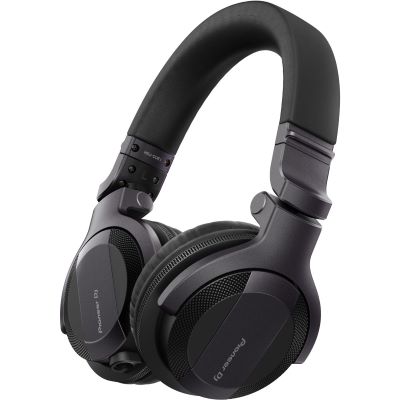
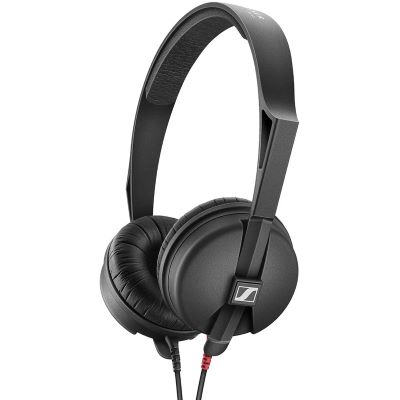
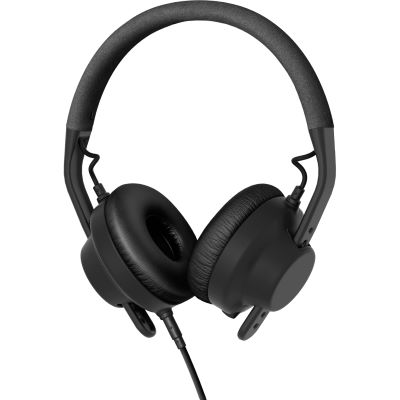
DJ headphones are not used only for listening to music. You use them to prepare a track, check a cue point and compare the timing of two songs while a different signal is still playing through the Master output.
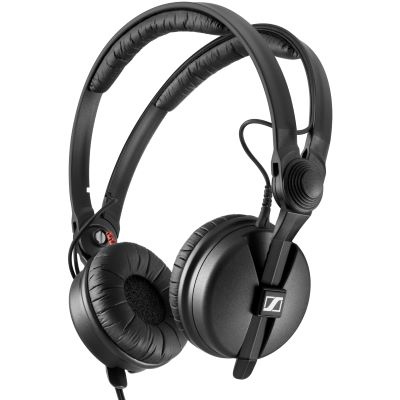
The correct playback system depends on whether you are practising alone at home or providing sound for an audience.
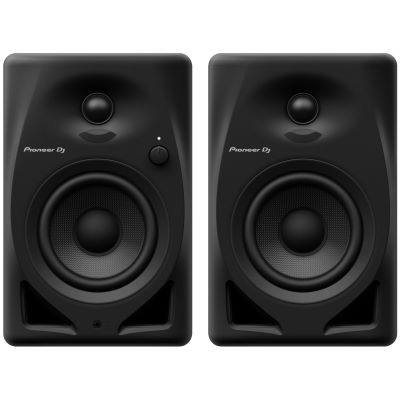
Compact active loudspeakers are sufficient for bedroom DJs. They require no separate power amplifier and are suitable for short listening distances and moderate levels.
As soon as a room with an audience needs to be covered, a PA system designed for that purpose makes sense. Room size, musical style and required bass response determine the appropriate dimensions.
A subwoofer is not essential for your first home workstation. For dance music at events, additional low bass can become an important extension.
Connections, transport and ergonomics become increasingly important as soon as a DJ setup grows or is used outside the home.
Master outputs need to match the speakers or PA system. Check RCA, XLR, jack and USB connections before buying cables.
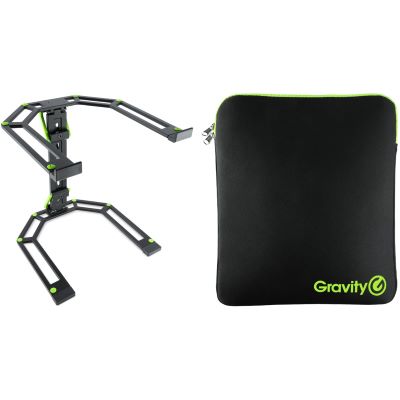
A suitable working height and a clear view of the computer improve ergonomics. Mobile DJs also benefit from having their own reproducible workstation.
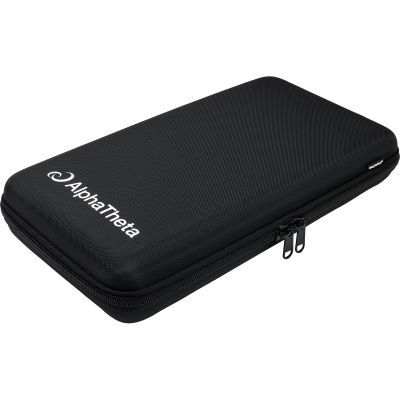
As soon as your controller is transported regularly, a properly fitting bag or case protects jog wheels, controls and connections.
Bedroom DJs do not necessarily need one. At weddings, birthdays and corporate events, a microphone quickly becomes important for announcements.
PAR fixtures and compact effects can shape a dance floor at events. They remain optional for DJing itself.
Mobile and professional DJs should plan spare cables, a backup music medium, a headphone adapter and a second simple playback path.
The equipment you need changes considerably between a home setup, mobile events, an existing club booth and vinyl DJing.
| Equipment | Bedroom | Mobile DJ | Club | Vinyl |
|---|---|---|---|---|
| Controller | Highly useful | Often | Optional | Optional |
| Headphones | Yes | Yes | Yes | Yes |
| Active Monitors | Useful | No | Booth monitor provided | Useful at home |
| PA | No | Yes | Provided | Depends on application |
| Microphone | Optional | Often important | Depends on event | Optional |
| Cases | Optional | Highly useful | For your own equipment | When transporting |
Choose only the components your current workflow needs and expand your setup when your application changes.
The most common way to start digital DJing.
Library management, decks, loops and effects.
Cueing and pre-listening before the next track reaches the Master signal.
Monitoring for home DJ setups.
Modular and club-oriented independent decks.
Central mixing of several music sources.
Direct-drive turntables for vinyl and DVS.
Coordinated complete packages for a fast start.
Sound reinforcement designed for rooms with an audience.
Protection for mobile controllers and DJ equipment.
Tables, workstations and laptop stands.
Extend a setup towards performance and live remixing.
These products represent different approaches: an especially compact controller, classic two-deck systems, a complete beginner package or an independent standalone system.
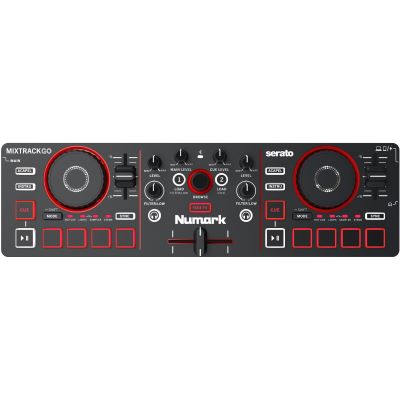
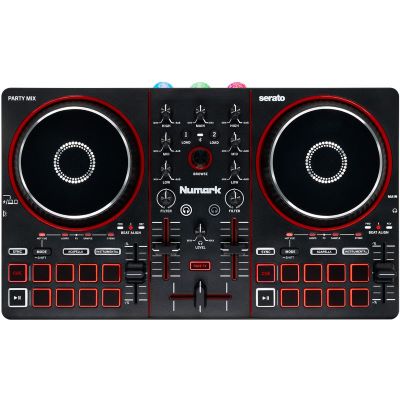
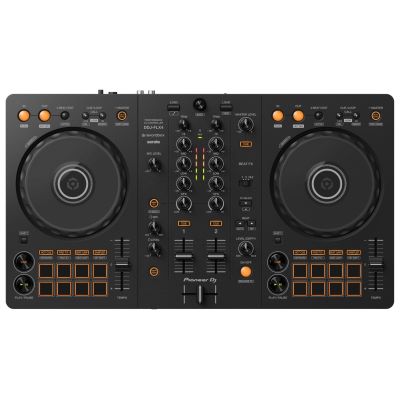
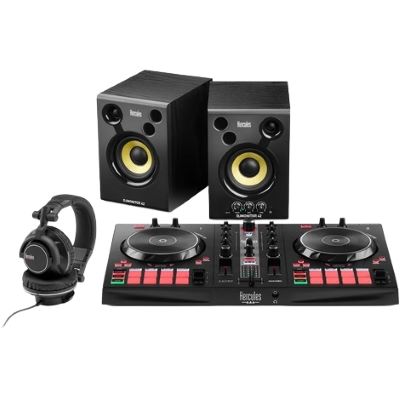
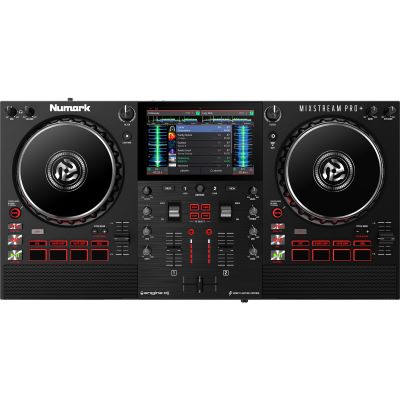





Four decks, a large mixer and a PA are unnecessary if your first goal is to learn beatmatching and straightforward transitions.
Controller and software form one system. Compatibility should therefore be clarified before the buying decision.
Cueing is a central DJ skill. Suitable headphones therefore belong in the setup earlier than many optional effect devices.
Studio monitors are not an event sound-reinforcement solution. Use a suitable PA when playing for an audience.
Check the Master output, headphone connection and speaker inputs so unnecessary adapter problems do not arise.
Bedroom, mobile, club, vinyl and performance DJs need different expansions. Knowing your goal helps avoid duplicate purchases.
For digital DJing, a suitable two-deck controller, computer or compatible mobile device, DJ software and headphones are sufficient. This already allows you to learn complete transitions.
No. Traditional controllers usually work with a computer or mobile device. Standalone systems instead include the display, music management and playback functions directly in the device.
While the current track is playing on one deck, the next track is prepared on the second deck. This allows both songs to be mixed together in a controlled way.
Not necessarily for learning. Many systems allow Cue and Master to be monitored together through headphones. Compact active monitors are more comfortable for normal practice at home.
In addition to the DJ system, you need a PA suitable for the room and number of guests, appropriate cables and a safe workstation. A microphone and lighting may also be useful depending on the event.
That depends on the controller and loudspeakers. Typical connections include USB-C or other USB connections as well as RCA, jack or XLR cables. Always check both sides of the connection.
Yes, particularly when no components are already available. A coordinated set can combine controller, headphones, loudspeakers, cables and software in one package.
In clubs, players, mixer and PA are usually already installed. Prepared music media, your own headphones and confident use of the existing booth setup are therefore especially important.
A typical setup uses two direct-drive turntables, a DJ mixer with phono inputs, two suitable cartridges, slipmats, headphones and a record collection.
Start with the equipment required for your actual workflow: a controller or decks and mixer, plus headphones. Monitors, cases, PA, lighting and performance hardware can then be added according to your next goal.
You need surprisingly little to get started: two controllable decks, a mixer or controller, your music and DJ headphones. A two-deck controller combines these functions particularly compactly and is therefore the easiest starting point for many beginners.
Your goal then determines how the system grows. At home, active monitors can be added. For events, you add a PA, microphone, cases and power supply. Club DJs practise player and mixer workflows, vinyl DJs add turntables and cartridges, while performance DJs additionally use stems, samplers and effects. This allows your DJ setup to grow with your actual requirements.
From DJ equipment and event technology to recording, studio equipment and musical instruments, the central Musikhaus Korn guide contains further decision-making aids, comparisons and complete project paths.