DJ Controller
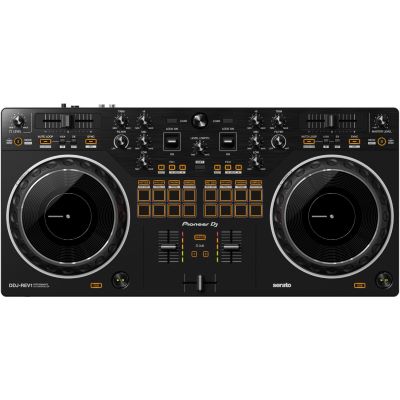
A controller with two decks, a mixer section, jog wheels, pitch faders, EQ and an integrated sound card covers the most important functions you need to learn.

DJ controller, laptop, headphones, speakers and software: when you start DJing, the choice can quickly seem larger than necessary. For your first transitions, however, a manageable setup is enough. This guide explains which components you really need, what to look for in your first controller and which accessories you can add later.
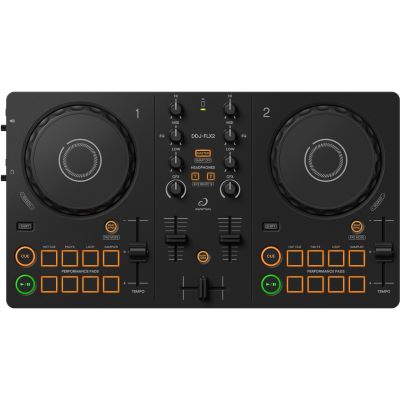
A controller with an audio interface, a compatible computer, supported DJ software and closed-back headphones already lets you practise browsing, cueing, beatmatching and complete transitions.
For digital DJing, you essentially need four things: a control surface, your music, a way to cue the next track and a way to play the finished mix. Everything else is an extension at first.
A controller with two decks, a mixer section, jog wheels, pitch faders, EQ and an integrated sound card covers the most important functions you need to learn.
The software manages your music and provides decks, waveforms, hot cues, loops and effects. Always check compatibility before buying the controller.
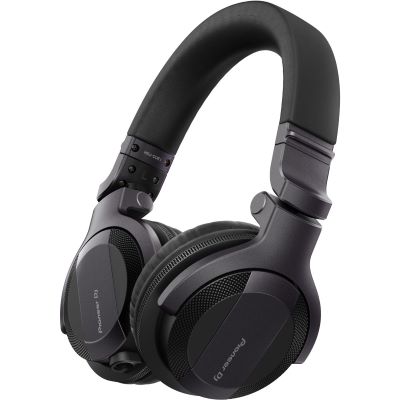
Headphones let you preview the next track, set cue points and check whether both songs are running together rhythmically.
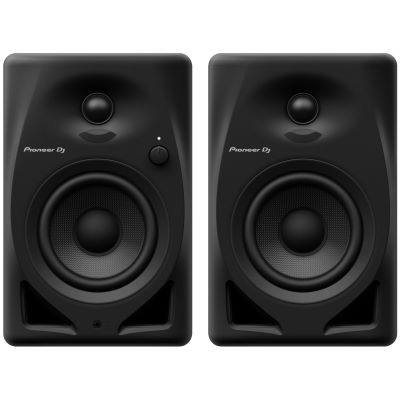
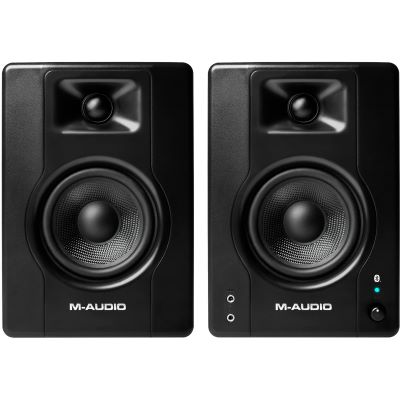
Compact active monitors are sufficient at home. If your first goal is simply to learn, many exercises can even be completed entirely with suitable headphones.
Minimum setup: controller with sound card + computer + supported DJ software + closed-back headphones. This is already enough to practise browsing, cueing, beatmatching and transitions.
For getting started, two decks are generally more useful than having as many channels as possible. They teach exactly the functions you will encounter again on larger DJ systems later.
Deck A plays the current track while you prepare Deck B. The mixer section connects both songs. A useful beginner controller therefore provides Play/Cue, jog wheels, pitch faders, gain, at least a three-band EQ, channel faders and a headphone section.
For proper DJ cueing, the Master output and headphone signal must operate separately. A suitable controller therefore has its own audio interface, allowing you to hear Deck B through your headphones while Deck A is still playing through the speakers.
The pitch fader adjusts tempo. The jog wheel is used for searching and short timing corrections. For beginners, controls that are easy to reach and large enough to use confidently are especially valuable. Performance pads for hot cues and samples are useful, but should not distract you from learning to mix.
Remember when choosing your first controller: select a device on which you can genuinely learn cueing, pitch, EQ and fader control. A clear two-deck controller is often more valuable in the long term than a complicated system whose additional functions initially remain unused.
A traditional software controller is not an independent musical instrument. The supported DJ program determines a large part of your later workflow.
Particularly interesting if you want to move towards an AlphaTheta/Pioneer DJ or club-oriented workflow later.
A widely used DJ platform with a broad range of compatible controllers and performance functions.
Closely connected with many Hercules controllers and especially interesting for first mixing attempts because of its learning features.
A comprehensive digital workflow for DJs who may later want to work more extensively with effects, stems and creative performance concepts.
Check before buying: does your computer support the current software version? Which functions can be used without an additional subscription? Does your preferred streaming service work with the software? These questions matter more than the number of logos printed on the controller.
Without headphones, traditional cueing is missing. The Cue function lets you prepare the next track, find the starting point and match the tempo while the audience or your speakers continue to hear only the current track.
You do not need large event equipment for a desk setup. Compact active monitors already contain their own amplification and can be connected to the Master output of many controllers.
Models around three to four inches require little space and are particularly practical for short listening distances and moderate levels.
If your budget is limited, you can initially invest in good headphones. Many controllers allow you to monitor Cue and Master together through the headphone output.
If you later want to provide sound for birthdays or events, use a PA system designed for that application rather than expecting compact home monitors to cover an audience.
| System | You Also Need | Advantage | Suitable For |
|---|---|---|---|
| Compact Controller | Computer, software, headphones | Affordable and space-saving introduction | First mixes, bedroom DJ |
| Larger 2-Deck Controller | Computer, headphones | More room for pitch faders and jog wheels | Regular practice |
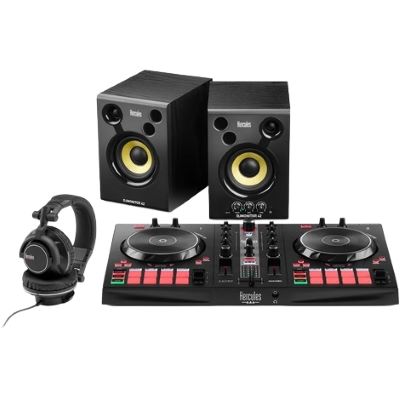
| DJ Complete Set | Usually only a computer | Components already combined | Complete beginner setup |
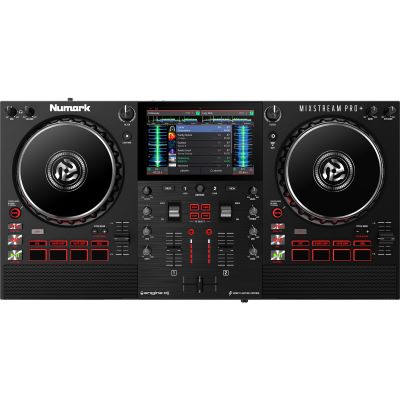
| Standalone System | Headphones, music medium | DJing without a laptop | Ambitious beginners |
| Players + Mixer | At least two players | Modular and club-oriented | Later professional expansion |
A simple setup already gives you everything you need to practise the core skills that later transfer to larger controllers, standalone systems and club equipment.
Start with a small number of songs you know well. Set clear starting points and learn how to navigate your software browser.
Learn Cue/Master monitoring and use gain to match tracks with different levels without permanently overloading the meters.
Sync can be used as a learning aid. Also practise with the pitch fader and learn to hear whether one track is running faster or slower than the other.
Begin with simple transitions lasting 16 or 32 beats. Pay particular attention to the bass instead of immediately adding many effects.
Two- and multi-deck controllers for digital mixing.
Controllers, headphones and other components combined as a package.
Programs for your library, decks, loops, effects and performance functions.
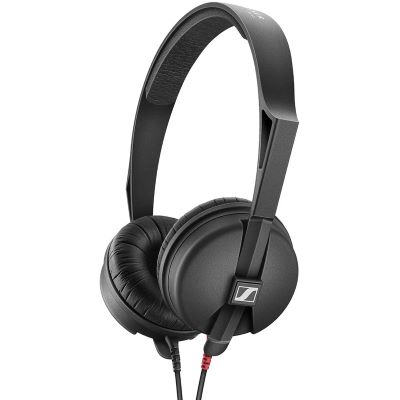
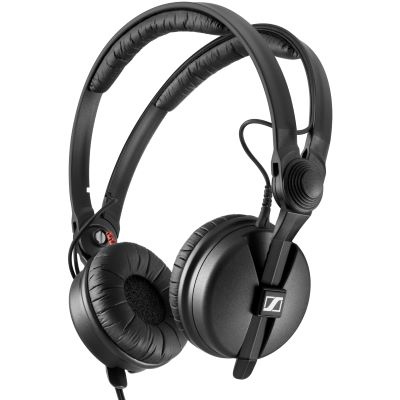
Closed-back models for cueing and beatmatching.
Compact speakers for your first home DJ setup.
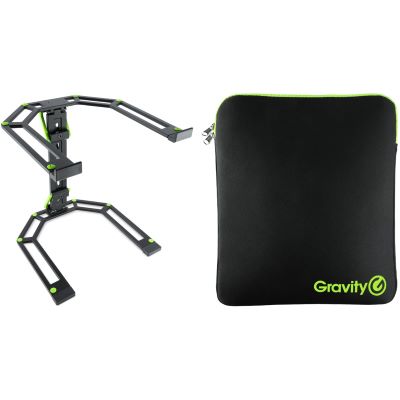
Position your controller and computer more ergonomically.
Protect controllers and accessories when you start taking your setup elsewhere.
Controllers, software and digital expansion options.
The selection ranges from very compact first controllers to models with larger jog wheels and a more extensive control surface.
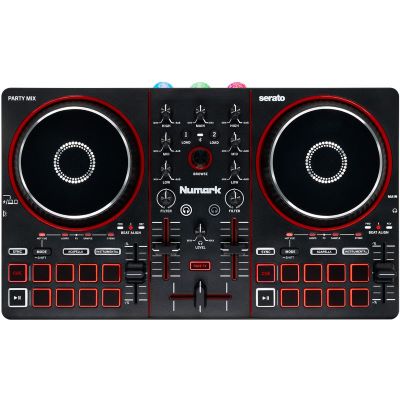
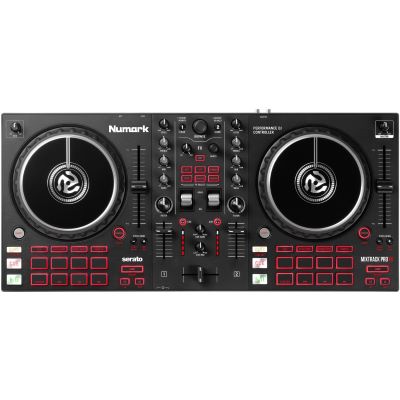
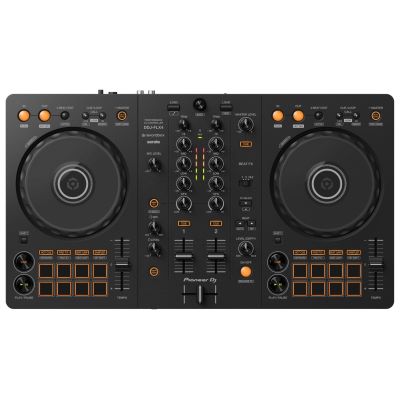
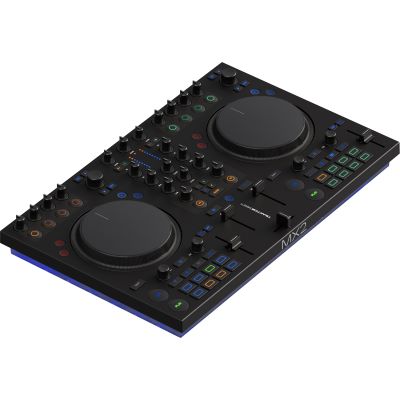
A laptop stand can free up space around the controller and improve the viewing angle of the software. It becomes especially useful when a small desk has to accommodate the controller, computer, headphones and speakers at the same time.
Use the manufacturer pages to compare additional controllers, headphones and suitable extensions from the same product families.





Two decks are sufficient for learning almost every important fundamental. Additional channels can be added later when you know why you need them.
Check the operating system, required connections and supported DJ programs before buying the controller.
Proper cueing requires a separate monitoring path. This is why an integrated DJ audio interface is important.
For learning, a good controller and headphones are generally more important than especially large speakers.
Sync is useful. Nevertheless, practise hearing tempo differences and correcting them with the pitch fader and jog wheel.
Timing, phrasing and EQ are more important at first. Effects work better when the basic mix is already clean.
Consider whether your later goal is bedroom DJing, mobile DJing, club DJing, vinyl or performance DJing. This helps you avoid buying the same type of equipment twice.
For digital DJing, a suitable two-deck controller with an audio interface, a compatible computer or supported mobile device, DJ software and closed-back headphones are enough. Speakers can be added afterwards.
A clear two-deck controller with pitch faders, jog wheels, three-band EQ, cue buttons and an integrated audio interface is a good starting point. The suitable software should also influence your choice.
Yes. A controller with an audio interface and headphones already allows you to learn the most important fundamentals. Active speakers can be added later for room playback.
No. Many DJ systems allow Cue and Master to be monitored together through the headphones. Active monitors make practising more comfortable, but do not necessarily have to be your first purchase.
For traditional transitions, very often yes. Four decks become more interesting if you later want to use additional loops, acapellas, samples or several tracks simultaneously.
Especially if you do not yet own headphones or speakers. A coordinated set reduces the number of individual buying decisions and can make getting started faster.
Controllers are generally more affordable and compact, but normally require a computer or mobile device. Standalone systems work without a laptop during DJing, but are usually larger and more expensive.
The deciding factors are the controller, your operating system and your later goal. rekordbox, Serato, DJUCED and TRAKTOR follow different workflows, but all can be suitable for getting started.
Measure the controller, laptop and, where required, speakers before buying. A small two-deck controller fits on many desks, while larger jog wheels require considerably more width.
Often yes. The controller and headphones can continue to be used. For events, you mainly add a suitable PA, cables, transport solutions and, where required, a microphone and lighting equipment.
The best first DJ setup is not the largest one, but the setup you will actually practise on regularly. Two decks, a clear mixer section, headphone cueing and suitable software already give you all the tools needed for your first complete transitions.
Add speakers, cases, additional decks or performance hardware only when your next goal becomes clear. The same basic setup can later become a bedroom DJ workstation, a mobile party system, a club-oriented setup or a creative performance solution.
The central Musikhaus Korn guide contains further decision-making aids for DJ equipment, studio and recording, musical instruments and event technology. This lets you expand your setup step by step according to your next project.