Direct Fader Control
If you mainly want to adjust red, green, blue, white and brightness, a controller designed specifically for LED fixtures is particularly easy to understand.

Want to control PAR spotlights, LED bars or moving heads without studying a complete DMX manual first? Start with the way you want to operate your lighting – not with every technical possibility. Four PARs may only need a simple fader controller. Prepared shows can be played back from compact show players, spontaneous live shows suit standalone controllers, while graphical apps and software make larger setups easier to manage.
The best solution is not automatically the controller with the most DMX channels. What matters is how the lighting should be operated during the event. Fixed colour washes need much less control than several moving heads with individual positions and effects.
If you mainly want to adjust red, green, blue, white and brightness, a controller designed specifically for LED fixtures is particularly easy to understand.
If the lighting system should require very little attention, a show player can recall colours and prepared programmes directly instead of requiring live programming.
For PARs, moving heads and effects, a profile-based standalone controller can generate colours, movements and beam effects without requiring a laptop to remain active during the show.
If you prefer selecting fixtures through names, symbols and graphical interfaces, app- and software-based systems can be easier to understand than traditional channel-oriented fader consoles.
The simplest decision: a few fixed LED PARs → simple fader controller. Prepared shows → show player. Different PARs and moving heads → profile-based controller. Visual operation on a tablet or computer → app or lighting software.
Many modern PAR spotlights, lighting sets and moving heads already contain internal programmes. For a first party or static background lighting, these functions may be entirely sufficient.
Set red, blue, warm white or another mixed colour directly on the fixture. Ideal for uplighting and calm stage looks.
The fixture plays stored colour changes or effects. Depending on the model, programme and speed can often be adjusted.
A built-in microphone reacts to music. The result is available immediately, but the fixture does not understand the structure of the song or your intended show sequence.
Several compatible fixtures are connected together. One device becomes the master while the others follow its programme synchronously.
A dedicated controller becomes useful as soon as you want to switch deliberately between colours, trigger a blackout, repeat particular lighting looks or position moving heads at specific locations.
| Control Type | Learning Curve | Main Strength | Ideal For |
|---|---|---|---|
| Simple Fader Console | Very low | Direct access | PARs and fixed LEDs |
| Show Player | Very low | Prepared sequences | Clubs, hospitality and mobile shows |
| Standalone Performance | Medium | Spontaneous live effects | DJ, band and events |
| Tablet App | Low to medium | Graphical operation | Mobile events |
| Computer Software | Medium | Maximum planning flexibility | Larger shows and installations |
Even a user-friendly controller usually works with DMX in the background. To get started, you mainly need to distinguish between the fixture, its DMX mode and its start address.
A PAR, LED bar or moving head. Profile-based controllers let you select the exact model from a fixture library.
The DMX mode determines how many functions are available individually. A smaller mode is clearer; a larger mode provides more detailed control.
The start address tells the fixture where its commands begin in the DMX data stream. Many modern controllers calculate the following addresses automatically.
A scene stores one complete lighting look: for example all PARs in blue, front light at 60 percent and moving heads aimed at the rear wall. The complete look can later be recalled with one command.
A chase consists of several scenes or steps played in sequence. This creates colour changes, running lights and repeated movement patterns.
What should a beginner programme first? Three to five clear looks are enough: neutral basic lighting, a calm colour scene, a stronger show colour, a bright highlight and blackout. Complex movement effects can come later.
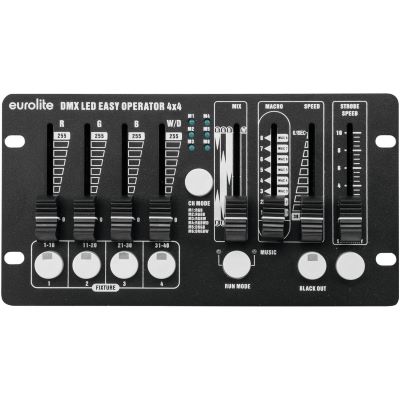
Controllers such as the EASY Operator 4x4 assign red, green, blue and white directly to dedicated controls. You immediately see what you are changing. This works particularly well with small sets of identical PARs.
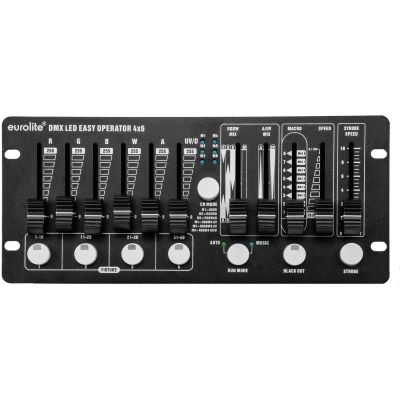
The EASY Operator 4x6 adds Amber and UV. Suitable LED fixtures can be controlled individually or together while the operating concept remains centred around direct colour mixing.
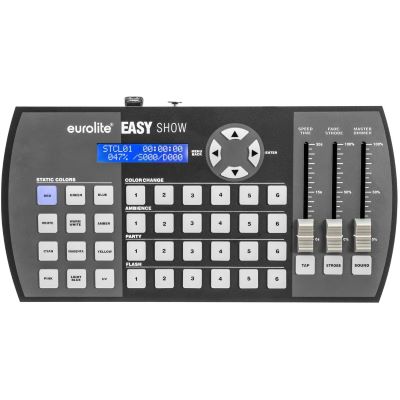
EASY Show takes a different approach: prepared colours and shows are immediately accessible. It can additionally work as a DMX recorder for previously programmed sequences.
Once moving heads enter the setup, a classic fader console can become difficult to follow. Software knows the fixture profile: instead of “channel 7”, you may see labels such as “Pan”, “Gobo”, “Zoom” or “Dimmer”.
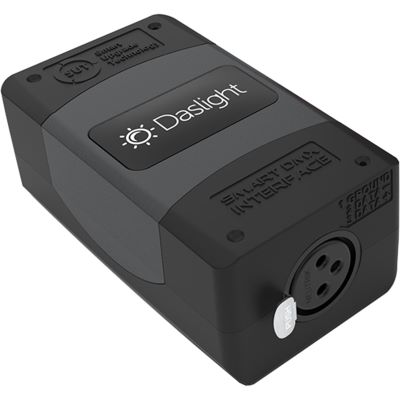
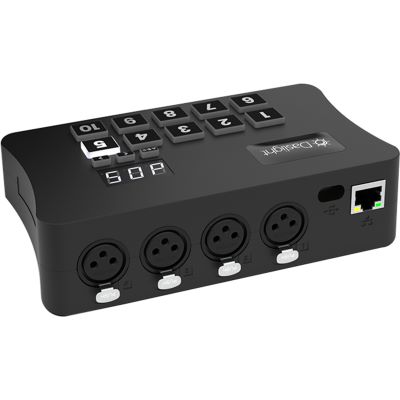
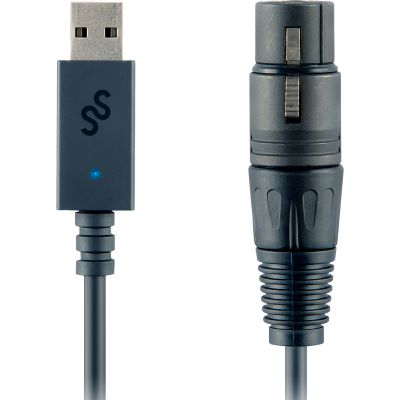
Solutions such as Daslight combine graphical software with a hardware interface. Scenes are prepared on the computer and then sent to the lighting system through the DMX output.
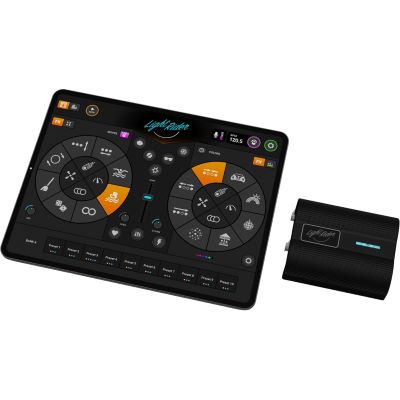
Light Rider systems move the interface to a tablet. Colours, speed, movements and effects can be changed graphically – particularly practical for mobile users.
Some interfaces can store prepared scenes internally. The computer is then required for programming, but does not necessarily need to remain active during the later event.
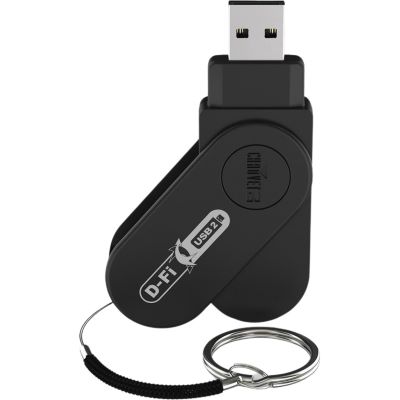
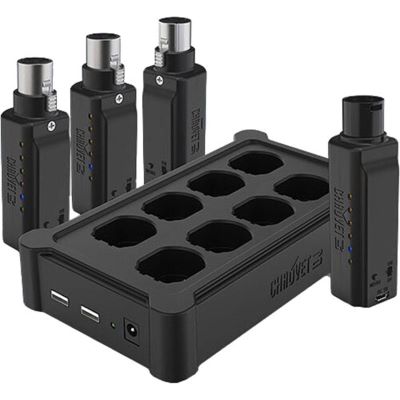
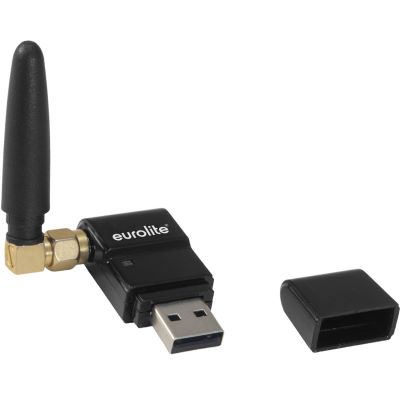
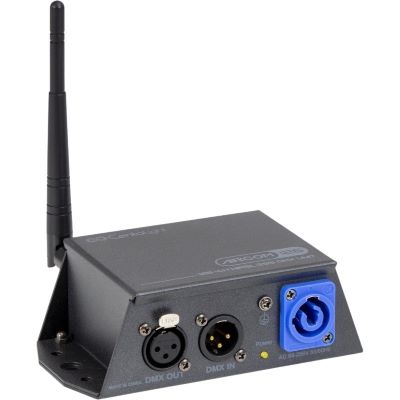
Wireless DMX is not a second type of lighting control. It simply replaces the physical data cable between the controller and a remote part of the lighting system. Addresses, scenes and fixture modes stay exactly the same.
Battery-powered fixtures combined with Wireless DMX can be distributed around a room with very few visible cables.
If fixtures are positioned on the opposite side of the room, a stable wireless connection can avoid running long DMX cables through audience areas.
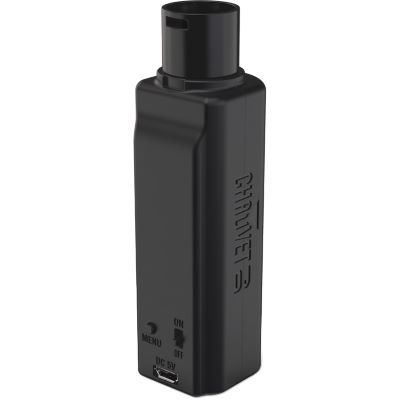
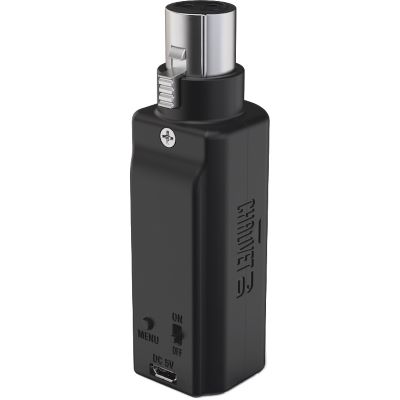
A transmitter takes the existing controller output. At the destination, the receiver provides a normal DMX connection again.
Simple signal path: Controller → Wireless-DMX transmitter → radio → receiver → lighting fixture. Depending on the setup, additional fixtures can continue by cable behind the receiver.
Four identical models respond to colours in the same way and provide matching DMX modes. This makes the first setup considerably easier.
For RGBW PARs, a dedicated four-fixture controller can already provide all important functions in a very clear format.
Warm white, blue, one stronger chorus colour and blackout are sufficient to begin. Learn to recall these four states confidently first.
Strobe, chases, moving heads, haze and Wireless DMX are added only after the basic control system is already reliable.
From direct RGBW control to a standalone performance system: these products show different ways to gain control of a lighting setup without making the first step unnecessarily complicated.
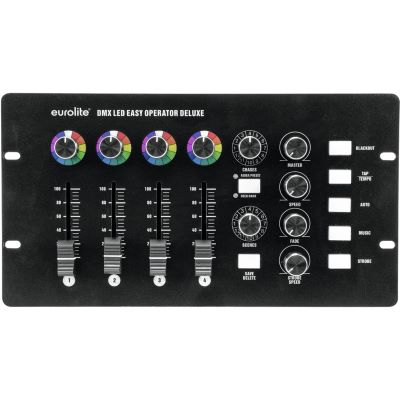
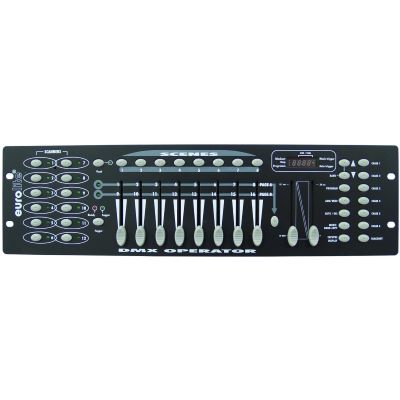
Direct colour access, prepared scenes and straightforward hardware operation without an active computer.
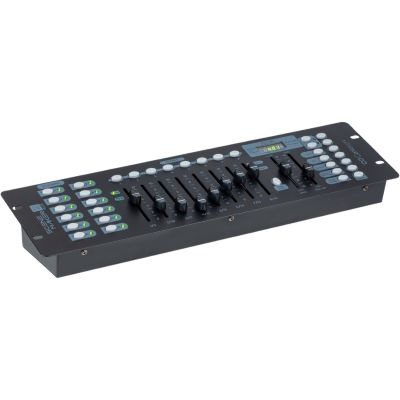
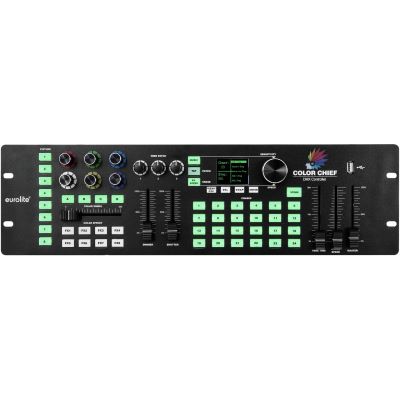
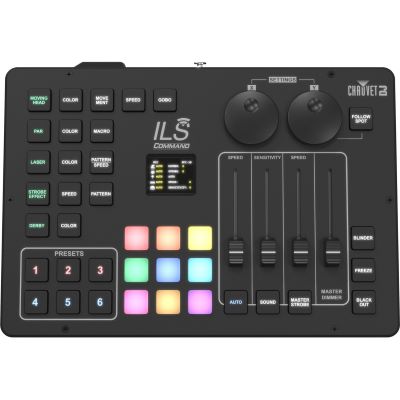
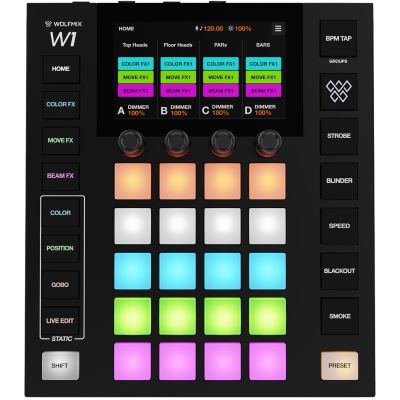
Profile-based live control for colour, movement and beam effects without a computer during the performance.
Graphical fixture-based operation for computers, tablets and more complex lighting setups.
View Lighting SoftwareAdd wireless data links without changing the actual DMX addressing or programming concept.
View Wireless DMXOnce the lighting setup spreads across several positions, active signal distribution provides clearly separated DMX branches.
DMX Splitters & ConvertersThe current range covers simple hardware consoles, standalone performance systems, graphical software, app-based control, Wireless DMX and signal distribution.





A professional theatre console offers enormous possibilities, but for four PARs it may create more training effort than practical benefit.
Four different PAR models may use different DMX modes and reproduce colours differently. Identical fixtures are easier to control together.
Save fixed positions first. Circles, fans and more complex movement effects can be added afterwards.
A directly accessible blackout is one of the most important operating functions in every live lighting setup.
Wireless DMX simplifies the cable path, but it does not correct a wrong start address or unsuitable programming.
A neutral lighting look that can always be recalled is more valuable than the most spectacular effect.
For two to four identical LED PARs, a hardware controller designed specifically around their colour channels is usually the easiest solution. You control colours directly with faders and need to learn very few menu structures.
Not for every system. Simple controllers and profile-based software handle much of the channel management for you. You should still understand the basic meaning of start address and DMX mode.
Yes. Many fixtures provide static colours, automatic programmes, Sound-to-Light or master/slave. A controller becomes useful once you want to define and repeat the lighting looks yourself.
With only a few PARs, usually yes. With many different fixtures, software can become easier because functions are displayed with names and graphical controls rather than only channel numbers.
Profile-based standalone controllers or software are especially convenient because Pan, Tilt, colour, gobo and zoom are directly available as named functions. A classic fader console also works, but requires more mapping.
A scene stores the current settings of several fixtures. For example, all PARs may be blue, front lighting white and moving heads aimed at two fixed positions.
A hardware console provides physical buttons and faders. A tablet can display functions more graphically and is especially mobile. The better solution depends on whether you prefer tactile controls or a visual interface.
With identical RGBW PARs, a suitable four-fixture controller can be used. For independent control, each PAR receives its own address range. If several fixtures should always react identically, they can also be grouped together.
Wireless DMX transmits the control signal by radio between transmitter and receiver. The actual programming and addressing do not change.
Yes. Depending on the controller, an integrated microphone, Tap Tempo, BPM synchronisation or prepared music-controlled effects may be available. Automatic operation does not, however, replace deliberately planned scenes.
A standalone controller with prepared presets is particularly practical. The band can recall a small number of defined scenes or effects directly without operating a complete software interface during the show.
Start with reliable basic lighting and only a few scenes. Add moving heads or LED bars afterwards. Wireless DMX, splitters and more extensive controllers become useful when the number and physical distribution of fixtures increase.
Ideal for learning colour mixing, dimming, scenes and first DMX functions in practice.
Compact systems combine several fixtures and reduce setup complexity.
Pan, Tilt, gobo and zoom are the next step after straightforward colour fixtures.
Useful for broad colour surfaces, pixel effects and stage backgrounds.
For a few PARs, a direct LED controller is enough. If you only want to recall prepared shows, a show player is particularly straightforward. Once moving heads are added, a profile-based standalone controller or graphical software becomes more convenient. Wireless DMX and signal splitters should only be added when cable paths and fixture counts increase. This keeps the technology understandable and means you only buy functions you actually use.
Lighting technology, PA systems, mixers, microphones, DJ equipment, recording and musical instruments: the central Musikhaus Korn guide leads to further buying advice, comparisons and complete setup solutions.