Beginner & Bedroom DJ
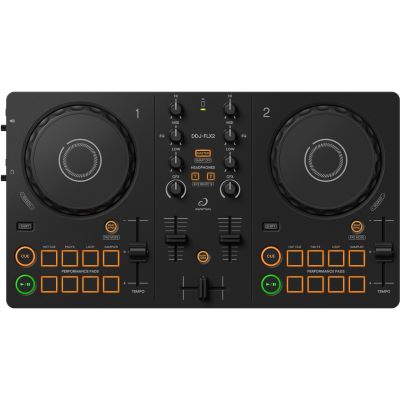
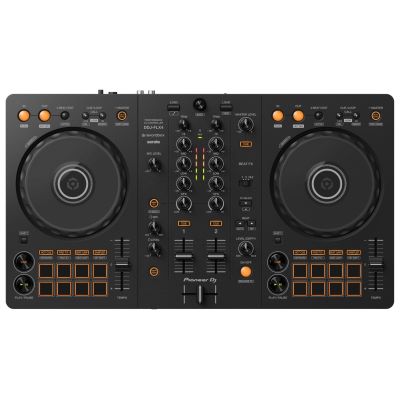
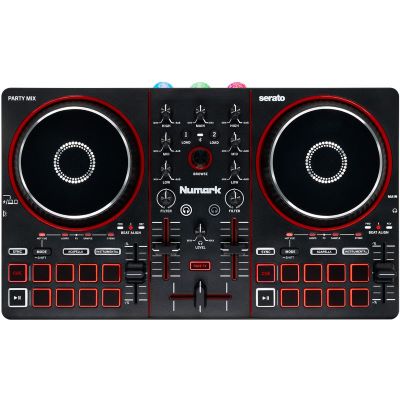
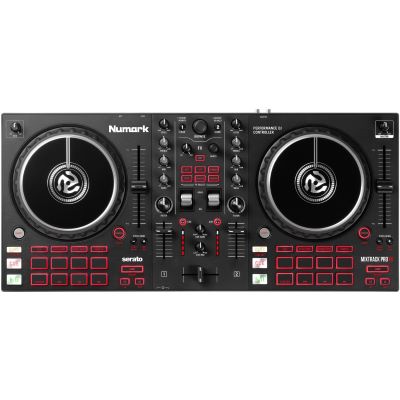
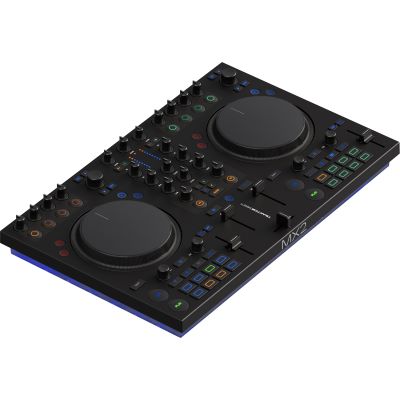
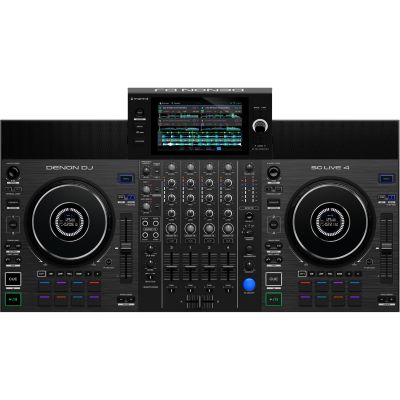
Two decks, an integrated audio interface, headphone output, EQ, pitch faders and jog wheels are enough for beatmatching, cueing, loops and your first complete transitions.

Two or four decks, rekordbox or Serato, small or large jog wheels, laptop or smartphone, RCA or XLR? The right DJ controller is not necessarily the model with the most functions. It should match how and where you want to DJ. This guide takes you from software, connections and control layout to suitable controllers for beginners, bedroom DJs, mobile DJs and performance DJs.
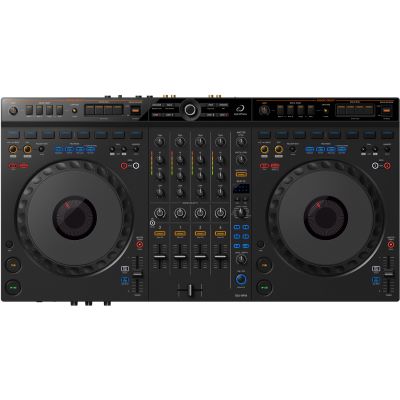
Choose the software, application and outputs you need first. Jog-wheel size, stems and additional performance functions should come afterwards.
Start with the application. Once you know where and how you want to play, the number of functions becomes much easier to evaluate.
Two decks, an integrated audio interface, headphone output, EQ, pitch faders and jog wheels are enough for beatmatching, cueing, loops and your first complete transitions.
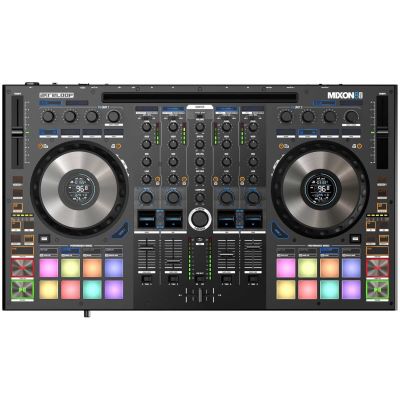
In addition to straightforward operation, balanced Master outputs, a microphone input, reliable power and a robust construction become more important.
Larger jog wheels, longer pitch faders and a mixer section inspired by separate player-and-club-mixer setups can make the later move into a DJ booth easier.
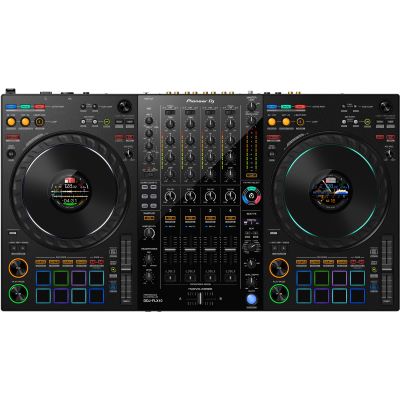
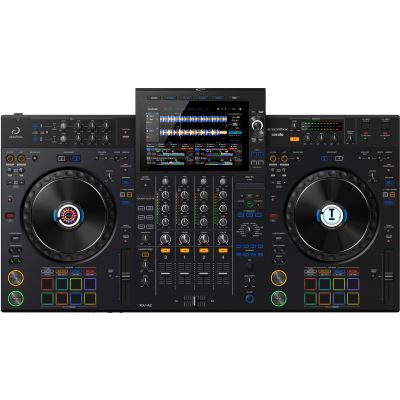
Four decks, stems, samplers, additional inputs, performance pads and extensive effects open the door to live remixes and more complex DJ sets.
The most important buying principle: choose your software, intended use and required outputs first. Jog-wheel size, stems and additional performance functions come afterwards.
A DJ controller is primarily a hardware interface for software. The software decision should therefore not be postponed until after the hardware has already been purchased.
Interesting for DJs who want to organise their music within one ecosystem and may later move towards a workflow based on professional club-oriented players.
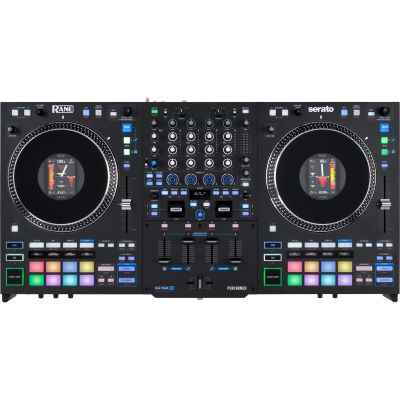
A widely used performance workflow with hot cues, sampler, effects and stems. Many controllers and battle-oriented systems are closely integrated with Serato.
Flexible deck, loop, stem and pattern concepts make TRAKTOR particularly interesting for creative and electronic performance setups.
Some controllers can additionally be used with a smartphone or tablet, making them interesting for compact and especially mobile setups.
Check the licence level: a controller can be compatible with a software platform without automatically unlocking its complete full version. Always check which software version is included or hardware-unlocked for the specific product.
Most classic DJ transitions use two tracks at the same time. Additional decks become important only when your own workflow actually makes use of them.
You can play one track, prepare the next through your headphones, match the BPM, use hot cues and loops and build a complete transition using EQ or filters.
Beginners often learn faster with two decks because each control has a clear task and the visual layout remains easy to understand.
Additional decks can hold a third track, an acapella, a continuously running loop or another musical layer. Four-channel controllers also frequently provide more physical mixer channels and additional inputs.
They are particularly interesting for DJs who use stems, external players, live mashups or a long-term four-channel mixer workflow.
Four channels do not mean four visible jog wheels. Many four-deck controllers have two physical deck sections. Deck switches change between Deck 1 and 3 or Deck 2 and 4, while the mixer can still provide four separate channel strips.
Connections often determine whether a controller remains practical when your setup grows from a bedroom workstation to events or a hybrid system.
An RCA output is often sufficient for practising at home. DJs who regularly connect to PA systems benefit from balanced XLR or TRS outputs, especially over longer cable distances.
True cueing requires a separate headphone path. Both 3.5 mm and 6.3 mm connections are common, while some professional controllers provide both formats.
A level-controlled microphone input is particularly practical for events. Also check whether microphone EQ or talkover functions are important for your application.
A separate Booth output lets you control your DJ monitor independently of the Master signal and is particularly valuable at events.
If you want to connect turntables or media players later, you need suitable Line or Phono inputs and a controller whose mixer can process these external signals.
Two USB host connections become useful when two computers need to remain connected at the same time, for example during DJ changeovers or professional performance setups.
Small jog wheels keep a controller compact. Larger wheels generally feel more spacious for manual timing corrections and scratch techniques.
A longer fader path makes small tempo changes easier. DJs who genuinely want to learn manual beatmatching should not treat the pitch fader as an unimportant detail.
Depending on the software, pads can control hot cues, samples, rolls, beat jumps and other performance modes. Eight pads per deck provide particularly direct access.
Modern systems can process different musical components independently. For live mashups, direct stem controls on the hardware are considerably more convenient than operating everything on screen.
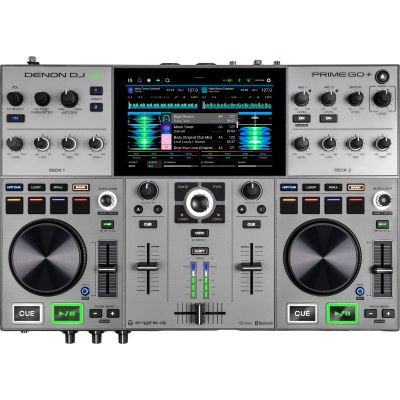
A traditional DJ controller controls DJ software running on a computer or compatible mobile device. A standalone system contains its own players, display, mixer and operating system and can load and play music without a running laptop.
Do not buy based on the word “controller” alone: some all-in-one systems are also grouped with controllers in retail categories. The key question is whether the unit can actually load and play music without a computer.
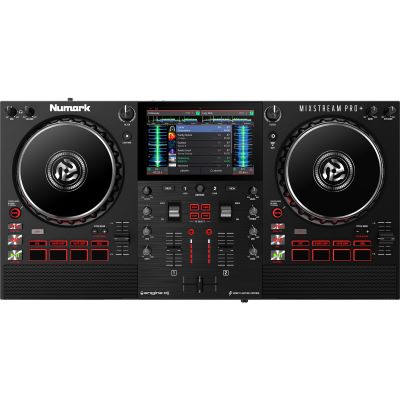
Compare deck count, typical connections and workflow before moving on to individual product features.
| Controller Class | Decks | Typical Outputs | Especially Suitable For | Pay Attention To |
|---|---|---|---|---|
| Compact | 2 | Mini Jack / RCA | Beginners, travel, bedroom | Short pitch faders |
| Beginner Plus | 2 | RCA, headphones, microphone | Regular practice | Included software level |
| Performance | 4 | Master, Booth, microphone | Stems and live remixes | Space requirements |
| Professional | 4 | XLR, Booth, multiple inputs | Mobile & club DJs | Weight and case |
| Motorized | 2–4 | Professional I/O | Scratch & turntablism | Size and weight |
Two- and four-deck controllers for different software platforms and workflows.
Software, licences, upgrades and digital DJ workflows.
Controllers combined with suitable headphones, monitors or accessories.
Closed-back headphones for cueing and beatmatching.
Compact loudspeakers for practising at a desk or home DJ workstation.
Fitted protection for mobile controllers and performance equipment.
Workstations for controllers, laptops and monitoring.
Independent decks for a more club-oriented modular setup.
These models are particularly suitable for a first controller, bedroom DJing and transport-friendly setups.
These models offer additional mixer channels, stem control, larger work surfaces or motorized decks for more complex performance workflows.
If your main requirement is “DJ without a computer”, compare these systems directly with traditional software controllers.
Looking at the wider manufacturer ecosystem is particularly useful if you may later add matching players, mixers, cases or additional accessories.







An affordable controller can be ideal as long as the software, audio outputs and controls match your intended workflow.
Hardware and software form one system. Changing platform later can alter functions, licences and your complete workflow.
Unused channels provide no benefit. Two high-quality decks are completely sufficient for classic DJ techniques.
DJs who may later connect to PA systems should already consider professional outputs when selecting their controller.
Measure your desk, case and available transport space before buying a large performance controller.
A display or USB connector does not automatically mean that a controller can load and play music without a computer.
You use faders, jog wheels and Cue buttons during every set. Specialist effects may only be used occasionally.
A clear two-deck controller with an integrated audio interface, jog wheels, pitch faders, EQ, headphone output and suitable DJ software is generally ideal for getting started.
Two decks are completely sufficient for traditional transitions. Four decks become useful when you want to work with additional tracks, loops, acapellas or more complex performance layers.
That depends on your workflow. rekordbox is especially interesting for club-oriented routes, Serato for many performance and scratch setups, TRAKTOR for flexible deck and remix concepts and djay for various mobile applications.
Traditional controllers require DJ software running on a computer, smartphone or tablet. If you want to work completely without a computer, choose a standalone system.
Not necessarily for practising at home. Balanced outputs are particularly useful for mobile events, longer cable runs and professional PA systems.
Small jog wheels are sufficient for straightforward transitions. DJs who make frequent manual corrections, scratch or prefer a club-like workflow may find larger jog wheels more comfortable.
It can make sense when the intended application and software are already clear. Beginners do not automatically need four channels, numerous inputs or complex performance functions, however.
Stems or Track Separation split a song in software into musical components such as vocals, drums or instruments. Controllers with direct stem controls make live mashups considerably easier to perform.
Only when the controller or its mixer provides suitable analogue inputs. Traditional cartridges additionally require an appropriate Phono input or separate phono preamplifier.
In addition to software and operation, a balanced Master output, Booth output, microphone input, reliable power supply and a transport-friendly construction are particularly useful.
The right controller begins with the way you want to work. For your first mixes at home, a clear two-deck system is enough. DJs who later play events should pay more attention to Master, Booth and microphone connections. Four decks and additional performance controls become interesting when you want to use stems, live remixes and several tracks at the same time.
Do not compare technical specifications alone. Check which software you want to use, how large your workspace is, which loudspeakers need to be connected and whether your setup may later develop towards mobile DJing, club use or performance. This helps you choose the controller whose workflow you will actually use regularly rather than simply buying the model with the largest number of features.
From DJ equipment and digital performance setups to recording, PA, lighting and musical instruments, the central Musikhaus Korn guide contains further comparisons, decision-making aids and complete project paths.