MIDI Says Which Note Is Played
Pressing the C key on a controller can send a Note On message. Releasing the key sends the corresponding Note Off information.

MIDI connects keyboards, drum pads, synthesizers, DAWs, effects processors and many other electronic instruments. It normally does not transmit sound. Instead, MIDI describes what should happen: which note is played, how strongly it is struck, which control is moved or which tempo several devices should follow. Once you understand this basic principle, even more complex studio and live setups become much easier to plan.
MIDI stands for Musical Instrument Digital Interface. The protocol allows electronic musical instruments, computers and controllers to exchange musical control information.
Pressing the C key on a controller can send a Note On message. Releasing the key sends the corresponding Note Off information.
Velocity can describe how strongly a key was struck. Pitch Bend, Aftertouch and controller data provide additional expressive possibilities.
A software instrument, synthesizer, drum machine, sampler or another sound generator first interprets the MIDI data and then produces audible audio.
Think of MIDI as playing instructions given to a musician. The instruction defines the note and expression; the actual sound is produced by the instrument.
These messages define when a note begins and when it ends. Melodies, chords and drum triggers can therefore be transmitted as MIDI data.
On many controllers, Velocity represents how strongly a note was struck. The receiving sound generator decides whether this information changes volume, timbre or another parameter.
CC messages can control modulation, expression, filters, volume or freely assigned parameters in a plug-in or hardware instrument.
Compatible equipment can use Program Change messages to recall presets or programs, such as another synthesizer sound.
Pitch Bend enables continuous movement of pitch, typically using a pitch wheel. The receiving instrument determines the actual audible bend range.
After the initial key strike, additional pressure can be transmitted as control information. This can be assigned to vibrato, filter, volume or other parameters.
Because a performance is stored as control information, individual notes can be moved, lengthened, shortened, transposed or given different Velocity values. The same performance can even be played later with a completely different virtual instrument.
A classic MIDI 1.0 port provides 16 logical channels. Senders and receivers can use these channels to react selectively to different MIDI data streams.
If the keyboard sends on Channel 1 and the synthesizer also receives on Channel 1, that synthesizer processes the corresponding notes and controller data.
Another instrument can be configured to receive on Channel 2 and will then react only to the MIDI data intended for that channel.
Some devices can receive all MIDI channels or divide a keyboard into several zones that each transmit on different channels.
| Connection | Function | Example |
|---|---|---|
| MIDI OUT | Sends MIDI data generated by the device | Keyboard OUT → Synthesizer IN |
| MIDI IN | Receives MIDI data | DAW → Interface → Synthesizer IN |
| MIDI THRU | Passes received MIDI data on to another device | Master Keyboard → Synth A → Synth B |
MIDI OUT normally sends data generated by the device itself. MIDI THRU reproduces information received at the MIDI IN so that it can be distributed to another device.
USB MIDI is ideal for computers and tablets. A single USB cable can transmit data in both directions and simultaneously power many controllers.
The traditional MIDI connector is particularly useful for direct hardware connections between keyboards, synthesizers, drum machines and MIDI interfaces.
Compact hardware often uses 3.5 mm jack sockets for MIDI. The wiring type and adapter must match the manufacturer's specification. Matching plug shapes alone do not guarantee compatibility.
MIDI Clock is used for musical tempo synchronisation. MIDI 1.0 sends 24 timing pulses per quarter note. Additional real-time messages such as Start, Stop and Continue coordinate the transport of compatible devices.
The music software specifies tempo and transport. Drum machines, sequencers and effects can follow as synchronised devices.
A hardware sequencer or groovebox can send MIDI Clock to other devices or to a DAW.
Time-based effects and modulation can also use MIDI Clock so that delay times, sequences or LFO movements work musically with the project tempo.
MIDI 2.0 expands the familiar musical fundamentals with higher-resolution controller data, more modern communication and additional possibilities between compatible devices.
MIDI 1.0 remains relevant and is not simply replaced. Existing MIDI 1.0 equipment therefore continues to be useful in current studio and live setups.
MIDI Keyboard → USB → DAW → Virtual Instrument → Audio Interface → Headphones or Studio Monitors.
MIDI Keyboard OUT → Synthesizer IN. The synthesizer's audio signal then travels separately to a mixer or audio interface.
DAW or Sequencer → MIDI Interface or Thru Box → Synthesizers, drum machines and effects. Configure channels and MIDI Clock accordingly.
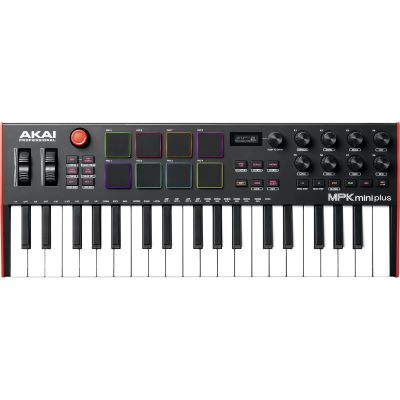
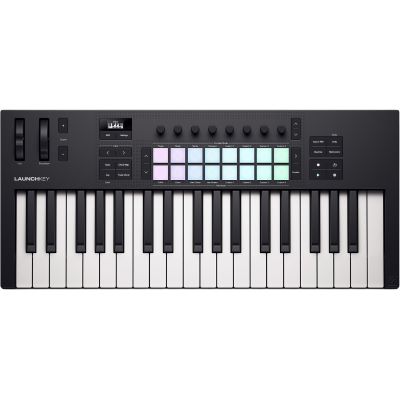
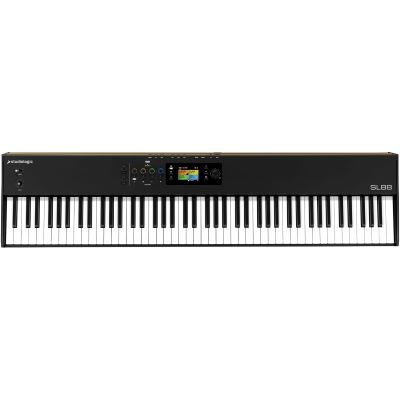
Compact controllers for beats, software instruments and home-studio production.
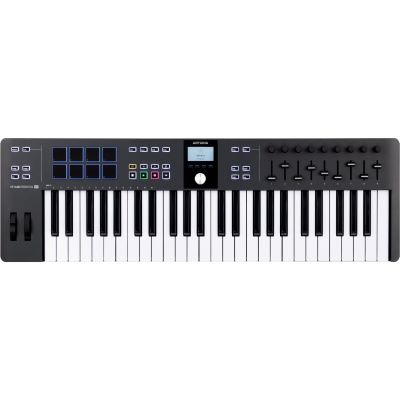
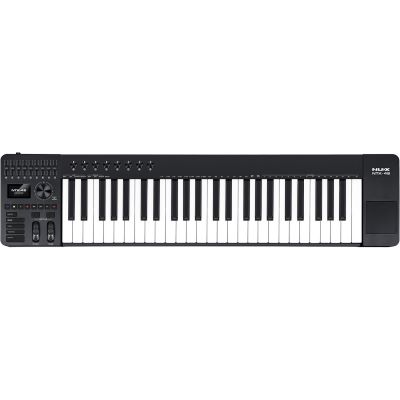
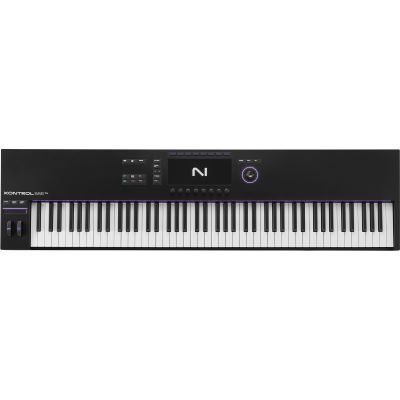
More space for piano, arrangements, splits and orchestral libraries.
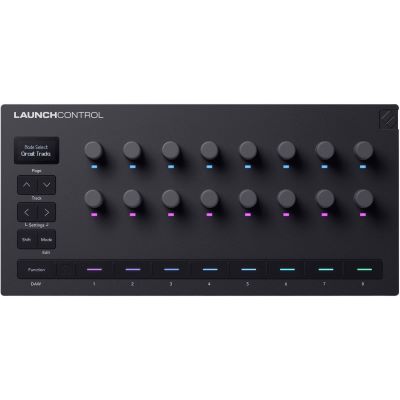
Pads, faders and encoders for DAWs, plug-ins, performance and beat production.
Connect computers, USB controllers and classic MIDI hardware.
DIN, TRS and specialist connections for compatible MIDI hardware.
Software sound generators that turn MIDI notes into audible instruments.
Record, edit, quantise, automate and arrange MIDI performances.
Handle the audio signal path; many models additionally provide classic MIDI inputs and outputs.






Normally no. MIDI transmits control information. The sound is generated afterwards by a software instrument, synthesizer, sampler or another sound generator.
Velocity describes note-performance information, usually related to how strongly a note is played. The receiving instrument determines how that data is translated into audible behaviour.
Control Change messages control continuous or switchable parameters. Common applications include modulation, volume, expression, filters and plug-in controls.
The channels allow several receivers within one MIDI port to be distinguished logically. One instrument can respond to Channel 1 while another responds to Channel 2.
MIDI OUT normally sends data generated by the device itself. MIDI THRU passes on the data received at MIDI IN and is useful for distribution to additional devices.
Usually not for a USB MIDI keyboard connected directly to a computer. A MIDI interface becomes useful when traditional DIN MIDI devices are added or several inputs and outputs are required.
Not for a pure USB MIDI connection. An audio interface becomes relevant for microphones, instrument audio, studio monitors, headphones and the audio outputs of hardware synthesizers.
Yes, if the controller and sound generator provide compatible hardware MIDI connections or a suitable USB MIDI host is used between them.
MIDI Clock synchronises the musical tempo of compatible devices. MIDI 1.0 uses 24 timing pulses per quarter note for this purpose.
It distributes one MIDI data stream to several outputs. This is useful when a sequencer needs to control several synthesizers or drum machines at the same time.
It can be very practical for mobile controllers and convenient wireless control. In particularly time-critical live setups, a wired connection remains the simpler reference.
Not for the fundamentals. MIDI 2.0 expands MIDI 1.0 and is designed around compatibility, so classic MIDI 1.0 devices remain useful in modern setups.
MIDI normally transmits no sound. Instead, it transfers musical control information such as notes, Velocity, controller values, Program Change, Pitch Bend and synchronisation data. This allows a performance to be edited later or played with a completely different sound generator.
USB MIDI is often sufficient for a simple computer setup. If you want to connect hardware synthesizers or drum machines directly, traditional MIDI IN, OUT and, where required, THRU connections become particularly important. MIDI interfaces increase the number of connections, while Thru boxes distribute one data stream to several devices.
Once these fundamentals are understood, larger MIDI setups become much easier to plan. MIDI channels separate different receiving devices, Control Change messages control parameters and MIDI Clock keeps sequencers and instruments at the same musical tempo.
MIDI 2.0 expands these possibilities with higher-resolution data and more advanced communication without making the established MIDI 1.0 principles obsolete.
Discover further Musikhaus Korn guides covering MIDI keyboards, music software, audio interfaces, studio monitors, headphones, synthesizers and complete music production.