DJ Controller or DJ System
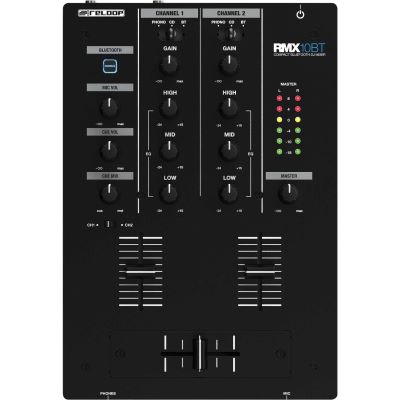
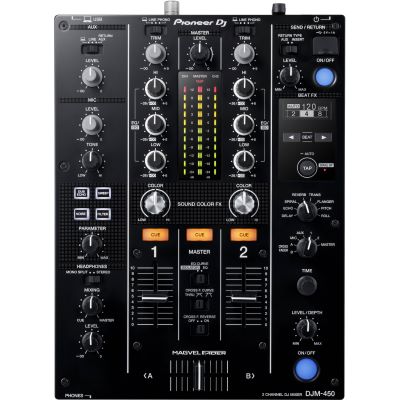
Two decks and a mixer section are enough for learning. Jog wheels, pitch faders, EQ, cue buttons and a crossfader teach the most important operating principles.

You want to start DJing but are not yet sure which equipment you really need? For your first steps, two decks, headphones, suitable software and a monitoring solution are usually enough. This guide takes you from your first DJ controller through beatmatching and cueing to standalone systems, vinyl DJing and a setup that can be expanded later.
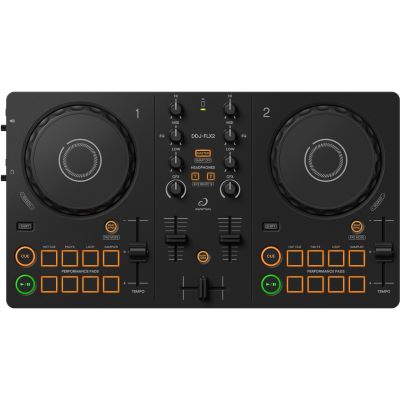
For many beginners, the easiest setup is a two-deck controller with an integrated audio interface, a laptop or tablet, compatible DJ software, headphones and two compact active speakers.
You do not need a four-player club setup for your first mixes. What matters is a complete signal chain that allows you to prepare two tracks, cue them, match them and mix them cleanly into one another.
Two decks and a mixer section are enough for learning. Jog wheels, pitch faders, EQ, cue buttons and a crossfader teach the most important operating principles.
Controllers work with programs such as rekordbox, Serato, TRAKTOR or DJUCED. Before purchasing, check which software and which functions are included with the device.
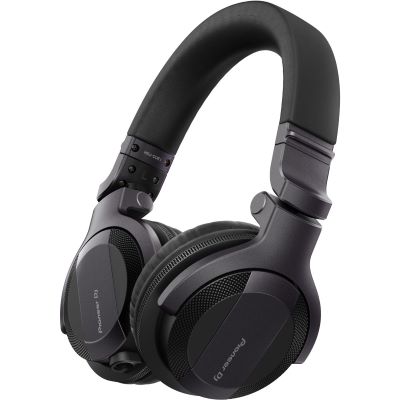
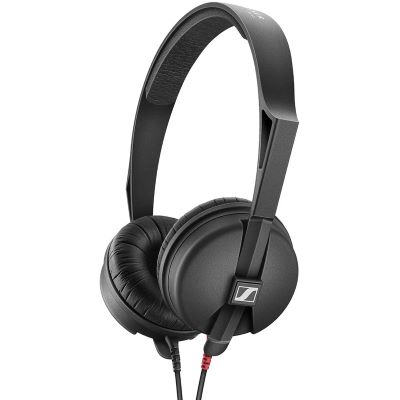
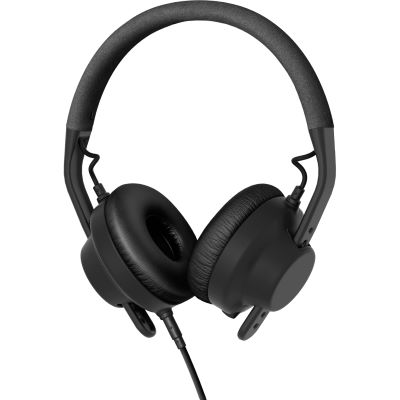
The cue channel lets you preview the next track without the audience hearing it. Good isolation and flexible handling are more important for DJing than Hi-Fi comfort alone.
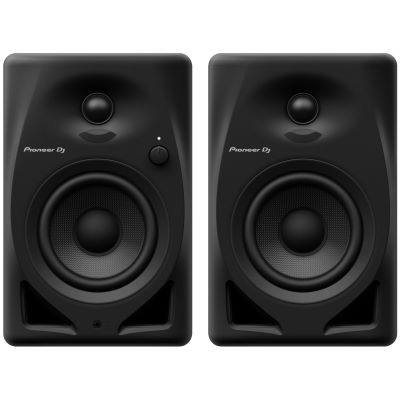
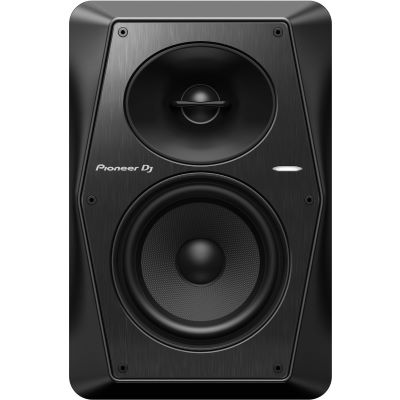
Compact active monitors are sufficient at home. You only need a larger PA when you want to provide sound for guests or events.
For many beginners, the easiest solution: a two-deck controller with an integrated audio interface, laptop or tablet, DJ software, headphones and two compact active loudspeakers already form a complete learning setup.
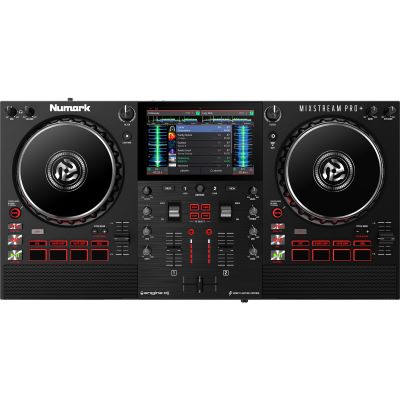
The controller operates DJ software on a computer or compatible mobile device. This approach is compact, comparatively affordable and ideal for learning library management, hot cues, loops and effects.
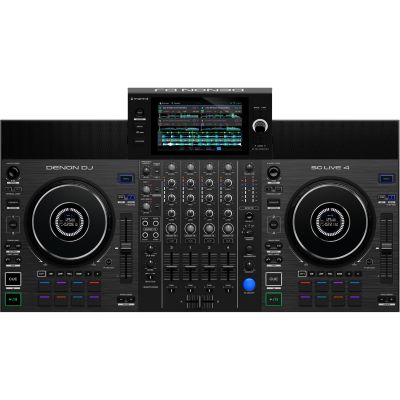
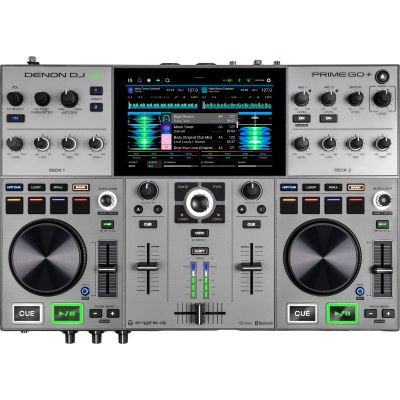
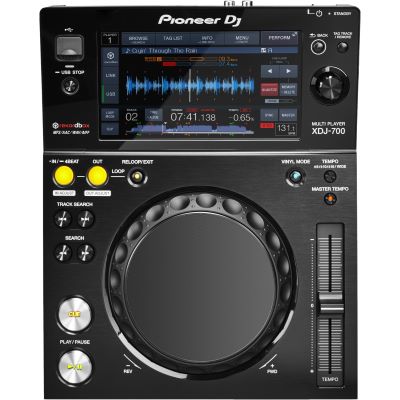
Display, mixer and players are combined in one unit. Depending on the system, music can be loaded from USB media or supported services. The workspace remains clear and is closer to a self-contained DJ setup.
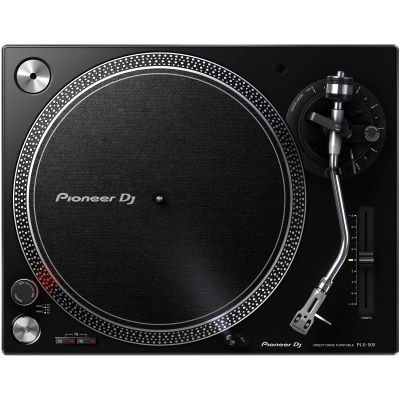
Vinyl teaches pitch control and manual beatmatching particularly directly. You need two suitable turntables, a mixer, cartridges, headphones and your record collection. The initial setup is more involved, but offers its own distinctive way of DJing.
Modern equipment can automate many processes. If you understand what decks, tempo, phrases, cue and EQ do, you will find your way around different DJ systems much more quickly later on.
Deck A plays the current track while you prepare Deck B through the headphones. The mixer controls volume and frequency ranges. During the transition, the new track is brought in at the right moment while the old track is removed in a controlled way.
Beatmatching brings the tempo and beats of two tracks together. Even a technically perfect synchronized mix can sound unsettled if the new song begins in the middle of a musical phrase. Learn to recognise bars and typical sections such as intro, break, drop and outro.
Cue marks or monitors your starting point. Gain compensates for differences in track level. EQ controls bass, mids and highs. Two bass ranges playing simultaneously can overload a mix quickly, so a deliberate bass swap is a useful first transition technique.
Avoid using as many effects as possible at the beginning. If you can prepare and cue two suitable songs, match their tempo and blend them cleanly over 16 or 32 beats, you have learned a foundation on which almost everything else can be built.
Import a small selection of music, set cue points and learn the browser, Play/Pause, jog wheel, pitch fader and headphone cue.
First practise using Sync as a reference, then work with the pitch fader and jog wheel. Listen carefully for kick drums drifting apart.
Mix tracks with similar tempos. Swap bass ranges in a controlled way and avoid hectic fader movements.
Plan 20 to 30 minutes of music and record your set. Afterwards, note which transitions work musically and where levels fluctuate.
Controller, standalone, modular player setup or vinyl: each route teaches the same fundamental principles in a different workflow.
| System | You Also Need | Strength | Good For |
|---|---|---|---|
| 2-Deck Controller | Computer/mobile device, software | Affordable and compact | Beginner DJs, bedroom DJs |
| Standalone System | Music medium, headphones | Works without a laptop | Mobile and ambitious DJs |
| Players + Mixer | At least two players | Modular and club-oriented | Preparing for club setups |
| Vinyl + Mixer | 2 turntables, cartridges, records | Direct manual operation | Vinyl and scratch enthusiasts |
Build your setup according to your preferred workflow and add only the components you actually need.
Two or more decks for controlling your DJ software.
Software, controllers, DVS systems and digital extensions.
Players for USB media and modular DJ workstations.
The central mixing section for players and turntables.
Vinyl DJing with direct-drive or belt-drive turntables.
Suitable cartridge systems and replacement styli for vinyl setups.
Closed headphones for cueing and preparing the next track.
Coordinated packages for a quick start.
Compact loudspeakers for practising and producing at home.
Transport controllers, mixers, players and vinyl safely.
Workstations, mix stations and mobile DJ tables.
Sound reinforcement for mobile applications and smaller events.
From an especially compact controller to a complete learning set: choose according to software, connections, size and your preferred workflow.
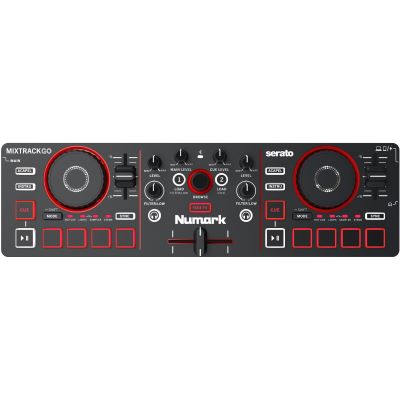
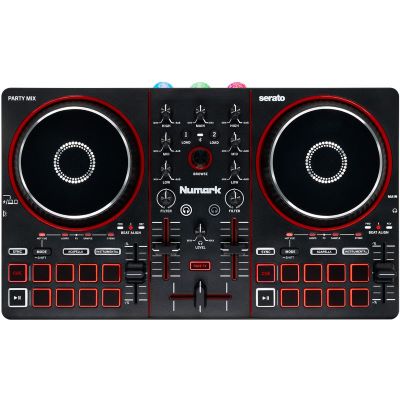
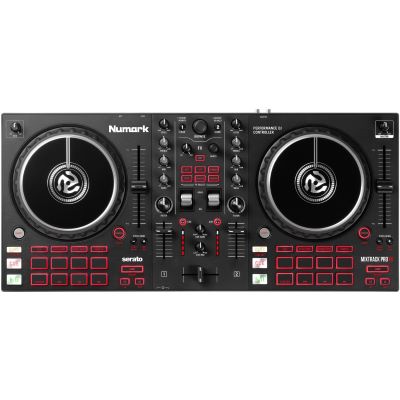
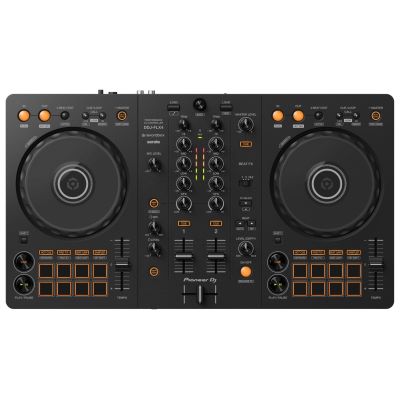
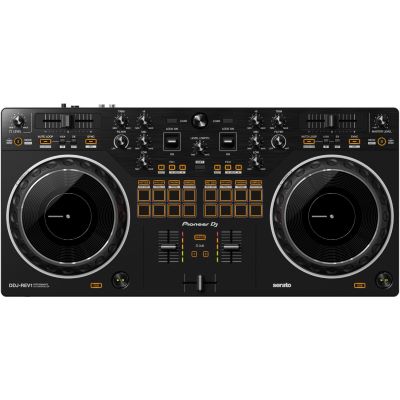
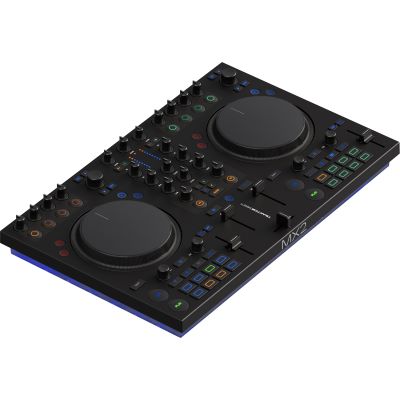
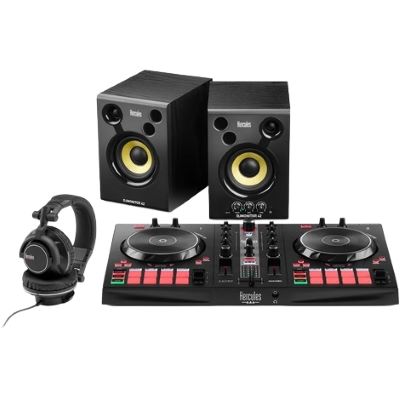
If you later want to move towards classic club or vinyl systems, you can combine individual components. Plan the connections, phono preamplification and required cartridges from the beginning.












Two decks are enough for learning. More channels and additional players only become useful once you know which functions you are actually missing.
Sync is a useful tool. Nevertheless, learn to hear tempo differences and correct them with the pitch fader and jog wheel.
Clean timing, suitable phrases and controlled EQ usually sound more musical than constantly changing effects.
Cueing is a core technique. Set the cue/master balance and headphone volume so that you can prepare the next track safely.
Tempo is only one criterion. Energy, style, tonality and musical structure determine whether two songs work together.
More gain does not automatically mean better sound. Keep sufficient headroom and match tracks cleanly to one another.
Small mistakes can be easy to miss while you are playing. A recording clearly reveals timing issues, volume jumps and unsuitable track changes.
For getting started, a two-deck controller with an integrated audio interface, headphone output, pitch faders, EQ and jog wheels is usually sufficient. It is also important that the supported software is compatible with your computer or mobile device.
With classic DJ controllers, usually yes. Alternatively, standalone systems can manage music and DJ functions directly on the device and can operate without a running laptop.
Yes. Two decks are completely sufficient for beatmatching, transitions, EQ mixing, loops, hot cues and many other fundamentals.
It is highly recommended. You can still use Sync. If you can also match tracks manually, you understand the music better and can react more confidently when automatic analysis is not completely accurate.
Start with a manageable selection of tracks that you know very well. Similar tempos and clearly recognisable intros and outros make the first transitions easier.
Compact active monitors are sufficient for practising at home. A PA only becomes necessary when you want to provide sound for a room with an audience.
Yes. The technical requirements are higher because you need two turntables, a mixer, cartridges and vinyl. In return, you learn pitch control and manual matching particularly directly.
If you want to work without a laptop, DJ frequently on the move or become familiar with a self-contained player-and-mixer workflow, a standalone system can be very attractive.
Depending on the size of the event, additional equipment can include PA loudspeakers, a microphone, lighting equipment, safe power and audio cables, cases and a stable DJ workstation.
Your first DJ setup does not need to be as large as possible. A clear two-deck controller, suitable headphones and a functional monitoring solution give you everything you need for beatmatching, phrasing, cueing, EQ transitions and your first recorded sets.
Once you know which direction you want to take, you can expand selectively: a standalone system for laptop-free operation, players and a mixer for a club-oriented setup, turntables for vinyl, or PA, lighting and transport solutions for mobile events.
From DJ equipment and recording to musical instruments, PA, lighting and stage technology, the central Musikhaus Korn guide contains further decision-making aids, comparisons and complete project paths.