Player, Turntable or Laptop
The music signal starts here. Check whether the device supplies PHONO, LINE, a digital audio connection or USB data.

A DJ setup works reliably when signal type, connection and level all match. Controllers and media players normally provide LINE-level signals, traditional turntables require a PHONO input, the mixer distributes Master, Booth and headphone signals and professional PA systems benefit from balanced connections. This guide takes you through RCA, XLR, TRS, USB, DVS, microphones, power distribution and systematic troubleshooting from a bedroom setup to a mobile event.
Think in signal direction: source first, mixer or controller second, monitoring next and the Master output to the PA last. A connector that physically fits does not necessarily carry the correct signal type or level.
Large systems become much easier to understand when every connection is viewed as a source and a destination. Music originates in a player, turntable or computer, is processed in a mixer or controller and is then distributed to monitoring and the audience system.
The music signal starts here. Check whether the device supplies PHONO, LINE, a digital audio connection or USB data.
Gain, EQ, filters and faders process the individual sources and create the final stereo Master signal.
Headphone Cue remains independent of the Master. The Booth output controls the DJ monitor system separately.
The finished stereo signal is routed to active PA speakers, subwoofers or the venue's sound-reinforcement mixer.
Recommended order when wiring: connect all sources to the mixer first, then headphones and Booth, and finally the Master outputs. Add mains power in an organised way, but switch active loudspeakers or power amplifiers on last.
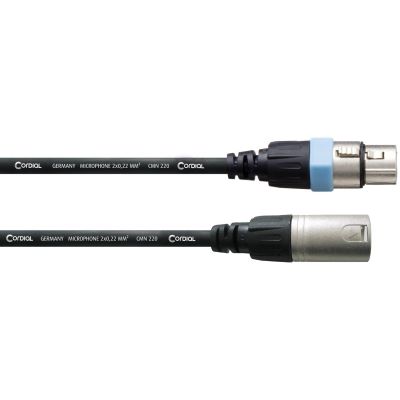
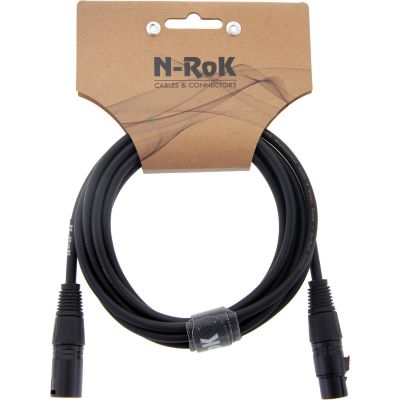
Three-pin XLR connections are commonly used for balanced mono Line signals. When output, input and cable are all balanced, external interference can be rejected effectively, which is particularly useful on longer runs to a PA system.
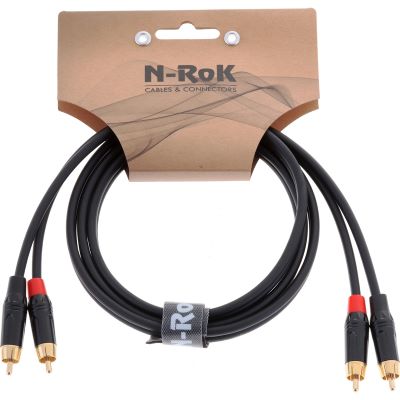
RCA is common on turntables, media players, compact controllers and many DJ mixers. It is an unbalanced connection and works well for short runs inside the DJ booth or home setup.
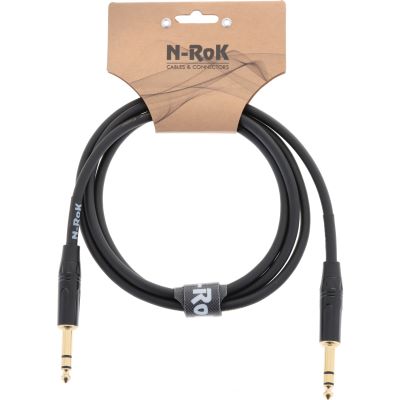
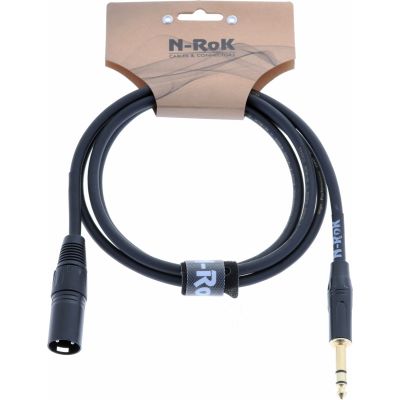
A three-contact TRS connector can carry a balanced mono Line signal, but a similar connector is also used for unbalanced stereo headphone signals. The wiring of the device socket determines the function, not the shape of the plug alone.
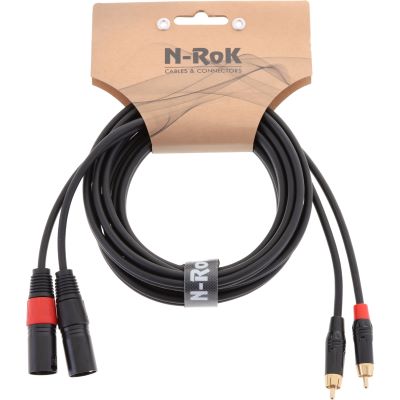
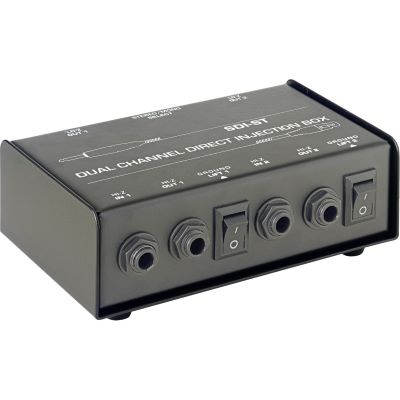
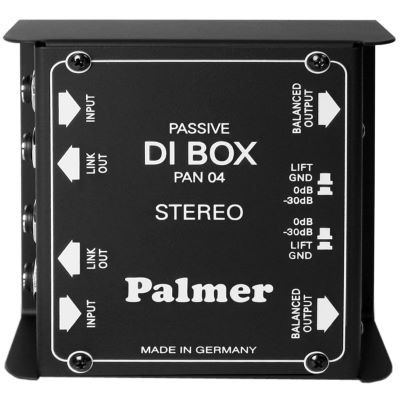
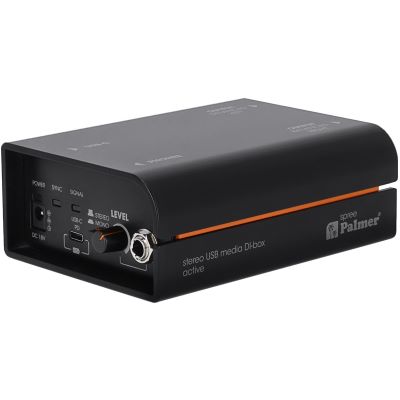
An RCA-to-XLR cable does not automatically balance an RCA signal. If the source output is unbalanced, replacing the connector does not change its electrical signal format. For long or problematic runs, a suitable stereo DI or isolation solution can provide a more appropriate interface to professional PA equipment.
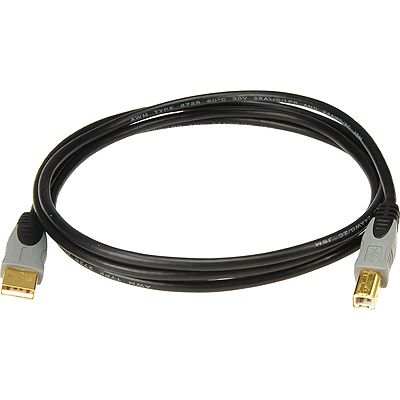
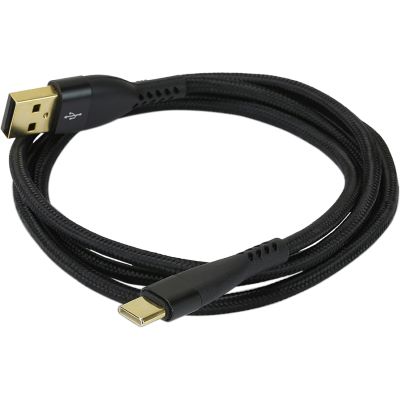
The computer is normally connected through USB. With controllers that include an audio interface, the USB connection can transfer control information and digital audio at the same time.
Use the USB connector and standard intended for both devices rather than choosing an extension purely because the plug fits.
Compact controllers frequently provide a stereo RCA Master. For a short route to active nearfield monitors on the same workstation, this is a straightforward solution.
If the controller has balanced XLR outputs, they are the preferred choice for longer event-PA connections. With an RCA-only Master, a suitable stereo DI solution can create a more professional hand-off point to the PA system.
USB is not an analogue audio line: do not extend a controller's USB connection according to the same rules as an XLR audio cable. For longer digital distances, use a USB solution designed for the required standard and distance.
In a conventional modular setup, each independent media player is routed to its own mixer channel.
A conventional magnetic cartridge outputs a very small signal that also requires phono equalisation. Connect it to a proper PHONO input and attach the turntable's separate ground wire to the mixer's Ground terminal when the design requires it.
Some turntables include a phono preamplifier and can be switched to LINE output. In that case, use a LINE input on the mixer. Output mode and input type always need to match.
Timecode signals are routed through a DVS-capable mixer or compatible audio interface to the software. USB communication with the computer is therefore added to the analogue turntable signal path.
Typical level error: a PHONO source connected to LINE will be extremely quiet and incorrectly equalised. A LINE-level source fed into a PHONO input can overload the input heavily. Check the turntable output mode before powering up the system.
The Master output carries the final stereo programme. In professional systems, separate balanced left and right connections normally feed the PA or venue mixing desk.
Booth is a separate Line output with its own volume control. You can therefore adjust the loudspeakers at the DJ position without changing the audience level.
Active PA speakers contain their own power amplifiers and accept a suitable Line signal. Passive speakers require a separate amplifier and the correct speaker-level cabling after that amplifier.
Audio XLR and speaker cable are not the same thing: an XLR Line cable between mixer and active speaker carries a low-level audio signal. A passive loudspeaker connection after a power amplifier carries a fundamentally different signal and requires appropriate speaker cabling.
Operate players and software at a sensible and repeatable output level rather than compensating for major level differences later in the chain.
Adjust the channel so strong programme material remains inside the intended meter range without permanent clipping.
Use the Master section to control the mix output instead of running every channel permanently into overload.
Set loudspeakers or the venue mixer so the complete system can reproduce dynamic peaks without constantly reaching its limit.
Troubleshooting is easier when the setup is reduced to the smallest possible working system and then rebuilt connection by connection.
Connect only the mixer and one loudspeaker. If this is clean, reconnect additional devices individually.
Replace one cable at a time with a connection you know works correctly to eliminate damaged cables and loose connectors.
On longer routes, use true balanced outputs and inputs where the connected equipment supports them.
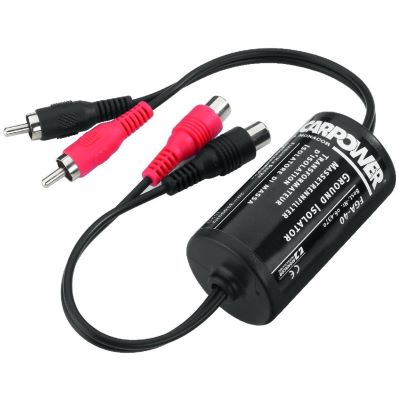
If a ground loop is identified, a suitable DI box, transformer isolation device or Ground Lift function may help depending on the signal path.
Never defeat the protective earth conductor to remove hum. Do not tape over protective contacts or interrupt the safety earth of mains-powered equipment. Audio ground problems must be solved with equipment designed for that purpose.
This sequence helps prevent switching transients from upstream devices from reaching the PA at full level. Use suitable event power distribution, stay within the permitted load and keep power and audio cabling organised.
| Connection | Typical Application | Signal | Recommendation |
|---|---|---|---|
| XLR → XLR | Mixer → PA | Usually balanced mono Line | Ideal for longer professional PA runs |
| TRS → TRS | Booth, interface, monitor | Can be balanced mono Line | Check the wiring of both device connections |
| RCA → RCA | Player → Mixer, compact controller | Unbalanced stereo | Prefer short runs |
| RCA → XLR | Different connector formats | Source remains unbalanced | Does not automatically create a balanced signal |
| USB | Laptop → Controller / Mixer | Digital data | Use the correct USB standard and connector |
| PHONO / RCA | Turntable → Mixer | Phono-level signal | Use PHONO input and Ground where required |
| Headphone Jack | Mixer → DJ Headphones | Stereo amplified headphone signal | Do not confuse it with balanced TRS Line wiring |
Audio and adapter cables for DJ, PA and studio connections.
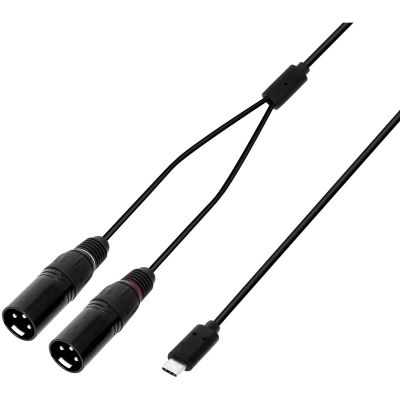
Balanced connections for mixers, PA systems and microphones.
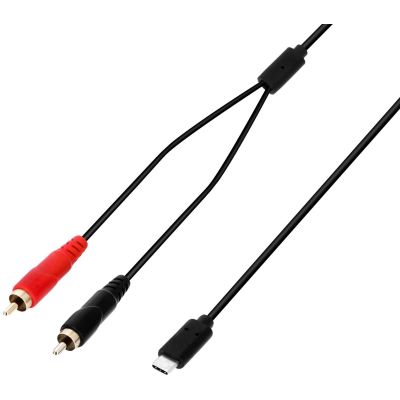
Stereo connections for players, turntables and compact controllers.
Adapter connections between RCA and XLR equipment.
Data connections for laptops, DJ controllers, mixers and interfaces.
Jack, XLR, RCA and headphone adapters for practical backup use.
Useful for long runs, unbalanced sources and identified ground-loop problems.
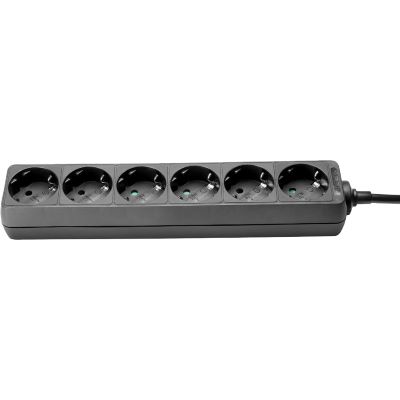
Structured power supply for DJ, PA and event equipment.







Both connections may use RCA plugs, but the signal levels and required input electronics are completely different.
For longer professional PA routes, use a genuine balanced output or a suitable DI solution where possible.
A three-contact 6.3 mm jack can also carry a balanced mono Line signal.
The audience PA normally receives the Master output. Booth is intended for the DJ monitoring system.
Correct gain staging from the source to the loudspeakers prevents clipping while keeping unnecessary noise under control.
Never compromise mains safety as a method of audio troubleshooting. Use proper isolation and signal-routing solutions instead.
Use the controller's Master output. With professional XLR outputs, use separate XLR connections for the left and right loudspeakers. If the controller provides an RCA Master, use a suitable RCA connection or an appropriate interface solution.
A genuine balanced XLR connection has clear advantages for rejecting interference on long professional signal runs. RCA remains completely suitable for short connections between players, mixers and home equipment.
No. The electrical signal format is determined by the circuitry of the connected equipment. Changing the connector alone does not create a genuine balanced output.
A traditional turntable without an integrated phono preamplifier belongs on a PHONO input. If the turntable is switched to LINE output, connect it to the corresponding LINE input instead.
On turntables designed for a separate ground connection, it links the turntable chassis ground to the mixer's designated Ground terminal and can help prevent hum in the Phono signal path.
Booth controls the loudspeakers at the DJ workstation independently from the Master level feeding the audience PA.
Possible causes include ground loops, damaged cables, long unbalanced signal paths or unsuitable connections between several mains-powered devices. Reduce the setup and reconnect each component step by step.
A suitable stereo DI or isolation box can be helpful with unbalanced stereo sources, long routes to the PA or a clearly identified ground-loop problem.
It is technically possible with a suitable audio interface. For professional events, a DJ controller, audio interface, mixer or dedicated media-DI solution normally provides a more controlled workflow.
Start with sources, then switch on the mixer and signal processors. Powered speakers or power amplifiers come last. When shutting down, reverse the sequence.
Master XLR cables, the main USB connection to the controller, a stereo RCA cable and essential adapters are particularly useful as tested replacements in the DJ case.
A reliable DJ setup starts with a clear signal path. Players, turntables and computers provide the sources; the mixer or controller forms the central control point; Master and Booth then distribute the final signal to the PA and DJ monitoring system.
Short RCA connections are normal inside a DJ booth. For longer routes to an event PA, use genuine balanced XLR or TRS connections whenever both devices support them. Remember that an adapter changes the connector, not automatically the electrical signal type.
Check PHONO and LINE carefully, maintain sensible levels throughout the signal chain and switch powered loudspeakers or amplifiers on last. If hum occurs, reduce the system and reconnect one component at a time instead of changing several cables and adapters simultaneously.
From DJ cables, controllers and mixers to turntables, media players, PA systems and lighting as well as studio, musical instruments and event technology, the central Musikhaus Korn guide provides further comparisons, buying advice and practical knowledge.