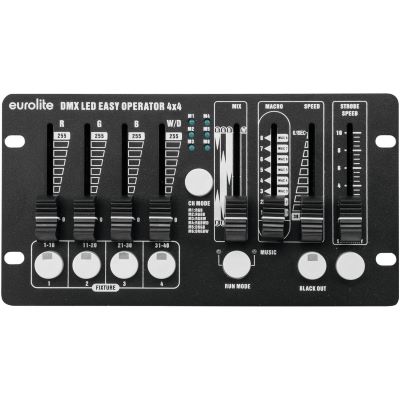
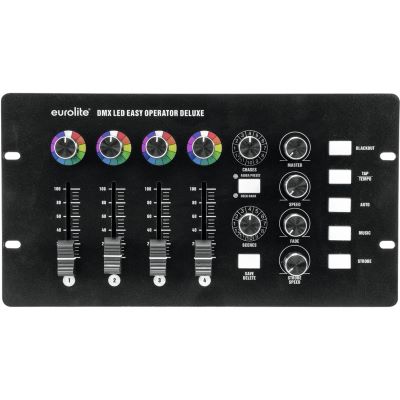
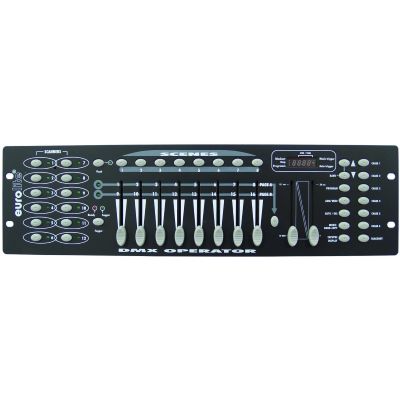
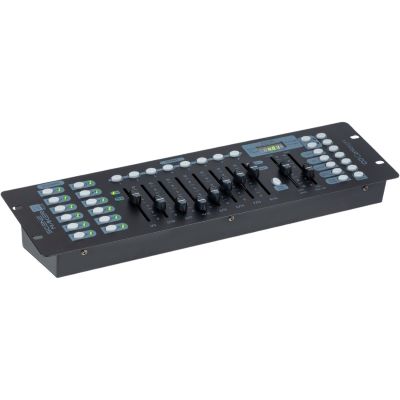
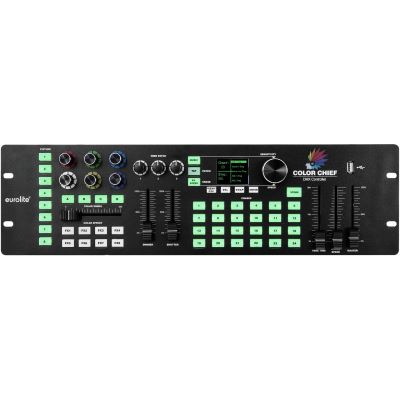
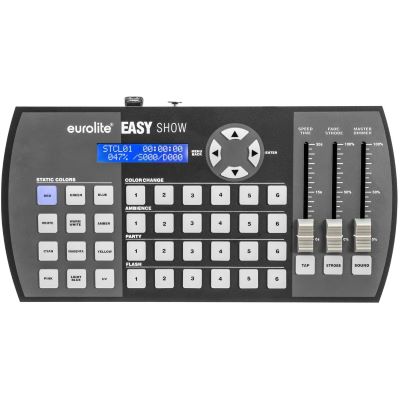
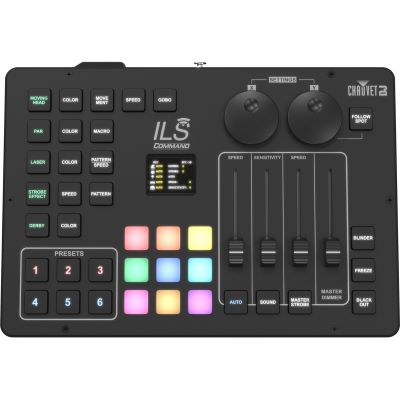
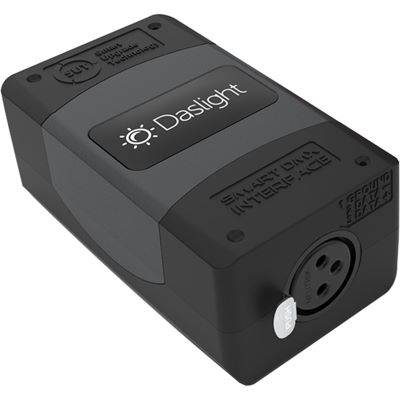
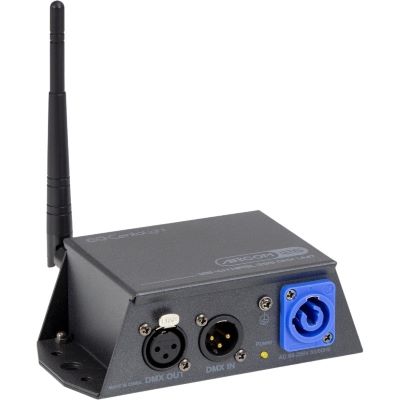
Controller
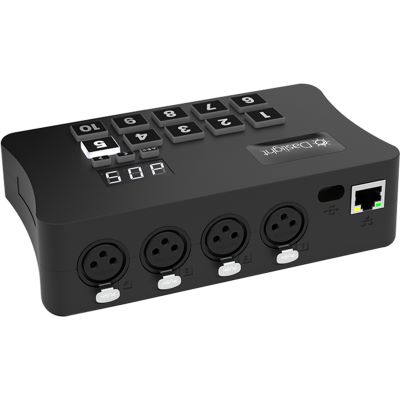
The lighting console or interface generates the DMX data. This is where you move faders, start scenes or programme a complete lighting show.

DMX may initially sound like addresses, channels and complicated programming. The basic principle is much simpler: a controller sends control values to PAR spotlights, moving heads and effects. You decide which channels each fixture listens to – and can then control colours, brightness, movements and complete lighting scenes in a reproducible way.
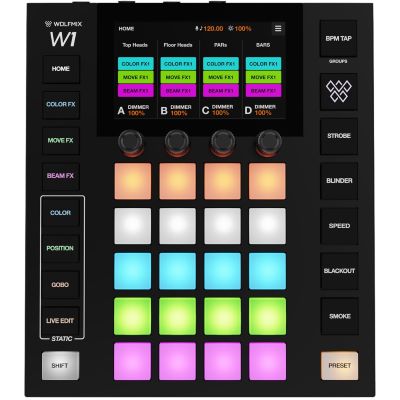
DMX512 is a digital control protocol used in lighting and event technology. A lighting console, interface or controller continuously sends values to the connected fixtures. One value may control brightness, colour, a strobe effect or the position of a moving head.
The lighting console or interface generates the DMX data. This is where you move faders, start scenes or programme a complete lighting show.
Traditionally, the control signal travels through suitable data cables from one fixture to the next. Wireless DMX only replaces this physical cable path.
A PAR, moving head or effect reads exactly the channels determined by its start address and selected DMX mode.
Several fixtures react simultaneously to saved values. This creates a repeatable lighting look instead of relying only on random automatic programmes.
Important: DMX carries control data – not an audio signal and normally not the power supply. Every lighting fixture still needs its own appropriate electrical power connection.
A classic DMX universe provides a maximum of 512 data slots. Each channel can transmit a value from 0 to 255. The fixture manufacturer defines what each value actually does.
| Channel | Example Function | Value | Result |
|---|---|---|---|
| 1 | Master Dimmer | 0–255 | Dark to full brightness |
| 2 | Red | 0–255 | Amount of red light |
| 3 | Green | 0–255 | Amount of green light |
| 4 | Blue | 0–255 | Amount of blue light |
| 5 | White | 0–255 | Amount of white light |
A simple RGBW PAR needs only a small number of functions. A moving head additionally controls Pan, Tilt, focus, zoom, gobos, prism and further effects. Pixel fixtures may even control every individual LED separately and therefore require many more channels.
Many fixtures offer several channel modes. A smaller mode combines functions and is easier to programme. A larger mode provides maximum individual control but uses more channels within the universe.
The most important beginner rule: select the required DMX mode on the fixture before assigning its start address. Only then do you know how many addresses the fixture actually occupies.
The start address is the first DMX channel a fixture reads. If a PAR is operating in a five-channel mode and starts at address 1, it uses channels 1 to 5. The next independently controlled fixture can then begin at address 6.
| Fixture | DMX Mode | Start Address | Channels Used |
|---|---|---|---|
| PAR 1 | 5 Channels | 001 | 1–5 |
| PAR 2 | 5 Channels | 006 | 6–10 |
| PAR 3 | 5 Channels | 011 | 11–15 |
| PAR 4 | 5 Channels | 016 | 16–20 |
The same address is not always a mistake: two identical fixtures using the same DMX mode and the same start address will react together. If you want to control them independently, they need separate address ranges.
The classic layout is a daisy chain. The DMX output of the controller is connected to the DMX input of the first fixture. Its DMX output continues to the second fixture, then to the third and so on.
Connect DMX OUT on the controller to DMX IN on the first lighting fixture.
Continue from DMX OUT of the first fixture to DMX IN of the next.
Configure every fixture according to the channel ranges you planned in advance.
Particularly with longer or problematic cable runs, fit a DMX terminator with a 120-ohm resistor at the end of the line.
The DMX512 standard specifies 5-pin XLR connections. In practice, many DJ and event fixtures use 3-pin connectors. Suitable adapters can connect the two formats where the device specifications and pin assignments permit it.
Use cable intended for DMX / RS-485 data transmission. Although a microphone cable may look similar, unsuitable cable can create problems particularly on longer runs or larger systems.
If the DMX line needs to branch in several directions, use an active DMX splitter instead of simply dividing the signal with a passive Y-cable.
Ideal for two to four PAR spotlights. Colours and brightness can be controlled directly with faders and dedicated buttons.
This is often the fastest and clearest way to start.
More fixtures, scenes and chases can be programmed and stored. Especially useful for clubs, bands and small stages with a recurring setup.
Modern systems such as Wolfmix generate colour, movement and beam effects using fixture profiles and effect generators without requiring a computer during the show.
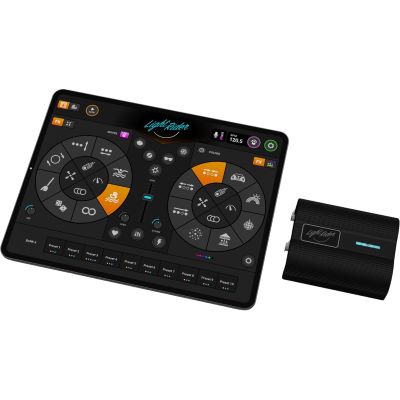
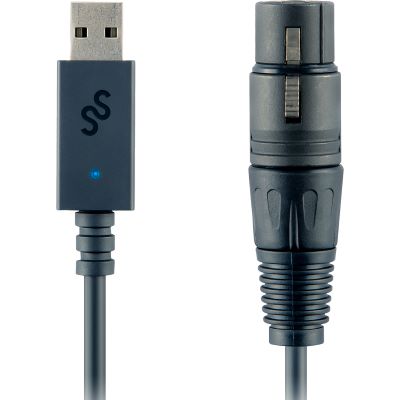
Software can provide large fixture libraries and graphical programming. A suitable DMX interface connects the computer or tablet to the lighting system.
Modern lighting software contains profiles for thousands of fixture models. You select your fixture and its channel mode, enter its start address and then control labelled functions rather than anonymous channel numbers.
The profile tells the software which DMX channel controls the dimmer, red, Pan, Tilt, gobo or another fixture function.
A scene stores one lighting look. A chase plays several steps in sequence and can create running lights, colour changes and other repeated sequences.
The interface converts the software's control information into a classic DMX signal for the connected lighting fixtures.
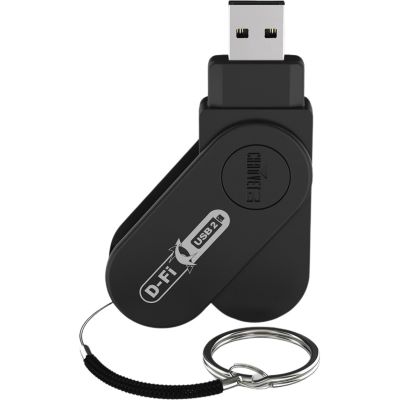
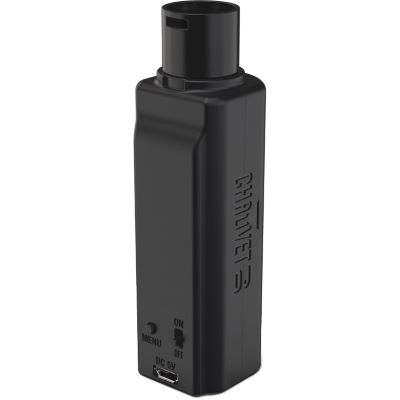
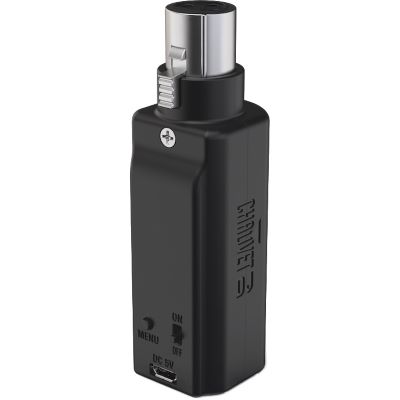
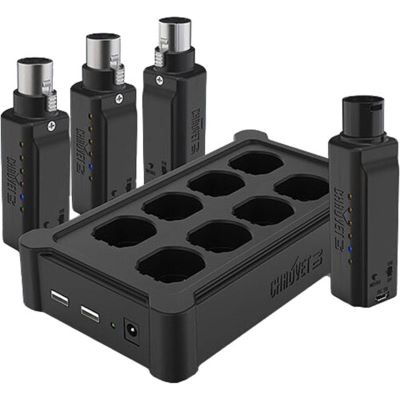
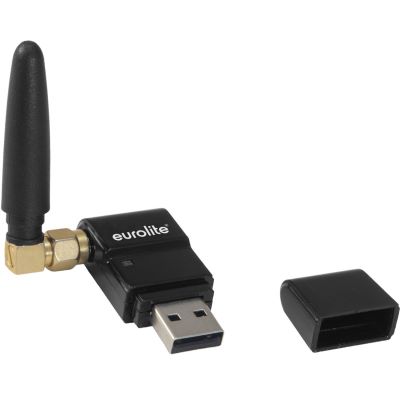
A Wireless-DMX transmitter receives the DMX signal from the controller and transmits it by radio to one or more receivers. Behind the receiver, the lighting system continues to use the same addresses and channels as it would with a conventional cable.
Battery-powered fixtures can be positioned at walls, columns or around the room without a visible DMX data cable.
Fewer long data lines can reduce setup time and avoid problematic cable paths through audience and walking areas.
Practical range depends on the wireless system, environment, obstacles and other radio sources. Test the actual path under real event conditions.
A small PAR setup is an ideal way to understand DMX addressing before adding moving heads, pixel mapping or larger control systems.
This keeps the channel structure identical across all four fixtures.
Each fixture then uses its own non-overlapping channel range and can be controlled independently.
Controller → PAR 1 → PAR 2 → PAR 3 → PAR 4.
Warm white, blue and a stronger chorus look are enough to begin. Add fades and chases afterwards.
The German source currently labels this section as “20 products”, but exposes 19 actual linked examples. The products below reproduce all currently linked examples and are grouped by operating concept: simple hardware, standalone control, software interfaces, Wireless DMX and active signal distribution.
Direct operation without a computer: ideal for PARs, first scenes and straightforward lighting shows.
Fixture-oriented control with direct performance access and no computer required during the show.
Fixture libraries and graphical workflows make larger or more complex lighting systems easier to manage.
View Lighting SoftwareReplace long DMX cable paths while keeping the same addressing and channel structure.
View All Wireless DMXUse active distribution when one incoming DMX line needs to branch into several independent cable paths.
DMX Splitters & ConvertersThe current range covers direct hardware controllers, standalone performance systems, app and software interfaces, Wireless DMX and active signal distribution.




The controller and fixture expect different channel ranges, so the wrong functions respond or nothing behaves as expected.
The fixture is operating in an 8-channel mode while the controller profile expects 12 channels.
Use an active DMX splitter when the signal needs to branch into several cable runs.
Use cable designed for reliable DMX data transmission, especially for longer runs and larger systems.
On long or problematic cable runs, terminate the last branch correctly.
Learn to control four PARs first. Add moving heads, extended channel modes and pixel mapping afterwards.
DMX512 is a digital lighting-control protocol. One classic universe can transmit up to 512 control channels.
The start address determines the first channel from which a fixture reads its control data. An eight-channel fixture starting at address 20, for example, uses channels 20 through 27.
A universe is one independent DMX data stream containing up to 512 channels. Larger lighting controllers may provide several universes.
Yes. If the model and channel mode are the same, both fixtures react together to the same commands. For independent control, they require different addresses.
Connect the controller to the first fixture and continue from that fixture's DMX output to the next one. If the line must branch, use an active DMX splitter.
A 120-ohm terminator at the end of the data line is appropriate for standards-compliant and particularly reliable cabling and can reduce reflections and signal problems.
The connectors may look similar, but the electrical requirements differ. For reliable lighting control, use cable intended for DMX data transmission.
With many fixtures, the same DMX512 signal can be continued through suitable 3-to-5-pin adapters. Always check the pin assignment and the specifications of the equipment first.
For only a few PARs, a simple hardware controller is particularly clear. With moving heads and larger setups, software or profile-based controllers can be significantly more convenient.
The addressing remains the same. You additionally need to connect the transmitter and receiver and test the wireless link reliably before the show.
The simplest introduction to colour, dimming and DMX addressing.
Add Pan, Tilt, gobo, focus and zoom as the next stage of your DMX programming.
Control compact systems for bands, DJs and small stages from one central point.
Divide larger installations into several properly distributed signal branches.
A fixture has a DMX channel mode and a start address. Together they define which section of the DMX universe it occupies. Connect the fixtures as a clean data chain, programme only a few scenes at first and expand the setup afterwards. Four PARs can be managed with a straightforward hardware controller, while moving heads, pixel fixtures and larger stages benefit from profile-based controllers or lighting software.
Lighting, PA systems, mixers, microphones, DJ technology, recording and musical instruments: the central Musikhaus Korn guide leads to further buying advice, comparisons and complete setup solutions.