
Musikhaus Korn Recording Guide
USB or Thunderbolt Interface? Choose the Right Connection for Your Studio
For most home studios, a USB audio interface is the flexible and straightforward choice. Thunderbolt becomes interesting when you want to use a compatible professional system, a large number of channels, extensive routing or, for example, a Universal Audio Apollo setup. Sound quality and low latency, however, do not depend on the interface protocol alone.
Understand USB-C and Thunderbolt
Evaluate Latency and Bandwidth Correctly
Check Compatibility Before Buying
Related Studio Categories
Compare the Right Interface Technology
Browse USB interfaces, Thunderbolt systems and converters or continue planning the rest of your recording studio.
USB and Thunderbolt Quick Facts
The Short Answer
When Should You Choose USB and When Thunderbolt?
Start with your computer and the interface you actually want, not with a theoretical speed figure. USB is very capable for typical music recording with anything from a few to many channels. Thunderbolt makes sense when the desired interface or system architecture specifically requires Thunderbolt.
Home Studio and Recording
USB is a strong choice for vocals, guitar, podcasts, MIDI production, synthesizers and many multichannel recordings.
Apollo and Professional Workflows
Thunderbolt becomes interesting when a particular professional interface, DSP system or expandable studio environment requires this connection.
USB-C Does Not Automatically Mean Thunderbolt
Two devices can use the same physical USB-C connector while communicating through completely different data protocols.
The Connection Does Not Determine the Sound
Converters, microphone preamps, analogue circuitry and the actual recording setup influence sound quality more directly than the logo beside the computer connector.
Recommendation for most home studios:
If the USB version of your preferred interface provides all required
inputs and outputs, suitable drivers and the monitoring functions
you need, there is no reason to choose another model solely because
it uses Thunderbolt.
Direct Comparison
USB and Thunderbolt Audio Interfaces Compared
The most relevant differences concern compatibility, system architecture and the maximum available bus bandwidth.
| Feature | USB | Thunderbolt |
|---|---|---|
| Typical Use | Home studio to professional studio | Professional and specialised systems |
| Product Selection | Very broad | More targeted and smaller |
| Bandwidth | Sufficient for a very wide range of audio applications | Very high bus bandwidth |
| Sound Quality | Depends on the specific interface | Depends on the specific interface |
| Latency | Very low latency is possible with good drivers | Very low latency is also possible |
| USB-C Connector | Commonly used | Common with Thunderbolt 3, 4 and 5 |
| Daisy-Chaining | Depends on the device | An important advantage in suitable systems |
| Mobility | Large choice of compact devices | Depends on the model and computer |
| Check Before Buying | USB version, operating system and drivers | Actual Thunderbolt port, drivers and cable |
The Universal Solution
Why a USB Audio Interface Is Often the Best Choice
USB covers a huge range of applications, from a small interface with one microphone connection to professional multichannel systems with numerous analogue and digital connections.
For vocals, guitar, podcasts or a classic singer-songwriter setup, even comparatively simple USB connections are fast enough. Interfaces with four, six, eight or significantly more audio channels can also operate reliably over USB.
The particularly large choice of products means that you can concentrate on the features that really matter in the studio: the number of microphone preamps, instrument inputs, line connections, MIDI, ADAT, headphone outputs, direct monitoring and driver support.
High Bandwidth and Professional Ecosystems
When Is a Thunderbolt Audio Interface Worthwhile?
Thunderbolt is particularly useful when the studio device you want has been designed specifically for this connection or when you want to use functions provided by a particular Thunderbolt ecosystem.
One important example is the Universal Audio Apollo family. Here, Thunderbolt is not merely a theoretically faster connection. It forms part of an entire recording system with dedicated DSP processing, Console routing and, depending on the model, the possibility of combining several devices in a larger setup.
This additional bus bandwidth is not automatically necessary for a simple microphone-plus-guitar home studio. If, however, you already know that you want an Apollo workflow or a comparable Thunderbolt system, the computer should be selected specifically with that requirement in mind.
The Most Common Connection Mistake
Why USB-C Does Not Automatically Mean Thunderbolt
Modern USB and Thunderbolt devices can use the same physical USB-C socket. Looking only at the connector shape on a notebook is therefore not enough.
Check the Computer Specifications
If you want to connect a Thunderbolt interface, the technical specifications of the computer must explicitly state that Thunderbolt is supported.
Check the Interface Protocol
“USB-C connection” and “Thunderbolt connection” are not interchangeable specifications. The actual supported data protocol is what matters.
Use the Correct Cable
A cable with USB-C connectors is not automatically a Thunderbolt cable. Follow the cable requirements specified by the interface manufacturer.
Example:
A notebook can have two externally identical USB-C sockets that
support different functions. Always check the exact device
specification rather than relying only on the connector symbol.
Understanding Speed Correctly
Does Thunderbolt Automatically Provide Lower Audio Latency?
No. Available bus bandwidth is only one part of the complete audio system. A well-designed USB interface can achieve very low latency in practice.
Driver and Interface Architecture Matter
A stable, efficiently programmed driver and well-designed hardware architecture can be more important than the nominal maximum speed of the computer connection.
Buffer Size Is Only One Part of the Signal Chain
Smaller buffers reduce software latency but increase the demands placed on the computer and driver.
DAW, CPU and Sample Rate Also Matter
Sample rate, plug-ins, DAW software, operating system and CPU load also influence the actual delay you experience while recording.
Practical rule:
Do not buy “Thunderbolt for lower latency”. Choose a well-supported
interface whose drivers, connections and monitoring concept match
your computer and recording workflow.
USB Product Group
All USB Interfaces
USB Audio Interfaces for Different Studio Sizes
From compact two-channel devices to professional multichannel systems: USB is not limited to beginner interfaces.
USB

Focusrite
Scarlett Solo 4th Gen
View Product
USB
Focusrite
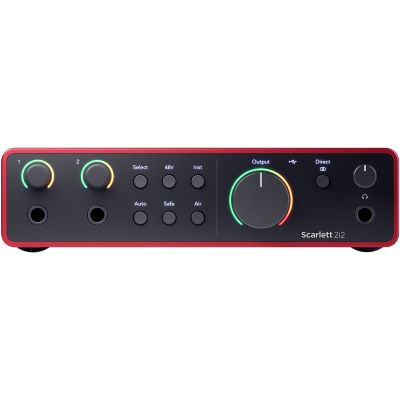
Scarlett 2i2 4th Gen
View Product
USB
MOTU
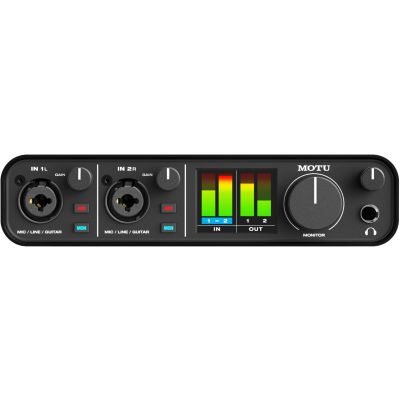
M2
View Product
USB
MOTU
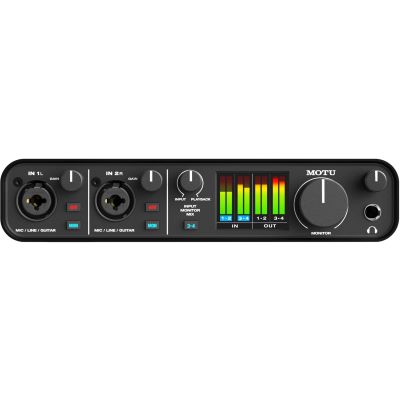
M4
View Product
USB
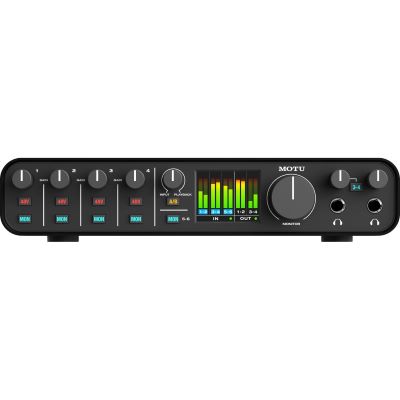
MOTU
M6
View Product
USB
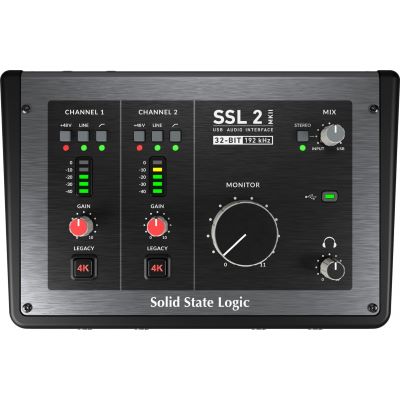
Solid State Logic
SSL 2 MKII
View Product
USB
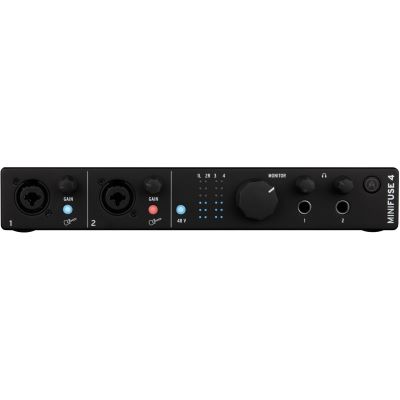
Arturia
MiniFuse 4 Black
View Product
USB
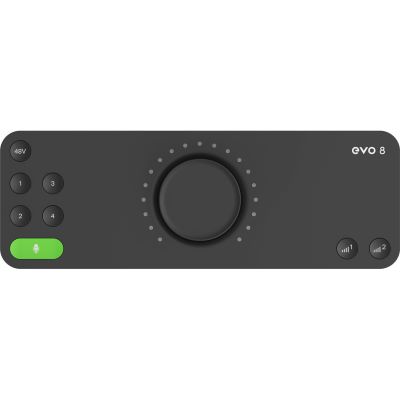
Audient
EVO 8
View Product
USB
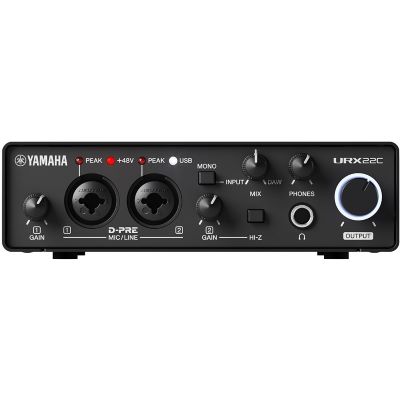
Yamaha
URX22C
View Product
USB-C
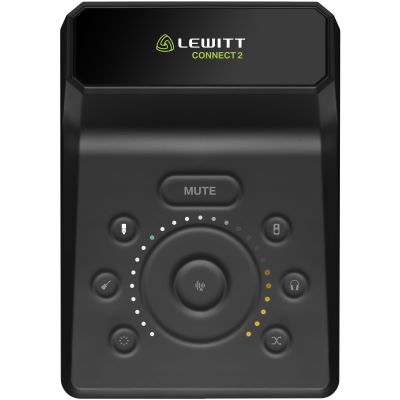
Lewitt
CONNECT2
View Product
USB-C
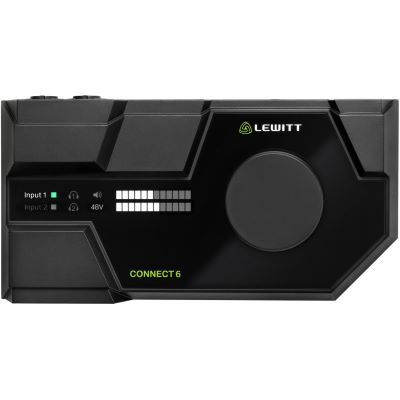
Lewitt
CONNECT 6
View Product
Pro USB
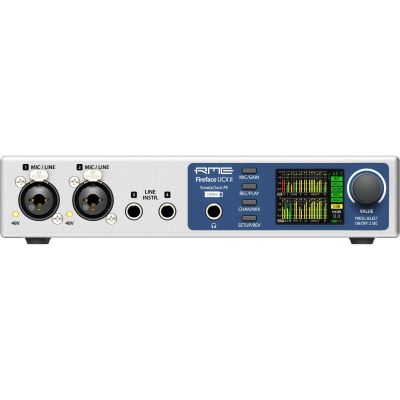
RME
FireFace UCX II
View Product
Multichannel
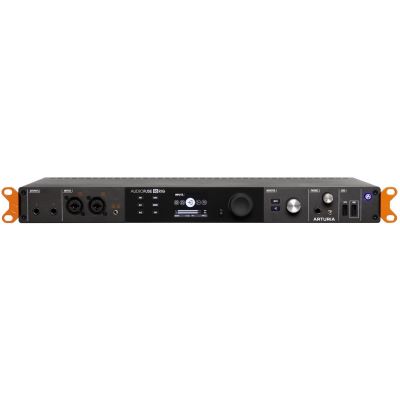
Arturia
AudioFuse 16Rig
View Product
USB Rack
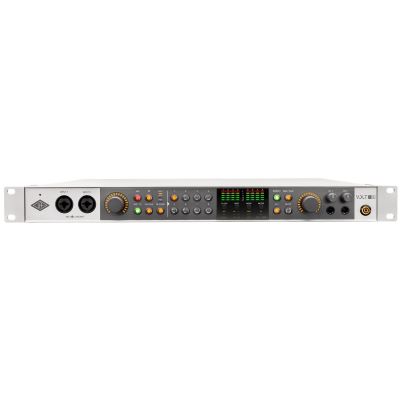
Universal Audio
Volt 876
View Product
Digital
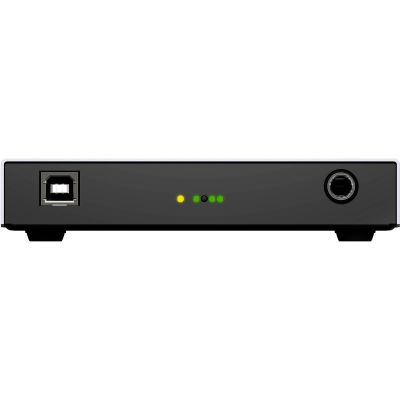
RME
Digiface USB
View Product
Thunderbolt Product Group
All Thunderbolt Interfaces
Thunderbolt Interfaces from the Apollo World
From compact desktop solutions to large rack systems, the Apollo family can be selected according to the required channel count and DSP resources.
Thunderbolt

Universal Audio
Apollo Solo TB3 Heritage Edition
View Product
Thunderbolt
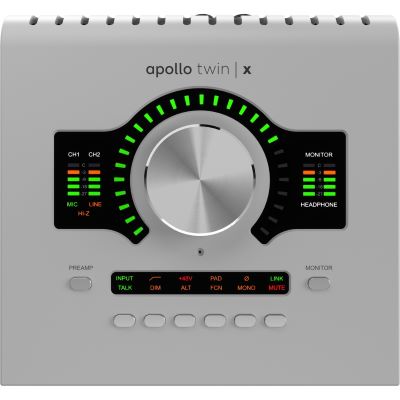
Universal Audio
Apollo Twin X DUO Gen 2
View Product
Thunderbolt
Universal Audio
Apollo Twin X QUAD Gen 2
View Product
Thunderbolt
Universal Audio
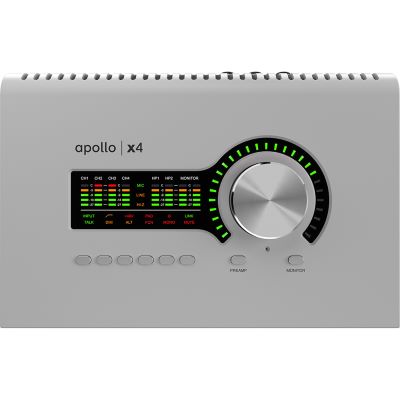
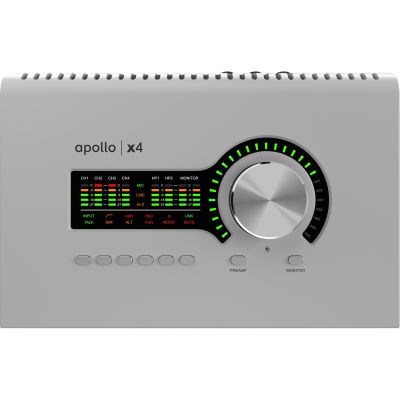
Apollo X4 Gen 2
View Product
Thunderbolt Rack
Universal Audio
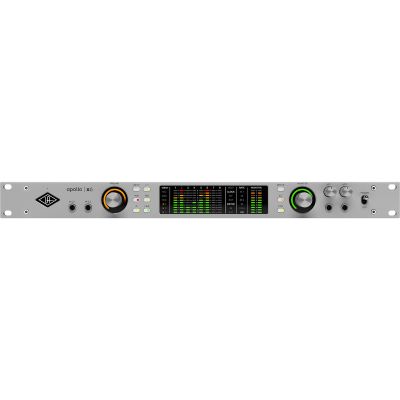
Apollo X6 Gen 2
View Product
Thunderbolt Rack
Universal Audio
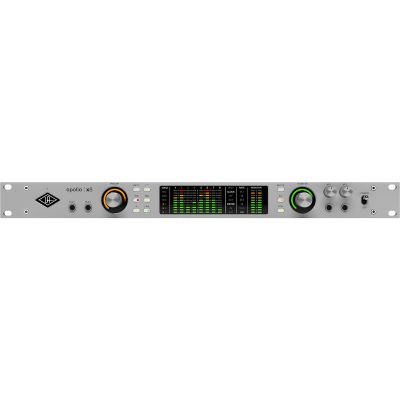
Apollo X8 Gen 2
View Product
Thunderbolt Rack
Universal Audio
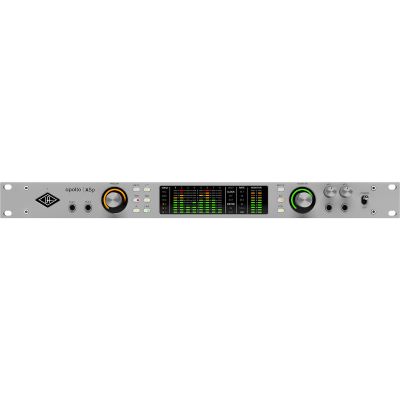
Apollo X8P Gen 2 Essentials+
View Product
Thunderbolt Rack
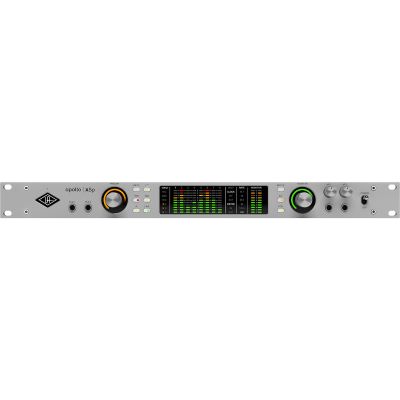
Universal Audio
Apollo X8P Gen 2 Studio+
View Product
Four Steps to the Right Connection
Decide Without Technical Frustration
Check the Computer
Which USB and Thunderbolt protocols does your computer actually support?
Define Your Audio Requirements
Count microphones, instruments, stereo devices, outputs and the headphone mixes you require.
Choose the Workflow
Do you only need DAW recording, or do you specifically need DSP, an Apollo system, complex routing or daisy-chaining?
Check Drivers and Approval
Check the operating system, current drivers, cables and manufacturer compatibility information before buying.
Manufacturer Worlds
Compare Suitable Audio Interface Brands
Manufacturers differ not only in the connection they use, but also in drivers, routing, software, DSP functions and expansion possibilities.








Frequently Asked Questions
Answers About USB and Thunderbolt for Recording
Is Thunderbolt Generally Faster Than USB?
Thunderbolt provides very high bus bandwidth. For audio, however, this does not automatically translate into a practical advantage. Many USB interfaces can easily transfer the number of channels required for music production.
Does a Thunderbolt Interface Sound Better Than a USB Interface?
No. The computer interface transports digital data. Converters, microphone preamps, analogue electronics and the design of the individual device are much more relevant to sound quality.
Is USB-C the Same as Thunderbolt?
No. USB-C describes the physical connector. Thunderbolt 3, Thunderbolt 4 and Thunderbolt 5 also use USB-C connectors, but a USB-C port does not therefore automatically support Thunderbolt.
Can I Connect a Thunderbolt Interface to Any USB-C Port?
No. The computer must explicitly support the Thunderbolt protocol required by the interface. The operating system and drivers must also be compatible.
Do I Need Thunderbolt for Low Latency?
Not necessarily. Modern USB interfaces can achieve very low latency. Driver quality, buffer size, sample rate, computer performance and interface architecture all play an important role.
Is USB Sufficient for Eight or More Recording Channels?
Yes. Many professional USB interfaces transfer eight and considerably more channels. Check the actual channel count, supported sample rates and available digital expansion options on the specific interface.
When Would I Specifically Choose Thunderbolt?
Choose Thunderbolt when the desired interface or system specifically requires it, for example certain Universal Audio Apollo models, or when you are deliberately planning a professional and expandable Thunderbolt ecosystem.
Which Cable Do I Need for Thunderbolt?
Use a cable suitable for the required Thunderbolt version. An ordinary USB-C cable is not automatically designed for a Thunderbolt connection.
Which Connection Is More Practical for a Notebook or Mobile Studio?
USB offers a particularly large selection of compact and, in some cases, bus-powered interfaces. With either connection type, check power requirements, battery load and compatibility with the particular notebook or mobile device.
Continue Planning Your Studio
Related Product Groups Around the Audio Interface
Audio Interfaces & Converters
Compare all interface technologies and professional converters.
Studio Microphones
Select microphones for vocals, instruments and speech.
Active Studio Monitors
Suitable loudspeakers for recording, mixing and music production.
MIDI Interfaces
Integrate synthesizers and hardware using traditional MIDI connections.
Summary
USB or Thunderbolt? Choose the Right Audio Interface
USB is the flexible standard solution for most home studios, musicians, producers and podcasters. It provides enough performance for simple two-channel recordings as well as professional multichannel systems. Good USB drivers can enable very low latency, so Thunderbolt does not need to be chosen solely because of a perceived advantage in audio-transfer speed.
Thunderbolt is especially interesting when the interface you want specifically requires this connection or when you intend to build a corresponding professional ecosystem. Current Universal Audio Apollo systems are a typical example. Before buying, always check whether the computer really supports Thunderbolt. A USB-C socket alone is not sufficient evidence.
First decide according to the required inputs and outputs, microphone preamps, monitoring, MIDI, digital expansion and software workflow. Only then check which computer connection the suitable interface requires. This makes the computer interface the final compatibility check rather than the most important buying argument.
More Buying Advice
Build Your Complete Recording Setup
The Musikhaus Korn guide contains further help on audio interfaces, microphones, studio monitors, headphones, MIDI, instruments and complete studio technology.