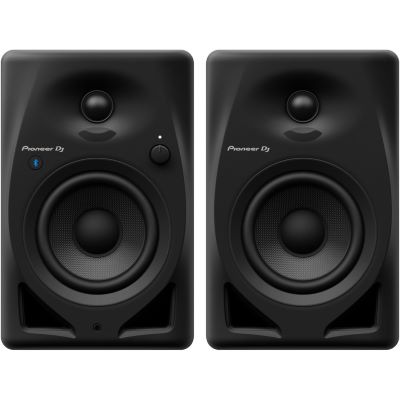
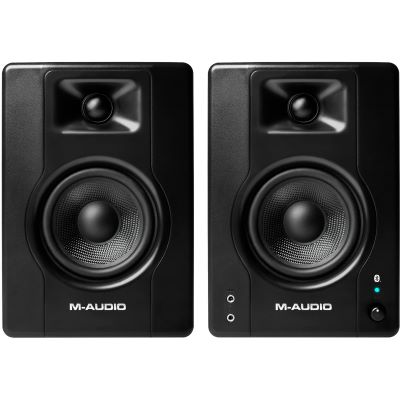
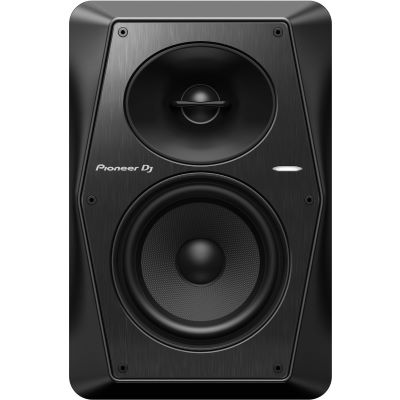
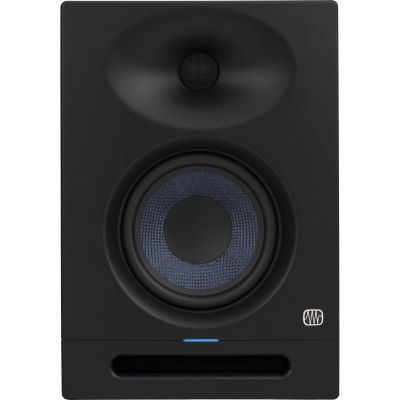
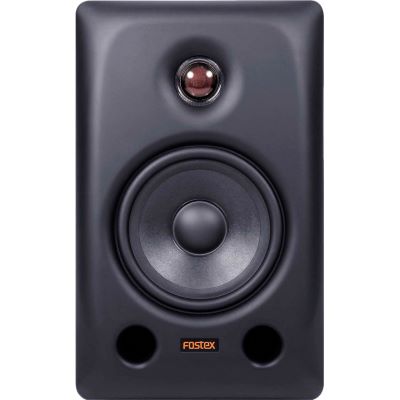
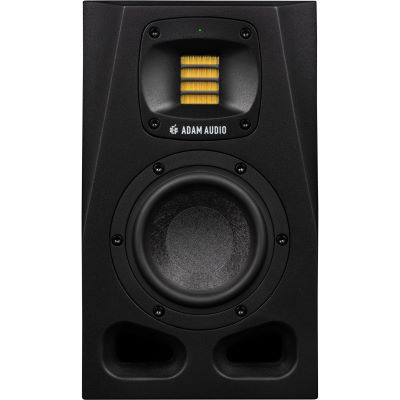
3.5 to 4 Inches
Ideal for desks, small DJ tables and short listening distances. The bass is sufficient for mixing without unnecessarily exciting a small room.

You do not need a small club PA for DJing at home. A pair of active nearfield monitors is usually the more sensible solution for the short listening distance at a DJ desk. Speaker size, room, distance from the wall, connections and correct stereo placement are what matter. This guide explains when compact 3.5- to 4-inch monitors are enough, when 5-inch models make sense and why bigger and bassier is not automatically better in a small room.
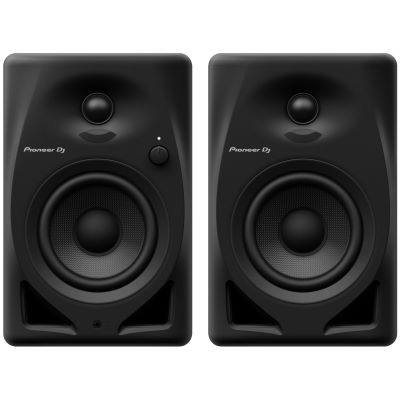
For many bedroom DJs: a correctly positioned pair of compact 4- or 5-inch monitors is more useful than a much larger speaker system that has to sit too close to walls and furniture.
Active nearfield monitors are especially practical for a typical DJ desk in a bedroom, office or small studio. The amplifiers are already built in and the speakers are designed to work at a relatively short listening distance.
Ideal for desks, small DJ tables and short listening distances. The bass is sufficient for mixing without unnecessarily exciting a small room.
A versatile compromise between cabinet size, output level and low-frequency reserve for bedroom DJing and music production.
Interesting with a longer listening distance and greater room volume. In small rooms, the additional low bass can become more difficult to control.
For late sessions and rented apartments, DJ headphones remain an important second monitoring option.
Recommendation for many bedroom DJs: a good pair of compact 4- or 5-inch monitors, positioned correctly, often provides more useful control than a significantly larger loudspeaker system that has to be squeezed into corners or placed directly beside walls and furniture.
When bedroom DJing, you often sit or stand only about a metre from the loudspeakers. Nearfield monitors are designed for such short distances and do not require high room volume to create a clear stereo image.
Active PA speakers are designed to provide sound for an audience across greater distances and at significantly higher output levels. That additional headroom is normally unnecessary at a small DJ workstation.
For transitions you need to identify kick, bass line, midrange and transients reliably. An exaggerated low-frequency response may sound impressive, but it does not automatically make beatmatching more precise.
The closer you work to the speakers, the less output level and cone area you need. Compact monitors can therefore be surprisingly capable on a small DJ desk.
The inch specification describes the approximate size of the woofer. It does not tell you by itself how good a speaker sounds, but it provides an initial indication of cabinet size, maximum level and low-frequency capability.
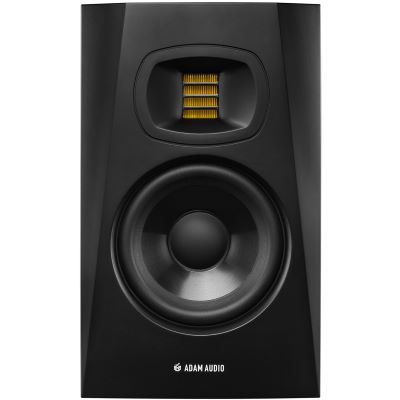
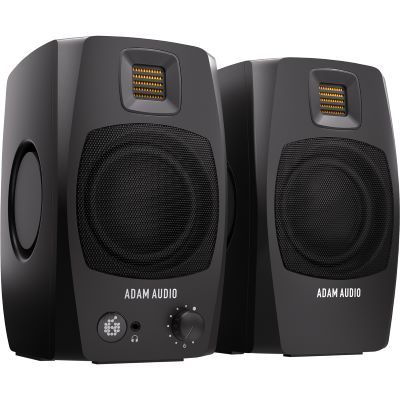
ADAM Audio D3V, Pioneer DJ DM-40D and M-Audio BX4BT can fit on limited working surfaces. They are particularly useful when the controller, laptop and monitor pair all share the same desk.
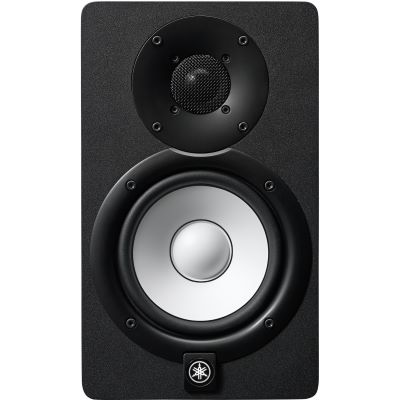
Yamaha HS5, ADAM Audio T5V, Pioneer DJ VM-50, Fostex PX-5 and PreSonus Eris Studio 5 offer more cabinet volume and bass reserve while remaining easy to integrate into typical home setups.
Larger monitors can reproduce deeper frequencies and reach higher levels, but they require more physical space and a room where the additional bass can be controlled sensibly.
Do not choose by woofer diameter alone: listening distance, cabinet design, room position, available controls and the acoustic behaviour of the room are part of the decision too.
The left monitor, right monitor and your listening position should be arranged as symmetrically as possible. For a stable stereo image, placement is often more important than immediately replacing the monitors with a more expensive model.
Many compact DJ controllers provide an RCA Master output. Systems such as the Pioneer DJ DM-40D are therefore easy to integrate into typical bedroom setups.
Balanced TRS connections are widespread on more professional controllers, audio interfaces and monitors and help reduce interference over longer cable runs.
Many individual nearfield monitors provide balanced XLR inputs. This is especially convenient if your DJ mixer or controller provides balanced Booth or Master outputs.
Bluetooth is practical for normal music playback. For active DJing, connect the controller to the monitors by cable to avoid transmission latency affecting timing.
Usually not at the beginning. A good pair of monitors already provides enough bass information to assess kick, bass line and transitions. A subwoofer extends the lowest frequencies, but also excites the room more strongly.
Position the main monitor pair correctly first. This teaches you how your room, desk and loudspeaker position influence bass response before another low-frequency source is added.
If you also produce regularly or deliberately need to monitor the lowest electronic frequencies, a compatible studio subwoofer can expand the monitoring system later.
Deep bass transfers particularly well through walls and building structures. Late in the evening, headphones can be the much more practical monitoring solution.
You do not need extreme volume for beatmatching and transitions. At a short listening distance, even compact active monitors provide enough level. Work at a volume where the kick, midrange and stereo image remain clear.
Practising permanently at very high levels does not automatically improve your judgement of transitions. A controlled volume also makes longer sessions easier.
Set Master and channel Gain correctly. Loudspeaker volume should not be created by permanently running the DJ mixer or controller meters into the red.
Change between the monitor pair and DJ headphones occasionally. This trains both room-based monitoring and headphone Cueing.
| Class | Footprint | Bass Reserve | Ideal For |
|---|---|---|---|
| 3.5–4 Inches | Very compact | Controlled | Desk, bedroom, short distance |
| 5 Inches | Compact | Good all-round range | DJing + production |
| 6.5–7 Inches | Larger | Significantly more | Larger room, longer listening distance |
| 8 Inches | High | Strong | Larger rooms and extensive studios |
| Monitor + Subwoofer | Additional space | Very deep | Targeted low-bass extension |
Nearfield loudspeakers with integrated amplification.
Plan monitors, subwoofers, stands and monitoring accessories together.
Position nearfield monitors at a controlled height, angle and distance.
For Cueing, late-night sessions and quiet practice.
Choose a Master output that matches the inputs on your monitors.
Control Master and Booth monitoring separately.
Plan sufficient space for decks, controller and monitoring.
Build the complete bedroom and home DJ system.





More cone area helps little if the monitors then have to be squeezed into corners or placed directly beside walls.
Different distances and acoustic conditions make a stable stereo centre and spatial judgement more difficult.
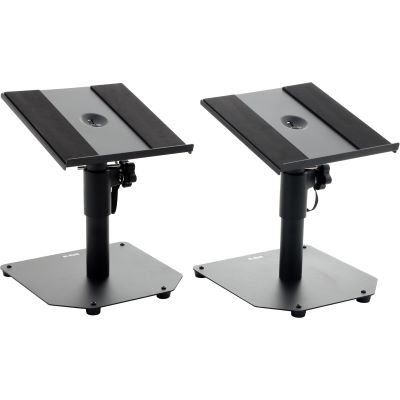
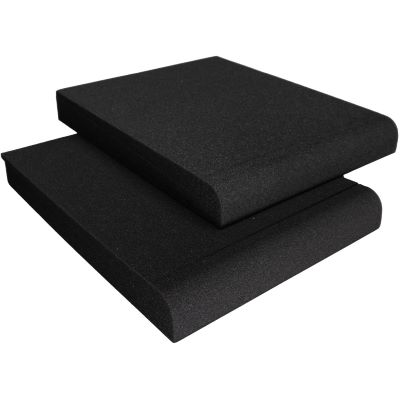
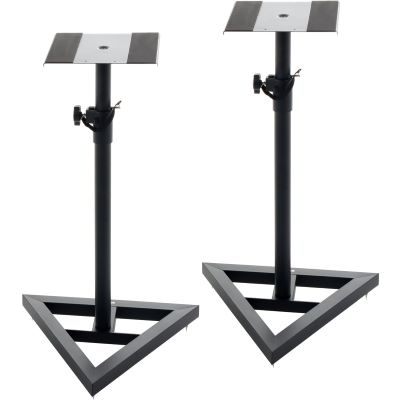
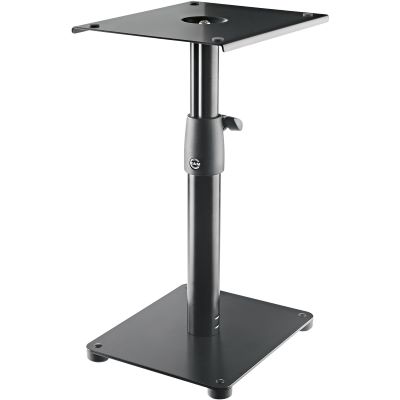
Monitor stands or isolation pads can reduce mechanical transmission to a desk or other furniture.
Wireless transmission can introduce latency. Use a direct cable connection when actively DJing.
Position the main speaker pair correctly and learn the room before adding another source of low-frequency energy.
Some compact desktop systems are sold as a pair, while professional nearfield monitors are frequently sold individually. Check the unit shown on the product page.
For small workspaces, approximately 3.5 to 5 inches is often particularly practical. Larger models need more space and create stronger low-frequency room excitation.
Yes. At a short listening distance, good 4-inch systems provide enough level and bass information for beatmatching and transitions.
Not automatically. They usually provide more low-frequency and level reserve, but also need more physical space. The listening distance should match the size.
No. Good active studio monitors also work very well. Models with a DJ-oriented voicing or dedicated DJ mode can nevertheless be particularly convenient for this application.
Yes, provided the outputs and inputs are compatible. Common connections include RCA, balanced TRS and XLR.
As a starting point, the left monitor, right monitor and listening position can form an approximately equilateral triangle. Then adapt the arrangement to the room and workstation.
There is no universal distance. Cabinet construction, bass-reflex port and room acoustics influence the result. Follow the manufacturer's recommendations and use available room-adjustment controls where appropriate.
No. A good monitor pair is sufficient for DJ transitions at first. A subwoofer becomes interesting when you deliberately need to assess the lowest frequencies or want more low-bass foundation.
The speakers themselves can be suitable, but during active DJing the connection from the controller should be wired so that wireless transmission latency does not interfere with timing.
Not necessarily, but they can reduce the mechanical connection to the desk and can also help angle the monitors towards the listening position.
Ideally both. Monitors provide stereo imaging and a reference in the room, while headphones are much more practical for night-time sessions and very quiet practice.
Compare loudspeaker monitoring, headphones, placement and quiet working.
Plan a compact setup consisting of computer, interface, headphones and monitors.
Put monitor size and accessories into context with the complete studio budget.
Discover further routes to monitoring, recording, DJ equipment and complete setups.
For most bedroom DJs, a compact active monitor pair is the most sensible starting point. Systems in the 3.5- to 4-inch class fit on small desks and work well at short listening distances, while 5-inch monitors provide additional bass and output reserve without already requiring the space of large studio speakers.
Position both monitors symmetrically, aim them towards your listening position and bring the tweeters to a useful height wherever possible. Desktop stands or isolation pads can improve placement more effectively than immediately moving to a larger loudspeaker model.
A subwoofer is not required at the beginning. Learn the main pair and your room first. Add deeper bass only when you genuinely need it and can control it sensibly. This creates a home DJ setup that does not try to reproduce a club inside a bedroom, but works precisely where you actually DJ.
From DJ monitors, headphones and controllers to mixers, media players and vinyl as well as studio equipment, recording, musical instruments and event technology, the central Musikhaus Korn guide contains further comparisons, decision-making aids and practical knowledge.