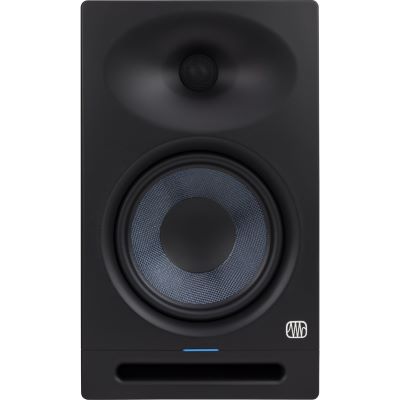
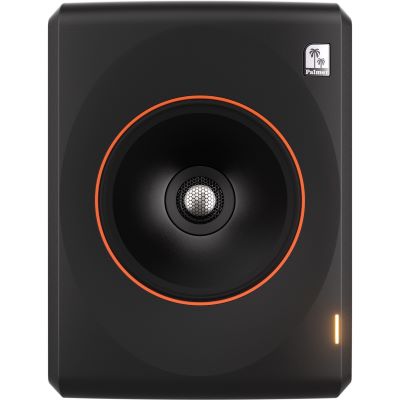
Desktop Setup
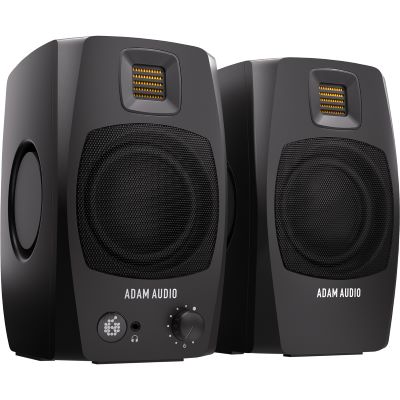
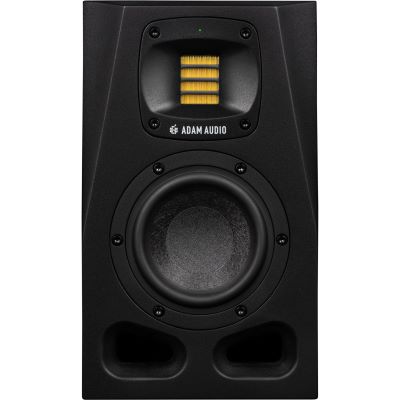
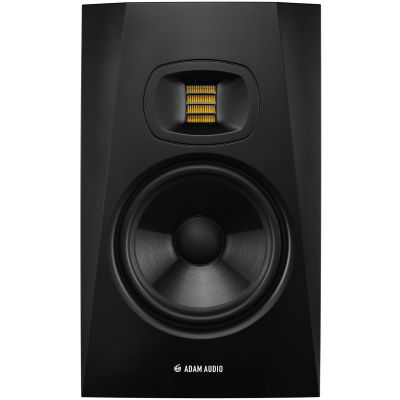
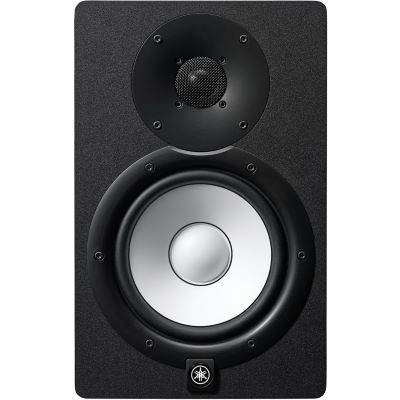
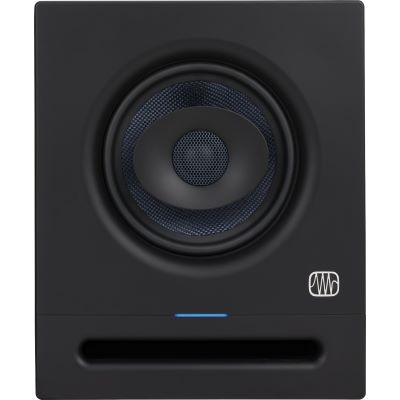
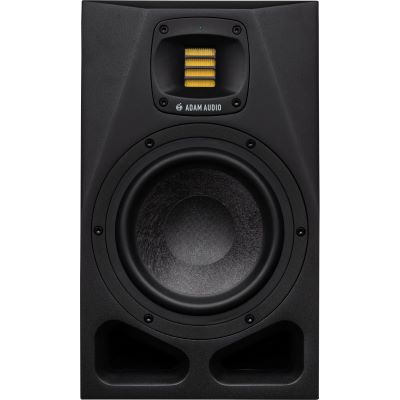
At a very short listening distance of approximately 60 to 100 cm, compact 3 to 5-inch systems are particularly practical. They require little space and can operate close to the workstation.

Do small rooms automatically need small studio monitors and large rooms always need 8-inch speakers? It is not that simple. Listening distance, desired low-frequency extension, maximum level, room acoustics and placement are more important than room size alone. A good 7-inch nearfield monitor can work very well in a small control room, while a 4-inch monitor positioned too far away can quickly reach its limits in a larger studio.
Floor area is only a first indication. Room shape, ceiling height, listening distance and acoustic treatment can make two rooms with exactly the same dimensions behave completely differently.
At a very short listening distance of approximately 60 to 100 cm, compact 3 to 5-inch systems are particularly practical. They require little space and can operate close to the workstation.
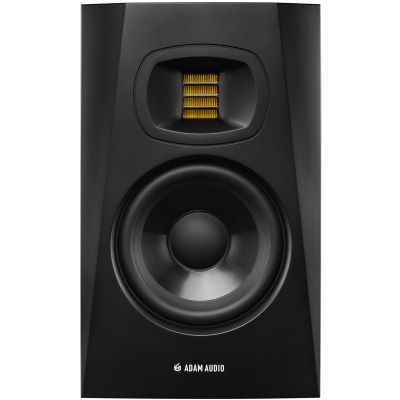
4 to 6-inch monitors are a good starting point. A well-controlled 7-inch monitor can also work when listening distance, wall position and bass behaviour are suitable.
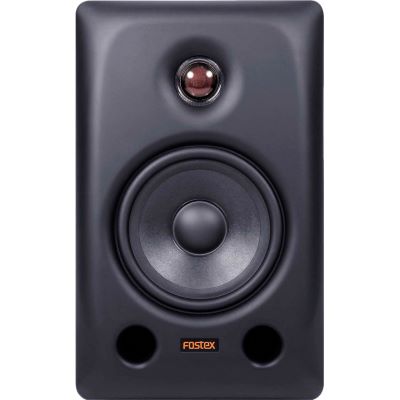
5 to 7 inches often provide an excellent balance between bass extension, available sound pressure and nearfield suitability. For many producers, this is the most versatile size range.
7- and 8-inch monitors and larger 3-way systems become increasingly interesting, particularly with longer listening distances and higher requirements for deep bass and dynamics.
These room-size ranges are practical orientation values, not technical operating limits. A manufacturer may design a 7-inch monitor specifically for small control rooms. The actual listening distance is therefore the better second decision factor.
A studio monitor must provide sufficient clean level and dynamics at your listening position. At the same time, its individual drivers should already combine into a coherent sound image at that distance.
Compact monitors play to their strengths at very short listening distances. Large loudspeakers are often unnecessary here and require significantly more physical space.
5-, 6.5- and 7-inch systems are particularly interesting at these distances and cover a wide range of home and project-studio applications.
Systems with greater level reserves become more useful. Larger and 3-way monitors can also become interesting for demanding listening positions.
The larger the system and the farther apart its drivers are positioned, the more important an appropriate listening distance becomes. Large multi-way monitors are therefore not automatically the best solution directly on a small desk.
As listening distance increases, the loudspeaker must produce more level while the room has a greater relative influence. A compact nearfield monitor should not be used like a large main monitor at the opposite end of the room.
Define the listening position → measure the listening distance → determine the required low-frequency extension → select the monitor size → optimise placement.
| Situation | Listening Distance | Orientation | Pay Particular Attention To |
|---|---|---|---|
| Desktop / Very Small | Approx. 0.6–1.0 m | 3–5 Inches | Footprint and desk reflections |
| Small Home Studio | Approx. 0.8–1.4 m | 4–6 Inches | Wall proximity and bass response |
| Larger Nearfield Setup | Approx. 1.0–1.8 m | 5–7 Inches | Symmetrical placement |
| Medium Control Room | Approx. 1.3–2.2 m | 6.5–8 Inches | Room modes and level |
| Large Reference Position | Approx. 1.5 m+ | 8 Inches / 3-Way | Acoustics and listening geometry |
A larger monitor can reproduce lower frequencies and produce higher levels. However, this additional bass energy also excites the natural resonances of your room more strongly.
In small rectangular rooms, some listening positions can make individual bass frequencies appear disproportionately loud while other frequencies almost disappear.
A mix that appears perfectly balanced at a problematic listening position may contain too much or too little bass when played elsewhere.
A smaller monitor with good placement can be much more useful than a larger loudspeaker installed at an acoustically problematic position.
Position the left monitor, right monitor and listening position approximately the same distance from one another.
Aim both speakers at the listening position. This creates a stereo angle of approximately 60 degrees.
Position the intended acoustic axis of the loudspeaker approximately at ear height.
Move the listening position and speakers in small steps and compare several familiar reference tracks.
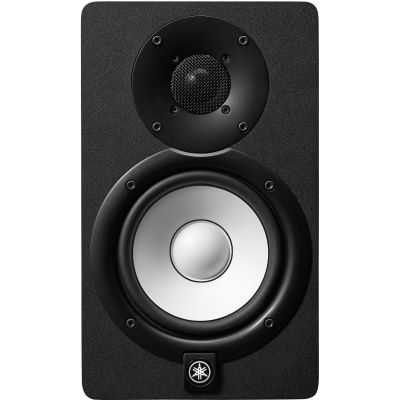
This size range is particularly interesting when a 5-inch monitor does not extend far enough into the bass, but a large 8-inch monitor is not yet necessary.
Large woofers become increasingly interesting when bass reproduction and dynamics are more important. The prerequisite is a room in which this additional low-frequency range can be judged reliably.
With larger systems, the question “How many inches?” becomes less meaningful on its own. Driver arrangement, dispersion, DSP, intended listening distance and maximum level reserves become increasingly important.
This makes sense when you want more low-frequency extension and level from a straightforward stereo system and have enough space for the larger cabinets.
This is interesting when compact main monitors match the listening distance well but you specifically want to extend deep bass. Subwoofer position, level, phase and crossover frequency must be adjusted carefully.
A subwoofer does not solve the room's bass problems. It only extends reproduction farther downwards. If room modes already cause problems, optimise the listening position, monitor position and room acoustics first.
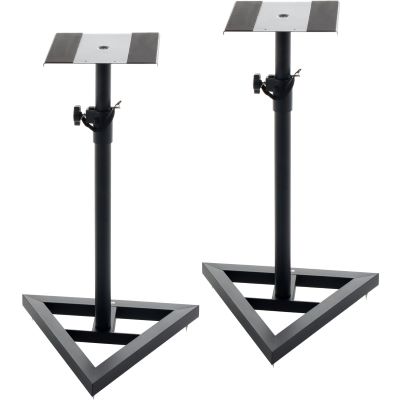
Bring compact and large speakers to the correct height and create distance from the desktop.
Provide central level control and convenient switching between different loudspeaker pairs and sources.
Balanced monitor outputs provide the connection between your DAW and active studio monitors.
Provide a complementary reference for deep bass, details and quiet work independently of room acoustics.





Listening distance and placement can be more important than the floor area alone.
More bass is useful only if your room allows you to judge that additional frequency range reliably.
Reflections and incorrect height can significantly compromise even high-quality studio monitors.
DSP and Room Control are valuable tools, but they cannot replace good basic positioning.
4- or 5-inch monitors are a very good starting point. Larger nearfield models can also work when listening distance, playback level and bass response are appropriate for the room.
5 to 7 inches are often sensible. The decisive question is whether you sit directly at a desk or maintain a greater distance from the loudspeakers.
6.5-, 7- and 8-inch systems increasingly become suitable in this range. For longer listening distances, 3-way systems can also become interesting.
Not automatically. However, they can produce more low-frequency energy and therefore make existing room problems more obvious. A smaller monitor is consequently easier to integrate in many small rooms.
Yes. Some 7-inch nearfield monitors are explicitly designed to work in small control rooms. Check the listening distance, wall position and bass behaviour instead of basing the decision on woofer diameter alone.
Yes. Good 5-inch monitors can be highly precise working tools. Only the lowest bass range is naturally more limited than with larger systems.
Both factors are connected, but listening distance is particularly relevant when selecting the actual loudspeaker. Room size additionally influences bass modes, reflections and the possible placement.
A 3-way monitor becomes interesting when you have higher requirements for midrange resolution, level reserves or longer listening distances. Three separate ways are not, however, a mandatory requirement for professional mixing.
This can make sense when the smaller main monitors are ideal for your listening distance. The subwoofer must then be carefully adjusted to the room in terms of position, phase, crossover frequency and level.
Begin with symmetrical positioning, an equilateral stereo triangle and the acoustic axis approximately at ear height. Then test different distances from the wall and different listening positions.
In a very small desktop setup, 3 to 5-inch monitors are often particularly practical. For typical home studios, 5 to 7 inches form a versatile range, while 8-inch and larger systems become interesting when more bass extension, a greater listening distance and appropriately controllable room acoustics are required.
Room area should never be the only deciding factor. A 7-inch nearfield monitor can work extremely well in a small control room, while a small monitor can reach its output and dynamic limits if the listening distance is too great. Measure your actual listening distance first.
Then determine the low-frequency extension you actually need and optimise the positioning. Symmetrical placement, a correct stereo triangle, suitable height and controlled bass reproduction often provide a greater improvement than simply changing to a nominally larger loudspeaker. This is how you find a monitor size that genuinely fits your room rather than merely a number on a specification sheet.
Discover more Musikhaus Korn guides covering studio monitors, audio interfaces, microphones, headphones, recording and complete studio technology.