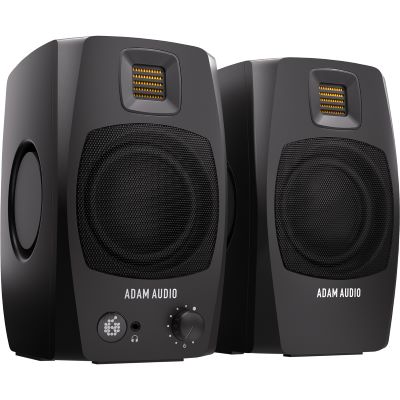
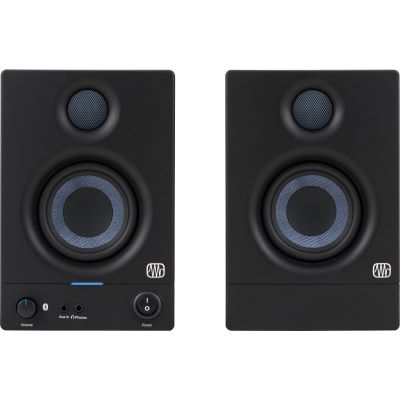
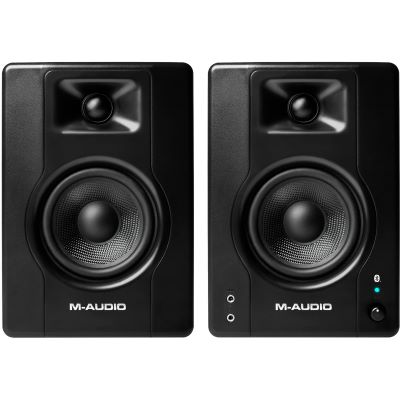
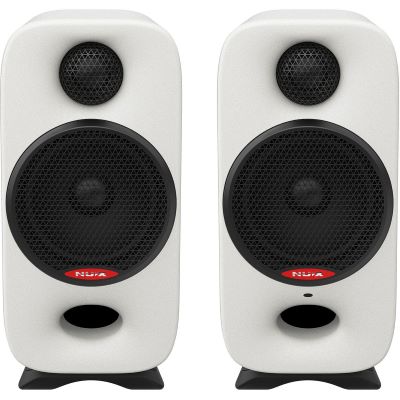
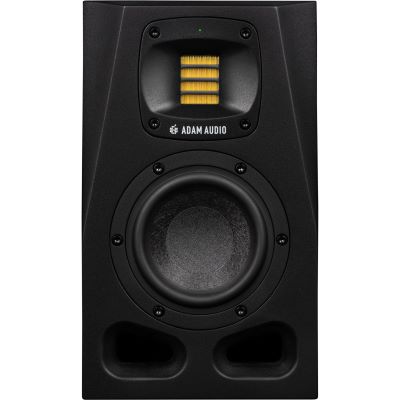
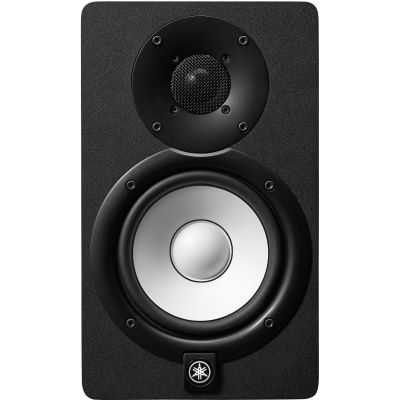
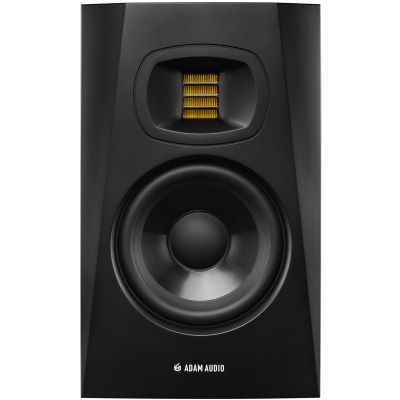
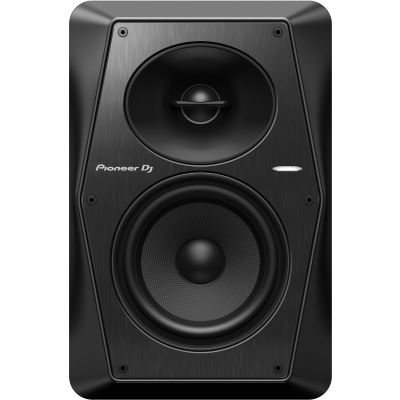
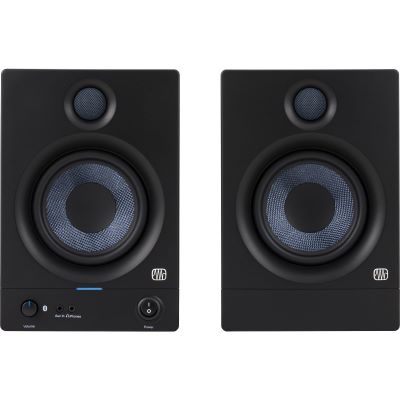
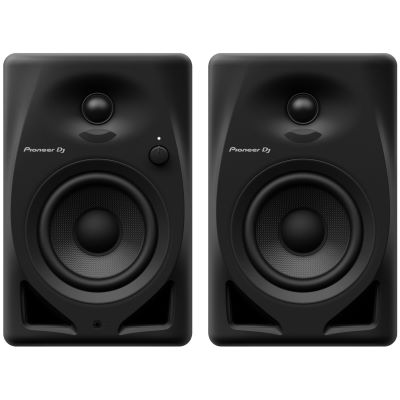
3 to 4 Inches for Desktop & Short Listening Distance
Compact systems fit easily beside a computer display, require little desk space and work well for short listening distances. Their deepest bass extension is usually more limited by design.

Bigger speakers are not automatically better monitors. Especially in a small home studio, listening distance, room size, wall proximity, speaker placement and room acoustics determine how reliably you can judge a mix. This guide explains when compact 3, 4 or 5-inch nearfield monitors make sense, how to position them and when headphones or a subwoofer are useful additions.
Compact nearfield monitors are usually the most practical starting point for short listening distances. Woofer diameter alone, however, does not decide whether a monitor works well in a small room.
Compact systems fit easily beside a computer display, require little desk space and work well for short listening distances. Their deepest bass extension is usually more limited by design.
Five-inch monitors often provide a useful compromise between compact dimensions, available level and bass extension. Wall distance, listening position and room acoustics still remain decisive.
Larger monitors can reproduce lower frequencies and higher levels. In a small room this also makes more energy audible in acoustically critical bass regions. More cone area is therefore not automatically an improvement.
Do not buy the largest loudspeaker that fits on the desk. Choose the monitor that suits your listening distance, required bass extension, workspace and room.
At a small desk, the listening distance is often in the classic nearfield range. The closer you sit, the more important compact dimensions and accurate aiming towards your ears become.
Do not consider enclosure width and depth alone. Connections behind the speaker must remain accessible, and stands or isolation solutions also require space.
Wall proximity changes bass reproduction. Room, boundary or low-shelf EQ can help, but it does not replace sensible placement. Follow the recommendations of the individual manufacturer.
Extreme sub-bass is not essential for speech, podcasting, guitar and many production tasks. For electronic music, an additional headphone reference or a carefully integrated subwoofer can later be useful.
Balanced XLR or TRS connections are common in studios. Some compact desktop systems additionally provide USB or Bluetooth. The important point is how your audio interface will connect to the monitoring system.
Professional active monitors are frequently sold individually. Compact desktop systems are often supplied as complete stereo pairs. Always check what is included before putting the system together.
Room dimensions create resonances regardless of which loudspeaker is placed in the room. A monitor with deeper bass extension can, however, excite those problematic frequencies more strongly.
A smaller woofer mainly allows a more compact enclosure and may limit the available bass extension. Reflections from the desk, side walls and ceiling still exist. Geometry and positioning therefore remain just as important as loudspeaker size.
Nearfield monitoring aims to deliver a high proportion of direct sound before room reflections dominate. Short listening distances are therefore practical for small workstations.
Ideally, the two monitors and your head form an equilateral or approximately equilateral triangle.
Symmetry, suitable listening distance and controlled bass are more important than the largest possible woofer.
The left and right sides of the room should provide reasonably similar conditions at the listening position. One speaker directly in a corner and the other open to the room makes a stable stereo image more difficult.
The distance between the monitors should be approximately equal to the distance from each speaker to your head. This creates a listening angle of roughly 60 degrees.
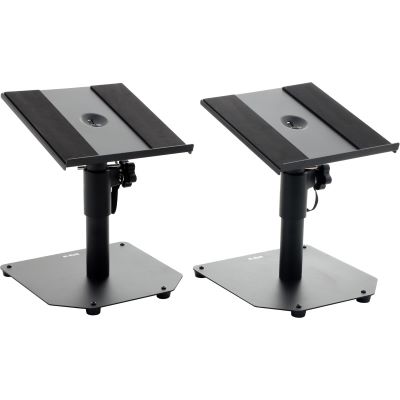
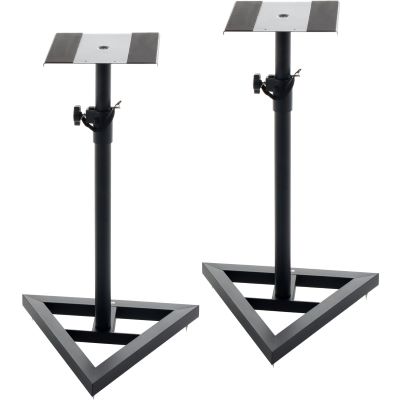
The tweeter or acoustic axis defined by the manufacturer should point towards your ears. Desktop stands, monitor stands or angled isolation pads can help.
Large desktop surfaces can produce early reflections. Raising the monitors and moving them closer to the front edge of the desk can improve the situation.
Room-Control switches, DSP and calibration systems are useful tools, but they should complement sensible placement rather than compensate for an obviously poor speaker position.
| Class | Typical Advantage | Typical Use | Keep in Mind |
|---|---|---|---|
| 3–3.5 Inches | Very Compact | Desktop, mobile setup, short listening distance | Deep bass is usually limited |
| 4–4.5 Inches | Compact with More Reserve | Small home studio, production and editing | Placement remains decisive |
| 5 Inches | Versatile Nearfield Compromise | Recording, mixing and electronic music | Check room-related bass modes |
| 6.5–8 Inches | More Level and Bass Extension | Longer listening distance, controlled room | Not automatically better in a small room |
| Studio Headphones | No Room Reflections | Second reference and deep-bass checking | Not a complete replacement for loudspeaker monitoring |
Not necessarily. A subwoofer extends the monitoring range downwards but also makes placement and alignment more demanding. For speech, acoustic music and many conventional recording tasks, compact nearfield monitors can take you a long way without a subwoofer.
Do not add a subwoofer simply because a 2.1 system appears more complete. First decide whether your work genuinely requires reliable reproduction below the main monitors' useful range.
The transition between the main monitors and subwoofer should remain controlled. Too much sub level can lead to mixes with too little bass.
Subwoofer position can strongly affect room-mode excitation. Test the result at the listening position rather than choosing placement only for convenience.
Headphones are independent of room reflections and can provide a valuable additional perspective on very low frequencies before a subwoofer is added.
A dependable listening position consists of more than two speakers. Placement, isolation, signal routing and room acoustics all form part of the monitoring system.
Nearfield monitors with integrated amplification for recording, production and mixing.
Extend an appropriate monitor system into the lowest frequency range when required.
Matched combinations of main monitors and subwoofer.
Adjust height, angle and position independently from the studio desk.
Control volume and switch between several monitoring paths from one central device.
Isolation and acoustic additions for the recording and monitoring environment.
Additional monitoring reference for details and bass independently of the room.
Balanced monitor outputs form the connection between the DAW and active studio speakers.
The selection ranges from ultra-compact desktop systems to conventional nearfield monitors around the five-inch class. Dimensions, connections and detailed technical specifications are shown on the individual product pages.
Accessories are not a secondary issue here. They can bring the acoustic axis to ear height, free desk space and reduce mechanical transmission into furniture.
Greater bass extension can make additional low-frequency room problems audible in a small space.
Different side-wall conditions and corner placement can shift stereo balance and destabilise the phantom centre.
The intended acoustic axis should be aligned with the listening position rather than simply following the height of the desk.
Isolation and raised positioning can reduce mechanical transfer and can also change problematic desk reflections.
Electronic correction cannot remove physical first-reflection paths or long room decay.
Moderate listening levels support longer concentrated sessions and avoid unnecessarily exciting the room.
No. Five-inch monitors can work very well in small rooms. Listening distance, placement, bass reproduction and room acoustics matter more than the inch rating alone.
When space is very limited, monitors around three to four inches are especially practical. If you need more bass extension and level reserve, compact four- or five-inch models can also be considered.
Compact nearfield monitors are intentionally heard from relatively short distances. The key point is that the left monitor, right monitor and listening position form a symmetrical triangle. The manual for the specific model remains authoritative.
There is no universal distance in centimetres. Enclosure construction, bass tuning and the room differ. Follow the manufacturer's placement recommendations and apply Room-Control functions only after establishing a sensible basic position.
No. Port position is only one part of the complete loudspeaker design. Proximity to room boundaries changes bass reproduction fundamentally, so speaker placement should not be chosen only according to whether the port faces forwards or backwards.
It is possible, but it is not always optimal. Desktop stands, isolation pads or clamp-mounted solutions can improve height and angle while reducing mechanical coupling to the desk.
No. Good studio headphones can provide a useful second reference for very low frequencies. A subwoofer becomes worthwhile when it can be placed correctly and matched carefully to the main monitors and room.
Calibration and DSP can improve frequency response at the listening position, but they cannot fully eliminate strong early reflections, long reverberation or unfavourable geometric problems.
Yes. A second reference is very useful. Monitors show stereo imaging and spatial relationships, while studio headphones provide additional detail and bass information without the room reflections.
Plan microphones, interfaces, monitoring and room acoustics as one connected recording system.
Add a second listening reference that remains independent of room reflections.
Improve isolation, microphone surroundings and the physical monitoring setup.
Centralise volume control and switching when the monitoring system later expands.
Begin with your actual listening distance and the space available at the workstation. Compact 3- to 4-inch monitor systems are particularly practical for very short desktop listening distances, while five-inch nearfield monitors often provide a useful balance between enclosure size, available level and bass extension.
Do not use woofer diameter as a fixed room-size rule. A well-positioned five-inch monitor can work extremely well in a small studio, while a poorly positioned three-inch system can still produce unreliable decisions. Room resonances exist independently of speaker size.
Position both speakers symmetrically, establish an approximately equilateral listening triangle and align the intended acoustic axis towards your ears. Monitor stands, desktop stands and isolation products can make this much easier when the desk itself would otherwise determine speaker height and position.
Finally, check the bass at the listening position before adding a subwoofer. Headphones provide a useful additional reference for low frequencies, while a subwoofer should only be added when its crossover, level and position can be integrated cleanly with the main monitors and the room.
DSP and Room-Control functions are valuable finishing tools, but the order remains important: establish sensible placement first, address obvious acoustic problems second and use electronic correction afterwards.
Discover further Musikhaus Korn guides and categories covering recording, audio interfaces, microphones, studio headphones, acoustics, MIDI and complete music production setups.