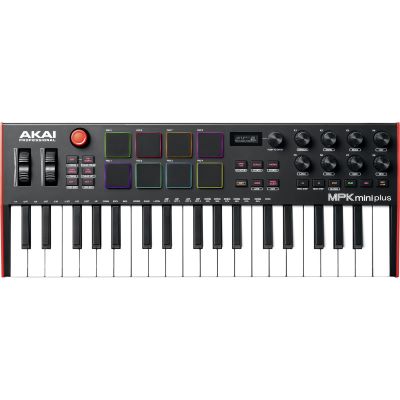
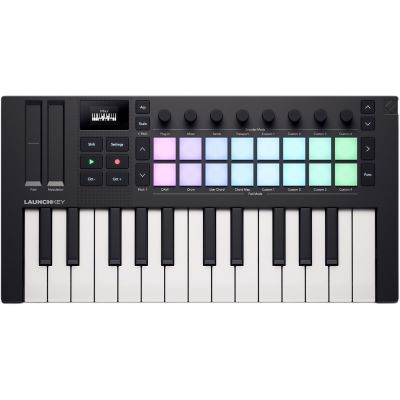
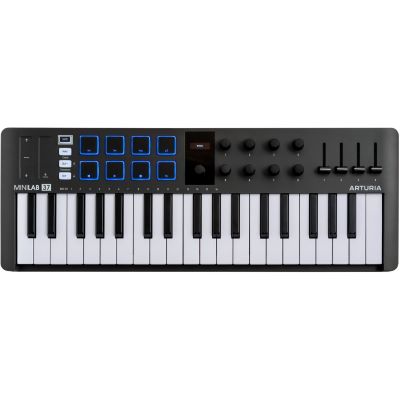
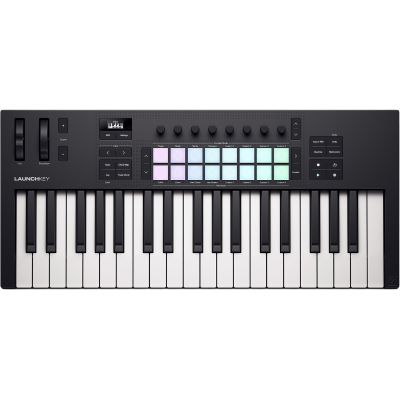
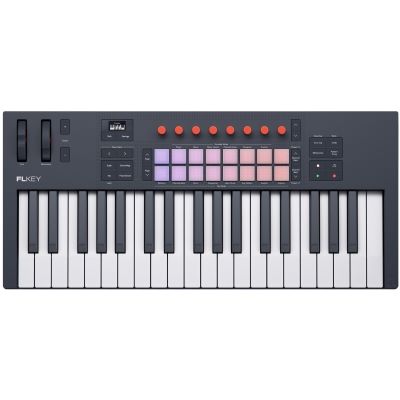
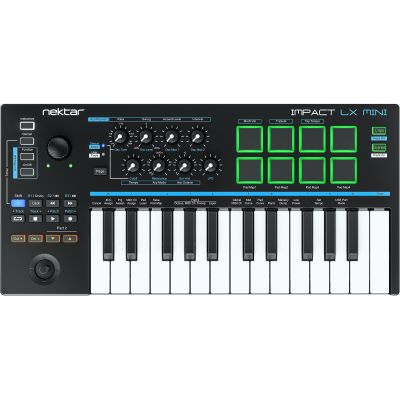
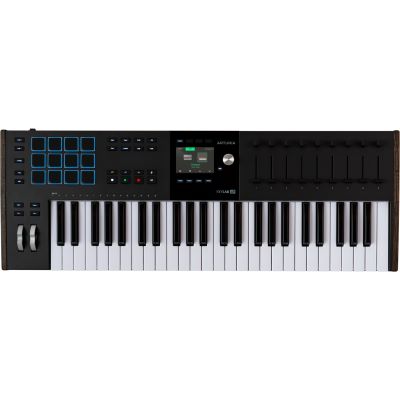
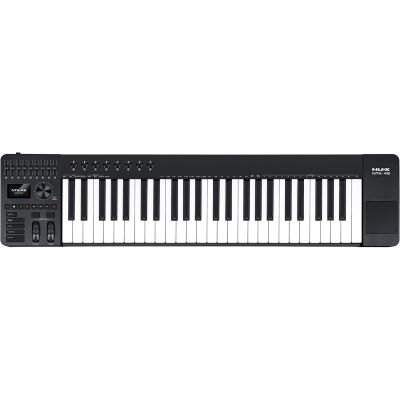
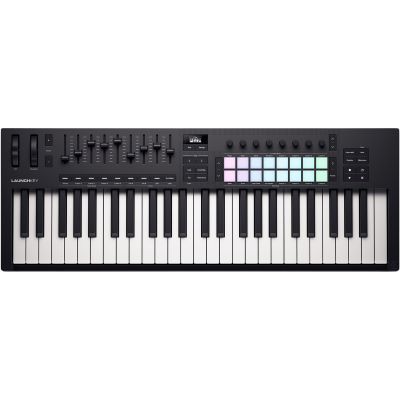
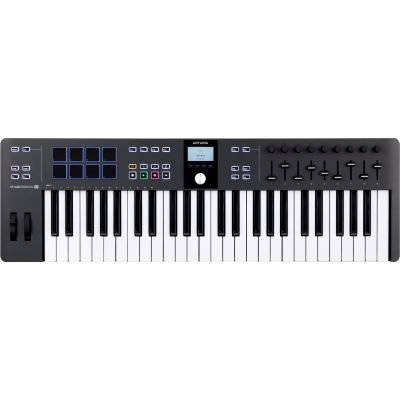
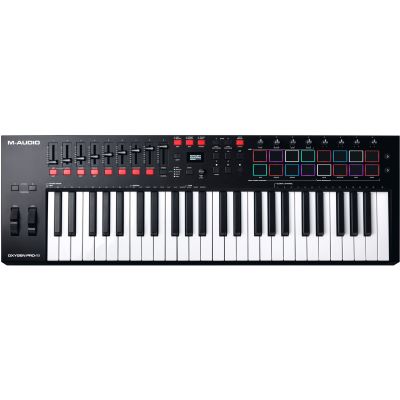
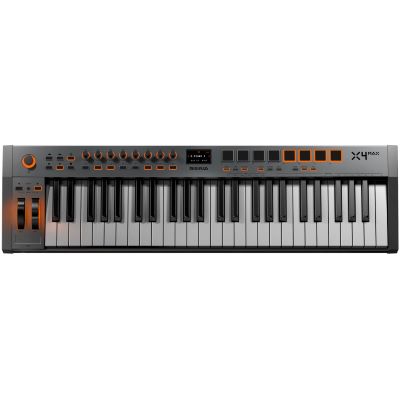
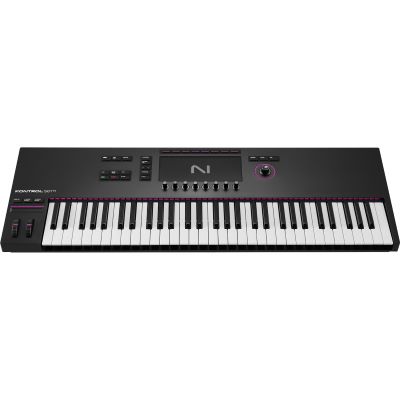
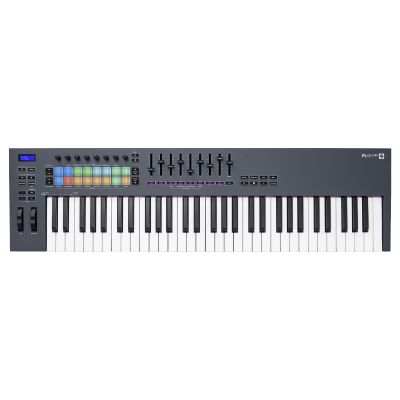
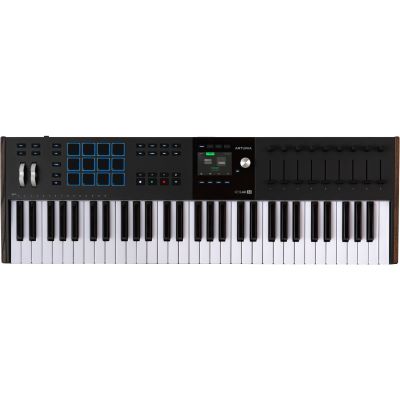
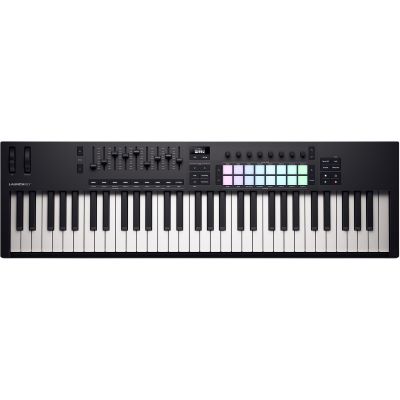
Compact and Fast
A few octaves are often enough for drum programming, bass lines, synth leads and chord ideas. Octave buttons extend the available pitch range when necessary.

25, 37, 49, 61 or 88 keys? Mini keys, synth action, semi-weighted or hammer action? With a MIDI keyboard, the number of keys is only one part of the decision. Your musical focus, available space, preferred playing feel, DAW, software instruments and external hardware all determine which controller really suits your everyday workflow.
Do not automatically choose the largest model. A controller that can remain permanently on your workstation will often be used more frequently than an 88-key keyboard that first has to be set up for every session.
A few octaves are often enough for drum programming, bass lines, synth leads and chord ideas. Octave buttons extend the available pitch range when necessary.
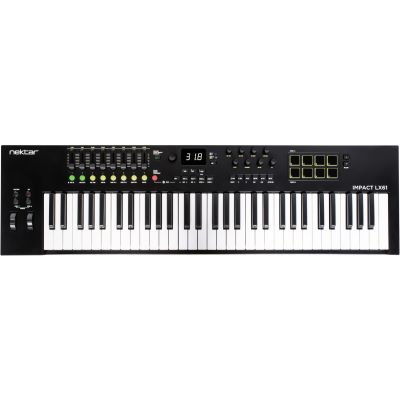
Four octaves provide an excellent compromise between playing range and physical footprint. Chords, melodies and bass parts can be recorded comfortably.
More keys help with two-handed playing, complex chords, splits, orchestral libraries and more extensive keyboard parts.
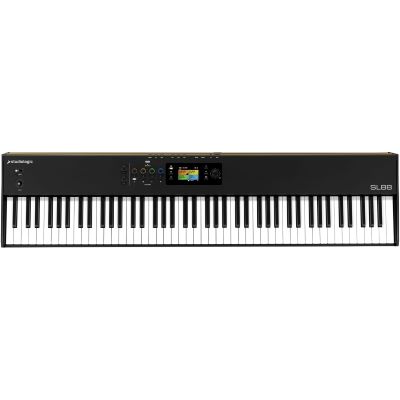
For virtual grand pianos and orchestral production, a convincing hammer-action keybed is often more important than having many drum pads or knobs.
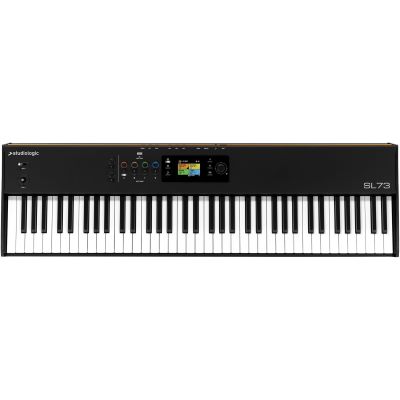
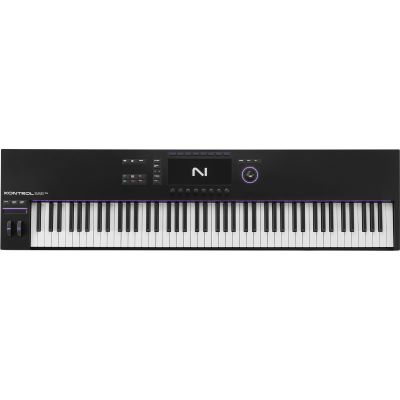
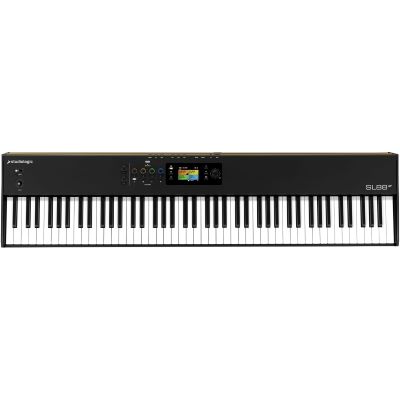
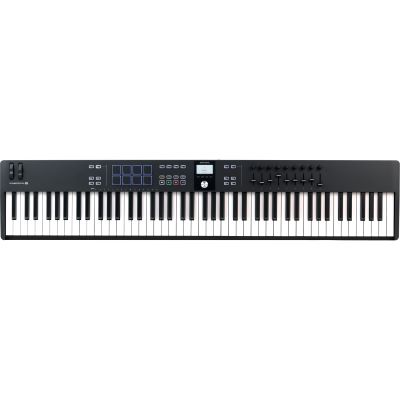
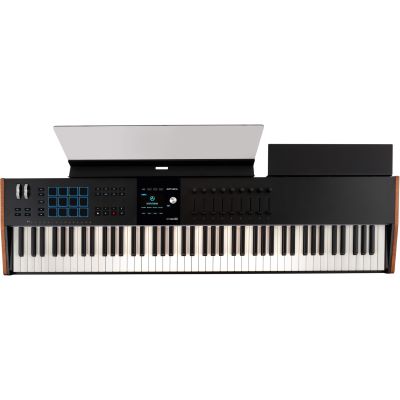
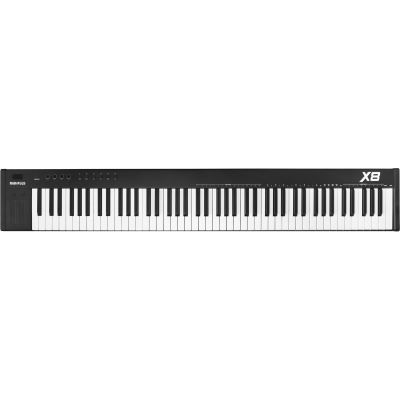
Choose 25 to 37 keys for maximum mobility, 49 as a compact home-studio all-rounder, 61 for versatile keyboard playing and 88 weighted keys for piano and large orchestral arrangements.
A conventional MIDI keyboard normally does not produce its own piano or synthesizer sound. Its keyboard and controls send performance and control information to a DAW, virtual instrument or compatible external hardware.
The keyboard transmits pitch, velocity and other performance information. These MIDI events can then be edited inside the DAW.
Pads, faders, encoders and transport buttons can control instruments, mixer channels, plug-ins and DAW functions directly.
A controller with a suitable MIDI output can play desktop synthesizers and other external sound generators without using a conventional keyboard synthesizer.
No. Velocity sensitivity describes whether the keyboard detects how strongly you play a key. Weighting describes the mechanical resistance and physical feel of the key.
After the initial key strike, additional pressure can be transmitted as another control value. Compatible instruments can use this for vibrato, filter movement, volume or other modulation.
A light synth-action keybed can still be highly velocity-sensitive. A heavy hammer action is therefore not automatically “more dynamic” – it primarily feels more piano-like.
| Size | Strength | Typical Application | Useful Extras |
|---|---|---|---|
| 25 Keys | Ultra-Compact | Beats, bass lines and mobile production | Pads and arpeggiator |
| 37 Keys | Three Octaves | Song ideas, synths and beats | Pads, encoders and MIDI output |
| 49 Keys | All-Rounder | Home studio, pop and production | Faders, pads and DAW control |
| 61–73 Keys | Large Playing Range | Songwriting, live and arrangement | Splits, Aftertouch and Expression |
| 88 Keys | Piano Range | Piano, film and orchestra | Hammer action and pedals |
Very compact and easy to transport. Excellent for mobile production, beats and synth lines, but usually less comfortable for extensive piano playing.
Light and quick to play. Particularly comfortable for synth leads, organ, electronic music and fast melodic passages.
Provides more resistance than a light synth keyboard and therefore works as a flexible middle ground for many studio applications.
Designed to feel closer to an acoustic piano. Ideal for virtual grand pianos, piano parts and players with a classical background.
Useful for kick, snare, hi-hat, samples and clips. For beatmaking, good velocity-sensitive pads can be more useful than an additional octave of keys.
Mixer channels, organ drawbars and orchestral parameters such as Expression and Dynamics can be controlled especially intuitively with faders.
Filters, resonance, sends and plug-in or instrument parameters can be changed directly and recorded as automation.
Play, Stop, Record and navigation buttons reduce the need to reach for the mouse and computer keyboard during a recording session.
A controller whose mixer, plug-in, browser and transport functions integrate deeply with your preferred software can be much faster in practice than another model with more generic knobs.
This is the standard connection to a computer. Many controllers are powered through USB while sending all MIDI information through the same cable.
Particularly useful when you want to play hardware synthesizers or desktop modules directly without routing everything through a computer.
Sustain is important for piano parts. An Expression pedal can control orchestral dynamics, volume or other continuous parameters while both hands remain on the keyboard.
Records MIDI information and hosts virtual instruments, effects and complete projects.
Pianos, synthesizers, orchestral instruments and drums turn your MIDI performance into audible sound.
Useful for microphones, instruments, studio monitors and high-quality headphone outputs.
Add conventional MIDI inputs and outputs when several external synthesizers or sound modules need to be integrated.
Connect controllers, synthesizers and other equipment through suitable MIDI connections.
Direct monitoring for software instruments, recording and music production.
Active loudspeakers for arrangement, production and mixing.
Hardware sound generators can be played directly from a master keyboard when compatible MIDI connections are available.








For short synth lines and beatmaking, an 88-key controller can take up valuable studio space without offering a meaningful advantage.
Playing feel, pads, knobs, faders and DAW integration often influence your daily workflow more than one additional octave.
If you later want to control hardware synthesizers without a computer, plan the required hardware connections from the beginning.
Most traditional MIDI keyboards need software or external hardware before any audible instrument sound is produced.
25 to 37 keys are practical for limited space and beat production. 49 keys are a strong home-studio all-rounder. 61 keys suit more extensive playing, while 88 keys are particularly useful for piano and orchestral arrangements.
49 keys save space and are enough for many productions. 61 keys provide more freedom for two-handed playing, larger chords and split zones.
Most traditional controllers cannot. They transmit MIDI information to a DAW, virtual instrument or external hardware. Individual specialist models may additionally include internal sounds.
Not for USB MIDI alone. An audio interface becomes important when you want to record microphones or instruments and connect professional studio monitors or headphones.
Not necessarily. They are particularly practical for finger drumming, samples and beatmaking. Pianists may prefer to prioritise a better keyboard action and pedal connections.
Additional pressure after the initial key strike can control parameters such as vibrato, filter or volume when the controller and receiving instrument support the function.
Not generally. It is excellent for piano playing, while fast synthesizer and organ parts can feel more comfortable on a lighter keyboard action.
A compact 25- to 37-key controller with good pads, encoders and octave buttons is particularly practical for many beatmakers.
Controllers designed specifically around FL Studio, such as Novation's FL Keys series, provide particularly direct software integration. The number of keys and playing feel remain important selection criteria.
Yes. The simplest setup uses a controller with a compatible conventional MIDI output connected to the MIDI input of the synthesizer.
A master keyboard acts as a central playing and control device for software and external sound generators. Larger models often provide 61 to 88 keys, zones and several pedal connections.
61 to 88 keys are especially practical. Additional faders for Expression and Dynamics can be more useful for string and orchestral libraries than drum pads.
The number of keys is the easiest first filter. Compact controllers with 25 to 37 keys suit beatmaking, synth lines and mobile production. 49 keys form a very flexible middle ground for the home studio. 61 keys provide more freedom for songwriting and arrangement, while 88 keys are particularly useful for piano and orchestral work.
The keyboard action is the next deciding factor. Mini keys save space, synth-action keyboards feel light and fast, semi-weighted keybeds provide a versatile compromise and hammer actions are designed to feel more like an acoustic piano. Velocity sensitivity, weighting and Aftertouch should always be evaluated separately.
Pads are useful for beats and samples, faders support mixing and orchestral automation, and encoders control plug-ins and synthesizers. If you want to use external hardware, also check for a conventional MIDI output. For piano parts, Sustain and possibly Expression pedal inputs are important.
A good MIDI keyboard therefore needs to fit not only your software but also your hands and your physical workspace. Measure the available studio desk, try different keybed types if possible and consider which control elements you will genuinely use in every production.
Discover further Musikhaus Korn guides covering keyboard instruments, MIDI, music software, audio interfaces, synthesizers, studio monitors, headphones and complete music production.