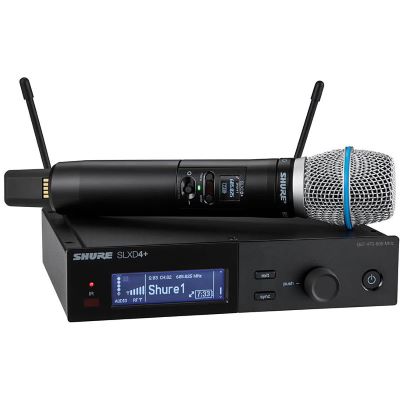
What Does MHz Mean?
MHz stands for megahertz. Many traditional stage wireless systems operate, for example, around 823–832 MHz or 863–865 MHz.

823–832 MHz, 863–865 MHz, 1.8 GHz, 2.4 GHz or 5.8 GHz? The frequency range does not determine the tonal character of a microphone. Instead, it determines where a wireless system can be operated reliably and how many wireless links can be used at the same time. This guide explains frequency bands, scans, channel groups, intermodulation and multi-channel operation step by step.
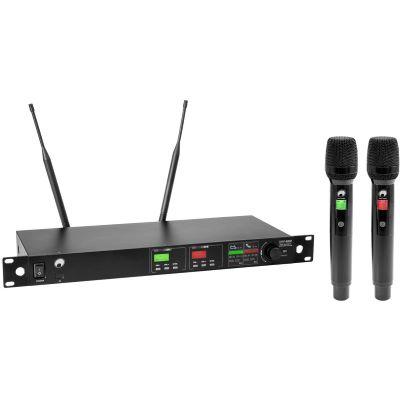
The transmitter of a wireless microphone sends the audio signal to the receiver via a radio link. In simplified terms, the frequency describes the part of the radio spectrum on which this transmission takes place. Several systems require different and mutually compatible frequencies.
MHz stands for megahertz. Many traditional stage wireless systems operate, for example, around 823–832 MHz or 863–865 MHz.
One gigahertz equals 1,000 MHz. Compact digital systems frequently operate at 2.4 GHz or 5.8 GHz.
A wireless device can only be tuned within the frequency range for which it was designed. Transmitter and receiver must therefore belong to the same compatible band variant.
A channel is a usable setting within the available frequency band. Professional systems may allow numerous frequencies to be selected freely or through pre-calculated channel groups.
Important: 5.8 GHz does not automatically sound better than 800 MHz. Sound quality depends on the complete wireless system and the microphone capsule. The frequency band primarily affects the RF environment, propagation conditions, available bandwidth and the possible number of channels.
The German Federal Network Agency distinguishes between several general assignments. Some frequency ranges may be used by the general public under the relevant conditions, while other ranges are intended for professional productions. A general assignment does not mean that a frequency is exclusive or guaranteed to be free from interference.
| Frequency Range | Typical Application | Classification | Practical Note |
|---|---|---|---|
| 821.5–832 MHz | Wireless microphones & PMSE audio | Generally assigned PMSE range | Many retail wireless systems particularly use 823–832 MHz within this range. |
| 863–865 MHz | Small wireless microphone setups | Generally assigned range under defined conditions | Only 2 MHz wide, so it is less suitable for a large number of simultaneous channels. |
| 1785–1805 MHz | Professional PMSE systems | Generally assigned PMSE range | Frequently listed as the 1.8 GHz band at Musikhaus Korn. |
| 1880–1900 MHz | DECT systems | General DECT allocation | Relevant to certain speech, conference and AV wireless systems. |
| 2.4 GHz | Compact digital systems | Shared SRD / data-radio spectrum | Wi-Fi, Bluetooth and numerous other devices also use this spectrum. |
| 5.725–5.875 GHz | 5.8 GHz wireless systems | SRD range | An interesting alternative in heavily occupied 2.4 GHz environments. |
| 470–608 / 614–698 MHz | Scalable professional wireless technology | Professional production | Observe the current general assignment, production type and local spectrum occupancy. |
| 736–753 MHz | Wireless microphones | Use by the general public | Observe the technical conditions of the specific system. |
| 1350–1400 MHz | Wireless microphones | Use by the general public | Under the current assignment, use is restricted to enclosed buildings. |
Always check the current legal status: the Bundesnetzagentur expressly states that shared frequency ranges do not guarantee interference-free operation. At larger events, wireless use is therefore often coordinated centrally. This guide does not replace checking the current conditions for the specific system, venue and application.
Particularly interesting for stages and multi-channel operation. Adjustable frequencies, diversity reception and external antenna options allow scalable setups.
An alternative PMSE frequency environment for compatible wireless systems. Particularly useful when classic UHF bands are already heavily occupied by other wireless links.
Frequently digital, compact and automatically configured. Well suited to small setups, instruments and content applications. The local Wi-Fi environment should always be considered.
Can provide an alternative to 2.4 GHz. A clear line of sight between transmitter and receiver is especially helpful because obstacles can influence the radio connection.
The technical term UHF covers a broader frequency range than the terminology commonly used by music retailers. In product filters, classic wireless microphone systems below approximately one gigahertz are often listed separately as “UHF”, while 1.8, 2.4 and 5.8 GHz appear as their own categories.
These are manufacturer-specific designations for different frequency variants. An S8 transmitter is not automatically compatible with a receiver from another series simply because the band name appears similar. Manufacturer, product series and exact band variant all need to match.
Rule to remember when buying: do not begin by searching for a supposedly “best” frequency. First determine how many wireless links you need and where they will be operated.
A frequency scan examines which parts of the spectrum are already occupied at the current location. The scan should not only be performed once when purchasing the system, but whenever you move into a different RF environment.
This allows the receiver to detect the existing external RF activity before your own equipment influences the scan.
Automatic scan functions search for settings with the lowest detected interference.
With several wireless links, use pre-calculated manufacturer channel groups or the system's own coordination functions.
Only after selecting the channel should the associated transmitter be set or synchronised to that frequency.
Practical tip: at the end, switch on all transmitters, wireless microphones, instrument systems and in-ear links together. Then perform a realistic range and movement test under the conditions expected during the event.
Several strong RF signals can create additional mixing products in non-linear components. These unwanted frequencies may appear exactly where another receiver is supposed to operate.
With only one microphone, planning is usually straightforward: find a free channel, synchronise the transmitter and test the usable range.
Frequencies should not simply be placed next to each other arbitrarily. Manufacturer frequency banks contain channel groups designed to work together.
Wireless microphones, in-ear systems and further RF equipment are coordinated together. Professional software can calculate available frequencies and identify potential conflicts.
Squelch is not frequency planning: a higher squelch setting may suppress noise when no wanted signal is present, but it does not correct a poor frequency choice. Setting squelch too high may also reduce the usable operating range.
A straightforward UHF system operating around 823–832 MHz or 863–865 MHz can be very practical for a small number of wireless links. Always scan the local environment first.
A tunable diversity UHF system with wider switching bandwidth provides more options when several microphones must be used at different venues.
Digital 2.4 GHz or dual-band systems can handle much of the frequency management automatically and require little setup time.
Large systems require scalable wireless equipment, coordinated antenna technology, frequency coordination and, where necessary, additional professional frequency ranges.
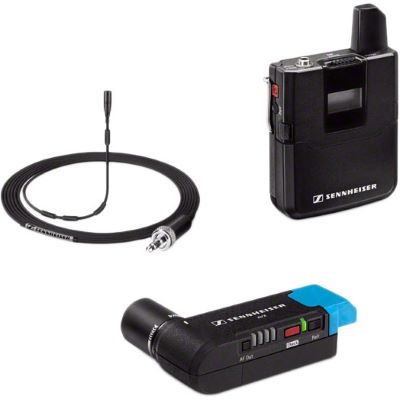
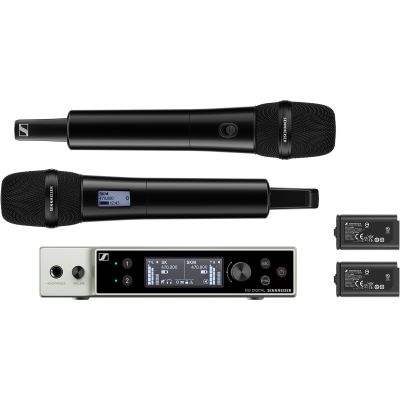
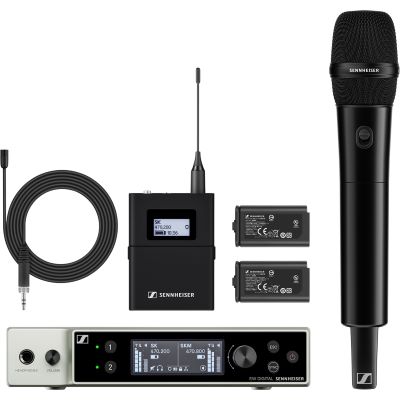
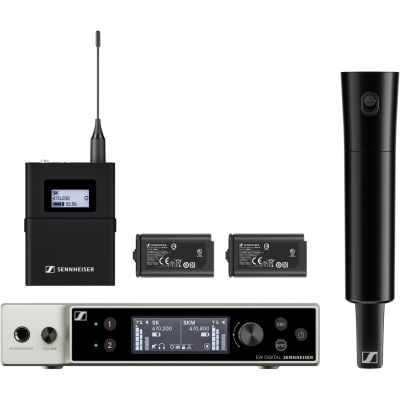
These examples represent different wireless concepts. With UHF systems, pay particular attention to the exact band variant if transmitters, receivers or additional wireless links may be added later.
Particularly common ranges for compact stage and speech wireless systems.
Discover Handheld Wireless Systems
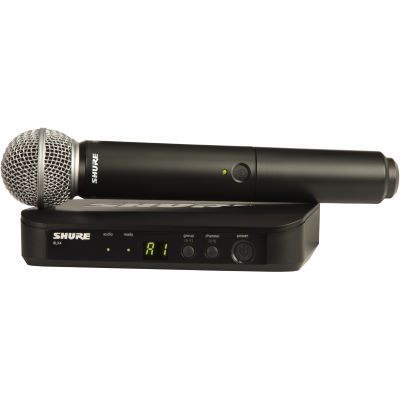
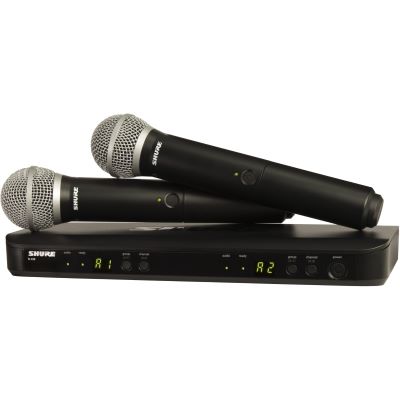
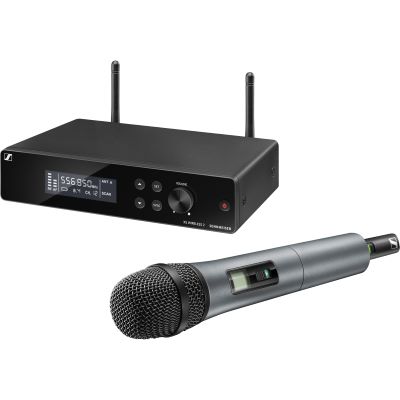
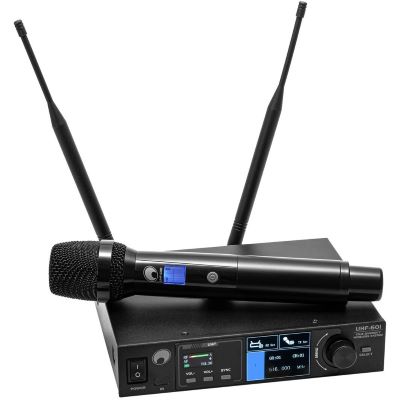
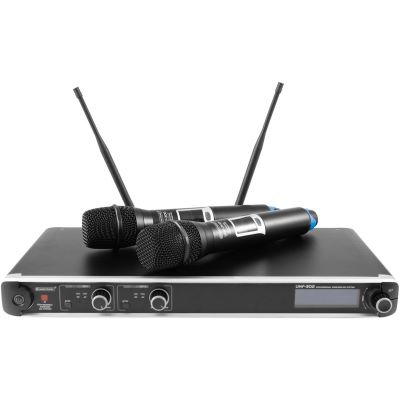

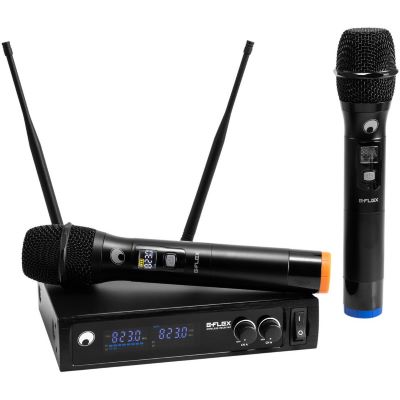
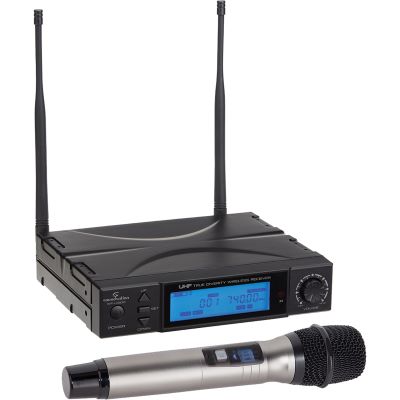
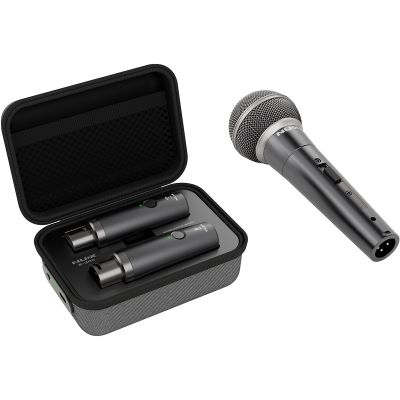

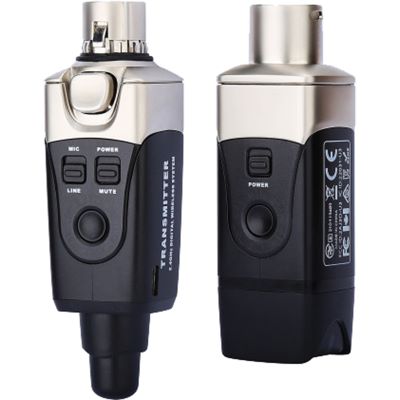
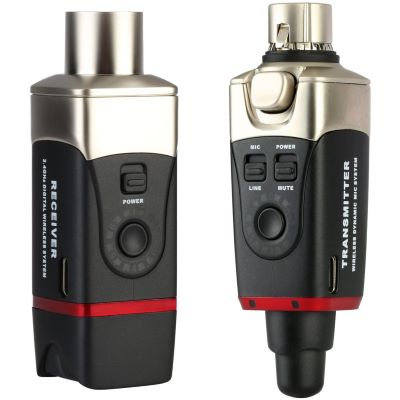
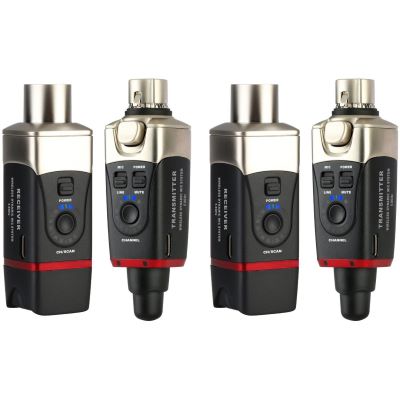
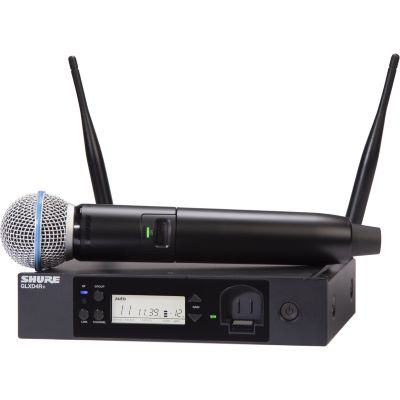
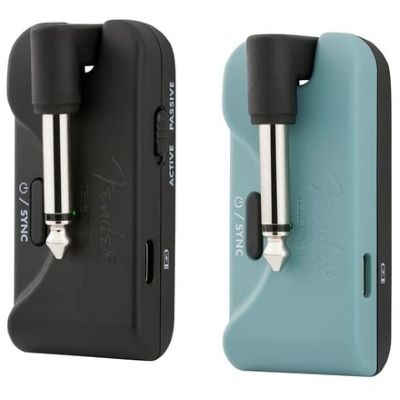
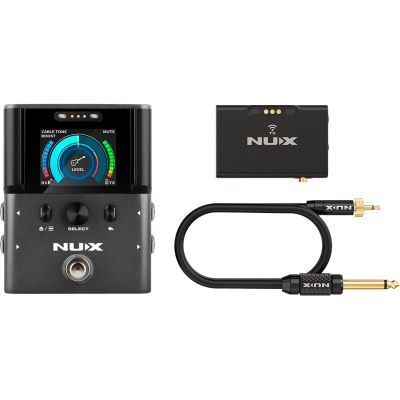
Special operating conditions apply to these frequencies in Germany. Before use, always check the exact frequency variant, type of production and current local spectrum occupancy.
Additional transmitters must match both the receiver series and its exact frequency variant.
With several channels, switching bandwidth, diversity reception and rack integration become increasingly important.
Splitters, antennas, chargers, rack components and further accessories help to organise larger installations.
Guitar and bass systems additionally require suitable connectors, appropriate input levels and low latency.
When a wireless system is likely to grow, remaining within a compatible manufacturer and product family makes it easier to add transmitters, receivers, capsules, antennas and accessories.








Two simultaneously active transmitters should not use the same receiver channel.
A frequency that was free during rehearsal may already be occupied at the next venue.
Position receivers and antennas with a sensible radio path towards the stage whenever possible.
With several transmitters, use compatible manufacturer groups or dedicated coordination tools instead of simply selecting apparently free channels.
IEM transmitters belong in the same RF plan as wireless microphones and instrument systems.
Walls, people, metal structures and other radio services influence the real operating range.
There is no universally best frequency. For a small number of wireless links, 823–832 MHz or 863–865 MHz can be practical. Larger installations benefit from tunable systems with more switching bandwidth and proper frequency coordination.
Both ranges are used by wireless microphone systems. 823–832 MHz provides more available bandwidth. The 863–865 MHz range is only 2 MHz wide, so it reaches its practical limit sooner when many channels are used in parallel.
No. 2.4 GHz is particularly practical for compact digital systems. Traditional tunable UHF systems often provide more possibilities for deliberate frequency planning in larger setups.
Wi-Fi, Bluetooth and numerous other short-range devices share this spectrum. Modern wireless systems use different methods to work within this environment, but the local RF situation should still be tested.
No. Two simultaneously active transmitters on the same receiving frequency compete with one another. Every transmitter used in parallel requires its own compatible wireless channel.
Several strong RF signals can generate unwanted mixing products. This is why multi-channel systems do not simply use arbitrary free frequencies but coordinated groups of compatible channels.
At every new venue and after significant changes in the surrounding RF environment. Your own transmitters should be switched off during the initial scan.
They are manufacturer-specific names for particular frequency variants. When adding a transmitter or receiver, always check both the exact product series and the band version.
Generally assigned ranges are shared and are not reserved exclusively for one user. Other radio equipment, poor antenna positioning, obstacles or unsuitable frequency combinations can therefore affect the connection.
Whenever possible, choose systems from a scalable product family, perform a local frequency scan and use compatible channel groups or frequency-management tools. Wireless microphones and in-ear systems should be coordinated together.
Select handheld, headset, lavalier and instrument wireless systems according to the actual application.
Find a suitable microphone capsule for your voice, stage environment and microphone technique.
Compare headset, lavalier, broadcast and speech microphones for presentations, interviews and content production.
Compare clip microphones and wireless solutions for saxophone, trumpet and other mobile instrumentalists.
For one wireless microphone, a straightforward system with automatic frequency search is often sufficient. With every additional transmitter, switching bandwidth, compatible channel groups and intermodulation become more important. In large setups, wireless microphones, instrument wireless and in-ear monitoring should all form part of one coordinated RF plan.
Microphones, PA systems, mixers, recording equipment, DJ technology, musical instruments, lighting and event equipment: the central Musikhaus Korn guide helps with further buying decisions and with building compatible complete systems.