Record and Arrange
If you record vocals, guitar, bass or entire bands, look for a clear timeline, comfortable audio editing, comping and a well-organised mixer.

The DAW is the digital centre of your studio: it records audio, programs MIDI, arranges songs, hosts virtual instruments and mixes your production. The software that suits you best therefore depends less on one long feature list than on your personal workflow – from traditional recording and songwriting to beatmaking and electronic live performance.
Almost every modern DAW can record audio, edit MIDI, load plug-ins and mix complete songs. The real difference is how quickly the software's operating concept gets you to the result you want.
If you record vocals, guitar, bass or entire bands, look for a clear timeline, comfortable audio editing, comping and a well-organised mixer.
Clip-oriented workflows are particularly interesting for electronic music, spontaneous arrangements and live performance. Ableton Live combines traditional arrangement tracks with its flexible Session View.
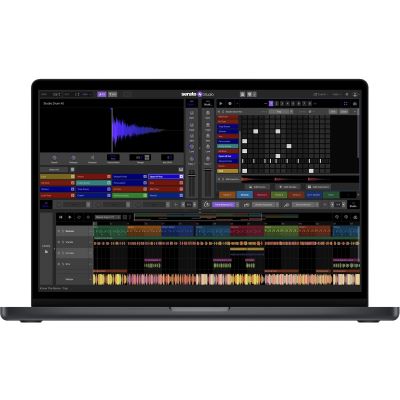
Beatmakers often focus on drum programming, sample editing, patterns, piano-roll editing and fast arrangement functions. Serato Studio also follows a strongly sample-oriented production approach.
Electronic sounds, pianos, basses, drums and cinematic textures can be added using software instruments and sample libraries. A MIDI keyboard makes these instruments directly playable.
Decision rule: choose the software whose workflow matches your most frequent task. A DAW that you can operate quickly and confidently is more valuable in everyday production than a larger program whose additional features you rarely use.
DAW stands for Digital Audio Workstation. It manages recording, playback, MIDI, virtual instruments, effects, automation and mixing inside one shared project.
Audio contains the actual sound recorded from a microphone, instrument or hardware synthesizer. Once recorded, it can be cut, moved, processed and mixed within the project.
MIDI stores control data such as note pitch, velocity, note length and controller movements. A MIDI part can therefore later be played with another virtual instrument or completely rearranged.
Software synthesizers, samplers, virtual pianos, bass instruments and drum libraries are loaded inside the DAW. They generate their sound from MIDI data and can then be mixed like ordinary audio tracks.
Equalisers, compressors, reverb, delay, guitar-amp simulations and creative processors can be inserted on individual tracks, groups and the master channel.
Many DAWs already include a substantial collection of these essential tools.
Depending on the operating system and software, you will encounter formats such as VST3, Audio Units and AAX.
Before buying additional software, check whether the desired plug-in format is supported by your DAW and operating system.
Operating-system version, processor, RAM and available SSD space must meet the current requirements of the chosen software.
Large sample libraries can require considerably more storage space than the DAW application itself.
The table is intended as orientation. Musical style alone does not determine your software – the more important question is which workflow feels intuitive to you.
| Software | Particularly Interesting For | Workflow Focus | Check Before Buying |
|---|---|---|---|
| Ableton Live 12 | Electronic music, beats, songwriting and performance | Session and Arrangement Views, audio and MIDI | Which edition provides the required features |
| Cubase 15 | Recording, songwriting, MIDI and extensive productions | Traditional timeline and studio workflow | Edition, operating system and existing plug-ins |
| FL Studio | Beatmaking and electronic production | Patterns, piano roll and fast programming | Whether you personally enjoy the pattern workflow |
| Serato Studio | Beats, sampling, remixes and DJ-oriented production | Samples, drums, scenes and rapid arrangement | Whether its focused workflow suits your project |
| Lite / Intro Version | Beginners and first productions | Reduced feature set with a familiar workflow | Track, instrument and feature limitations |
Important: the DAW names above are workflow examples from this guide. The current Musikhaus Korn Sequencers category should always be used to check which licences are actually available in the shop.
Prioritise clear multitrack recording, take management, editing, timing correction and a good mixer.
For first songs, the DAW version bundled with an audio interface is often already sufficient.
MIDI, automation, software synthesizers, sampling and rapid loop editing become more central.
Controllers with pads and encoders can provide more direct access than using a mouse alone.
Drum programming, sample chopping, tempo adjustment and a fast transition between patterns and arrangement are important criteria.
Large sample collections can further accelerate this workflow.
Piano, bass, synthesizer, orchestral and effect sounds can be arranged directly as MIDI tracks. Here, extensive virtual instruments and sound libraries become especially important.
Often, yes. Many audio interfaces and MIDI controllers include an entry-level DAW, virtual instruments or effect plug-ins.
This allows you to learn the complete workflow before investing in a larger software licence.
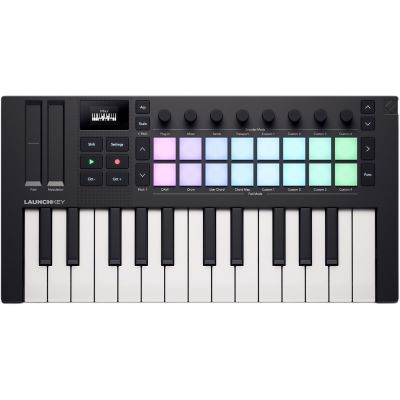
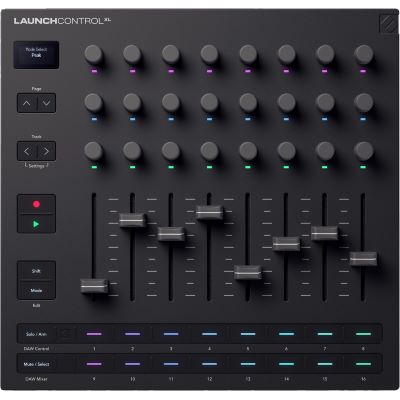
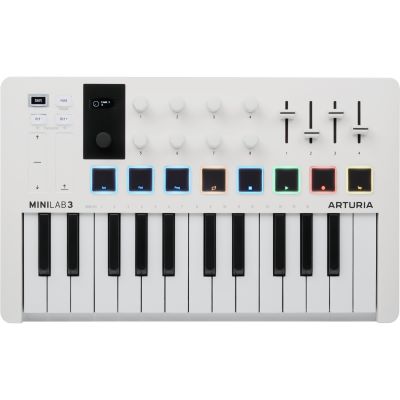
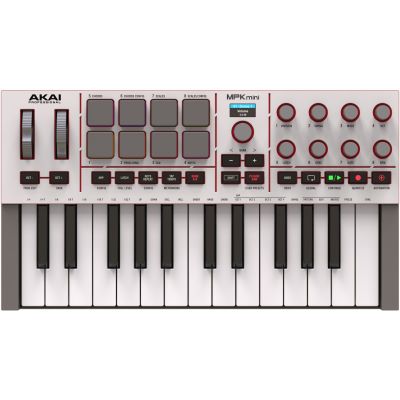
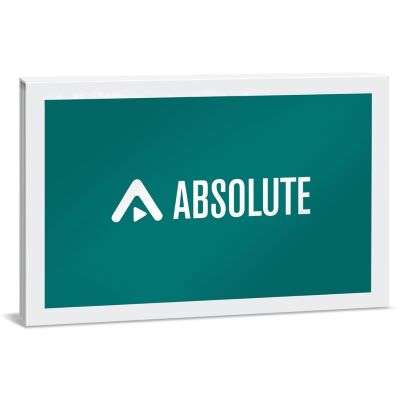
From a compact DAW licence to large virtual-instrument libraries and hands-on MIDI controllers: these examples represent the different building blocks of a software-based studio.
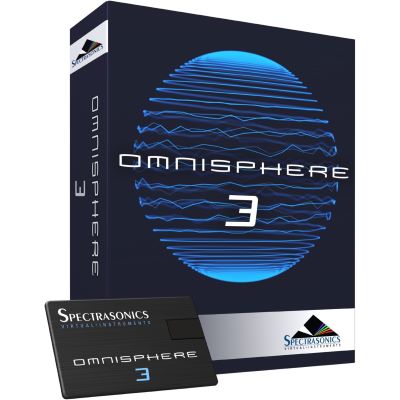
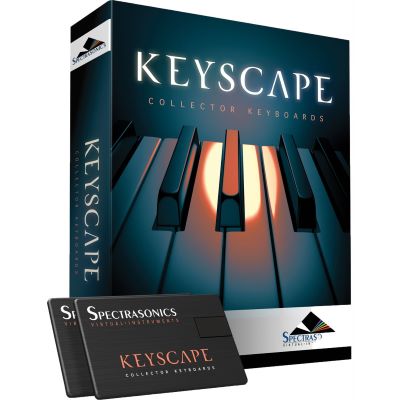
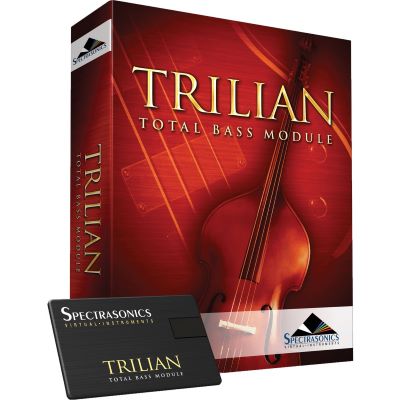
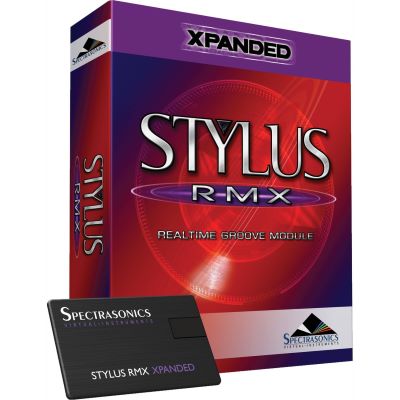
A controller normally produces no audio of its own. Keys play virtual instruments, pads trigger drums and clips, while faders and encoders can control the mixer, plug-ins and other DAW functions.
Record audio, program MIDI, arrange, edit and mix complete productions.
Add synthesizers, pianos, drums, bass instruments and further virtual sound generators.
Process signals using dynamics, EQ, ambience, modulation and creative effects.
Add drums, loops, one-shots and other audio material to your productions.
Operate transport, mixers and plug-ins using physical faders, buttons and encoders.
Play virtual instruments musically and record MIDI notes directly into the DAW.
Software, virtual instruments and controllers often form their own ecosystem. Manufacturer pages help you combine compatible products from the same brand.







When starting out, it is usually more useful to learn one production environment thoroughly than to constantly switch between several programs.
Begin with the instruments and effects included in your DAW. Add another plug-in only when you can identify a specific missing function or sound.
Large sample libraries can require substantial SSD storage. Check the computer, operating system, RAM and available storage before buying software.
A project file alone may not contain everything. Audio recordings, external samples and your own presets should be backed up together and additionally stored on a separate backup medium.
An understandable Lite or Intro version is often the best place to start. The important point is that recording, MIDI, arrangement and export make sense within your workflow. Upgrading later is usually easier than changing the entire production environment.
Not necessarily. Many audio interfaces and MIDI controllers already include software or a reduced DAW version. Check the software bundle supplied with your existing hardware first.
A DAW with multitrack recording, editing, comping, effects and mixing is fundamentally enough. The audio interface provides the connection between microphone, instrument and computer.
Look for a strong MIDI workflow, automation, software instruments, sampling and fast arrangement functions. Ableton Live is particularly interesting when clips and live performance are also important.
The DAW is the central production environment. A plug-in is an additional instrument or effect loaded inside a compatible DAW.
No. MIDI notes can also be created with a mouse or computer keyboard. A MIDI keyboard makes melodies, chords and virtual instruments much more direct to play.
A complete project usually cannot be transferred losslessly between different DAWs. Audio stems and MIDI files are therefore important exchange formats when collaborating.
The DAW application itself can be comparatively compact, while virtual instruments and sample libraries can require many gigabytes of storage. Always check the current requirements before installation.
Usually not when starting out. Modern DAWs commonly include basic tools for EQ, dynamics and ambience. Additional plug-ins become interesting when you need a specific function or tonal character.
Many virtual instruments run as plug-ins inside a compatible DAW. Check supported plug-in formats, operating system and system requirements before choosing an instrument library.
The right music software starts with a DAW whose workflow matches your project. For traditional audio recording, clear recording, editing and mixing functions are essential. Electronic producers additionally focus on MIDI, sampling, automation and virtual instruments. Beatmakers benefit from fast access to drums, samples and patterns.
You do not need to fill the studio with additional software immediately. Many DAWs already contain instruments, effects and sounds. Audio interfaces and MIDI controllers are also frequently supplied with useful entry-level software.
Work with this basic system first and expand it only when a concrete musical or technical task is no longer covered. Virtual instruments, sample libraries, software effects and DAW controllers then become logical expansion stages.
The deciding factor remains compatibility: the operating system, supported plug-in formats, system requirements and your actual workflow all need to fit together. This creates a clear software studio that supports creativity instead of distracting you with too many programs and options.
Microphones, audio interface, headphones, studio monitors, MIDI hardware and music software should be planned together. Find further buying guides for recording, instruments, DJ equipment and event technology in the central Musikhaus Korn guide.