Musikhaus Keks
Welcome!
Our cookies offer you a fast, relaxed and full-featured shopping experience. Some are necessary to operate the website and its functions. Others help us to improve our services. If you agree to this, simply consent to the use of cookies for preferences, statistics and marketing by clicking on "OK". Alternatively, you can deactivate individual cookies under "Customise cookies" or all cookies, except those required for the function of our website, under "Reject all".
Musikhaus Korn DJ Guide

Streaming DJ & Performance DJ: Remix Tracks Live and Broadcast Your Sets

Modern DJing can go far beyond two decks and conventional transitions. Stems separate vocals, drums and instruments, performance pads trigger samples and hot cues, external effects reshape the mix and streaming services can expand your music selection. At the same time, complete DJ performances can be broadcast live online. This guide explains the technology you need for creative performance DJing and a reliable DJ livestream.

Understand stems & live remixes Combine streaming with a local library Route clean DJ audio into a livestream
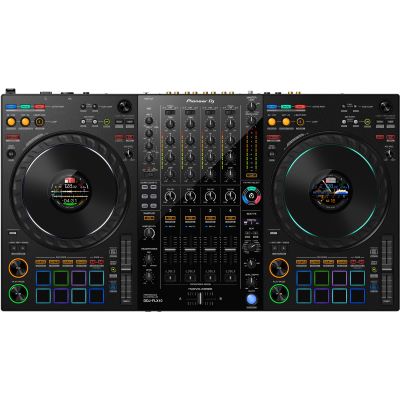
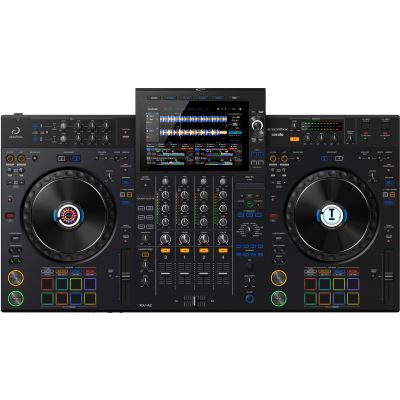
Pioneer DJ DDJ-FLX10 four-channel performance DJ controller for stems, live mashups and creative sets
Stems · Samples · Effects · Streaming

A reliable performance setup should first work as a normal DJ system. Stems, samples and effects become useful creative tools only when cueing, library management and level control already work confidently.

Two Meanings of Streaming

What Is a Streaming DJ and Performance DJ?

Several different workflows now meet under the term “streaming DJ”. First distinguish whether you want to stream music from an online catalogue into your DJ system or broadcast your own performance as a livestream to an audience.

Music Source

Mix Tracks Directly from Streaming Services

Depending on the platform, modern DJ software and standalone systems can access supported music services. This can supplement your local library with online catalogues and make it easier to react spontaneously to requests.

Creative Workflow

Performance DJing Rebuilds Tracks Live

Stems, hot cues, loops, samplers, effects and additional decks make mashups and live remixes possible. Instead of only mixing complete tracks, the DJ rearranges existing material during the performance.

Broadcast

Broadcast DJ Sets as a Livestream

In a DJ livestream, the finished master signal is routed together with a microphone and, where required, video to a computer or streaming interface and then transmitted online.

Important: a subscription that allows music to be played inside DJ software does not automatically grant permission for every form of public online transmission. Livestreams are additionally subject to the rules and rights requirements of the music service and streaming platform being used.

From Mixing to Live Reinterpretation

Which Tools Turn Mixing into a DJ Performance?

Creative functions are most effective when they serve a musical purpose. Simply having more functions does not automatically create a better performance.

Performance Pads

Trigger Musical Events Directly

Hot cues jump to important positions, beat rolls repeat short sections, samplers trigger additional sounds and scratch banks provide prepared performance elements. Good pads should therefore be positioned where they remain intuitive to reach during a mix.

Stems

Turn One Finished Track into Several Layers

Modern DJ systems and software can separate tracks into elements such as vocals, drums, bass and instruments. This allows you to place the vocal from one track over another instrumental or remove the drums during a transition while the rest of the song continues.

Sampler & Patterns

Add Your Own Arrangement Layers

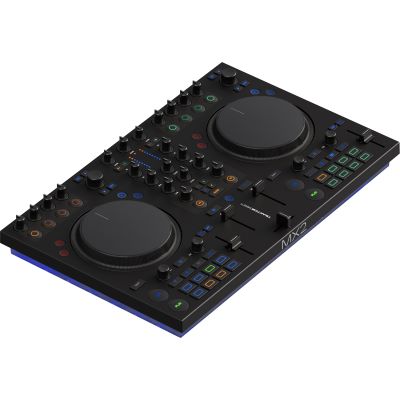
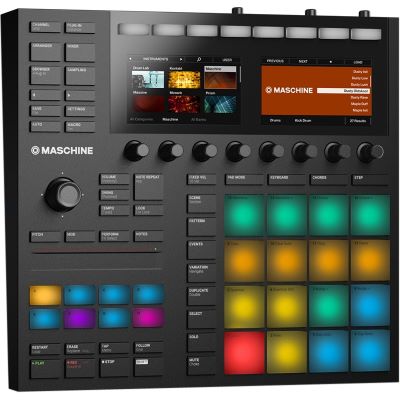
A sampler can add one-shots, percussion, vocal snippets or complete loops. Systems such as TRAKTOR additionally connect DJ decks with remix and pattern concepts. External hardware can move this workflow even further away from the computer screen.

Performance rule: every action should have a musical task. Do not use stems, effects and samples permanently. An isolated vocal, deliberately placed loop or short effect has more impact when the arrangement has space before and after it.

Millions of Tracks Are Not a Substitute for Preparation

How Does Music Streaming Work in a DJ Setup?

Depending on the DJ software and hardware, different streaming services can be integrated. Supported services and individual functions can change over time.

Software Streaming

Access Online Catalogues from DJ Software

Programs such as Serato or TRAKTOR can integrate supported streaming services directly into their browser. This requires a compatible account, an appropriate software version and usually an internet connection.

Standalone Streaming

Stream Without a Laptop

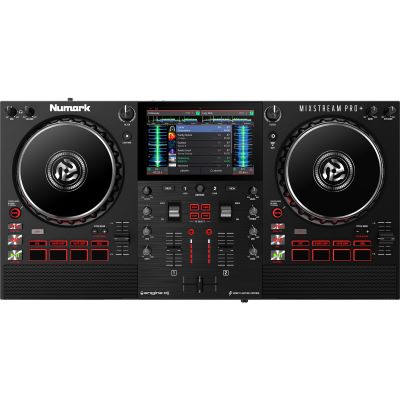
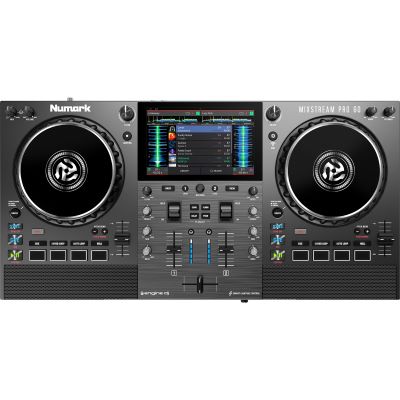
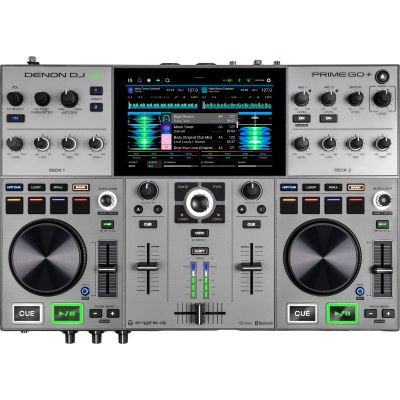
Devices with integrated Wi-Fi and their own operating system can load supported music catalogues directly without requiring a laptop during the set.

Offline Use

Check Offline Functions in Advance

Not every streaming provider permits DJ tracks to be stored for offline sets. Do not assume that every service will behave without an internet connection exactly as your local library does.

Backup

Keep a Local Music Library

For important performances, a prepared local music selection remains part of a reliable setup. Wi-Fi, login credentials or one streaming service should never become the only critical point in your performance.

From the Master Output to the Internet

How Do You Get Clean DJ Audio into a Livestream?

A common mistake is to capture the entire stream using only the microphone in a camera or smartphone. A direct audio path from the DJ system to the streaming computer or interface gives you significantly more control.

  • Take the signal directly from a suitable Master, Booth or Record output.
  • Use a suitable line-level input on the streaming interface.
  • Control the DJ signal and presenter microphone separately.
  • Leave sufficient headroom to prevent digital clipping.
  • Check the stream mix through headphones before going live.
  • Check audio and video for possible latency or synchronization problems.
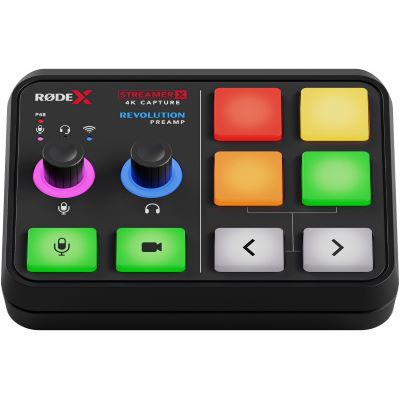
Rode Streamer X video capture card and audio interface for routing DJ audio microphone and video into a livestream
The stream mix and your personal monitoring mix are not necessarily identical. Music, microphone and additional playback sources may require their own level balance for the audience.
Live Mashups Without Preparing a New Edit First

What Can Stems Add to Performance DJing?

Vocals

Isolate a Vocal

Remove instrumental content and combine a vocal with a different beat. Key compatibility, timing and phrasing become especially important when creating live mashups.

Drums

Reshape Transitions

Drums can be isolated or muted to extend a break or make a transition sound less dense while other musical elements continue playing.

Stem FX

Apply Effects to Individual Elements

Compatible systems can apply effects selectively to individual track components. An echo applied only to the vocal creates a different result from the same effect being applied to the entire master signal.

Preparation still matters: real-time separation requires processing power. For important routines, check whether your software supports precomputed stems and how much storage or computing performance your workflow needs.

DJ Meets Live Act

How Do You Build a Hybrid Performance DJ Setup?

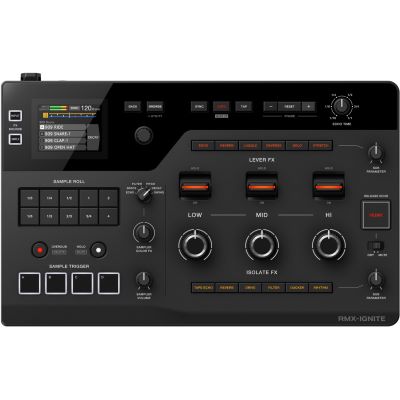
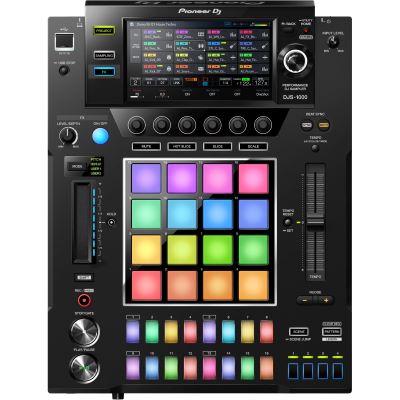
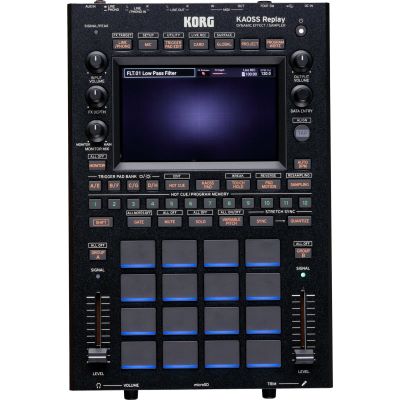
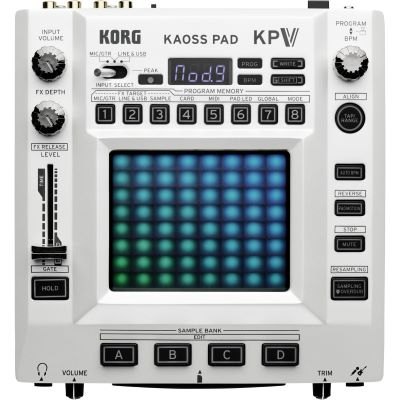
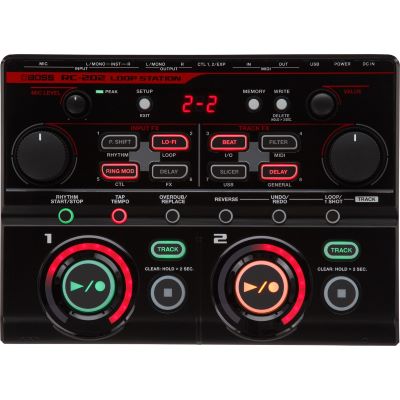
A hybrid setup expands conventional decks with samplers, drum machines, loop devices or external effects. Synchronisation and signal routing therefore become as important as the devices themselves.

Sampler

Add an Additional Instrument

Trigger pads for drums, vocals and effects provide material that can be played independently of the track currently running on the DJ decks.

External Effects

Use Send/Return Routing

External DJ effects can process an entire signal or selected mixer paths. Check the inputs, outputs and routing supported by both your mixer and effects processor before planning the performance.

Synchronisation

Keep Patterns and Loops in Time

MIDI Clock, Ableton Link or manufacturer-specific synchronization solutions can keep loop and pattern devices rhythmically aligned with the DJ system.

Choose the Workflow First

Which Setup Suits Which Streaming and Performance DJ?

Setup Strengths Additional Equipment Well Suited For
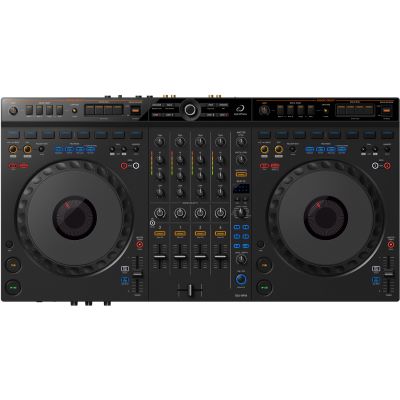
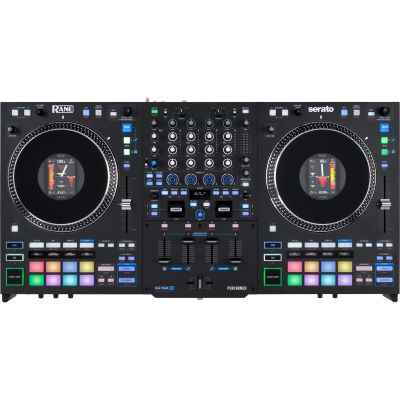
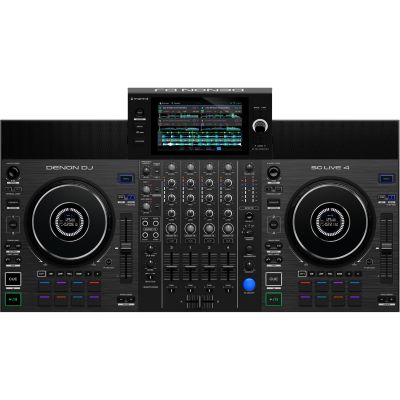
4-Deck Controller Stems, pads, software effects Laptop Live mashups & creative DJ sets
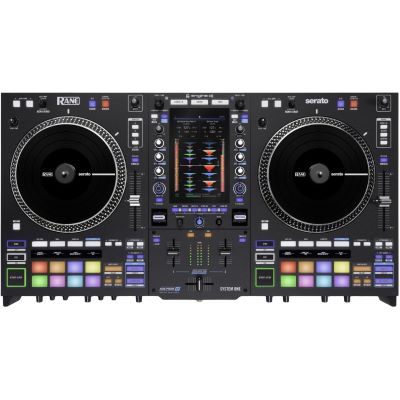
Standalone System with Wi-Fi Streaming without a laptop Internet or local media Mobile and flexible DJs
Controller + Sampler Live beats and custom samples Audio and sync routing Hybrid DJs
DJ System + Effects Processor Hands-on sound design Send/return or audio I/O Club performance
DJ System + Streaming Interface Direct broadcast audio Computer, camera, microphone DJ livestreams
Prepare the DJ Signal for Your Audience

Streaming Hardware for Audio and Video

For a DJ livestream, music, microphone and video have to arrive in the streaming system in a controlled form. A dedicated interface can combine several of these tasks and avoids relying on the microphone built into a camera or smartphone.

  • Use a direct line-level DJ signal.
  • Integrate a presenter microphone separately.
  • Check video capture resolution and frame rate.
  • Monitor the signal actually being sent to the audience.
  • Check audio/video sync before beginning the stream.
Brand Worlds at Musikhaus Korn

Manufacturers for Streaming, DJ and Live-Performance Technology

Creativity Needs Stability

Typical Mistakes in Streaming and Performance DJ Setups

Mistake 1

Using Streaming as the Only Music Source

A local backup prevents a network or login problem from ending the entire set.

Mistake 2

Using Too Many Effects at the Same Time

Excessive processing can destroy the groove and make the mix less intelligible.

Mistake 3

Assuming Stems Will Always Work Without Preparation

Processing load and available stem functions differ depending on software, hardware and music source.

Mistake 4

Using Camera Audio as the Main Stream Signal

A direct line-level path from the DJ system normally provides much more controllable audio.

Mistake 5

Skipping a Separate Stream Test

What sounds good in the room can arrive online too loud, too quiet or distorted.

Mistake 6

Assigning a Function to Every Available Pad

A smaller and clearly learned performance layout is often safer in a live situation than an overloaded pad configuration.

Frequently Asked Questions

Answers About Streaming, Stems and DJ Performance

What Is the Difference Between a Streaming DJ and a DJ Livestream?

With music streaming, tracks from an online catalogue are loaded into your DJ system. With a livestream, your own performance is transmitted to viewers as an audio or video broadcast.

Can I DJ with Streaming Services Without Having My Own Music Library?

Technically, many current systems allow this. For important performances, however, a local selection is still recommended as a backup because internet access and supported services cannot be guaranteed in every situation.

What Are Stems in DJing?

A finished track is separated into components such as vocals, drums, bass and other instruments. These elements can then be muted or processed independently.

Do I Need Four Decks for Performance DJing?

No. Two decks plus stems, samples and effects already provide many creative options. Four decks become especially useful when additional loops, acapellas or complete tracks need to run continuously in parallel.

How Do I Get My DJ Mix into a Livestream?

Use a suitable Master, Booth or Record output and feed its line-level signal into a compatible audio or streaming interface. A microphone and video signal can then be added separately.

Can a DJ Controller Stream Directly?

DJ controllers create or control the DJ mix but are not automatically complete broadcast systems. Depending on the workflow, additional hardware is required for video capture, microphone routing and online transmission.

What Does an External Sampler Add to a DJ Setup?

It adds independently triggerable drums, loops, vocals and effects. This can move a DJ set further towards a live act and an improvised arrangement.

Can Streaming Tracks Always Be Used with Stems?

No. This depends on both the streaming service and the DJ software being used. Some combinations support stem separation while others restrict these functions.

Can I Simply Livestream Commercial Music?

Not universally. Permission to use a music catalogue inside DJ software and the right to transmit that music publicly online are separate issues. Always check the current rules of the streaming platform and music services involved.

What Backup Should I Prepare for a Performance DJ Setup?

Keep a local music library, essential tracks that work without additional performance hardware, replacement cables and a way to continue the set without the sampler or streaming service.

Select, Separate and Rebuild Tracks Live

Streaming DJ & Performance DJ: Setup & Tools

A modern performance setup should first be a reliable DJ system. Only when cueing, beatmatching, library management and level control work confidently do stems, samples and effects become genuine creative tools instead of additional sources of error.

DJ livestreaming adds a second layer. The mix needs to be routed cleanly into a streaming interface and monitored independently from the personal headphone signal. Music streaming can expand your library considerably, but for important performances it should never become your only safety net.

More Buying Advice and Practical Knowledge

Discover More Musikhaus Korn Guides

From DJ equipment and digital performance setups to recording, event technology and musical instruments, the central Musikhaus Korn guide contains further comparisons, decision-making aids and complete project paths.