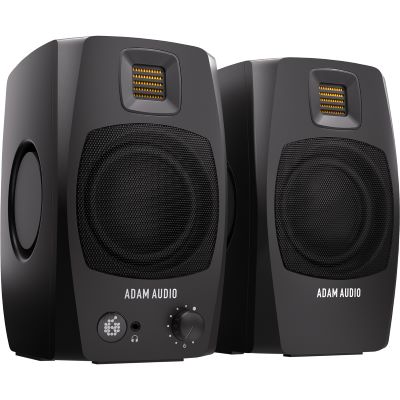
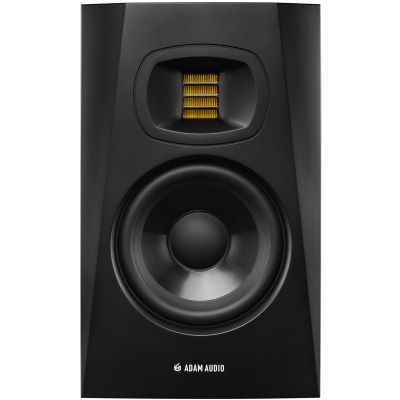
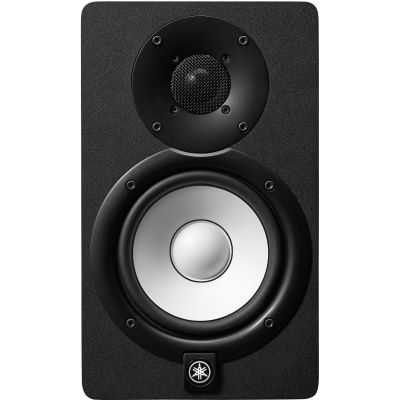
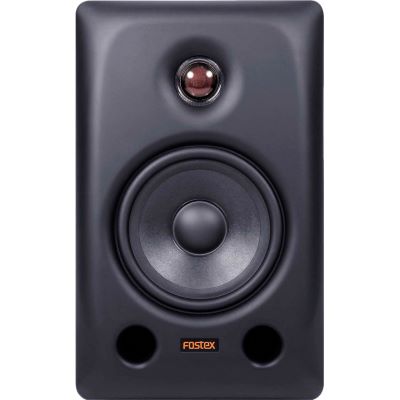
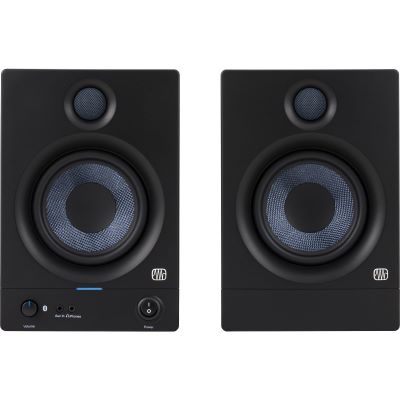
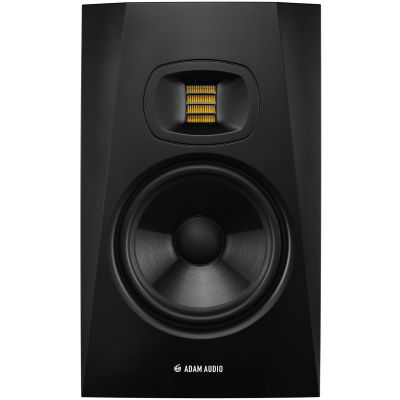
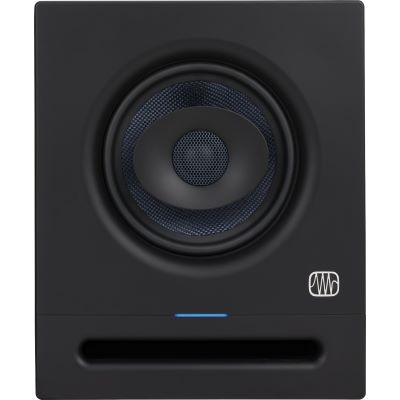
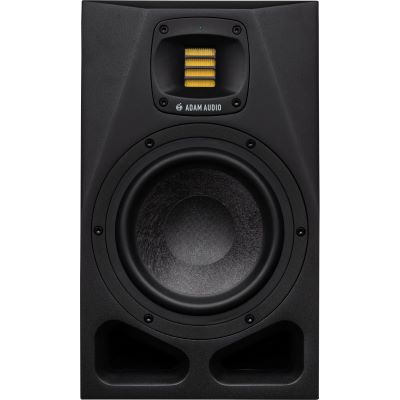
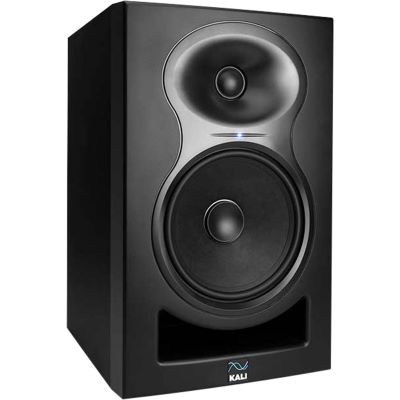
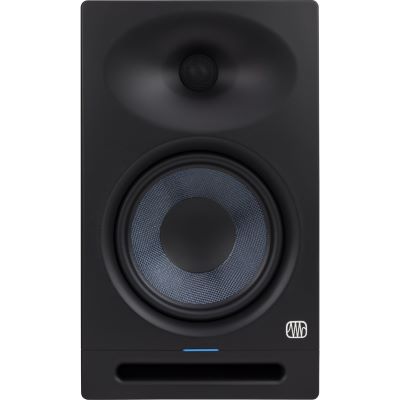
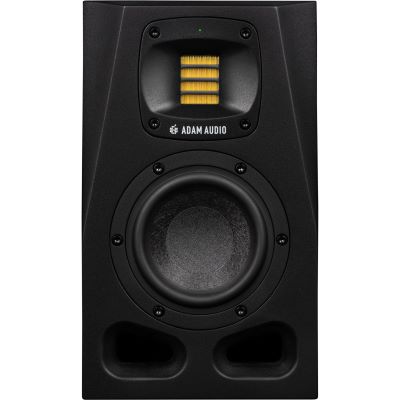
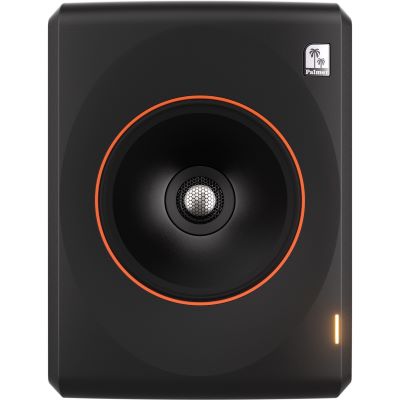
Compact Nearfield Monitors
Suitable for short listening distances, mobile workstations and small desks. Particularly useful when high playback levels and very deep bass are not the main priority.

5, 7 or 8 inches? 2-way or 3-way? Nearfield monitor or larger reference system? When choosing studio monitors, woofer size alone is not decisive. Listening distance, room acoustics, placement, desired low-frequency extension and your workflow are at least as important. This guide helps you choose a monitoring system on which you can judge recording, mixing and production reliably.
Woofer size is a useful guide, but it should never be considered in isolation. A high-quality 5-inch monitor at a short listening distance may be more appropriate than a large 8-inch model that excites difficult bass modes more strongly in the same room.
Suitable for short listening distances, mobile workstations and small desks. Particularly useful when high playback levels and very deep bass are not the main priority.
Compact enough for many work rooms and powerful enough for editing, recording, songwriting and demanding mixing.
A highly versatile range for music production, with greater low-frequency reserves and output without immediately moving to especially large cabinets.
Interesting for larger workstations, greater bass extension, higher level reserves and demanding reference monitoring – provided the room and placement are suitable.
Do not choose a studio monitor according to the principle that “bigger is better”. The right listening distance and controllable bass reproduction are more important than the largest possible woofer.
Studio monitors are not intended to sound as impressive as possible. Their task is to reveal differences and problems in audio material clearly enough for recording and mixing decisions to translate reliably to other playback systems.
The amplifiers and crossover are already built into the speaker and matched to the drivers used. An external hi-fi amplifier is therefore unnecessary with this type of monitor.
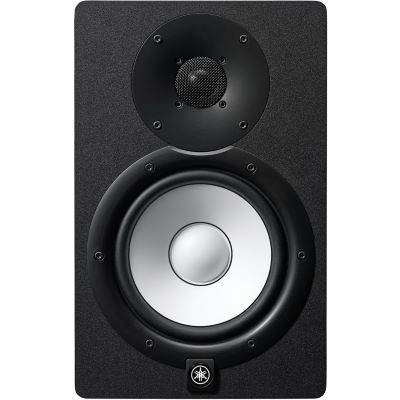
One woofer handles bass and midrange while a tweeter reproduces the high frequencies. This construction is particularly common in nearfield monitoring and allows for a compact cabinet.
Bass, midrange and treble are assigned to separate driver sections. Particularly in larger systems and demanding reference work, this can provide advantages in level capability and midrange reproduction.
A nearfield monitor is designed for relatively short listening distances. This means that more direct sound reaches your ears while the influence of the room can be reduced compared with speakers positioned farther away.
No. Very precise decisions can be made on a correctly positioned compact system. A larger model primarily extends bass response, maximum output level and the possible listening distance.
Use woofer size as an initial orientation and combine it with listening distance, placement and the actual bass behaviour of your room.
| Size | Typical Application | Strength | Consider |
|---|---|---|---|
| 3–4 Inches | Desktop, mobile studio | Very compact | Limited deep bass |
| 5 Inches | Small nearfield setup | Balanced all-rounder | Keep bass behaviour under control |
| 6–7 Inches | Home and project studio | More low-end extension and output | Placement becomes more important |
| 8 Inches | Larger nearfield setup | Powerful bass reproduction | Consider room modes |
| 3-Way / Larger | Reference monitoring and greater distance | Midrange resolution and additional reserves | Plan for room and budget |
Two rooms of identical size can behave completely differently acoustically. Use woofer size only as a guide and always consider listening distance, speaker placement and the bass behaviour of the actual room.
Before using equalization or room correction, make sure the geometry of your workstation is correct.
The left monitor, right monitor and listening position should be approximately the same distance from each other.
Point both monitors at the listening position. This produces a stereo angle of approximately 60 degrees.
The tweeter or the acoustic axis defined by the manufacturer should be positioned approximately at ear height.
Different distances from side walls and strongly differing reflective surfaces can shift the stereo image.
Horizontal positioning can create less favourable horizontal dispersion around the crossover region between woofer and tweeter. Use a different orientation only when the manufacturer has designed the specific monitor for it.
Particularly in the bass range, you always hear a combination of the monitor and the room. Walls, corners and distances can significantly amplify or reduce individual frequencies.
Move the speakers and listening position systematically before making other corrections. Even small changes in position can reduce problematic bass cancellations or peaks. The rear of the monitor should also be positioned relative to the wall according to the manufacturer's recommendations.
Many current monitors provide Room, Boundary, Low-Shelf or DSP settings. These can adapt playback to the placement, but they cannot replace sensible room geometry and acoustic treatment.
Isolation pads or monitor stands can additionally help position the speakers accurately and reduce direct mechanical coupling to a desk.
A subwoofer is not essential for a professional home studio. It becomes interesting when very low frequencies are relevant to your work and your room allows sensible integration.
Sub-bass, 808s and low synthesizers are easier to evaluate when the monitoring system extends farther into the low-frequency range.
Low-frequency effects and complete monitoring systems can make a carefully integrated subwoofer particularly useful.
Additional bass energy can make existing acoustic problems worse. Optimise placement and the room first, then integrate the subwoofer.
Bring both speakers to the correct height and make accurate alignment with the listening position easier.
Provide central volume control and convenient switching between different monitor pairs and signal sources.
Extend the frequency response downwards and can relieve smaller main monitors at low frequencies.
Provide balanced monitor outputs and form the central connection between the DAW and active studio monitors.
Balanced connection for monitors equipped with suitable XLR inputs.
Balanced TRS connections from an audio interface to a studio monitor with suitable jack inputs.
Provide an additional reference for details, low frequencies and situations in which loudspeakers cannot be used.
Matched combinations of stereo monitors and a suitable subwoofer.








For many home studios, monitors in the 5 to 7-inch range are a sensible starting point. Very short desktop listening distances favour compact models, while 8-inch systems require more space and controllable bass reproduction.
Not necessarily. 8-inch models often provide greater low-frequency extension and output reserves. In a small or acoustically difficult room, however, a correctly positioned 5-inch monitor may make reliable decisions easier.
An equilateral triangle is a useful starting point: the distance between the two monitors should be approximately the same as the distance from each speaker to the listening position.
The acoustic axis – or, with many 2-way systems, the region around the tweeter – should be aimed approximately at ear height. Monitor stands make this positioning easier.
There is no universal distance. The model, cabinet construction and room all affect the result. Follow the manufacturer's recommendation and test different positions based on the actual bass response.
Not necessarily. A subwoofer is particularly interesting for music with important deep bass, sound design and larger monitoring systems. Level, crossover frequency, phase and placement should be integrated carefully.
Active monitors are particularly practical for modern home and project studios because the amplifiers and crossover are already integrated and matched to the speaker drivers.
Normally, the left balanced monitor output of the audio interface connects to the left speaker and the right output to the right speaker. Use XLR or TRS connections according to the sockets provided.
Bluetooth is convenient for comparison listening and everyday playback. For critical recording and mixing, a wired connection through the audio interface is the more reliable reference and avoids additional latency.
Headphones are an excellent addition and are indispensable in some apartments. Studio monitors, however, provide spatial stereo imaging and a different way of judging balance and the phantom centre. Ideally, both references complement each other.
Many professional active studio monitors are sold individually, while some compact systems are explicitly supplied as a pair. Check the scope of delivery of the specific product. A conventional stereo setup requires a left and a right speaker.
When choosing a studio monitor, first consider listening distance, available space and room acoustics. Compact 3 to 5-inch systems are suitable for short desktop distances, while 6 to 7-inch monitors provide a versatile compromise between cabinet size, bass extension and output reserve for many home studios.
8-inch and larger systems often provide more deep bass and potential sound pressure, but they also require a suitable listening environment. 3-way monitors can distribute midrange and bass across separate drivers and are an interesting option for demanding project and reference studios.
Placement is at least as important. Both monitors should be positioned symmetrically relative to the listening position, form an equilateral triangle and be aimed at the ears. Only after this should you use Room EQ, DSP correction or an additional subwoofer. This is how two good loudspeakers become a reliable monitoring system.
Discover more Musikhaus Korn buying guides covering audio interfaces, studio microphones, headphones, recording, instruments and complete studio technology.