Bring Your Music Prepared
Playlists, beatgrids, hot cues and track information should be organised before the gig. In the club, you want to select music – not repair your library.

As a club DJ, you often play on an existing DJ booth rather than your own controller. Media players, club mixers, booth monitors, headphones and prepared music media therefore need to work for you without a long familiarisation period. This guide explains how to prepare your library, practise CDJ and mixer workflows, operate different club mixers confidently and integrate vinyl or DVS into your set.
The most transferable skill is not memorising one particular device. Learn to browse, load, cue, pitch and mix confidently on hardware so you can adapt quickly to different booths.
In a club, the equipment you personally own matters less. What matters is being able to familiarise yourself quickly with an existing booth and play your mix confidently even when the controls, mixer or monitoring differ from what you use at home.
Playlists, beatgrids, hot cues and track information should be organised before the gig. In the club, you want to select music – not repair your library.
Browsing, loading, cueing, pitch, jog wheel, loops and hot cues should work directly from the hardware without constantly looking at a laptop.
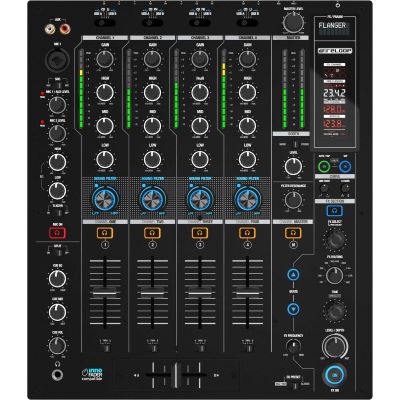
Three- or four-band EQs, filters, send/return and effect sections differ. A club DJ should therefore understand more than one mixer layout.
Booth monitoring helps with timing. Gain and channel levels should be set cleanly rather than being driven permanently into the red.
The most important preparation: do not practise transitions alone. Also practise finding and loading tracks, headphone cueing, level matching and a safe handover between two DJs.
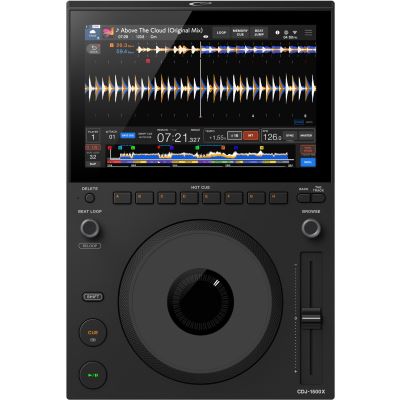
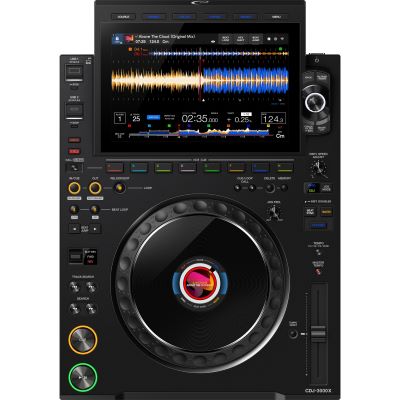
Professional players combine a music library, display, jog wheel, pitch control and performance functions in one independent deck.
Instead of sharing two decks on one controller, a classic club setup uses a separate player for each track currently being prepared or played. Jog wheel, pitch fader, cue and transport controls therefore remain clearly assigned to one deck. Several players can be connected to one central club mixer.
Track selection is a central part of a live set. Practise navigating by playlist, artist, title or other prepared criteria. A clearly organised music collection saves more time than a huge library without a recognisable structure.
Modern players offer Sync, waveforms, hot cues and many other aids. Nevertheless, you should be able to start a track, match it with the pitch fader and correct it with the jog wheel. This makes you less dependent on analysis errors and different device configurations.
Rule for your first club gig: if you can find your music without a laptop screen, prepare a track through headphones and perform a transition confidently with pitch, EQ and faders, you are much better prepared for different booths.
Both concepts can be found in professional DJ booths. If you practise on only one layout, changing to another mixer will require more orientation than necessary.
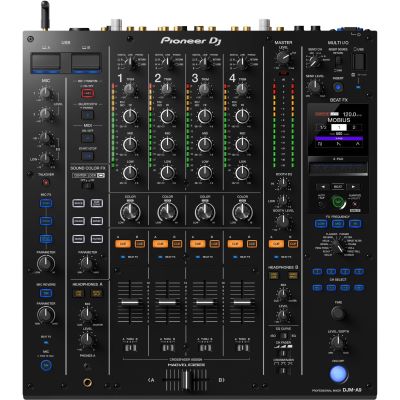
Mixers such as the DJM-A9 combine conventional channel strips with Sound Color FX and a central Beat FX section. Once you know this concept, effect selection, routing and channel processing become easier to locate quickly.
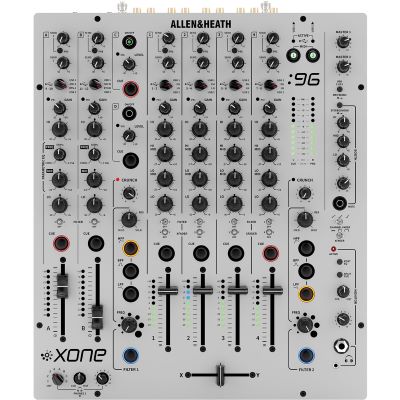
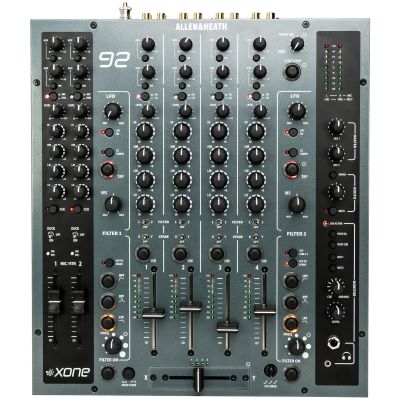
Xone mixers are known for their analogue approach, four-band EQ and characteristic filter section. Transitions are therefore often constructed differently from those on a traditional three-band EQ with a central effects section.
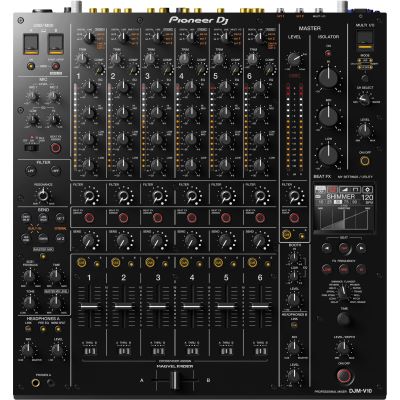
Mixers such as the DJM-V10 or Xone:96 provide additional paths for multiple players, turntables, external effects and live equipment. This flexibility is especially useful for more complex performance setups.
Check before your set: identify which channel belongs to which player, whether LINE or PHONO is selected, how the booth level is controlled and where headphone Cue and Master Cue are located.
Check BPM, beatgrid and track information. Automatic analysis is useful, but unusual tracks should still be verified manually.
Do not organise exclusively by genre. Energy level, set phase, warm-up, peak time, closing or special situations can be more practical playlist structures.
Mark important starting points, breaks and transition positions. Too many markers can become just as confusing in a club as having none at all.
Use at least one second prepared music medium. Check in advance which storage media and file systems are supported by the actual players available at the venue.
Do not plan cloud and streaming as your only system: even when modern players provide network and streaming functions, an important club set should not depend entirely on internet access and login credentials working exactly as expected at the venue.
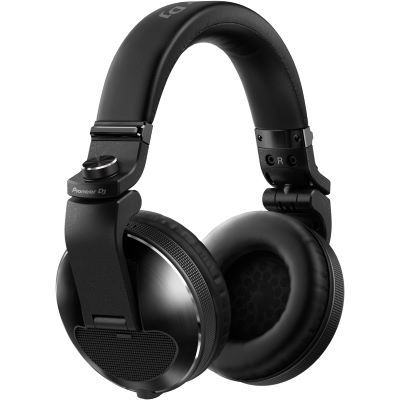
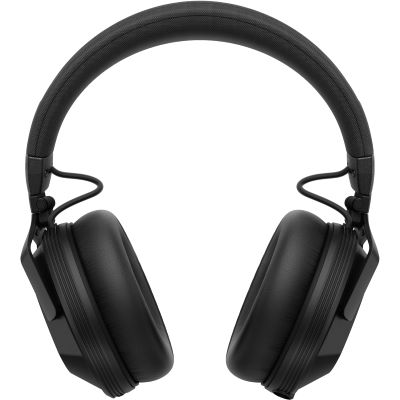
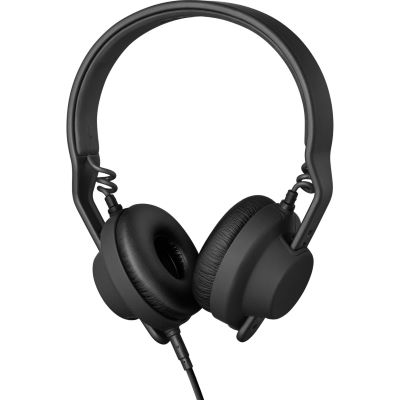
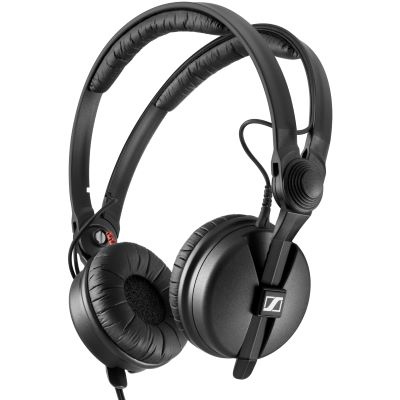
A club booth can be loud. Your headphones therefore need more than good sound: they should provide sufficient isolation, remain secure on your head and allow you to switch quickly between Cue and the room.
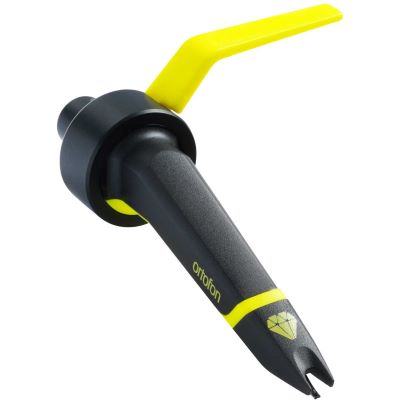
Many booths can also be equipped with turntables. This introduces cartridges, tracking force and phono inputs. DVS additionally requires suitable software and interface routing.
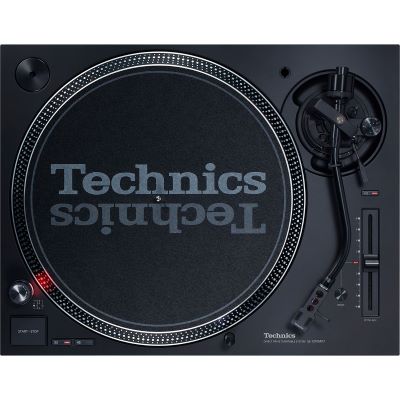
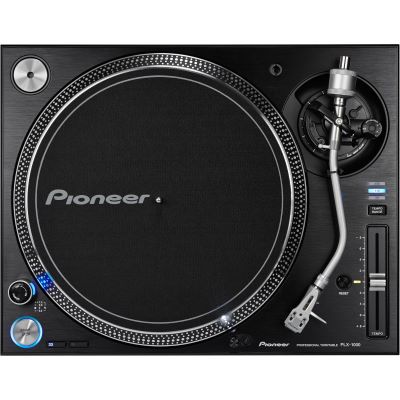
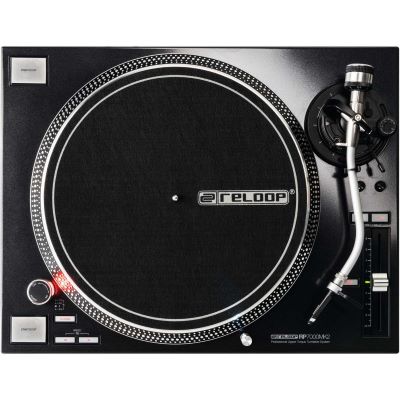
Professional DJ turntables support fast starting, pitch control, backcueing and manual beatmatching.
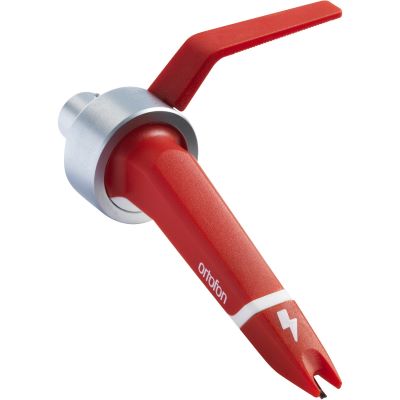
Systems for traditional club vinyl and DVS place different priorities on stylus profile, output voltage, tracking ability and intended use.
A turntable with a traditional phono-level signal belongs on an appropriate phono input. Incorrect routing results in a clearly wrong signal level and sound.
Clarify the players, mixer, available USB port and headphone connection before your set begins. The final seconds of the previous set are not a good time to start searching for the basic controls and connections.
Do not remove another DJ's storage medium or audio cable until you know that it is no longer required. With linked players, one music medium can supply several decks.
Find out which track is playing last or what general musical direction is being used. A clean DJ change begins not only technically but also with a sensible musical connection.
You can practise many club workflows at home without owning exactly the same hardware that will later be installed in a venue.
| Setup | Similarity to a Club Booth | Space Required | Special Advantage |
|---|---|---|---|
| 2 Players + Club Mixer | Very high | High | Original modular workflow |
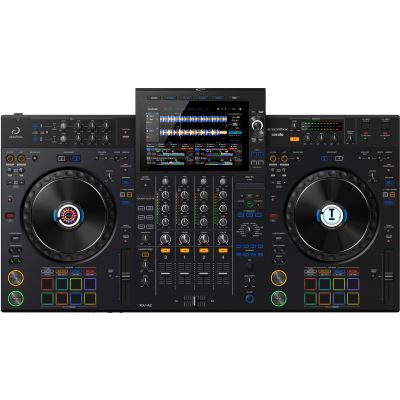
| All-in-One System | High | Medium | Practise a club-like layout more compactly |
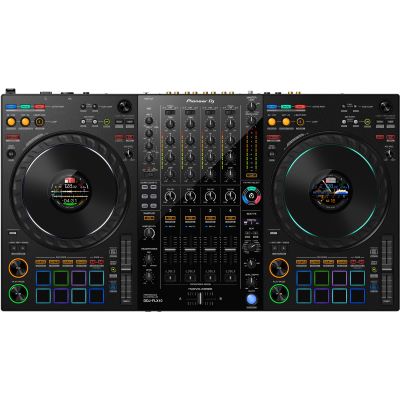
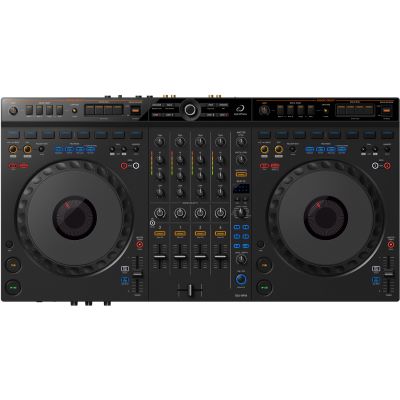
| 4-Channel Controller | Medium to high | Medium | Software and performance functions |
| 2 Turntables + Mixer | High for vinyl booths | High | Manual mixing and vinyl |
| DVS Setup | Depends on the booth | High | Vinyl feel with a digital library |
Independent decks for USB, network and digital workflows.
Four- and multi-channel mixers for professional booths.
Club-oriented training with rekordbox, Serato and other platforms.
Closed-back models for cueing in loud environments.
Direct-drive turntables for vinyl, mixing and DVS.
Transport players, mixers and controllers safely.
Booth-like workstations for training and studio use.
Controllers, players, mixers, vinyl, headphones and accessories.
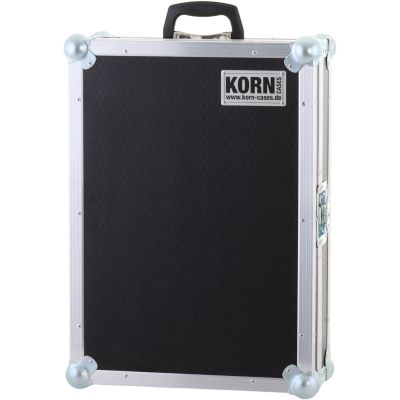
If you take professional players to rehearsals, events or installations, a fitted case protects controls, display and connections and can keep important cables together with the device.







Practise browsing, loading and cueing directly on a hardware interface so the club workflow does not feel unfamiliar.
A second fully prepared medium reduces the risk of an unnecessary interruption caused by one failed storage device.
Set channel gain cleanly instead of trying to increase the sound-system volume with mixer channels that are permanently overdriven.
A four-band Xone EQ behaves differently from a DJM workflow. Practise the basic logic of both concepts.
Automatic analysis may require correction, particularly with older recordings, live-played music or tracks with changing tempo.
More volume does not automatically improve timing and places unnecessary strain on your hearing during longer sets.
The USB port, headphones and an available mixer channel should already be clarified before your first track needs to be played.
Typically, bring your prepared music on suitable storage media, your own DJ headphones including any required adapter and, where agreed with the promoter in advance, a laptop or special DVS accessories.
No. An all-in-one system or club-oriented controller can be used to practise many of the same workflows. DJs who regularly play on separate players nevertheless benefit from knowing their browsing, cue and pitch workflow directly.
They complement one another. Clean beatgrids support modern functions, while manual listening and correction remain important whenever a track has not been analysed perfectly.
Their operating concepts differ significantly. EQ structure, filters, effects and routing lead to different working methods. If you understand both basic concepts, you can adapt more quickly to the mixer already installed in a booth.
A second fully prepared medium is a sensible backup. Both should be tested with the intended export workflow before the gig.
Modern systems provide corresponding options. For an important gig, however, it is still sensible to keep a local music library available as an independent alternative.
A closed and robust model with sufficient isolation, a comfortable fit and the correct connector is especially practical. Replaceable cables and ear pads can also make long-term use easier.
That depends on the booth. DJs who want to work reliably with vinyl can bring their own suitable cartridge systems and should clarify in advance which turntables are installed.
Regularly work without a mouse, use hardware browsing, practise cueing, pitch and EQ and build longer uninterrupted sets. It is also useful to become familiar with different mixer layouts.
Clarify which equipment is installed, which players and mixer are being used, which input is available, how the booth monitor and master signal are routed and whether any special laptop, DVS or network connections are planned.
The most important step towards club DJing is not buying the most expensive player, but developing a transferable workflow. Prepare your library carefully, practise browsing directly on hardware and learn pitch control, cueing, EQ and level management independently of any particular automatic function.
If you also understand the fundamental differences between DJM and Xone mixers, prepare DJ handovers calmly and always carry a working backup of your music, you can concentrate on what really matters in a club: track selection, set development and a confident performance in front of an audience.
From DJ equipment and professional club setups to recording, PA, lighting and musical instruments, the central Musikhaus Korn guide contains further comparisons, decision-making aids and complete project paths.