Musikhaus Keks
Welcome!
Our cookies offer you a fast, relaxed and full-featured shopping experience. Some are necessary to operate the website and its functions. Others help us to improve our services. If you agree to this, simply consent to the use of cookies for preferences, statistics and marketing by clicking on "OK". Alternatively, you can deactivate individual cookies under "Customise cookies" or all cookies, except those required for the function of our website, under "Reject all".
Musikhaus Korn Buying Guide

Groovebox or Computer? Choose the Right Workflow for Music Production

Build beats without looking at a screen or produce every detail inside a DAW? Grooveboxes and computers take different routes towards a finished track. This guide compares workflow, sampling, sequencing, recording, plug-ins, live performance and expandability and shows when a hybrid setup can provide the most interesting combination of both worlds.

Compare standalone hardware and DAW Sampling & sequencing explained 50 suitable production tools
1 Device for a direct standalone workflow
∞ Expansion possibilities in a computer setup
2 Worlds that combine extremely well
50 Product ideas for both production approaches
The short answer

When Is a Groovebox Better and When Is a Computer Better?

The decisive factor is less the theoretical processing power than the way you want to develop music.

Direct & Focused

Choose a Groovebox If You Want to Play Instead of Click

Pads, step sequencers, knobs and patterns can take you from an idea to a groove very quickly. You work within a limited, manageable system, can jam spontaneously and many models work without a computer.

Detail & Expansion

Choose the Computer If Arrangement and Editing Come First

A DAW provides a large display, extensive audio and MIDI editing, plug-ins, virtual instruments, automation and almost unlimited options for organising, mixing and developing a project.

Best of Both Worlds

Choose Hybrid If Ideas Should Be Fast and Finishing Precise

Many producers create beats and sequences on hardware and then transfer audio or MIDI to the computer. The spontaneous tactile workflow remains while editing, vocal recording and mixing take place in the DAW.

Quick rule:

For beats, patterns, electronic live sets and spontaneous jams, a groovebox has many advantages. For extensive audio recording, precise editing, plug-ins and detailed mixing, the computer is more flexible. You do not have to choose only one side permanently.

Understand the terminology

What Fundamentally Separates Groovebox and Computer Production?

Groovebox

Instrument and Production Tool in One Device

Depending on the model, a groovebox combines a sequencer, drum machine, synthesizer and sampler in one compact device. The workflow often centres on short musical patterns that are combined, modified and developed into longer structures.

Pads, encoders and buttons have fixed musical functions. This creates a relationship similar to a musical instrument: physical movements become familiar and important functions stay immediately accessible.

Computer / DAW

Complete Production Environment

On a computer, the DAW normally becomes the centre. Audio and MIDI tracks are recorded, edited, arranged and mixed there. MIDI keyboards, controllers and audio interfaces make this initially screen-oriented workflow substantially more tactile.

Step Sequencer and Timeline Encourage Different Ways of Thinking

Many grooveboxes begin with a rhythmic pattern made from individual steps. A DAW usually displays a long song timeline instead.

Hardware therefore encourages repetition, variation and performance, while a timeline provides a direct overview of intros, verses, breaks and complete song arrangements.

MIDI, USB and Audio Connect Both Worlds

MIDI transmits notes, tempo and control information, but not automatically the audible sound. The audio output of a groovebox can be recorded through an audio interface and then edited like any other audio track inside the computer.

Direct comparison

Groovebox, Computer or Hybrid Setup at a Glance

This decision matrix compares typical workflows rather than sound quality.

Comparison between groovebox, computer DAW and hybrid music production
Criterion Groovebox Computer / DAW Hybrid
Ready to Start Switch on and work directly Load software and project Hardware for ideas, DAW later
Operation Pads, step sequencer and knobs Mouse, keyboard and controllers Hardware plus screen
Arrangement Pattern and scene oriented Very detailed timeline Groove in hardware, fine editing in DAW
Audio Recording Model-dependent and often more limited Ideal for many long audio tracks Hardware is recorded into the project
Plug-ins Fixed internal feature set Extremely expandable Hardware sound plus software
Live Performance Very direct access Flexible but more system-dependent Interesting for complex live sets
Mobility Many compact solutions Laptop plus accessories More devices and cabling
Hardware workflow

Why Can a Groovebox Feel More Creative?

A groovebox reduces the number of decisions. Instead of switching between countless windows, plug-ins and presets, you work inside one fixed system. This limitation can accelerate ideas.

  • Program drums directly with pads or a step sequencer.
  • Develop bass, chords and melodies in short patterns.
  • Change parameters during playback and record automation.
  • Switch, mute and recombine patterns spontaneously.
  • Record and edit your own samples on suitable devices.
  • Use compact hardware on stage, on the sofa, in a rehearsal room or while travelling.

This approach can work especially quickly for techno, house, electro, hip-hop and other rhythm-oriented styles. A groovebox is not limited to electronic sources: sample-based models can also use guitar recordings, vocals, field recordings or acoustic instruments.

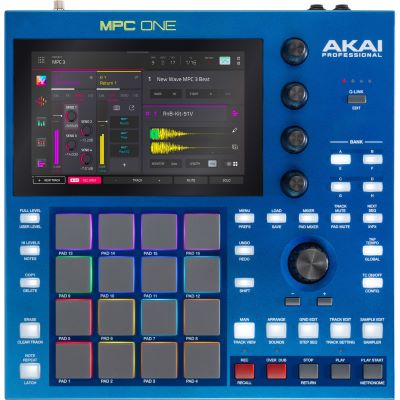
Akai Professional MPC ONE G2 standalone production sampler and groovebox
Standalone hardware combines pads, sequencing, sampling and direct hands-on control in one production instrument.
DAW workflow

When Does the Computer Show Its Greatest Strengths?

As soon as a project contains many audio tracks, long recordings, extensive automation or detailed editing, a DAW becomes especially convenient.

A large screen makes it easy to see song structures, edit takes, group tracks and compare different versions. Virtual instruments, effects and sound libraries create an exceptionally flexible environment for songwriting, recording, mixing and sound design.

The disadvantage can be the same openness. New plug-ins, presets, windows and technical settings can distract from making music. A good MIDI keyboard or DAW controller restores physical controls and pads to the workflow.

Typical computer setup:

If you already own a suitable Mac or PC, the basic production setup normally consists of a DAW, audio interface, MIDI controller and headphones or studio monitors.

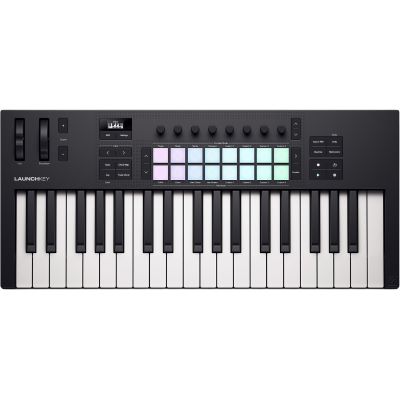
Novation Launchkey 37 MK4 MIDI keyboard for controlling a computer DAW and virtual instruments
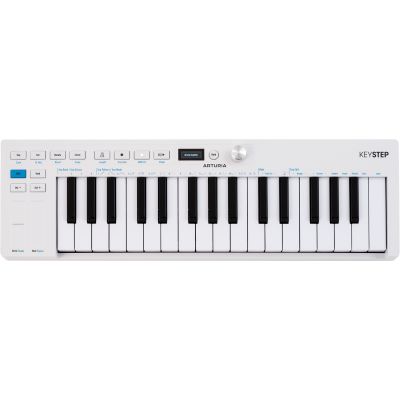
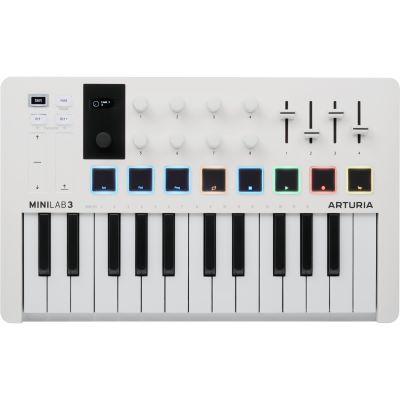
MIDI keyboards and controllers make a screen-based DAW workflow more tactile.
Not either-or

Why Is Combining Groovebox and Computer So Interesting?

A hybrid workflow separates finding ideas from detailed production work. Hardware remains the playable instrument while the DAW handles organisation and finishing.

Develop the Beat on Hardware

Drums, bass and first harmonies are created directly on the groovebox. Knob movements and spontaneous pattern changes remain part of the performance.

Synchronise the Groove with MIDI

DAW and hardware can share one tempo. Depending on the setup, either the computer or the groovebox becomes the clock master.

Record Audio onto Separate Tracks

The hardware sound enters the project through an audio interface. Devices with several outputs can transfer drums and instruments separately.

Finish Arrangement and Mix

Vocals, additional instruments, editing, automation and mixing can then be added comfortably in the DAW.

Decide by application

Which Production Route Fits Your Specific Goal?

Sketch Beats Quickly

Groovebox or Hardware Sampler

A groovebox or hardware sampler is strong when a rhythmic idea should become a playable loop within a few minutes.

Record Vocals & Instruments

Computer Recording Environment

For several long takes, comping, editing and post-processing, a computer-based recording environment is usually easier to organise.

Perform Electronic Music Live

Groovebox & Drum Machine

Direct access to mutes, patterns, parameters and effects makes grooveboxes and drum machines especially performative.

Mix Tracks in Detail

DAW

For extensive automation, many effects returns and detailed editing of individual tracks, the DAW is usually the more convenient environment.

Practical workflow rule:

The right production environment is the one in which as little technology as possible stands between a musical idea and a finished track.

Hardware for both production approaches

50 Suitable Products for Groovebox, Computer & Hybrid Setups

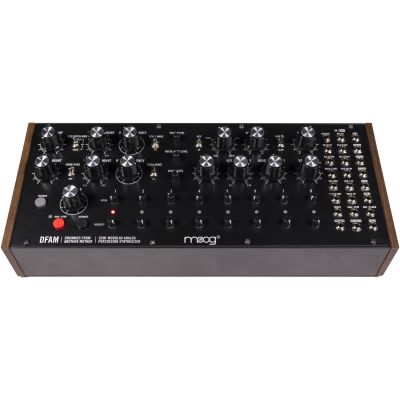
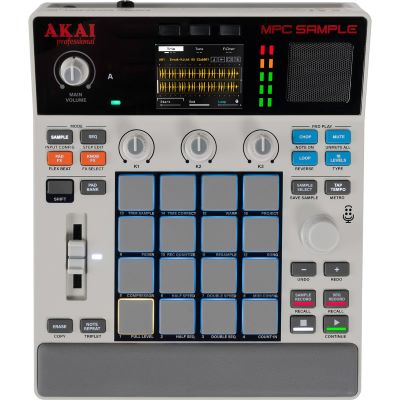
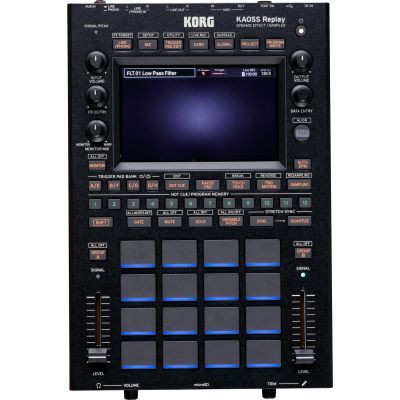
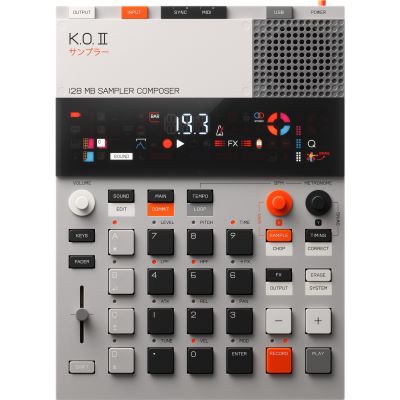
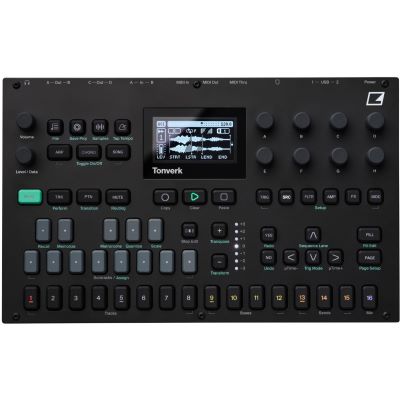
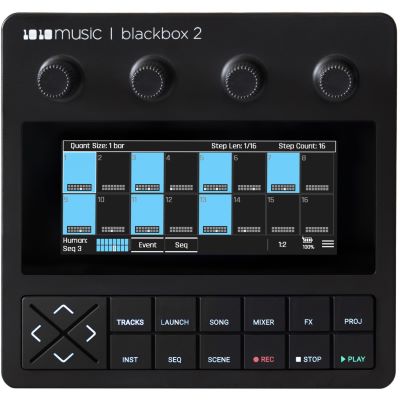
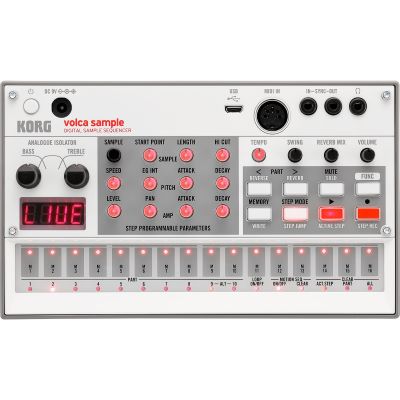
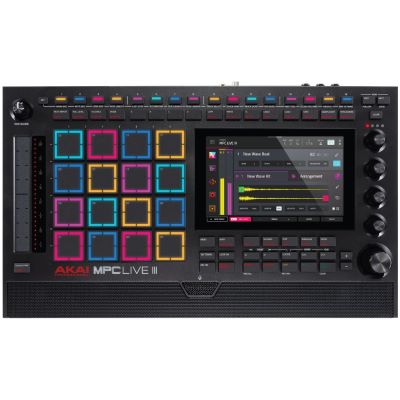
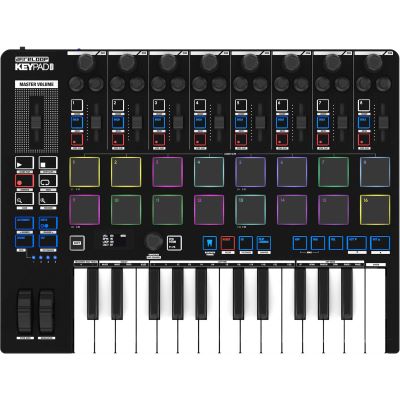
The selection is deliberately grouped by task. Grooveboxes and samplers represent the immediate hardware workflow, while MIDI controllers and audio interfaces complement the computer and connect both worlds.

20 Products

Grooveboxes, Sequencers & Rhythmic Production Hardware

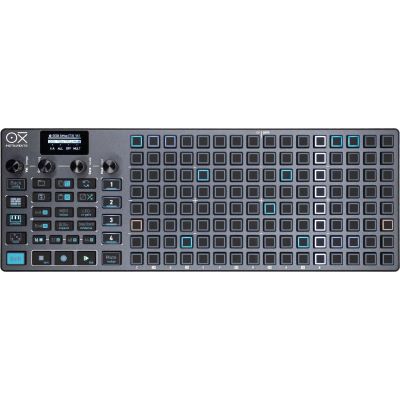
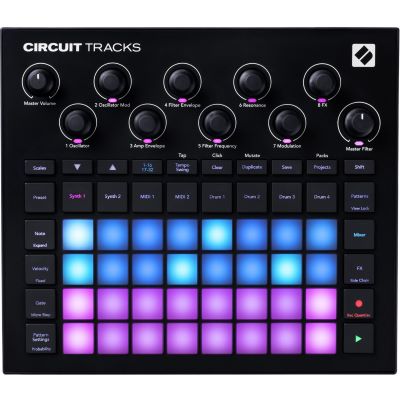
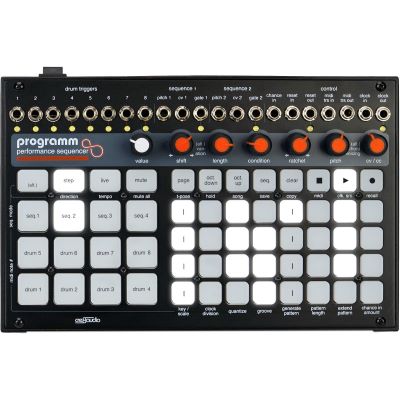
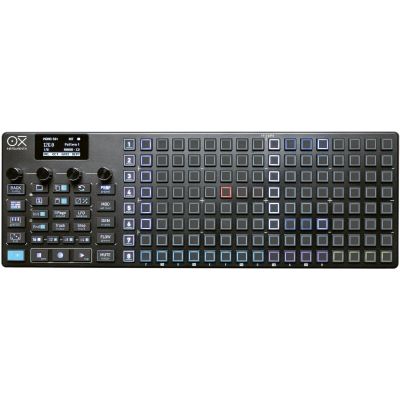
These devices are suitable for patterns, beats, MIDI sequencing and direct performance. Their individual focus ranges from sampling to synthesis.

10 Products

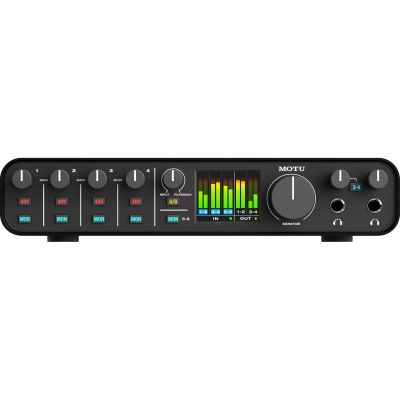
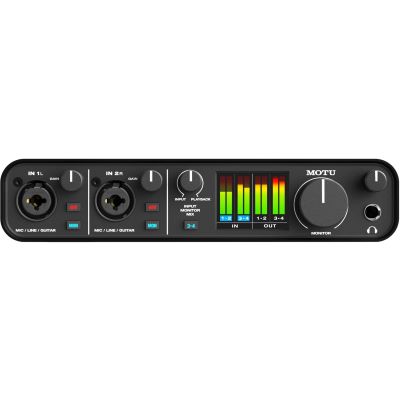
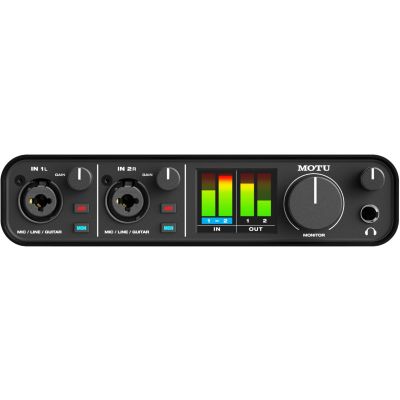
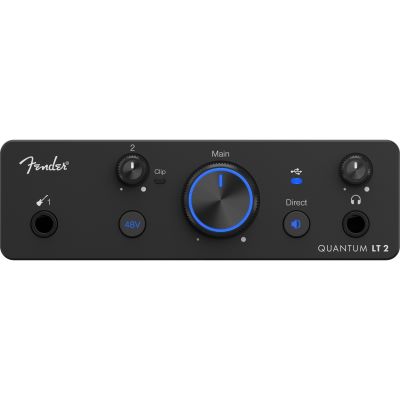
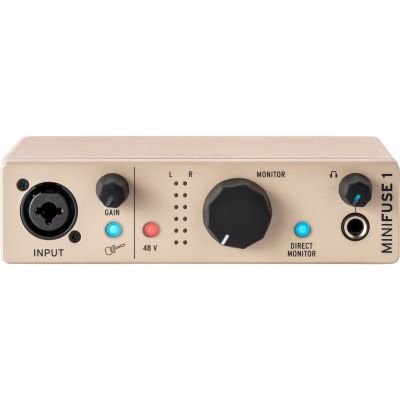
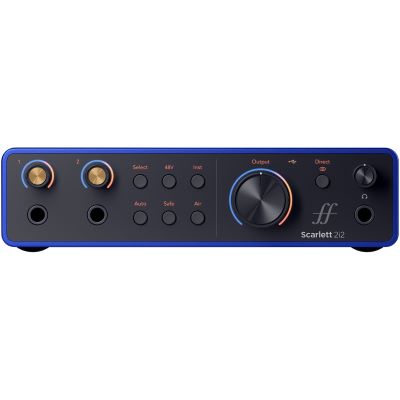
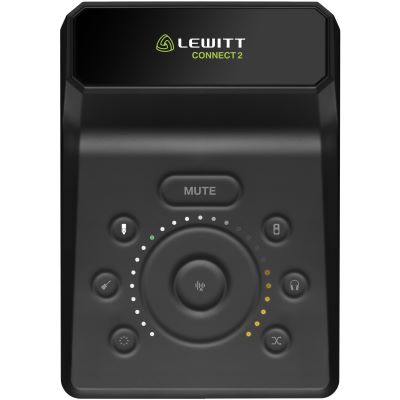
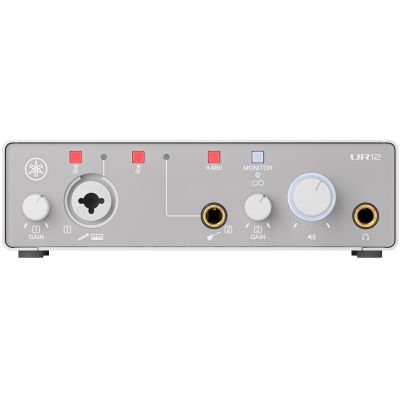
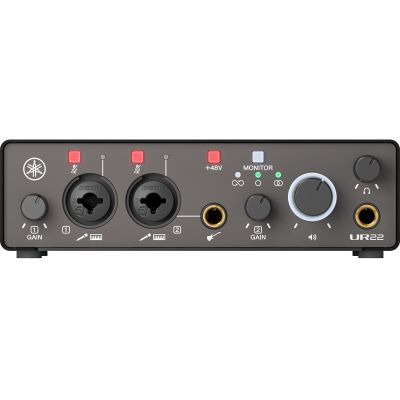
Audio Interfaces as the Bridge between Hardware and Computer

The audio interface handles recording and playback. Groovebox setups particularly benefit from sufficient line inputs, while vocal and instrument recording additionally requires suitable microphone and instrument inputs.

Check before buying

Which Functions Determine the Right Groovebox?

Sound Sources

Sampling or Internal Synthesis?

Some devices work mainly with samples while others provide several synthesizer tracks. Decide first whether your own recordings or self-programmed synth sounds matter more.

Arrangement

How Many Tracks Do You Need?

A few tracks are enough for simple beats. If complete arrangements should remain inside one device, pay attention to track count, polyphony, pattern memory and song or scene functions.

Expansion

Which Connections Are Available?

Audio inputs and outputs, MIDI, USB and, where applicable, CV/Gate determine how easily a groovebox can later be connected to synthesizers, modular gear, an interface and a computer.

Manufacturer worlds

Brands for Grooveboxes & Modern Music Production

From classic step sequencing and sampling to deep computer integration, these manufacturers focus on different aspects of modern music production.

Avoid frustration

Five Common Mistakes When Choosing Your Workflow

Mistake 1

Counting Features Only

A long specification sheet says very little about how quickly you can work musically.

Mistake 2

Forgetting the Songwriting Goal

Beatmaking, band recording and film scoring place very different demands on a production environment.

Mistake 3

Checking Connections Too Late

Line inputs, MIDI and USB should fit both your current studio and your planned expansion.

Mistake 4

Romanticising Hardware

A computer-free setup is not automatically simpler. Hardware also requires project organisation and time to learn.

Mistake 5

Excluding a Hybrid Setup

Hardware and computers do not have to be competitors. Their strengths often complement each other extremely well.

Frequently asked questions

Answers About Grooveboxes, DAWs & Computer-Free Production

Can You Produce Complete Songs with a Groovebox?

Yes, if the model provides enough tracks, pattern or song functions and the sound sources you need. Some producers create the complete track on hardware, while others later transfer individual tracks to a DAW for mixing.

Is a Groovebox Easier for Beginners Than a DAW?

It can feel more manageable because the feature set is clearly limited and many tasks are performed directly with pads and knobs. A DAW can be easier to understand for traditional arrangement and visual editing. Your preferred working style is decisive.

Does a Groovebox Need a Computer?

Many grooveboxes can operate independently. A computer can still be a useful addition for sample management, backup, detailed arrangement, recording and mixing.

What Is Better for Techno: Groovebox or Laptop?

A groovebox is particularly attractive for spontaneous patterns, step sequencing and live parameter changes. The laptop offers more options for arrangement, plug-ins and detailed automation. Many techno setups therefore combine both.

What Is Better for Hip-Hop and Beatmaking?

Samplers and grooveboxes provide very direct finger drumming, chopping and resampling. A computer provides convenient editing, large sample libraries and a flexible plug-in selection. Both approaches are highly suitable.

Do I Need an Audio Interface for a Groovebox?

Not necessarily for simply playing the groovebox. If you want to record its audio output into a computer, an audio interface is normally the central connection. Make sure it provides enough suitable line inputs.

Can a Groovebox Completely Replace a DAW?

It can for a suitable production style. If you mainly work with patterns, samples and electronic sounds, complete hardware production is possible. For extensive vocal recording, detailed audio editing or large mix projects, a DAW usually provides more convenience.

How Do You Connect a Groovebox and Computer?

MIDI or USB are commonly used for notes, clock and control data. Audio is transferred through the groovebox outputs and an interface. Some devices additionally provide USB audio functionality, so check the exact specification of the individual model.

Do I Still Need a MIDI Keyboard If I Have a Groovebox?

Not necessarily. Pads and internal sequencers can be sufficient for beats and many melodies. For chords, two-handed playing and traditional keyboard parts, an external keyboard can expand the workflow significantly.

Further decisions

Related Guides for Electronic Music Production

Synthesizer Guide

Learn about oscillators, filters, envelopes, polyphony and the most important synthesizer concepts.

Workstation or Synthesizer?

Compare complete keyboard production centres with specialised instruments designed primarily for sound design.

Choosing a MIDI Keyboard

25, 37, 49, 61 or 88 keys? Find the right controller size for your DAW and hardware.

Still unsure between a groovebox and computer setup?

The Musikhaus Korn team can help you choose a groovebox, sampler, MIDI controller and audio interface and integrate existing hardware sensibly into your setup. Updated: August 2026.

The decision summarised

Choosing a Groovebox or Computer for Music Production

A groovebox is especially attractive when you want an immediate and playful workflow. Beats, samples, synthesizer tracks and sequences can be developed directly through pads, step sequencers and controls. This makes hardware particularly suitable for electronic music, beatmaking, spontaneous song ideas and live performance.

The computer provides different strengths: detailed audio editing, a very large plug-in selection, virtual instruments and a clear arrangement view. Long vocal recordings, comping, complex automation and extensive mix projects are normally easier to organise inside a DAW.

For many studios, the decisive question is therefore not simply “groovebox or computer?” but which task each system should perform. The groovebox can be the creative musical instrument while the DAW becomes the central environment for organisation and finishing.

MIDI, USB and an audio interface make it possible to combine both approaches in a flexible hybrid setup. Hardware can generate the original performance and sound, while the computer adds detailed arrangement, additional recording, plug-ins and the final mix.

More Buying Advice

Plan Your Complete Music Setup Step by Step

From instruments and home studios to synthesizers, DJ setups and stage equipment: discover more comparisons, buying guides and complete project paths in the central Musikhaus Korn guide world.