
Musikhaus Korn Recording Guide
Audio Interface for Vocals: Record Your Voice Cleanly and Directly
Good vocal recordings do not require as many connections as possible. A suitable microphone preamp, enough clean gain, 48 V phantom power for compatible condenser microphones and reliable headphone monitoring are much more important. This guide shows you which audio interface fits your voice, microphone and recording setup.
Condenser & Dynamic Microphones
Solo Vocals, Duets & Singer-Songwriters
Gain, 48 V & Monitoring Explained
Related Recording Topics
Complete Your Vocal Recording Setup
Combine the right interface with a suitable studio microphone, headphones and the additional equipment required for your recording workflow.
Quick Facts About Audio Interfaces for Vocals
The Short Answer
Which Audio Interface Is Suitable for Your Voice?
If you record only one voice, an interface with one good microphone input is usually enough. For vocals plus guitar, piano, a second microphone or a duet, two preamps are more flexible. You only need more channels when several singers or instruments have to be recorded simultaneously.
Record One Voice
One XLR microphone input, a good preamp, a headphone output and direct monitoring already form a complete vocal-recording system.
Vocals Plus Instrument
Two inputs allow you to record vocals and acoustic guitar with microphones, or vocals plus a directly connected electric guitar.
Plan for Phantom Power
Many studio condenser microphones require 48 V phantom power. Suitable interfaces provide it directly through the XLR connection.
Loopback Can Be Useful
If music, video or computer audio needs to be recorded together with your voice, an integrated loopback function can simplify the workflow considerably.
For most vocal home studios:
A modern USB interface with one or two microphone preamps is the
most practical starting point. Two inputs usually require little
additional desk space but provide significantly more flexibility
for a second microphone or instrument.
The Heart of a Vocal Recording
Why Microphone Preamps and Gain Matter More Than Lots of Channels
A microphone signal is considerably weaker than a typical line-level signal. The microphone preamp therefore raises it to a useful working level. It should provide enough amplification without introducing unnecessary noise.
Enough Gain Reserve
Sensitive condenser microphones generally require less amplification. Lower-output dynamic microphones can require considerably more clean gain, so the available gain range becomes particularly important with these microphones.
Record Loud Vocal Passages Safely
Singers can create large level changes within a single take. Do not set the gain according to the quietest passage. Leave enough headroom for powerful choruses and individual loud consonants.
Hear Your Own Voice without Distracting Delay
Direct monitoring sends the input signal directly to the headphones. The voice therefore does not have to travel through the computer and recording software before reaching the singer.
What Does “Clean Gain” Mean for Vocal Recording?
The preamp should raise the microphone signal sufficiently without its own noise becoming a dominant part of the recording. A large and controllable gain reserve becomes especially useful with quiet voices, greater microphone distances or less sensitive dynamic microphones.
When Is One Microphone Preamp Enough?
If you record only one voice at a time, a single microphone preamp is completely sufficient. Backing vocals, doubles and harmonies can be recorded one after another on separate DAW tracks. Two preamps are only required when two microphones actually need to operate simultaneously.
Vocal-recording rule:
A suitable, low-noise microphone path with good headphone monitoring
is more useful than a large number of unused inputs.
Consider the Interface and Microphone Together
Condenser or Dynamic Microphone with an Audio Interface?
Both microphone types can work extremely well for vocals. They place different demands on the preamp, however, and react differently to the room, voice and recording distance.
Condenser Microphone
Large-diaphragm condenser microphones are particularly common in vocal home studios. They can capture a great deal of detail, breath and subtle tonal nuances. At the same time, sensitive models also reproduce room reflections very clearly.
- XLR microphone input required
- Activate 48 V phantom power for microphones that require it
- A pop filter is useful against strong air blasts
- Room acoustics deserve greater attention
Dynamic Microphone
Dynamic microphones can be a good choice for less optimised rooms, powerful voices and very close vocal techniques. Passive dynamic microphones normally do not require phantom power, but depending on the model they may require more preamp gain.
- Check the available gain reserve of the interface
- A short distance to the microphone is often useful
- Suitable for loud voices and controlled close-miking
- Observe the microphone manufacturer's power requirements
From Solo Vocal to Vocal Group
What Equipment Does Your Vocal Setup Need?
| Application | Mic Preamps | Especially Important | Sensible Interface Class |
|---|---|---|---|
| Solo Vocals | 1 | 48 V, gain, headphones | Compact 1–2-channel interface |
| Vocals + Electric Guitar | 1 | Mic + Hi-Z instrument input | 2-channel interface |
| Vocals + Mic'd Acoustic Guitar | 2 | Two simultaneously usable mic preamps | 2-preamp interface |
| Vocal Duet | 2 | Two microphones, good monitoring | 2-preamp interface |
| Podcast / Content | 1–2 | Loopback, optional Auto Gain | Creator or recording interface |
| 3–4 Singers Simultaneously | 4 | Four real microphone preamps | 4-preamp interface |
| Band + Several Vocals | 4–8+ | Routing, several headphone mixes, ADAT | Multichannel interface |
One Voice, Compact Workspace
All USB Interfaces
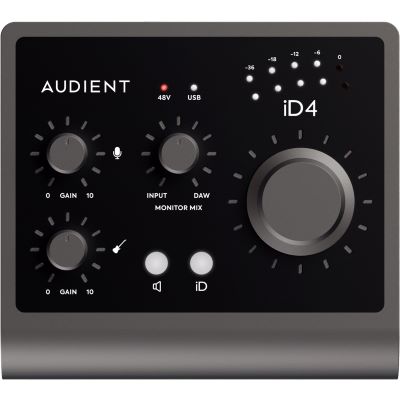
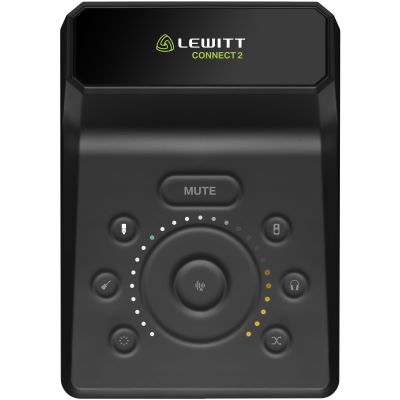
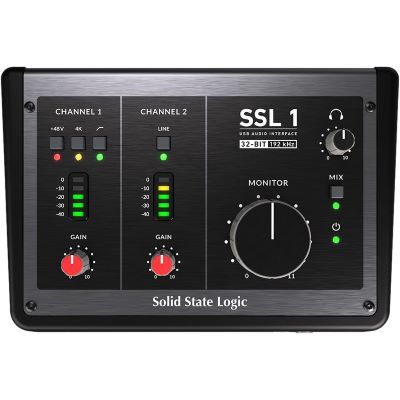
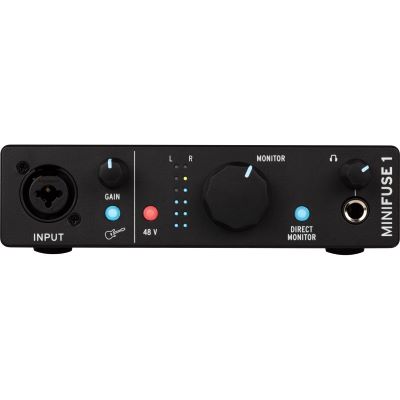
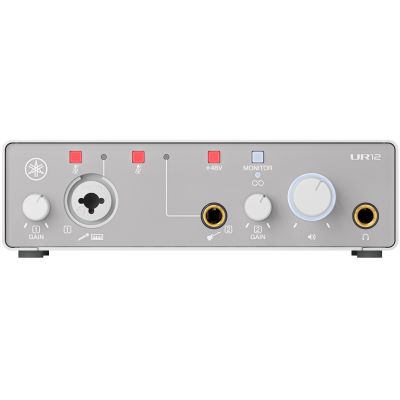
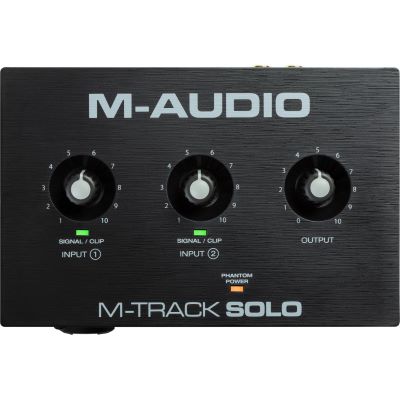
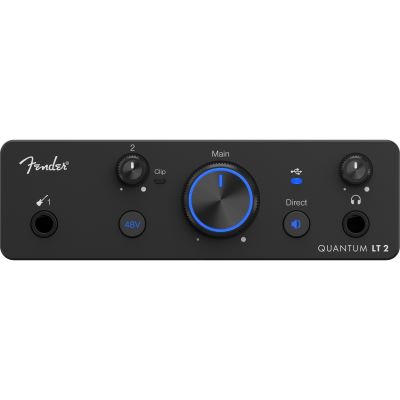
Audio Interfaces for Solo Vocals and Small Vocal Setups
This class is particularly suitable when you record one voice and occasionally an instrument. The interfaces remain compact while still providing the essential functions for a complete home-studio vocal setup.

More Freedom While Recording
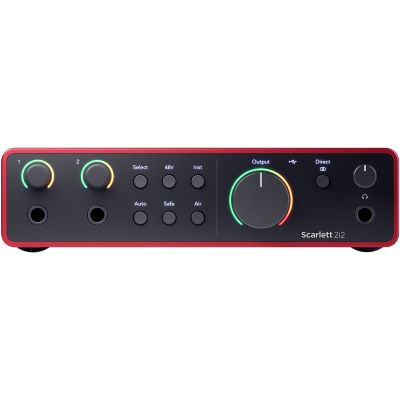
Two Microphone Preamps for Duets and Singer-Songwriters
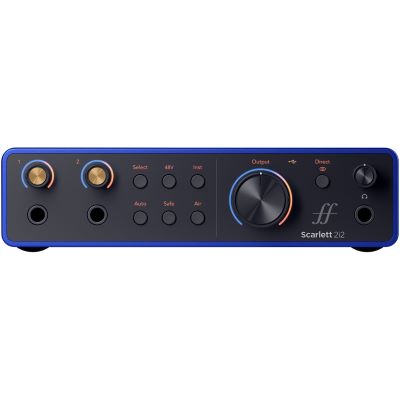
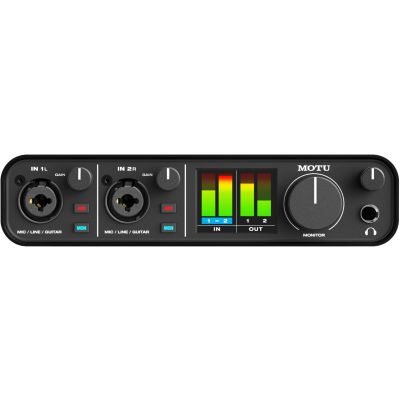
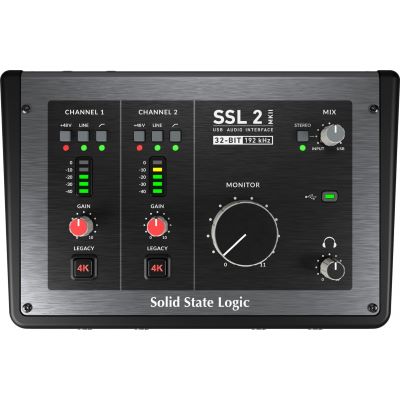
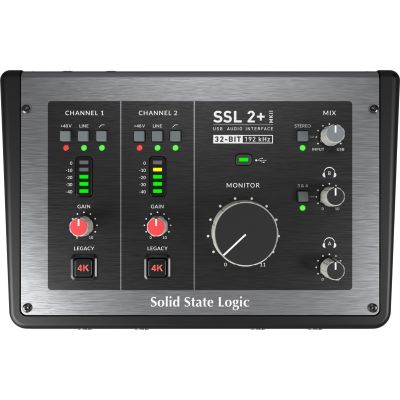
Two preamps are the flexible middle ground: record two voices at the same time, mic vocals and acoustic guitar separately or add an additional instrument channel.
Focusrite
Scarlett 2i2 4th Gen
View Product
Focusrite
Scarlett 2i2 Anniversary Edition
View Product
MOTU
M2
View Product
Solid State Logic
SSL 2 MKII
View Product
Solid State Logic
SSL 2+ MKII
View Product
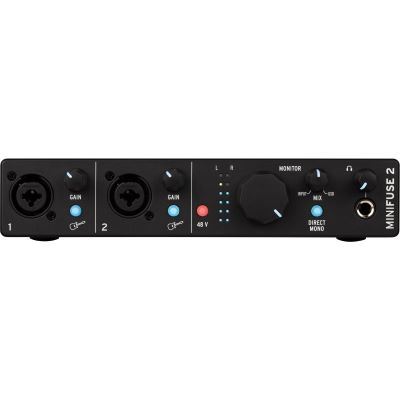
Arturia
MiniFuse 2 Black
View Product
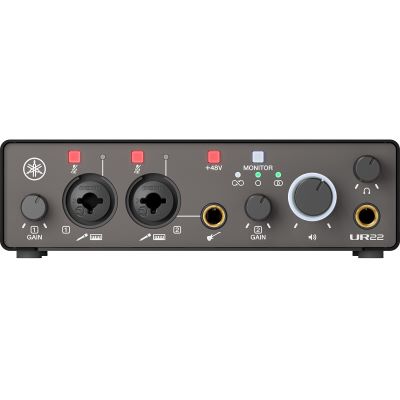
Yamaha
UR22 MK3 Black
View Product
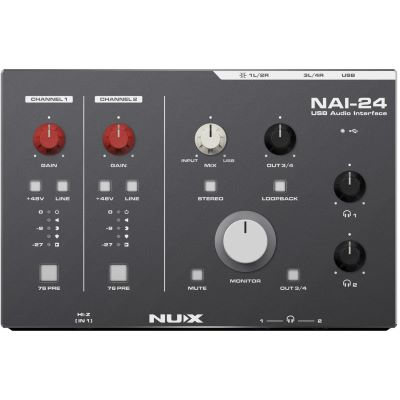
NUX
NAI-24
View Product
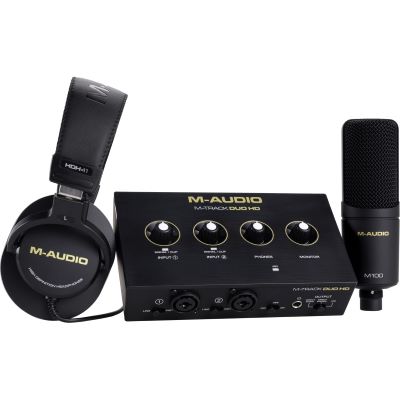
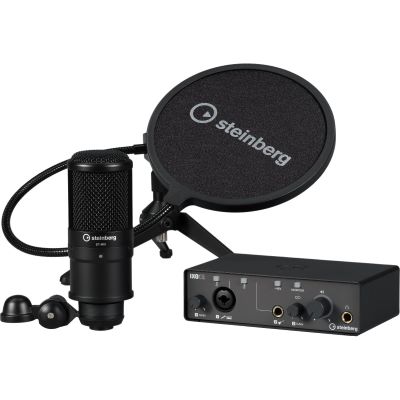
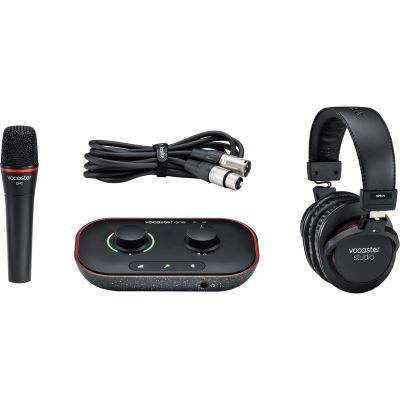
Microphone and Headphones Included
Complete Recording Sets for Getting Started with Vocal Recording
If you do not yet own a studio microphone or headphones, a coordinated recording package can make the first setup easier. Still check whether the microphone character, headphone design and interface will suit your intended use in the long term.

Several Voices and Larger Sessions
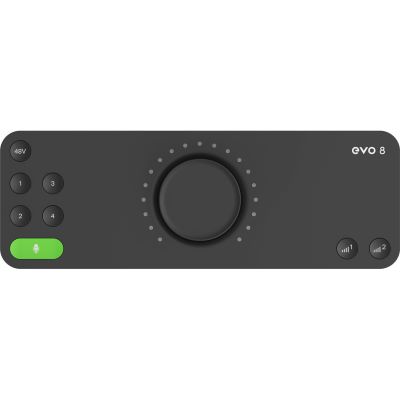
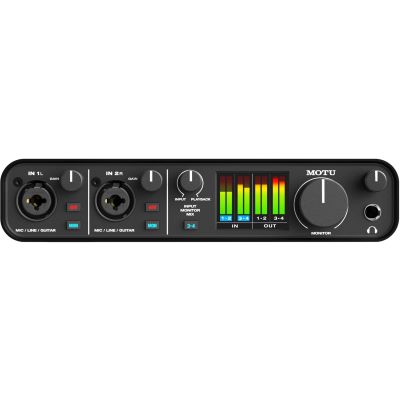
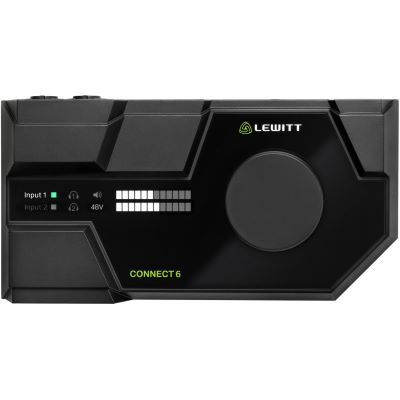
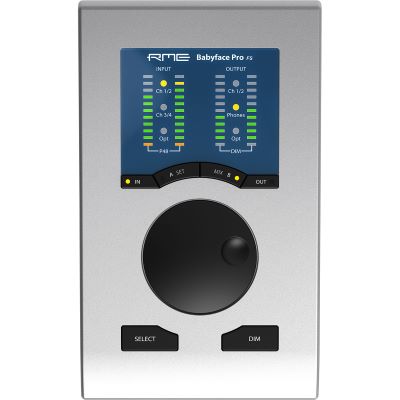
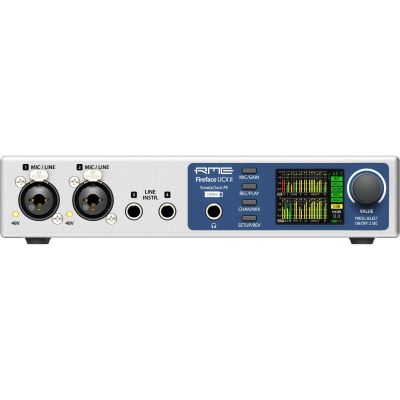
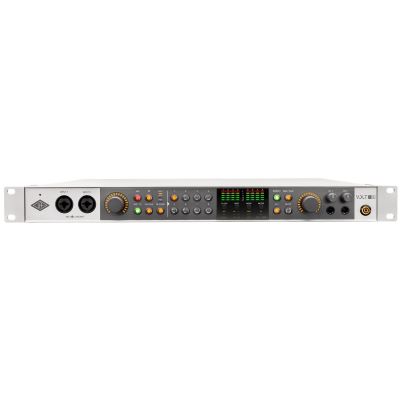
Four or More Preamps for Vocal Groups and Band Recordings
As soon as three or four microphones need to be used at the same time, do not look only at the total number of inputs. The number of actual microphone preamps is what matters. Additional line inputs cannot replace microphone channels without an external preamp.
From Your Mouth to the DAW
What Else Belongs in a Vocal Recording Setup?
The interface is only one part of the recording chain. Microphone choice, room acoustics, headphones, microphone position and recording level have at least as much influence on the practical result.
Studio Microphone
Choose the microphone according to the voice, room and working distance rather than only according to price.
Closed-Back Headphones
During vocal recording, closed-back headphones reduce the amount of playback leaking back into the vocal microphone.
Microphone Preamplifier
External preamps become interesting when a particular sound character or additional microphone channels are required.
Studio Monitors
Controlled studio monitors complement recording headphones when editing and mixing the vocal production.
From Connection to the First Take
Set the Vocal Level Correctly on Your Audio Interface
Connect the Microphone
Connect the studio microphone to the microphone input using a suitable XLR cable.
Check 48 V
Activate phantom power only when the microphone being used requires it or is designed to receive it.
Set the Gain
Sing the loudest expected passage and leave enough safety margin before digital clipping.
Adjust Monitoring
Balance the voice and playback so that you can sing comfortably and maintain control throughout the take.
Do not record too hot:
A digitally clipped vocal track is extremely difficult to repair
afterwards. A slightly lower but clean recording level is therefore
preferable to constantly aiming at the maximum meter reading.
Manufacturer Worlds
Compare Audio Interface Brands for Vocal Recording
Manufacturers differ not only in the number of inputs, but also in preamp design, routing, included software, Auto Gain functions and monitoring options.










Frequently Asked Questions
Answers About Audio Interfaces for Vocal Recording
Which Audio Interface Is Best Suited for Vocals?
For a single voice, an interface with a good XLR microphone preamp, sufficient gain, 48 V phantom power and a headphone output is usually enough. Two inputs are useful when an instrument or second microphone also needs to be recorded.
Do I Need 48 V Phantom Power for a Condenser Microphone?
Many studio condenser microphones require 48 V phantom power. Check the manufacturer's specifications for the specific microphone. Modern audio interfaces frequently provide this supply directly at the microphone input.
How Much Gain Does an Audio Interface Need for Vocals?
This depends strongly on the microphone, the voice and the recording distance. Sensitive condenser microphones often need less amplification than lower-output dynamic microphones. A larger clean gain reserve is especially helpful with the latter.
Is an Audio Interface with One Input Enough?
Yes, if only one voice is recorded at a time. Doubles and backing vocals can subsequently be recorded one after another on additional DAW tracks.
Do I Need Two Inputs for Vocals and Guitar?
If the voice and guitar need to be recorded simultaneously and separately, you need two suitable inputs. For a directly connected electric guitar, one of them should be usable as an instrument or Hi-Z input.
What Is the Advantage of Direct Monitoring While Singing?
Direct monitoring allows the microphone signal to be heard directly through the headphones without first passing through the recording software. This avoids or greatly reduces distracting software latency while singing.
Is Auto Gain Useful for Singers?
Auto Gain can help beginners find a usable recording level quickly. Careful manual gain adjustment can still be useful when there are large dynamic changes or very specific recording conditions.
Can I Use an Audio Interface for Live Streaming?
Yes. Loopback functions are particularly practical for streaming because they allow voice and computer audio to be combined within the system. Check which routing functions the individual interface provides.
Do I Need an Expensive Audio Interface for Good Vocals?
Not necessarily. A suitable microphone preamp, correct gain staging, good microphone positioning and controlled room acoustics are more important than simply buying a higher device class. A larger interface is primarily useful for additional connections and more complex workflows.
The Selection Summarised
Audio Interface for Vocals: Tips & Buying Advice
A good audio interface for vocals should primarily suit the microphone being used and the recording situation. A single microphone preamp is sufficient for pure solo vocals. An interface with two preamps, however, provides significantly more flexibility for a duet, vocals plus acoustic guitar or other singer-songwriter recordings.
When using a condenser microphone, check for suitable 48 V phantom power. With lower-output dynamic microphones, the available clean gain reserve becomes especially important. Direct monitoring and a good headphone output make vocal recording more comfortable because the singer can hear the voice clearly without distracting delay.
For several singers or complete bands, an interface with four, eight or more actual microphone preamps becomes useful. Do not consider only the advertised total number of inputs: additional line or digital inputs are not automatically microphone channels. First plan the microphones that need to be used simultaneously and then choose the required interface size.
More Buying Advice
From Your Vocal Setup to a Complete Home Studio
Discover further guides covering audio interfaces, microphones, headphones, studio monitors, instruments and complete recording technology.