
Musikhaus Korn Recording Guide
Build a Complete Recording Setup
A good recording setup consists of components that work together: sources, audio interface, computer, software and monitoring. Cables, stands, MIDI hardware and room acoustics complete the system. This guide takes you from your recording goal to a complete, understandable and expandable studio setup.
From Signal to Mix
Solo, Podcast, Producing & Band
Plan Compatible Components
Related Recording Topics
Find the Right Studio Equipment
Jump directly to the most important product groups or continue with one of the detailed Musikhaus Korn recording guides.
Recording Setup Planning Facts
Start with Your Project
Which Recording Setup Do You Want to Build?
Not every studio needs the same equipment. What matters is which sources you want to record at the same time, whether you use software instruments and how recording and mixing should be monitored.
Vocals & Rap
Audio interface, large-diaphragm microphone, closed-back headphones, microphone stand, XLR cable and pop filter.
Vocals & Guitar
Two flexible inputs allow you to record microphone and guitar simultaneously on separate tracks.
Podcast & Speech
Plan one microphone path for each speaker. Loopback and multiple headphone paths can be useful.
Beats & Electronic
A DAW, headphones, MIDI keyboard and virtual instruments create a streamlined production workstation.
Band & Drums
Multiple microphone preamps, microphones, XLR cables and sufficient headphone mixes become essential.
Planning rule:
First count the signals that need to be recorded simultaneously on
separate tracks. Only then choose the interface, microphones and
accessories. This prevents you from building a setup that already
runs out of inputs on the first larger project.
The System Behind Every Studio
From the Instrument to the Finished Recording
Understanding the complete signal path makes it easier to select equipment that works together and can be expanded later.
Source
Voice, microphone, guitar, keyboard or another sound source generates the signal.
Interface
Preamps and converters bring analogue audio sources into the computer.
DAW
Software records, arranges, edits, mixes and exports the project.
Monitoring
Headphones and studio monitors make recording and mixing controllable.
Distinguish Mic, Hi-Z and Line Correctly
Microphones require a microphone preamp. Passive electric guitars and basses belong on a suitable Hi-Z instrument input. Keyboards and synthesizers usually provide line-level signals, while a stereo source occupies two channels.
Keep Monitoring Latency Low
When singing or playing, audible delay should remain low. Direct monitoring or a correctly configured software buffer helps you control performance and timing immediately.
Evaluate Expandability Properly
Additional line inputs, MIDI or digital expansion options are useful when hardware synthesizers, several musicians or future drum recording are realistic parts of your plans.
The Complete Shopping System
These Components Belong in a Recording Setup
Build the system around the actual task of every component instead of selecting individual products in isolation.
Audio Interface
Check microphone inputs, Hi-Z, line I/O, headphone outputs, MIDI, drivers and future expandability. The actual number of simultaneously usable inputs is more important than the largest number printed in a product name.
Microphones
Large-diaphragm microphones are versatile for vocals and speech, while small-diaphragm models suit acoustic instruments and overheads. Dynamic instrument microphones are proven solutions for amplifiers, snare drums and other loud sources.
Headphones
Closed-back models are particularly practical during tracking. An open-back studio headphone can later serve as a second reference for editing and mixing.
Studio Monitors
Active nearfield monitors connect directly to the line outputs of the interface. Speaker size, listening distance, placement and room should always be considered together.
MIDI & Software
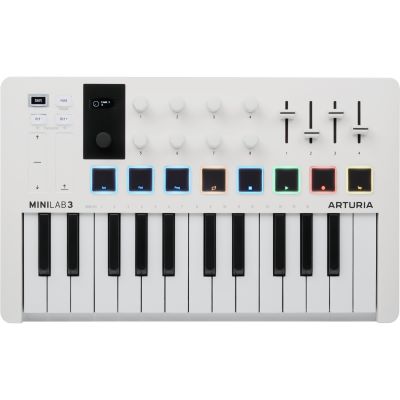
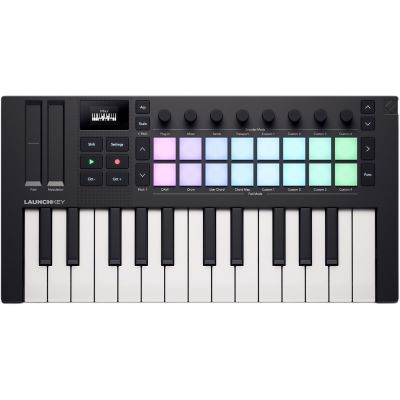
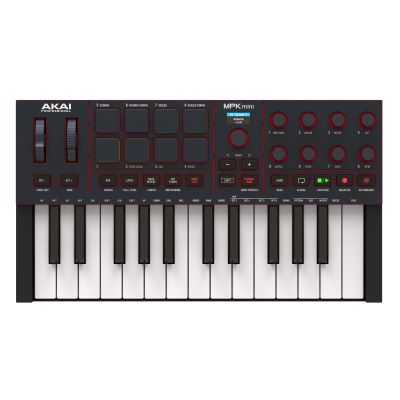
A DAW forms the production centre. MIDI keyboards control virtual pianos, synthesizers and drums and are especially useful for beat production and composition workflows.
Cables, Stands & Acoustics
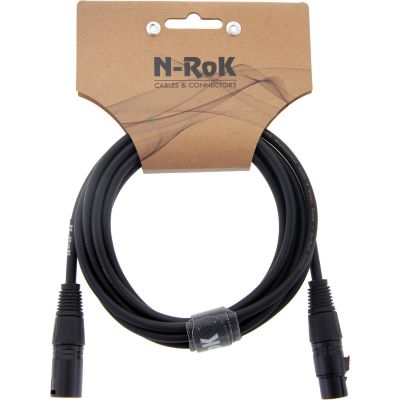
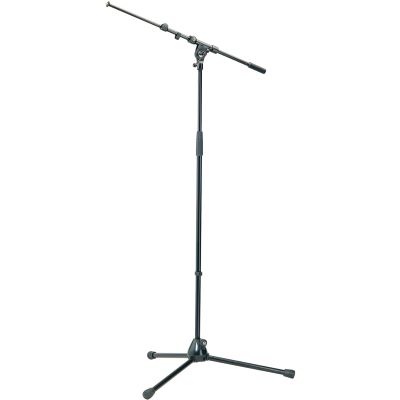
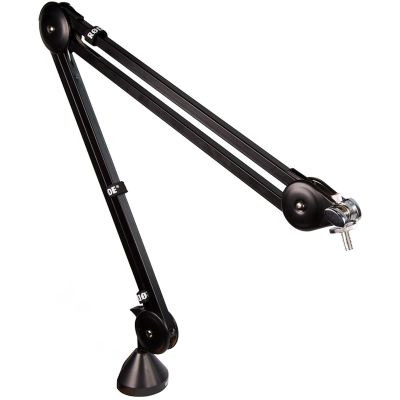
XLR and instrument cables, microphone stands, monitor supports and targeted acoustic measures turn a list of devices into a studio that can actually be used.
Five Typical System Paths
Complete Recording Setups by Application
The right combination depends on what you record and how many signals need to be handled at the same time.
Solo Vocal Studio
- 1–2-channel audio interface
- Large-diaphragm condenser microphone
- Closed-back studio headphones
- XLR cable, boom stand and pop filter
- DAW and a suitable recording position
Singer-Songwriter
- Interface with two fully featured inputs
- Vocal microphone plus Hi-Z input for guitar
- Headphones or two monitoring paths
- Instrument and XLR cables
- Studio monitors as a later mixing upgrade
Two-Person Podcast
- Two microphone inputs
- Two suitable speech microphones
- Two microphone arms or desktop stands
- Headphone distribution as required
- Optional loopback for computer audio
Producer & Beatmaker
- DAW with virtual instruments
- MIDI keyboard with pads and controls
- Studio headphones
- Audio interface when external sources are used
- Compact pair of monitors for mixing
Band & Drum Recording
Here, channel count becomes the most important criterion. Kick, snare and two overheads already require four microphone inputs. A detailed drum kit plus vocals, bass, guitar and keyboard can require eight, twelve or more channels simultaneously.
Also plan several XLR cables, stands, phantom power for condenser microphones and suitable headphone mixes.
At a Glance
Which Components Does Each Project Need?
| Project | Interface | Microphones | Monitoring | Extras |
|---|---|---|---|---|
| Vocals | 1–2 inputs | 1 large-diaphragm microphone | Closed-back headphones | Stand, pop filter |
| Singer-Songwriter | 2 inputs | 1–2 microphones | Headphones | Hi-Z, instrument cable |
| Podcast Duo | 2 mic preamps | 2 speech microphones | 1–2 headphones | Arms, loopback |
| Producing | 1–4 inputs | Optional | Headphones + monitors | MIDI, software |
| Band / Drums | 8+ inputs | 4–12+ | Multiple monitoring paths | Stands, cables, acoustics |
Matching Components from the Shop
Recording & Studio
Products for a Complete Recording Setup
The selection is organised by task. Do not simply combine the most expensive products; combine the functions that your actual signal path requires.
Audio Interfaces

Focusrite
Scarlett Solo 4th Gen
View Product
Focusrite
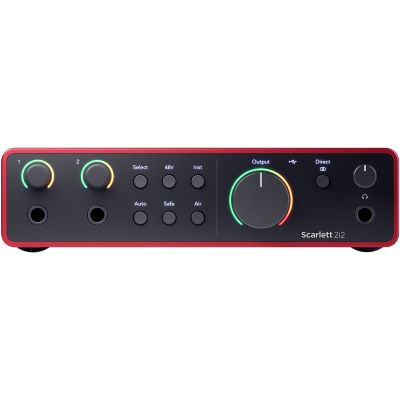
Scarlett 2i2 4th Gen
View Product
MOTU
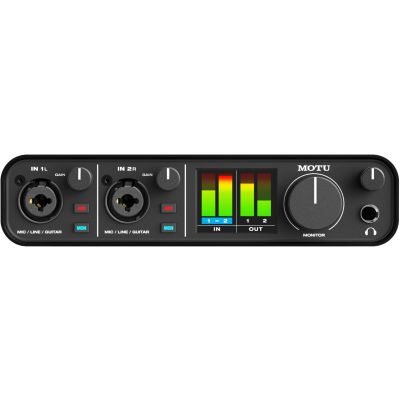
M2
View Product
MOTU
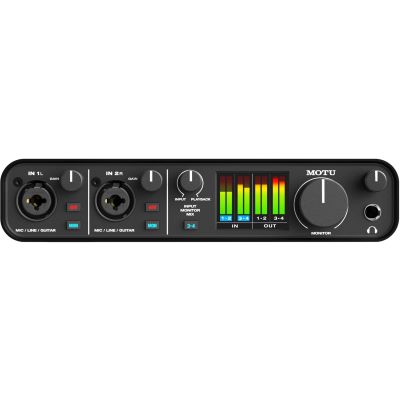
M4
View Product
MOTU
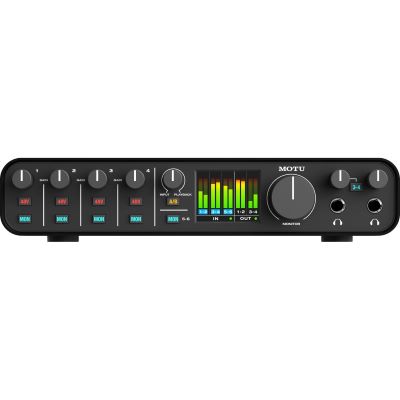
M6
View Product
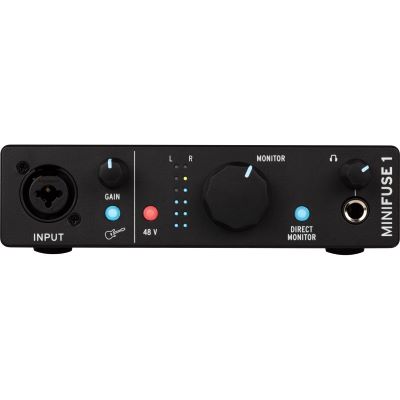
Arturia
MiniFuse 1 Black
View Product
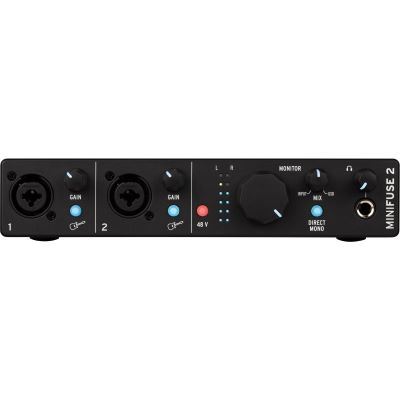
Arturia
MiniFuse 2 Black
View Product
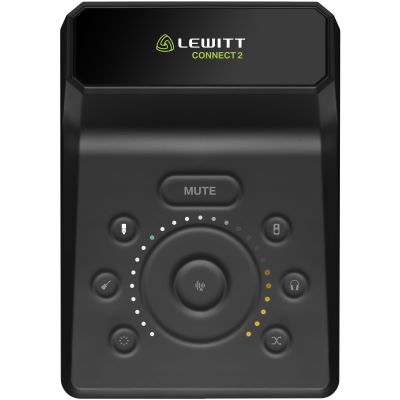
Lewitt
CONNECT2
View Product
Studio Microphones
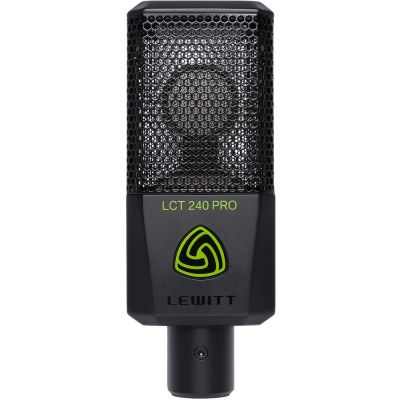
Lewitt
LCT 240 PRO BK
View Product
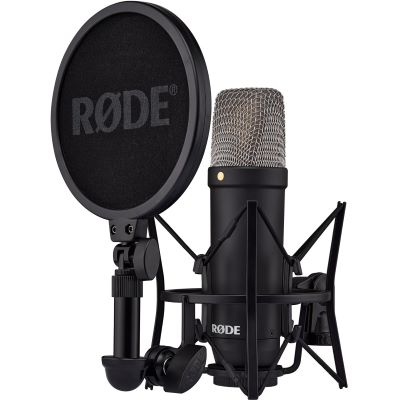
Rode
NT1 Signature Black
View Product
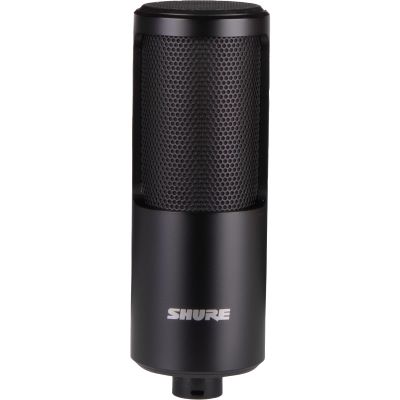
Shure
SM4
View Product
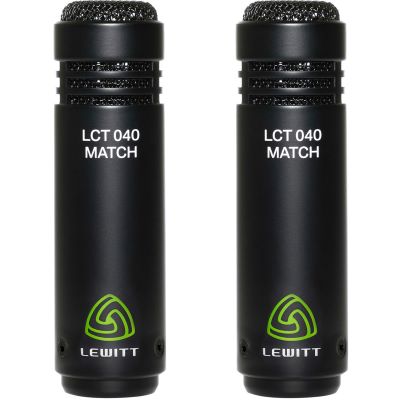
Lewitt
LCT 040 MATCH Stereo Pair
View Product
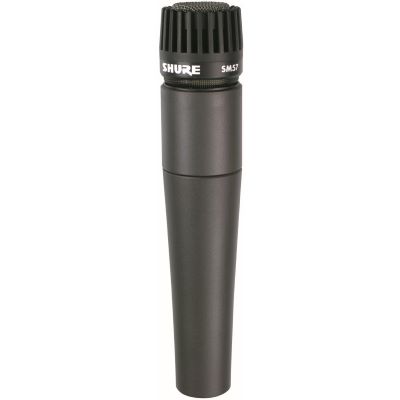
Shure
SM57 LC
View Product
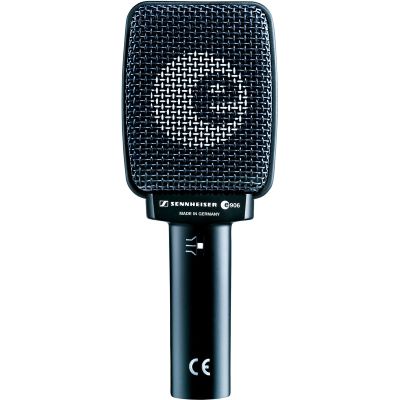
Sennheiser
E 906
View Product
Studio Headphones
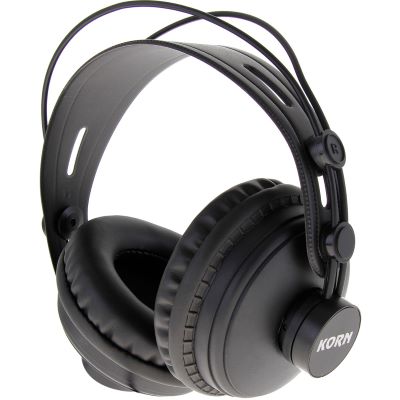
KORN
DK-770
View Product
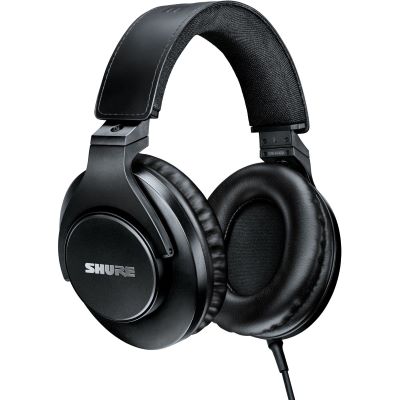
Shure
SRH440A-EFS
View Product
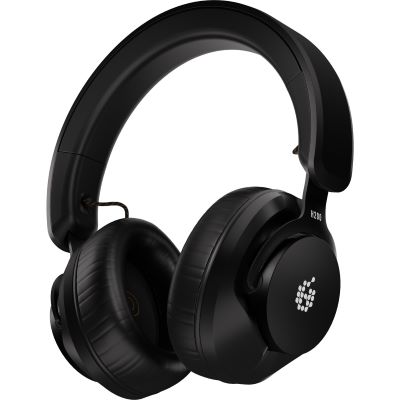
ADAM Audio
H200
View Product
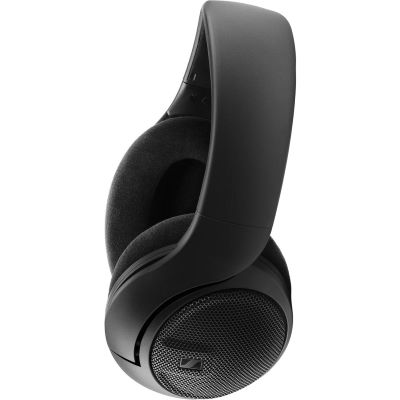
Sennheiser
HD 400 PRO
View Product
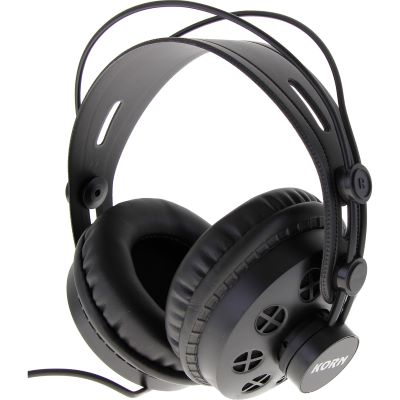
KORN
DK-880
View Product
Active Studio Monitors
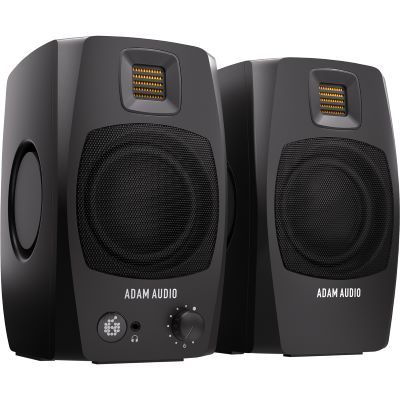
ADAM Audio
D3V Black
View Product
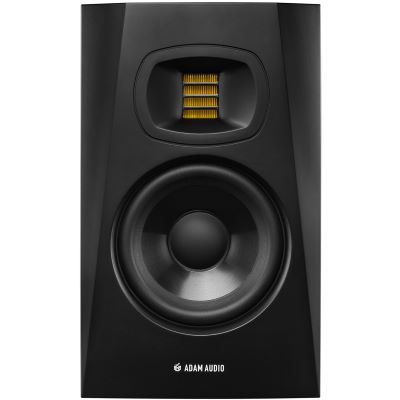
ADAM Audio
T5V
View Product
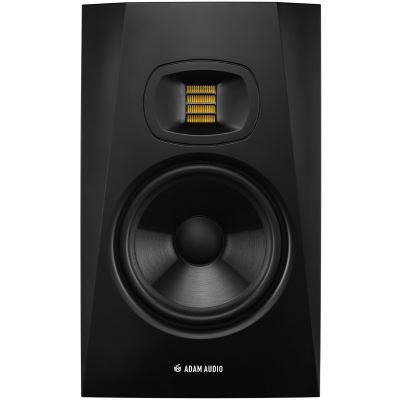
ADAM Audio
T7V
View Product
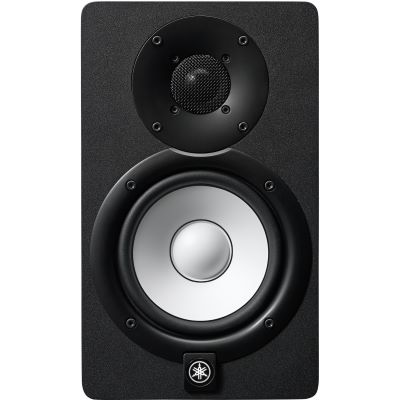
Yamaha
HS5
View Product
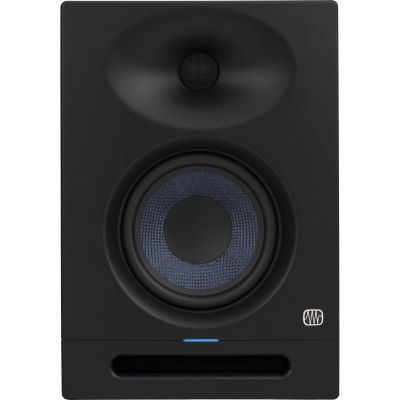
PreSonus
Eris Studio 5
View Product
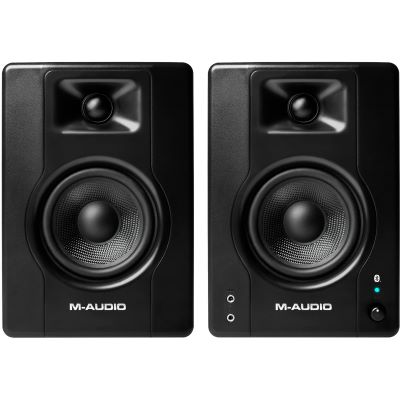
M-Audio
BX4BT Pair
View Product
MIDI Keyboards & Music Software
Complete the Signal Path
Cables, Stands & Acoustic Accessories
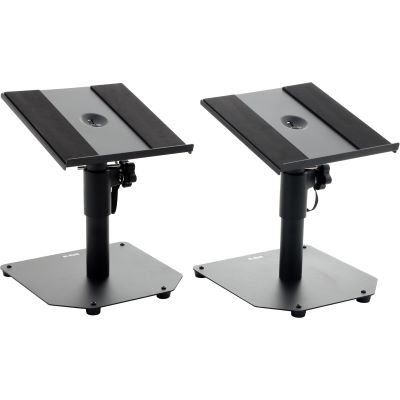
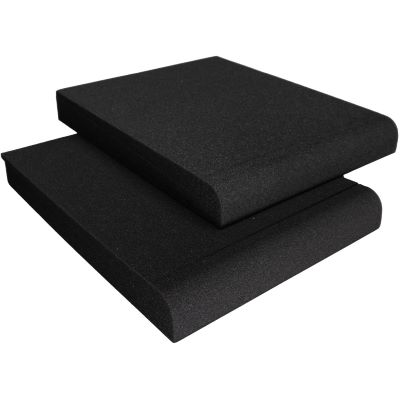
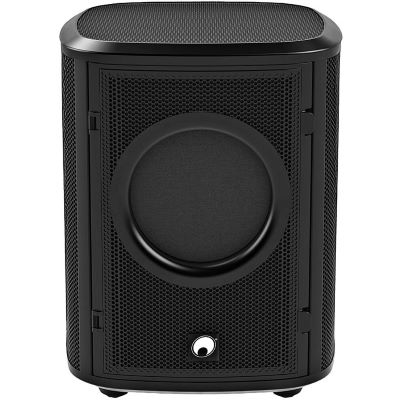
Small components are part of the recording system from the beginning. Plan cables, stands, monitor positioning and acoustic accessories together with the main equipment.
Good Equipment Needs a Good Workspace
Set Up Your Recording System Correctly
Microphone position, monitor placement and room behaviour affect the practical performance of the entire recording system.
Microphone Position
Set distance and angle by ear first. The room, walls, windows and computer noise are also captured by the microphone. A good position is often more effective than heavy processing afterwards.
Monitor Position
The left monitor, right monitor and listening position should be arranged as symmetrically as possible. Desktop or floor stands help set height, distance and angle reproducibly.
Improve Acoustics Purposefully
Isolation pads, reflection filters and larger room absorbers solve different problems. Begin with a problem you can actually hear and then choose the appropriate measure.
Manufacturer Worlds at Musikhaus Korn
Brands for a Complete Recording System
Manufacturer pages are particularly useful when you want to compare several components from one product family or find matching expansions.
















Avoid Wrong Purchases
The Most Common Mistakes When Building a Recording Setup
Comparing Only Individual Devices
Interface, microphone and monitoring need to work as one connected signal path.
Planning Too Few Inputs
A stereo keyboard or a second musician can immediately use every input on a small interface.
Forgetting Accessories
XLR cables, stands, pop filters and monitor cables belong in the initial planning from the beginning.
Ignoring the Room
Recording position and monitor placement can change the practical sound quality of the entire system.
Frequently Asked Questions
Answers About Building a Complete Recording Setup
What Belongs in a Complete Recording Setup?
A computer and DAW, audio interface, suitable recording source and headphones or studio monitors form the core. Microphones, MIDI equipment, cables, stands and acoustic treatment are added according to the application.
How Many Audio Interface Inputs Should I Plan For?
Plan according to the maximum number of signals that need to be recorded simultaneously. One or two channels are often enough for solo projects, while drum and band productions may require eight or more.
Do I Need Both Studio Monitors and Headphones?
For a versatile studio, the two complement each other. Closed-back headphones are practical when recording, while studio monitors are especially useful for stereo imaging and mix decisions.
Which Microphone Should I Buy First?
That depends on your main source. A large-diaphragm condenser microphone is versatile for vocals, a dynamic instrument microphone works well for a guitar amplifier or snare drum, and small-diaphragm microphones are often used for overheads.
Do I Need a MIDI Keyboard in a Recording Studio?
Only if virtual instruments or MIDI composition are part of your workflow. It is optional for recording only vocals, speech or guitar.
Which Cables Do I Need at Minimum?
XLR microphones require XLR cables, guitars require instrument cables and a stereo pair of studio monitors requires two suitable line connections to the interface.
Can a Recording Setup Be Expanded Later?
Yes. Additional microphones, monitors, MIDI controllers and larger interfaces can be added step by step. It is therefore worthwhile to consider future projects when choosing the interface.
What Do I Need to Record Two Musicians at the Same Time?
You need at least two separate inputs, suitable microphones or instrument connections and a monitoring concept. For two pairs of headphones, a second headphone output or headphone amplifier can be useful.
How Do I Plan a Setup for Recording Drums?
Start with the desired microphone count. Kick, snare and two overheads already require four channels. More detailed multitrack recording requires correspondingly more microphone preamps, XLR cables and stands.
What Should I Upgrade First?
Upgrade the actual bottleneck: more inputs for additional musicians, studio monitors for mixing, MIDI hardware for virtual instruments or another microphone for new recording sources.
Plan the Complete System
Build a Complete Recording Setup | Musikhaus Korn
A complete recording setup does not begin with a specific brand or price category, but with the recording goal. First define the sources and the number of channels you need simultaneously. Then choose an audio interface whose microphone, instrument and line inputs match those sources. Microphones are selected according to the voice, instrument and room.
For monitoring, closed-back studio headphones are a versatile foundation. A suitable pair of active nearfield monitors later adds the loudspeaker perspective. Producers working with virtual instruments also benefit from a MIDI keyboard, while bands tend to require more microphone preamps, headphone mixes and cables.
Only once the main equipment and signal path have been defined should stands, pop filters, monitor supports and acoustic elements be added purposefully. This creates a studio in which every component has a specific task instead of an arbitrary collection of devices, while still allowing sensible expansion for future projects.
More Buying Guides & Project Paths
From a Recording Setup to a Complete Music Project
Instruments, home studios, DJ technology and event equipment can all be planned as connected systems. Find more decision guides, comparisons and matching product categories in the central Musikhaus Korn guide.