
Musikhaus Korn Buying Guide
Audio Interface with MIDI: Connect Synthesizers, Keyboards & Your DAW Correctly
An audio interface with MIDI connects more than microphones, instruments, studio monitors and headphones to your computer. MIDI In and MIDI Out also let you control and synchronise synthesizers, drum machines, keyboards, sound modules and other hardware. This is especially useful for classic MIDI devices without their own USB connection.
MIDI In & MIDI Out Explained
DIN MIDI vs USB MIDI
Integrate Synths, Keyboards & Drum Machines
Related MIDI and Production Topics
MIDI Interface Quick Facts
The Short Decision
When Do You Need an Audio Interface with MIDI?
Integrated MIDI inputs and outputs are particularly useful when your studio contains classic hardware in addition to audio equipment. For a single USB MIDI keyboard, dedicated MIDI connections on the audio interface are not necessarily required.
Play Software Instruments Only
A modern MIDI keyboard can often be connected directly to the computer via USB. In this case, the audio interface does not require its own MIDI sockets.
Integrate Classic MIDI
If your synthesizer has MIDI In and MIDI Out in the traditional 5-pin DIN format, an audio interface with MIDI eliminates the need for an additional USB MIDI interface.
Synchronise Tempo and Notes
MIDI can transmit notes, controller data and clock information, allowing compatible hardware devices to start and run in sync with the DAW.
Plan Multiple MIDI Ports
With several synthesizers and drum machines, a single MIDI Out eventually becomes less convenient. A separate multi-port MIDI interface provides a clearer solution.
Rule of thumb:
for one or two classic MIDI devices, an audio interface with
1× MIDI In and 1× MIDI Out is particularly practical. For a larger
synthesizer rack or several independent hardware paths, also plan a
MIDI interface with several ports
.
Separate Audio from Control Data
What Does MIDI on an Audio Interface Actually Do?
MIDI does not transmit the actual sound of an instrument. Instead, it exchanges musical and technical control information between compatible devices. A hardware synthesizer therefore often needs both a MIDI connection and an audio connection.
MIDI Controls
Notes, velocity, pitch bend, modulation, controller values, program changes and various synchronisation messages can be transferred between compatible devices.
Audio Carries Sound
The actual sound of a synthesizer reaches the audio interface through the instrument's audio outputs and the interface's line inputs. MIDI and audio therefore perform completely different tasks.
The DAW Combines Both
A MIDI track in your music software can play the synthesizer, while the synthesizer's audio output is recorded simultaneously onto a separate audio track.
What Do MIDI In and MIDI Out Mean?
The labels are always read from the perspective of the device. MIDI In receives data and MIDI Out sends data. To record notes from a hardware keyboard in the computer, connect the keyboard's MIDI Out to the interface's MIDI In.
How Does the Signal Return to the Synth?
To let a recorded MIDI track play the hardware synthesizer, connect MIDI Out on the audio interface to MIDI In on the synthesizer. The synth's audio outputs must additionally be connected to the interface's line inputs.
Remember:
MIDI tells the instrument what to play. The audio cable then
transports what the instrument actually sounds like.
Hardware Synthesizer Example
How to Connect Audio and MIDI Correctly
Three or four connections create a complete recording and control path between a synthesizer, audio interface and DAW.
Send MIDI to the Computer
Connect the synthesizer's MIDI Out to the interface's MIDI In. The DAW can now record played notes and controller movements.
Send MIDI Back to the Hardware
Connect the interface's MIDI Out to the synthesizer's MIDI In. The DAW can then send the recorded performance back to the synth.
Connect the Audio
Connect the left and right audio outputs of the synthesizer to two line inputs on the audio interface if you want to record its full stereo sound.
Create Tracks in the DAW
Use a MIDI track for notes and control information, plus a stereo audio track for recording the actual sound generated by the synth.
Typical mistake:
MIDI is connected, but no sound appears in the recording.
This is normal when only the MIDI path is connected. The hardware
synthesizer's audio output must also be connected to audio inputs.
Two Routes for Control Data
USB MIDI or Classic 5-Pin DIN MIDI?
Both connection types are useful. The better choice depends on whether the device communicates directly with a computer or needs to be integrated into a classic hardware setup.
USB MIDI
Modern MIDI keyboards, synthesizers and controllers often have their own USB connection. They can communicate directly with the computer without necessarily using the MIDI ports of the audio interface.
- Practical for modern controllers
- Fewer additional MIDI cables
- Several USB devices can operate in parallel
- A computer or suitable USB host is required
5-Pin DIN MIDI
Traditional MIDI sockets are particularly useful for synthesizers, drum machines and sound modules. They provide a clear hardware connection without requiring a separate computer USB port for every instrument.
- Ideal for classic and older hardware
- Hardware devices can be connected directly
- One MIDI 1.0 port can address 16 MIDI channels
- Several independent paths benefit from several ports
Size the Setup Correctly
Which MIDI Solution Fits Your Hardware?
MIDI requirements and audio requirements should be planned separately. A device may require only one MIDI connection while still occupying two or more audio inputs.
| Setup | MIDI Requirement | Audio Requirement | Recommendation |
|---|---|---|---|
| USB MIDI Keyboard + Software | No DIN port essential | Monitors / headphones | A conventional audio interface is sufficient |
| 1 Hardware Synth | 1× In / 1× Out | 2 line inputs for stereo | Audio interface with MIDI |
| Synth + Drum Machine | 1–2 MIDI paths | 4+ line inputs are useful | 4-channel interface with MIDI |
| Several Hardware Synths | Several independent ports | Many line inputs | Audio interface + MIDI interface |
| Modular + Synth + DAW | MIDI plus possible additional control paths | Many I/O | Expanded production interface |
| Large Project Studio | Several devices and synchronisation | ADAT, line I/O and monitoring | Professional interface + MIDI hub |
One Synthesizer, Keyboard or Drum Machine
All USB Interfaces
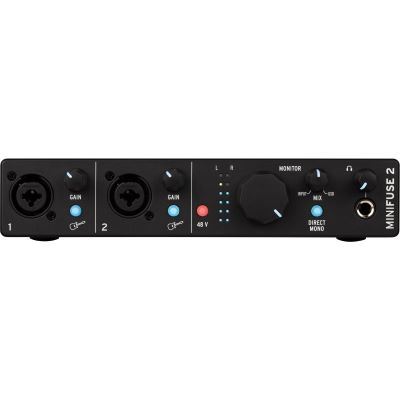
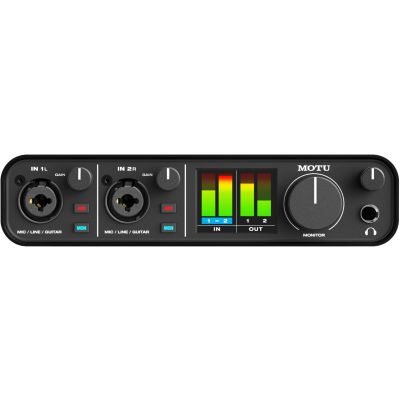
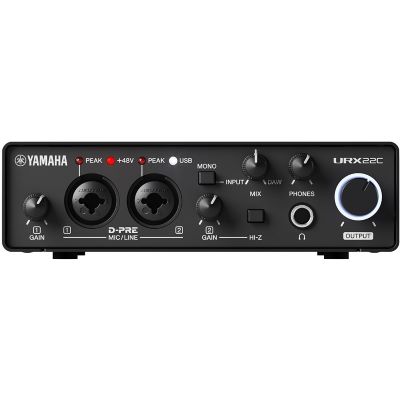
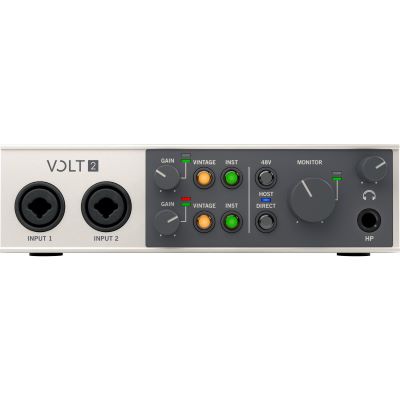
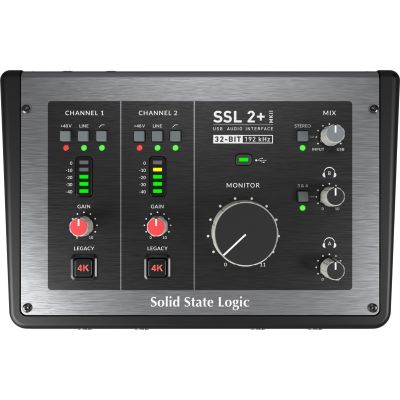
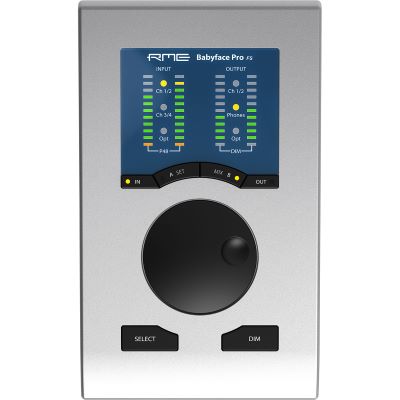
Compact Audio Interfaces with MIDI for the Home Studio
These interfaces combine audio connections and traditional MIDI hardware in a compact desktop format and are particularly useful for producers with a manageable hardware setup.
More Line I/O and More Hardware
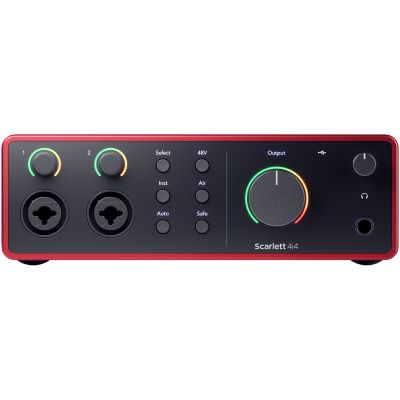
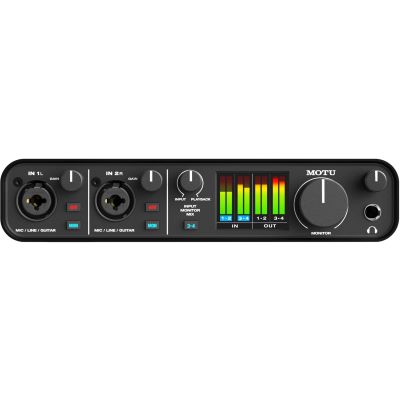
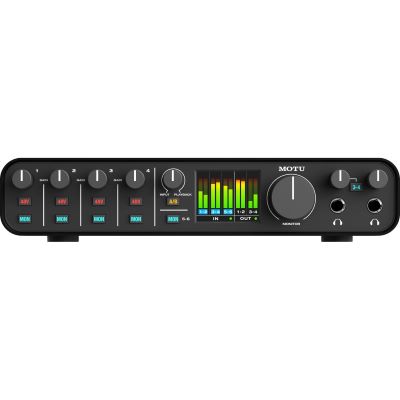
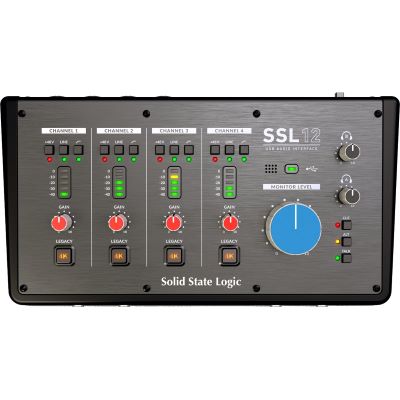
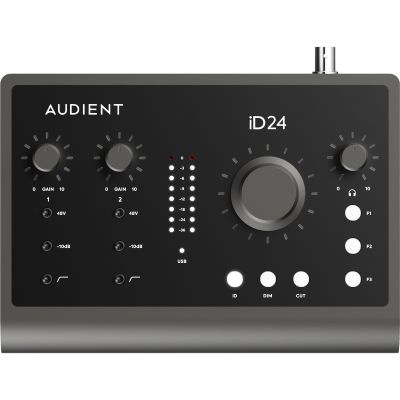
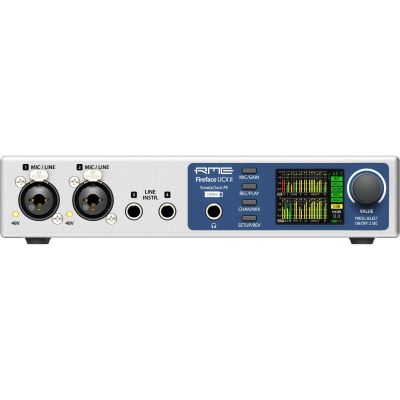
Audio Interfaces with MIDI for Synthesizer & Hybrid Studios
As soon as several stereo synthesizers, drum machines or external effects remain permanently connected, additional line inputs and outputs become just as important as MIDI connectivity.
Many Audio Channels Plus MIDI
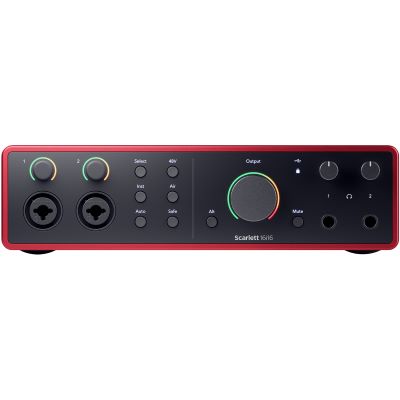
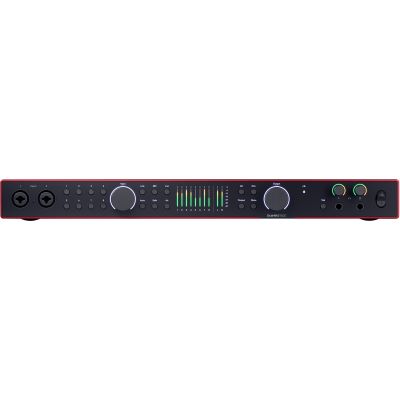
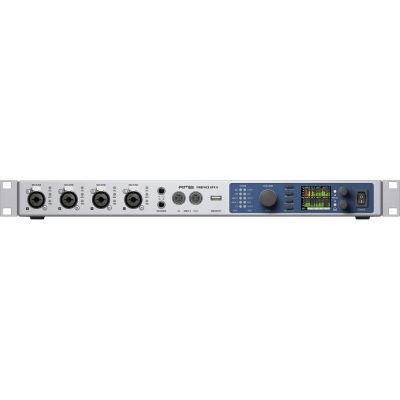
Audio Interfaces with MIDI for Professional Project Studios
In larger studios, MIDI is only one part of the connection plan. ADAT, S/PDIF, Word Clock, numerous line channels and complex monitoring and routing options become increasingly important.
When One MIDI Port Is No Longer Enough
When Do You Still Need a Separate MIDI Interface?
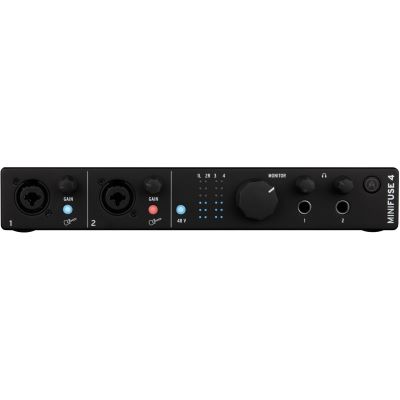
One MIDI In and one MIDI Out are excellent for small studios. With four, six or eight hardware devices, however, a central multi-port solution can make routing much clearer.
A classic MIDI 1.0 port can address up to 16 logical MIDI channels, but a long MIDI Thru chain with several instruments is often less flexible than dedicated outputs. Separate ports simplify routing, troubleshooting and clear device assignment in the DAW.
A dedicated MIDI interface becomes particularly useful in larger synthesizer studios, with several drum machines, rack sound modules or live setups where several devices need to be controlled independently.
One Shared Tempo
MIDI Clock, Start and Stop in Hardware Setups
Drum machines, arpeggiators and hardware sequencers often need to run at the same tempo as the DAW. MIDI can transmit timing and transport information between compatible devices.
DAW as Master
The music software provides the tempo and transport commands. Connected hardware follows the DAW through the MIDI output of the interface.
Hardware as Master
A performance sequencer or drum machine can also provide the central clock. The DAW then receives the corresponding synchronisation information.
Choose Only One Master
To avoid timing conflicts, a simple setup should clearly define which device controls the tempo and which devices follow it.
The Complete MIDI Studio
Suitable Product Groups Around Your Audio Interface
Complete the control and audio paths with the right keyboards, interfaces, MIDI cables, controllers, synthesizers and monitoring.
MIDI Keyboards
Keyboards and controllers for playing software instruments and external hardware instruments.
MIDI Interfaces
Additional independent inputs and outputs for larger synthesizer and hardware setups.
MIDI Cables
DIN and MIDI connection cables for classic and compact hardware devices.
MIDI Controllers
Controls, pads and performance tools for DAWs, plug-ins and live production workflows.
Synthesizers
Hardware sound generators that can be controlled via MIDI and recorded through the audio interface.
USB Audio Interfaces
Compare interfaces according to microphone, line, instrument and MIDI connectivity.
Studio Monitors
Monitor and mix hardware and software instruments in a controlled studio listening environment.
Studio Headphones
Produce, program and record without having to use loudspeakers.
Manufacturer Worlds
Brands for Audio, MIDI & Hardware Production
Discover audio interfaces, synthesizers, controllers and other studio equipment directly in the relevant manufacturer worlds at Musikhaus Korn.










Frequently Asked Questions
Answers About Audio Interfaces with MIDI
The most important questions about MIDI keyboards, synthesizers, MIDI In and Out, USB MIDI, DIN MIDI, synchronisation and stereo recording.
Do I Need an Audio Interface with MIDI for a MIDI Keyboard?
Not necessarily. A USB MIDI keyboard can usually be connected directly to the computer. MIDI on the audio interface becomes especially useful when classic hardware with 5-pin MIDI connections needs to be integrated.
Does MIDI Also Transmit the Sound of My Synthesizer?
No. MIDI transmits control information. The actual sound of the synthesizer must additionally be connected from its audio outputs to the line inputs of the audio interface.
How Do I Connect a Synthesizer to MIDI and an Audio Interface?
For bidirectional MIDI communication, connect MIDI Out on the synthesizer to MIDI In on the interface and MIDI Out on the interface to MIDI In on the synthesizer. The synthesizer's audio outputs must additionally be connected to the interface's line inputs.
What Is the Difference Between MIDI In and MIDI Out?
MIDI In receives control data and MIDI Out sends control data. The labels are always read from the perspective of the respective device.
How Many Devices Can I Control Through One MIDI Port?
A classic MIDI 1.0 port provides 16 logical MIDI channels. Several devices can be addressed accordingly if the cabling and connected devices provide suitable Thru or routing options.
When Do I Need a Separate MIDI Interface?
As soon as several hardware devices need to be controlled independently through their own MIDI ports, a multi-port MIDI interface is clearer and more flexible than a long MIDI Thru chain.
Is USB MIDI Better Than DIN MIDI?
Both connection types have their own applications. USB MIDI is convenient for a direct computer connection. DIN MIDI is particularly useful for classic hardware and direct connections between devices without using another computer USB port.
Can MIDI Synchronise a Drum Machine with My DAW?
Yes. With compatible hardware and software, tempo and transport information can be transmitted so that the drum machine, sequencer and DAW run together.
Do I Need Two Audio Inputs for a Stereo Synthesizer?
Yes, if you want to record the complete stereo output. MIDI itself does not require an additional audio channel, but the left and right audio outputs each require a suitable line input.
Is MIDI 2.0 Important for My Audio Interface?
For many current home-studio setups, classic MIDI 1.0 remains sufficient. MIDI 2.0 expands the standard with features such as higher resolution and additional communication possibilities. The deciding factor is which functions your specific devices actually support.
The Decision Summarised
Audio Interface with MIDI: Connect Synthesizers & Keyboards
An audio interface with MIDI is particularly useful when classic synthesizers, drum machines, keyboards or sound modules need to be integrated into a studio alongside microphones and instruments. MIDI In receives control data and MIDI Out sends it. The actual sound of a hardware instrument is still recorded through the audio inputs of the interface.
A dedicated MIDI connection on the audio interface is not essential for a single USB MIDI keyboard. A keyboard with USB can communicate directly with the computer. As soon as classic equipment with DIN MIDI is added, however, 1× MIDI In and 1× MIDI Out on the audio interface become very practical.
Producers with several hardware synthesizers should also pay attention to the number of line inputs. A single stereo synthesizer already requires two audio channels. With several instruments, four, six or more line inputs quickly become more convenient. For extensive MIDI systems, a separate MIDI interface with several independent ports is also worthwhile.
More Buying Advice
From a MIDI Interface to a Complete Production Studio
Discover more Musikhaus Korn guides about audio interfaces, synthesizers, MIDI keyboards, recording, studio monitors, headphones and complete music-production setups.