
Musikhaus Korn Buying Guide
Audio Interface for a Full Band: Record All Musicians at the Same Time
Record drums, bass, guitars, keyboards and several vocals simultaneously onto separate tracks? Then simply having as many inputs and outputs as possible is not enough. A good band interface needs enough real microphone preamps, suitable line and instrument inputs, flexible headphone mixes and sensible expansion options.
Plan 4, 8, 12 or More Signals
ADAT & Additional Preamps Explained
Individual Headphone Mixes Considered
Related Band Recording Topics
Quick Facts for Band Audio Interfaces
Count Before Buying the Interface
How Many Inputs Does a Full Band Need?
Count every signal that needs to be recorded onto a separate track at the same time. An acoustic drum kit in particular can use a large number of microphone channels.
4 to 8+ Channels
A minimal setup might use kick, snare and two overheads. Add toms, hi-hat and further microphones and the requirement quickly rises to eight or more microphone preamps.
1 Channel per Mono Signal
A miked guitar amplifier or a guitar recorded as a DI signal each requires one channel. Bass is often recorded directly or in parallel with a miked amplifier.
2 Channels for Stereo
A stereo keyboard, drum machine or stereo guitar modeler requires two line inputs. Several hardware devices increase the channel requirement accordingly.
1 Preamp per Microphone
Lead and backing vocals each require their own microphone preamp when they need to be recorded simultaneously onto separate tracks.
Practical example:
lead vocal, backing vocal, guitar, bass, kick, snare and two overheads
already occupy eight channels. Add further guitars, toms or a stereo
keyboard and an 8-channel setup quickly becomes a 12- to 16-channel
project.
The Total Input Count Is Not Enough
Understand Mic, Line, Hi-Z and Digital Expansion
An interface with 16 inputs does not automatically contain 16 microphone preamps. For full-band recording, the different input types need to be considered separately.
Mic Preamps
Microphones require suitable preamplification. Eight drum microphones therefore require eight microphone preamps that can be used simultaneously.
Line Inputs
Keyboards, modelers and other equipment with line-level outputs do not require additional microphone preamps and can therefore keep valuable mic channels free.
Hi-Z Inputs
Passive electric guitars and basses should be connected to instrument or Hi-Z inputs when they are recorded directly.
ADAT
An optical digital input can expand a compatible interface with external microphone preamps. The available channel count also depends on the selected sample rate.
Why Eight Can Be Only the Beginning
An acoustic drum kit can occupy most or all of eight microphone inputs. Add vocals and miked guitar amplifiers and additional input capacity quickly becomes valuable.
When Is ADAT the Better Investment?
If eight channels are enough today but additional drum microphones, brass instruments or further musicians may be added later, an interface with ADAT provides a clear expansion path.
Rule for complete bands:
plan for the largest live session you realistically want to record,
not only for the smallest lineup you use today.
Quick Size Comparison
Which Interface Class Fits Which Band?
| Setup | Mic Preamps | Typical Application | Recommendation |
|---|---|---|---|
| Acoustic Duo / Trio | 4 | Vocals and a few instruments | Compact 4-preamp interface |
| Small Band | 6–8 | Reduced drum miking | 8-preamp class |
| Rock / Pop Band | 8–16 | Drums, vocals, guitars, bass and keys | 8 preamps + ADAT or a 16-input system |
| Large Session | 16+ | Several musicians and extensive drum miking | Expandable rack system |
| Rehearsal + Live + Recording | 8–16+ | One central system for several applications | Digital mixer / multitrack recorder |
For Small Lineups & Overdubs
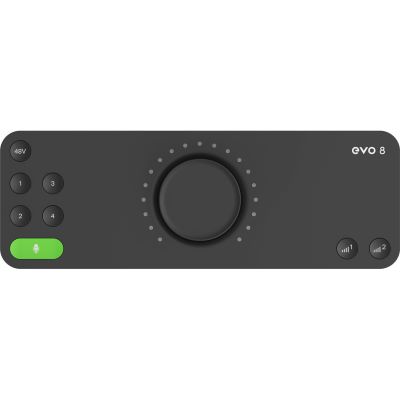
Four Microphone Channels as a Compact Starting Point
Four preamps are suitable for acoustic ensembles, reduced drum recordings or bands that record most instruments one after another. For a complete rock band playing live at the same time, four microphone channels are generally too limited.
The Classic Band Starting Point
Compare Audio Interfaces
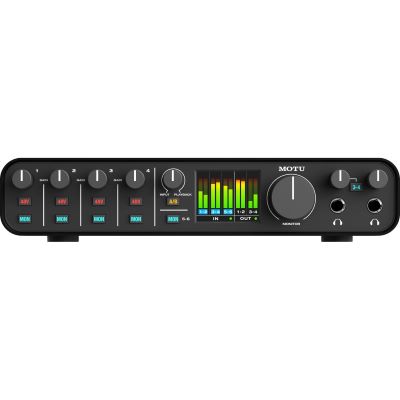
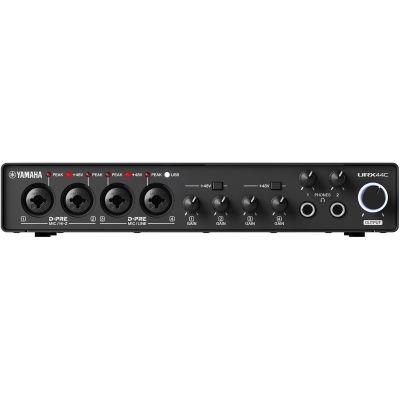
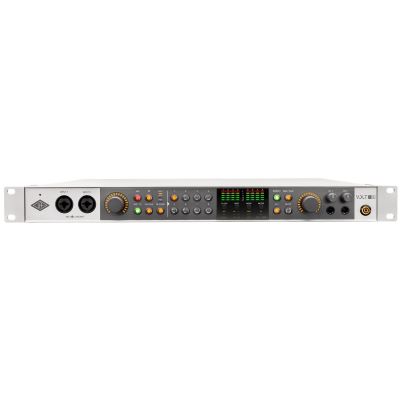
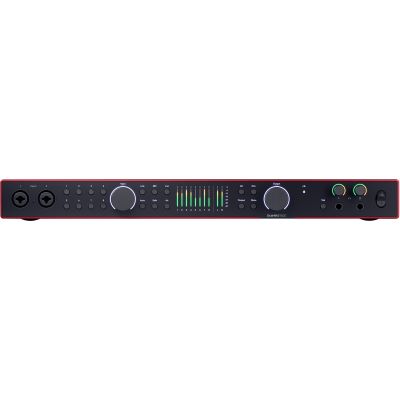
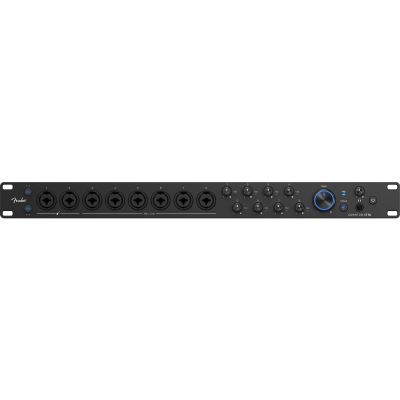
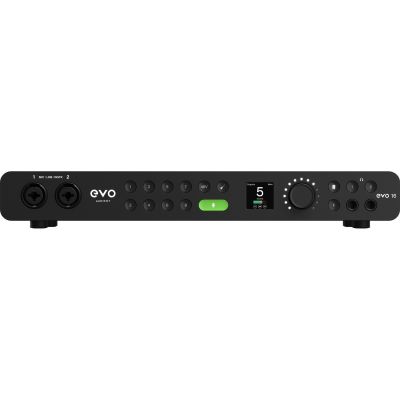
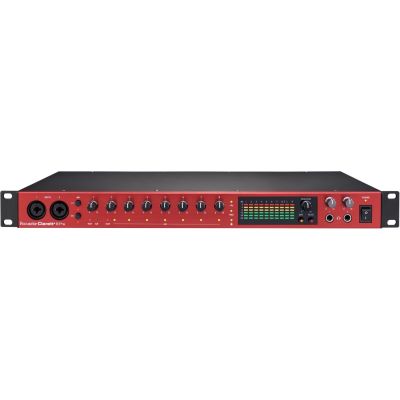
Eight Microphone Preamps for Real Multitrack Recording
Eight preamps already allow a reduced full-band recording or a comfortable multitrack drum setup. For larger sessions, an additional ADAT input is particularly valuable.

Complex Routing & Expansion
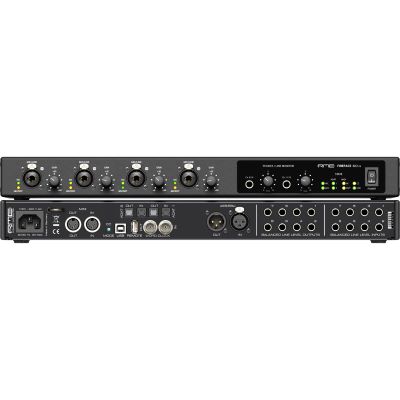
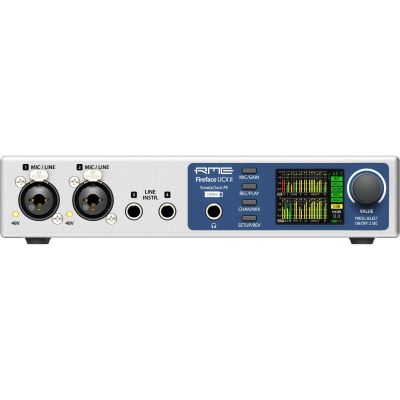
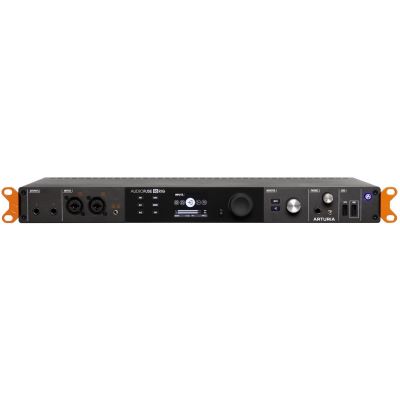
Professional Interfaces for Large Band Studios
Here, the built-in preamps are only one part of the system. Extensive line and digital I/O, reliable routing and external preamp expansion turn these interfaces into the central hub of a larger recording studio.
One System for Rehearsal, Stage & Recording
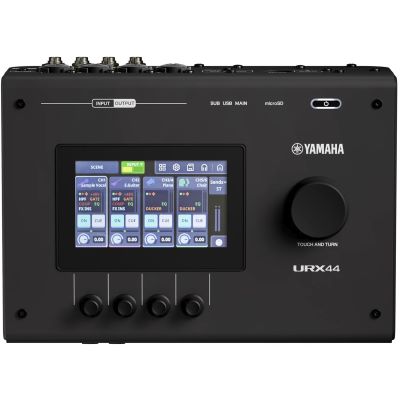
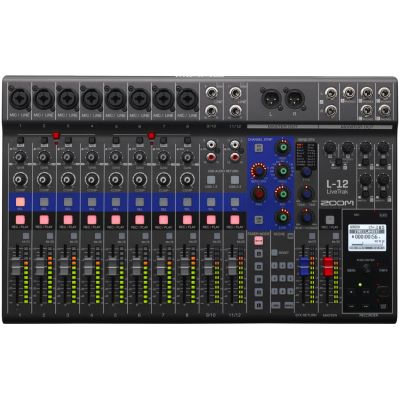
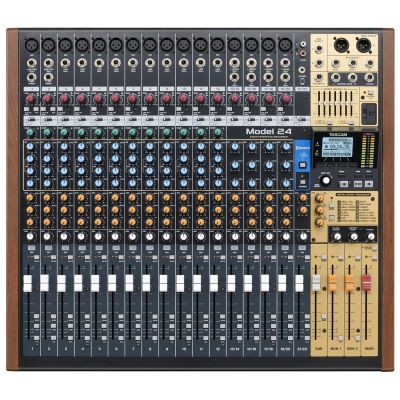
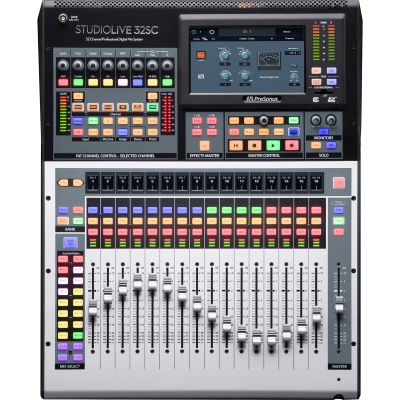
When Is a Recording Mixer Better Than a Conventional Interface?
If the same equipment is intended for rehearsals, live mixing and concert multitrack recording, a mixer with multichannel USB and an integrated recorder can be more practical than a dedicated studio interface.
Everyone Needs to Hear the Right Mix
Plan Headphone Mixes and Additional Preamps
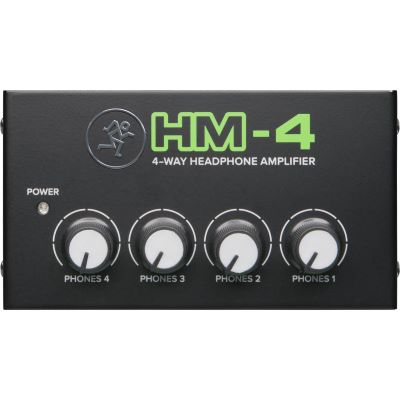
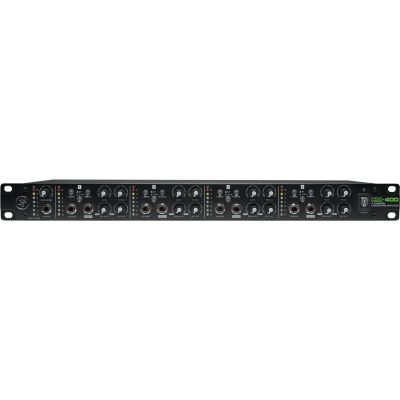
A complete band needs more than a large number of inputs. The singer may need more vocals, the drummer more bass and the guitarist more click. Separate output paths and additional headphone amplifiers may therefore be required.
ADAT Expansion
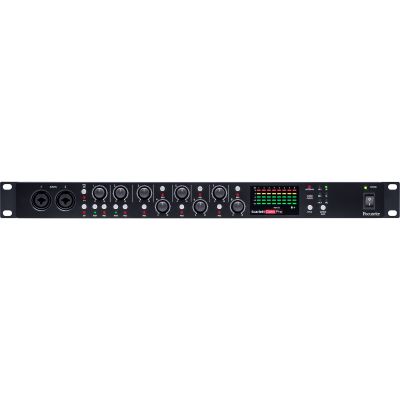
Focusrite
Scarlett OctoPre
View Product
Mackie
HM-4
View Product
Mackie
HM-400
View Product
Important:
four headphone sockets do not automatically mean four different
monitor mixes. Individual mixes require a corresponding number of
independently routable output paths.
Before the First Full-Band Recording
Prepare the Multitrack Setup in Four Steps
A written channel plan makes setup faster and reveals missing preamps, cables or monitor paths before the musicians are ready to record.
Write an Input List
List every microphone, DI box and stereo source with its own recording channel.
Assign the Channels
Route microphone, line and Hi-Z signals to the corresponding inputs on the audio interface.
Build the Monitor Paths
Before recording, decide which musicians require their own independent headphone or in-ear mix.
Test the Gain Together
Play the loudest part of the song and leave sufficient headroom on every recording channel.
Practical tip:
name all DAW tracks, set input assignments and create headphone
mixes before the session begins. This keeps technical setup from
interrupting the performance.
The Complete Band Studio
Product Groups You Need Around the Audio Interface
Multitrack band recording also requires suitable microphones, monitoring, cables and expansion hardware. Plan the entire signal chain rather than the interface alone.
Studio Microphones
For drums, acoustic instruments, amplifiers and other sound sources in a multitrack recording setup.
Vocal Microphones
For singers in the rehearsal room, recording studio and live-band setup.
Studio Headphones
Closed models help reduce headphone spill into microphones when several musicians record together.
Active Studio Monitors
For recording supervision, editing and the later full-band mix.
Microphone Preamps
Additional preamp channels for expandable multichannel recording systems.
In-Ear Monitoring
A practical alternative to traditional studio headphones for rehearsals and live multitrack recordings.
XLR Cables
Plan one reliable XLR cable of suitable length for every microphone channel in the session.
Digital Mixers
Particularly useful for bands that want to combine multitrack recording, rehearsal-room monitoring and live sound.
Manufacturer Worlds
Brands for Band Recording & Multichannel Audio
Explore multichannel interfaces, preamps, recording mixers, routing solutions and studio equipment from established recording manufacturers.










Frequently Asked Questions
Answers About Audio Interfaces for Full Bands
Practical answers about channel counts, microphone preamps, drums, ADAT, headphone mixes, digital mixers and live multitrack recording.
Are Eight Inputs Enough for a Full Band?
They can be enough for a reduced lineup. A simply miked drum kit, bass, guitar and vocals can, however, occupy eight channels very quickly. Twelve to sixteen inputs are more comfortable for larger bands.
Do I Need Eight Real Microphone Preamps?
Only if up to eight microphones genuinely need to be connected at the same time. Keyboards and modelers can use suitable line inputs instead and do not need to occupy microphone preamps.
How Many Inputs Does a Drum Kit Need?
A minimal drum-miking setup can work with four channels. Kick, snare, toms, hi-hat and stereo overheads can quickly increase the requirement to eight or more channels.
What Does ADAT Provide for Band Recording?
ADAT can digitally connect compatible external microphone preamps to the main interface and therefore provide additional recording channels. The exact channel count depends on the equipment and the selected sample rate.
How Can Every Band Member Get an Individual Headphone Mix?
The recording system needs several independently routable output paths. These can then feed suitable headphone amplifiers or in-ear monitoring systems.
Is a Digital Mixer Better Than an Audio Interface for a Band?
If the same system is intended for rehearsal, stage use and multitrack recording, a digital mixer can be more practical. In a dedicated studio, a rack audio interface is often the more compact and direct solution.
Do I Need 192 kHz for Band Recording?
An extremely high maximum sample rate is generally less important when choosing a band interface than having enough channels, reliable drivers, suitable monitoring and the required microphone preamps.
Can the Whole Band Play Live and Still Be Recorded on Separate Tracks?
Yes. The interface or recording mixer must be able to transfer all required inputs simultaneously and separately to the DAW or multitrack recorder.
How Much Spare Input Capacity Should I Plan?
Two to four unused channels are very practical in a growing band setup. Alternatively, the audio interface should provide a sensible digital expansion option such as ADAT.
The Selection Summarised
Audio Interface for a Full Band: Plan 8+ Inputs Correctly
For a complete band, the number of sources that need to be recorded simultaneously is the most important selection criterion. Eight microphone preamps are a good starting point, but an extensively miked drum kit can already occupy all of them. Guitars, bass, keyboards and several vocals therefore require additional connection capacity.
Also pay attention to the type of inputs. Microphones require preamps, stereo keyboards require two line channels and passive guitars need a Hi-Z input when they are recorded directly. ADAT makes future expansion easier, while several routable outputs allow different headphone mixes to be created for the musicians.
If the system is used exclusively in the studio, a multichannel rack interface provides a clear and compact solution. If the band wants to use the same hardware for rehearsals, live performances and concert recordings, digital mixers and multitrack recorders with USB audio functionality are also worth considering.
More Buying Advice
From the Band Interface to a Complete Recording Setup
Discover further guides about audio interfaces, microphones, drum and guitar recording, studio monitors, headphones and complete recording technology.