
Musikhaus Korn Buying Guide
Audio Interface for Guitar: Record Directly, Use Amp Sounds & Produce Flexibly
Electric guitar directly into the DAW, acoustic guitar with a microphone, vocals plus guitar or a real guitar amplifier in front of a microphone: the right audio interface primarily depends on your recording signal path. For directly connected electric guitars, a suitable instrument or Hi-Z input is particularly important.
Hi-Z & DI Recording Explained
Electric Guitar, Acoustic Guitar & Bass
Amp Simulation & Reamping Included
Related Guitar Recording Topics
Guitar Audio Interface Quick Facts
Choose the Recording Path First
How Do You Want to Record Your Guitar?
There is no single perfect interface for every guitarist. A player using amp simulation needs different connections from someone who microphones a tube amplifier or wants to record vocals and acoustic guitar at the same time.
Record Electric Guitar Directly
Connect the guitar to the Hi-Z input with a standard instrument cable. The amplifier, cabinet and effects are then created with amp-simulation software.
Use a Modeler or Multi-Effects Processor
The amplifier sound is already created inside the modeler. The device can either connect directly to the computer via USB or feed its line outputs into an audio interface.
Microphone a Guitar Amp
A microphone placed in front of the loudspeaker requires a microphone preamp on the interface. Microphone position becomes an important part of the final guitar sound.
Steel-String or Classical Guitar
Acoustic guitars can be recorded with a microphone. On electro-acoustic instruments, the built-in pickup can additionally be recorded onto a separate second track.
For most electric guitarists:
an interface with at least one good Hi-Z instrument input, a headphone
output and reliable software monitoring already provides a complete
foundation. Two inputs are more flexible if you later want to add
vocals or a microphone.
The Essential Guitar Input
What Does Hi-Z Mean on an Audio Interface?
Passive guitar pickups provide a different type of signal from microphones or conventional line-level equipment. Guitar-friendly interfaces therefore provide a dedicated instrument mode with high input impedance.
Select Instrument Instead of Line
If a combo input supports several signal types, activate the mode labelled Instrument, INST or Hi-Z when directly connecting a passive electric guitar.
Consider the Pickup Output
Powerful active pickups can provide considerably higher levels. A pad switch or sufficient input headroom is useful so that hard picking does not overload the interface input.
Record a Clean DI Track
The unprocessed direct signal initially sounds dry. This neutral recording gives you maximum freedom to choose different amplifier, cabinet and effect sounds later.
The Guitar Rig Is Still Missing
With a real guitar rig, preamp, power amp, loudspeaker cabinet and often a microphone shape the final tone. These components are absent from a dry DI recording and are subsequently added with a virtual amplifier or hardware modeler.
Can Both Signals Be Recorded at Once?
Some setups allow a dry signal and an already processed signal to be recorded in parallel. You can monitor your preferred amp sound while playing and still keep an unprocessed track for later tonal changes.
Rule of thumb for guitarists:
instrument cable → Hi-Z input → DAW → amp and cabinet simulation →
headphones or studio monitors.
From a Bedroom Setup to a Real Amp
Four Typical Guitar Setups with an Audio Interface
Direct + Amp Simulation
Electric guitar into Hi-Z. Ideal for quiet recording, editing and flexible guitar tones without using a real guitar loudspeaker.
Vocals + Guitar
One microphone input for the voice and one Hi-Z input for the guitar create a compact singer-songwriter studio.
Amp + Microphone
Place a microphone in front of the loudspeaker, connect it via XLR to the microphone preamp and optimise position, level and tone directly in the room.
Acoustic Guitar + Pickup
A microphone captures the natural body sound while a second input simultaneously records the instrument's built-in pickup.
Choose the Right Equipment
Which Connections Does Your Guitar Interface Need?
Choose the number and type of inputs according to the signals you actually want to record rather than simply buying the interface with the highest channel count.
| Application | Required Inputs | Important | Recommendation |
|---|---|---|---|
| Electric guitar direct | 1 × instrument | Hi-Z, headphones | Compact guitar interface |
| Vocals + electric guitar | 1 × mic + 1 × Hi-Z | 48 V optional, monitoring | 2-channel interface |
| Amp with one microphone | 1 × mic | Mic preamp, XLR | 1–2 channels |
| Acoustic guitar + pickup | Mic + instrument/line | Two separate tracks | 2-channel interface |
| Stereo modeler | 2 × line | Stereo line inputs | 2–4 line channels |
| Reamping / outboard | Hi-Z + additional outputs | Routing, suitable reamp solution | 4+ I/O is useful |
Guitar Directly to the Computer
All USB Audio Interfaces
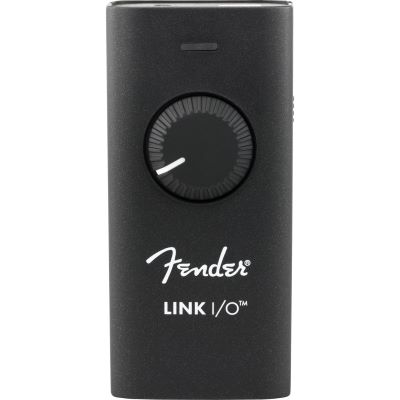
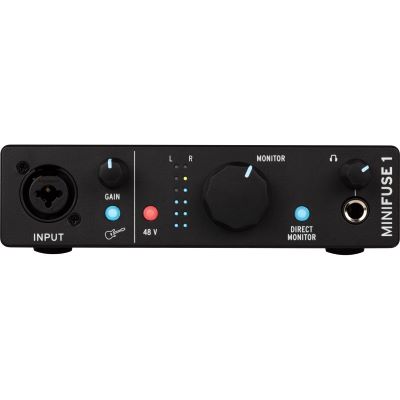
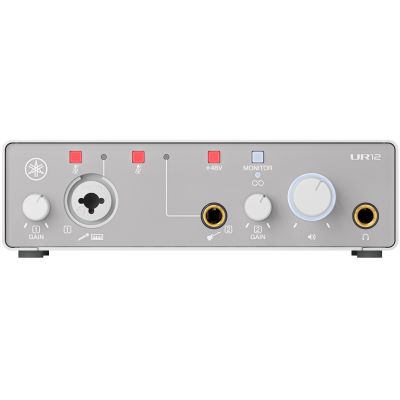
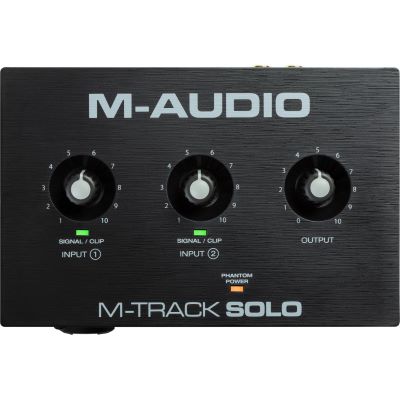
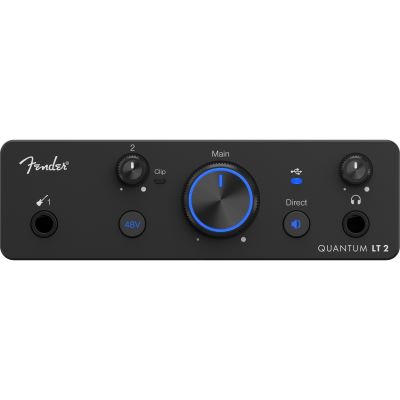
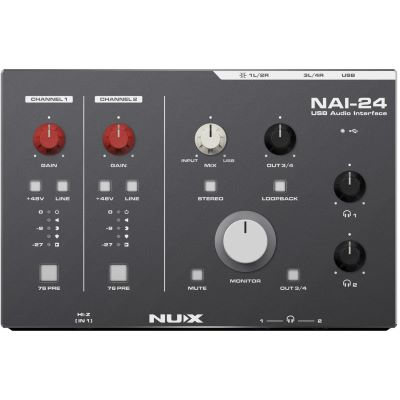
Compact Audio Interfaces for DI, Amp Simulation & Mobile Recording
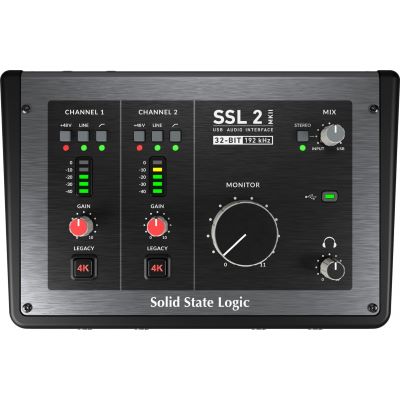
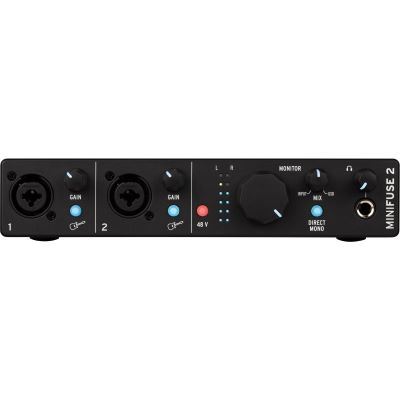
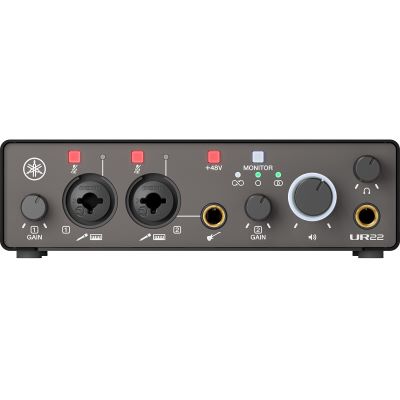
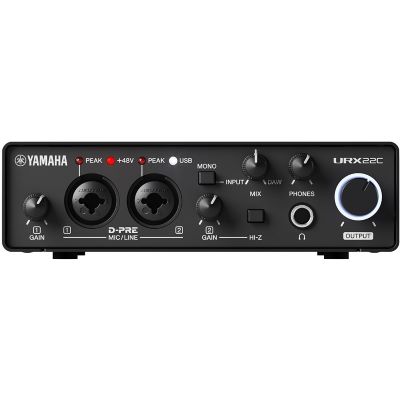
These devices are particularly suitable when the guitar is the main recording source and you want to keep the amount of hardware on your desk or in your mobile setup as small as possible.

More Headroom for Microphones & Vocals
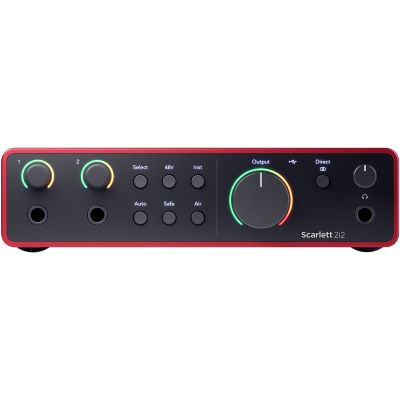
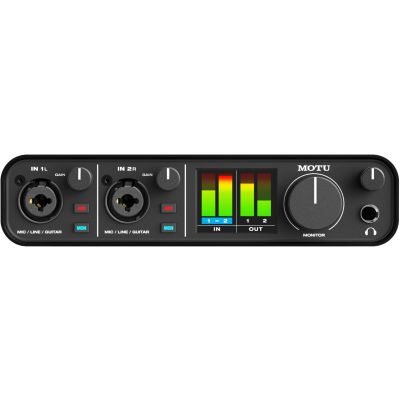
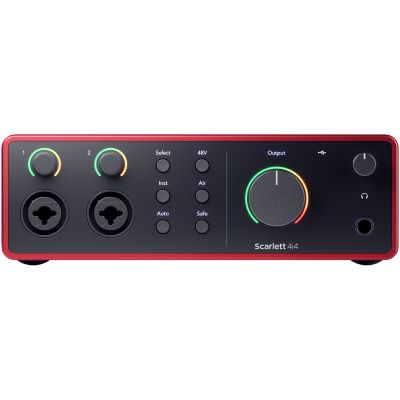
Flexible Interfaces for Singer-Songwriters & Amp Miking
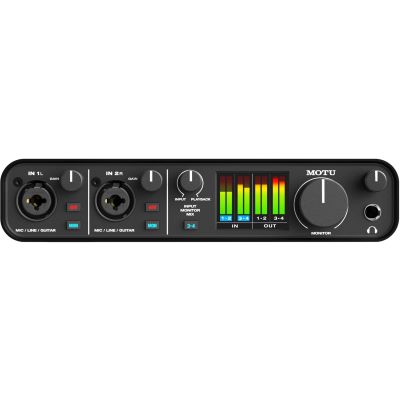
Two suitable inputs are especially practical when the guitar is not the only signal source. This allows vocals and guitar, two microphones or a pickup and microphone to be recorded simultaneously on separate tracks.
Pedals, Several Guitars & Outboard
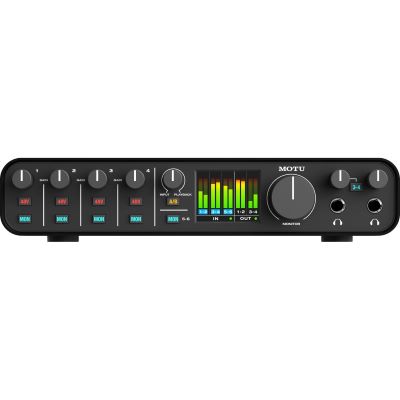
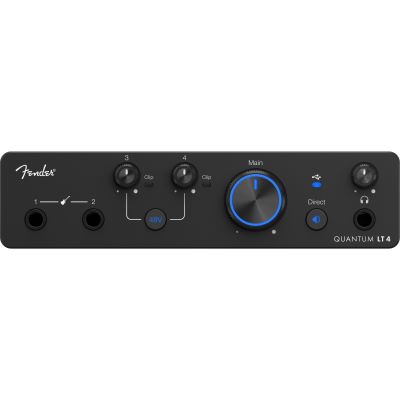
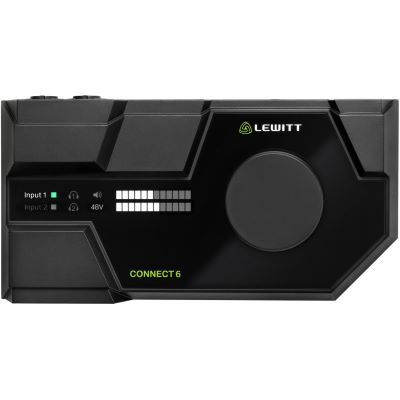
Interfaces for Larger Guitar & Production Setups
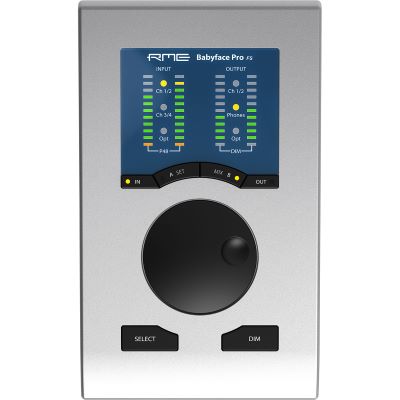
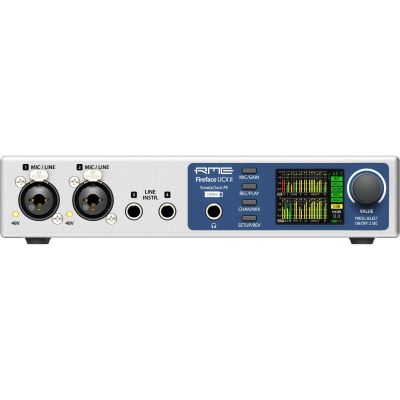
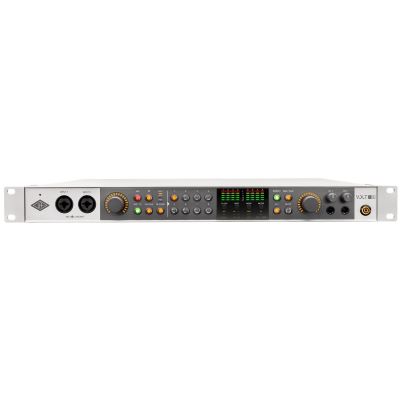
Additional inputs and outputs become useful when several instruments remain connected, stereo modelers are integrated, external effects are used or separate monitoring and reamping paths need to be created.
Choose the Sound Later
When Is Reamping Useful for Guitarists?
Reamping separates the guitar performance from the final amplifier sound. First, you record a clean DI track. Later, that recording is sent through a real guitar amplifier or another signal chain.
For this workflow, an interface with additional freely assignable outputs is particularly practical. The line signal from the interface must be converted by a suitable reamping solution to the level and impedance expected by a guitar-amplifier input.
Important safety information:
never connect the loudspeaker output of a tube guitar amplifier
directly to a conventional audio interface. A speaker output
requires an appropriate load and, where required, a suitable load box.
Build the Complete Guitar Studio
Which Product Groups Complement Your Audio Interface?
The interface is only one part of a complete guitar-recording signal chain. Suitable cables, monitoring, microphones, modelers and amplification make the setup practical and expandable.
Instrument Cables
To connect a guitar directly to the interface, use a standard 6.3 mm mono instrument cable.
Modelers & Multi-Effects
Amplifier, cabinet and effect sounds can already be created before the signal reaches the separate audio interface.
Studio Headphones
Ideal for quiet playing with amp simulation and for checking the recorded guitar signal precisely.
Microphones
Required for recording a real guitar amplifier and for natural-sounding acoustic-guitar recordings.
DI Boxes
Useful for signal conversion, longer balanced cable runs and specialist recording or routing tasks.
Guitar Amplifiers
Use a real amplifier in front of a microphone or as part of a carefully planned reamping signal chain.
Studio Monitors
Useful for amp simulation, editing and mixing without the tonal coloration of a traditional guitar loudspeaker.
USB Audio Interfaces
Compare additional models according to their instrument, microphone, line and digital connections.
Manufacturer Worlds
Brands for Guitar Recording & Audio Interfaces
Compare interface ranges, guitar-oriented solutions and additional recording equipment directly in the manufacturer worlds at Musikhaus Korn.










Continue Planning Your Guitar Setup
Related Guides About Sound, Amplifiers & Recording
Guitar Recording at Home
Plan DI recording, modelers, microphone techniques, acoustic guitar recording and reamping in more detail.
Choose a Guitar Amplifier
Compare power, application, combos, amp heads and suitable amplification for home, rehearsal and stage.
Tube, Solid-State or Modeling?
Compare amplifier technologies according to sound, volume, flexibility and recording applications.
Plan a Complete Guitar Rig
Consider recording equipment together with amplifiers, modelers, PA routing, monitoring and stage technology.
Frequently Asked Questions
Answers About Audio Interfaces for Electric & Acoustic Guitar
Which Audio Interface Is Best for Electric Guitar?
Pay particular attention to a true instrument or Hi-Z input, sufficient input headroom, a good headphone output and reliable drivers. One input is sufficient for pure guitar recordings, while two channels provide considerably more flexibility.
Can I Connect an Electric Guitar Directly to an Audio Interface?
Yes, provided the interface has a suitable Hi-Z instrument input. Use a standard instrument cable and activate Instrument, INST or Hi-Z mode when the input can be switched between signal types.
Do I Need a DI Box Between the Guitar and Audio Interface?
For straightforward home recording, an additional DI box is usually unnecessary when the interface already provides a suitable Hi-Z input. DI boxes become interesting for specialist signal paths, long cable runs and more complex setups.
Do I Need a Real Guitar Amplifier for Recording?
No. A dry guitar recording can be shaped completely with software amplifier and cabinet simulations. A real amplifier becomes useful when its particular sound, loudspeaker and playing response should form part of the recording.
How Do I Record Vocals and Guitar at the Same Time?
Use an interface with at least two simultaneously available inputs: a microphone preamp for the voice and a Hi-Z instrument input for the directly connected guitar.
What Is the Best Way to Record an Acoustic Guitar?
A microphone is suitable for capturing the natural acoustic sound of the instrument. With an electro-acoustic guitar, the pickup can additionally be recorded on a second track and later blended with the microphone signal.
What Is Reamping?
Reamping means sending an already recorded dry guitar track through a guitar amplifier at a later stage. This lets you change the amplifier sound without replaying the guitar part.
Can a Modeler Replace the Audio Interface?
Yes, if the modeler itself provides a suitable USB audio-interface function. Alternatively, its line outputs can be connected to a separate studio audio interface.
Is Direct Monitoring Useful for Guitar?
Yes for monitoring a dry guitar signal. When playing through software amp simulations, however, you normally need to hear the processed DAW signal. In that situation, a small audio buffer and a sufficiently powerful computer system become particularly important.
How Many Inputs Does a Guitarist Need?
One Hi-Z channel is sufficient for electric guitar alone. Two inputs are particularly flexible for most home studios. Four or more I/O become useful when several microphones, stereo modelers, hardware effects or reamping are added.
The Decision Summarised
Audio Interface for Guitar: Record Your Guitar Properly
For directly recording an electric guitar, a suitable Hi-Z instrument input is the most important feature of an audio interface. It allows the guitar signal to be recorded directly into the DAW without a separate guitar amplifier. The dry sound can then be shaped using amplifier, cabinet and effect simulations.
If you also sing, microphone an acoustic guitar or want to record a real guitar amplifier, an interface with two microphone or instrument channels provides greater flexibility. Larger interfaces add line outputs for external hardware, modelers, monitoring and reamping. The decisive factor is therefore not the maximum number of channels, but the signal path you actually intend to use.
More Buying Advice
From the Guitar Interface to a Complete Music Setup
Discover more Musikhaus Korn guides about guitars, amplifiers, recording, microphones, studio monitors and complete music-production setups.