Up to €150
USB microphone, headphones, desktop stand, windscreen and cable in one coordinated starter package.

A podcast can begin with a single USB microphone or grow into a complete multi-person studio with separate microphone tracks, individual headphone monitoring and a dedicated podcast recorder. The right budget depends primarily on the number of speakers, your room and the workflow you want. Compare complete podcast setups from around €100 to €1,000.

A single speaker can keep the signal path extremely simple with USB. As soon as two or more people need to be recorded simultaneously, separate microphone inputs become considerably more useful because every voice can be recorded and processed independently.
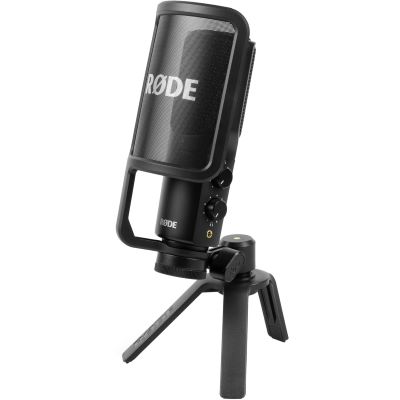
USB microphone, headphones, desktop stand, windscreen and cable in one coordinated starter package.
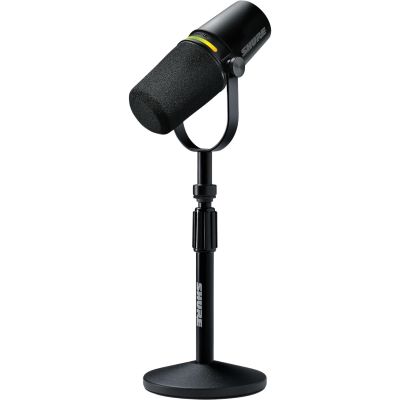
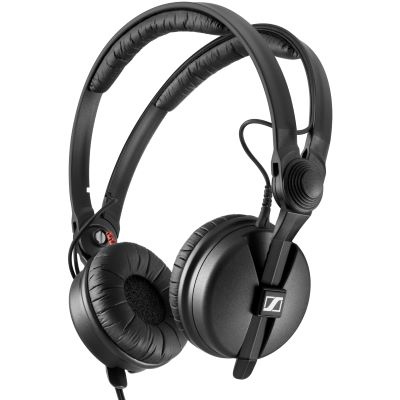
USB condenser microphone with a proper boom arm plus closed-back monitoring headphones.
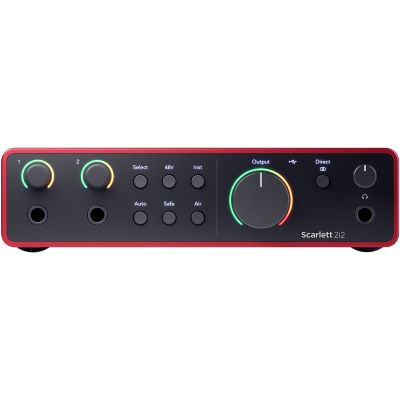
Podcast recorder, two dynamic broadcast microphones, two headphones and separate recording tracks.
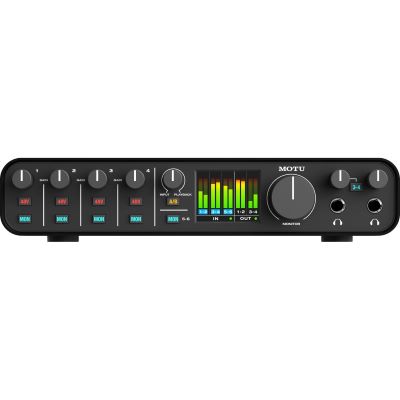
Four microphone paths and four personal headphone outputs for roundtable podcasts and discussion formats.
Clear speech depends primarily on consistent microphone distance, a suitable pickup pattern, enough headroom and reliable monitoring. Additional equipment only becomes worthwhile when it solves a specific recording or workflow problem.
If speakers need to remain cleanly separated, give every person a dedicated microphone. Independent tracks make later level correction, editing and processing much easier.
USB microphones contain their own conversion. XLR microphones instead require an interface, mixer or podcast recorder with enough microphone inputs.
Closed-back headphones help detect technical problems during recording and reduce unnecessary playback spill back into open microphones.
The microphone should remain at a comfortable, short and reproducible distance from the speaker without forcing an unnatural sitting position.
Microphone, preamp and digital converter are already combined in one device. For a single speaker this can be the quickest and most compact route.
Microphone and recorder remain separate components. That makes it easier to add several microphone inputs and later exchange microphones or the central recorder independently.
| Budget | Speakers | Technology | Expandability |
|---|---|---|---|
| Up to €150 | 1 | USB complete set | Low |
| Up to €300 | 1 | USB + boom arm | Medium |
| Up to €500 | 2 | XLR + podcast recorder | High |
| Up to €1,000 | Up to 4 | 4 microphones + 4 headphones | Very high |
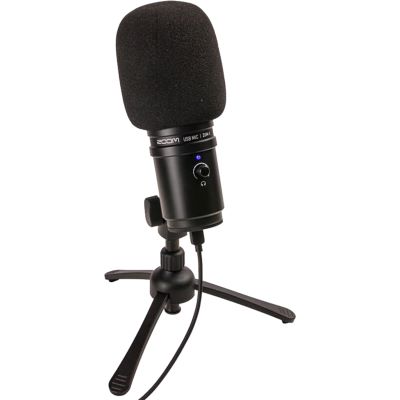
The Zoom ZUM-2 PMP is an especially direct entry point. The USB microphone, closed-back headphones, desktop stand, windscreen and USB cable are already included in one package. A computer acts as the recording centre.
| Component | Product | Price* |
|---|---|---|
| USB Podcast Set | Zoom ZUM-2 PMP Podcast Mic Pack | €105.00 |
| Total | Microphone, Headphones, Stand & Cable | €105.00 |
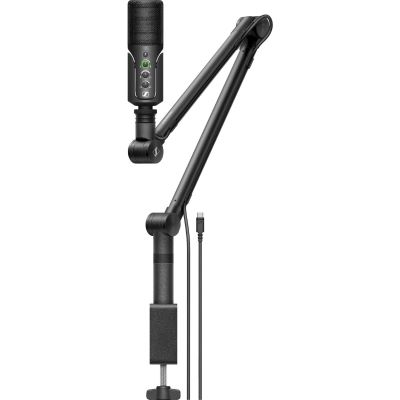
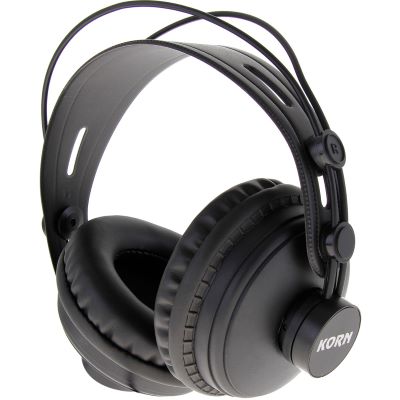
The Sennheiser Profile Streaming Set combines a USB condenser microphone with a boom arm and integrated cable management. A closed-back KORN DK-770 adds dedicated monitoring.
| Component | Product | Price* |
|---|---|---|
| Microphone + Boom Arm | Sennheiser Profile Streaming Set | €170.00 |
| Headphones | KORN DK-770 | €59.00 |
| Total | Comfortable Solo Workplace | €229.00 |
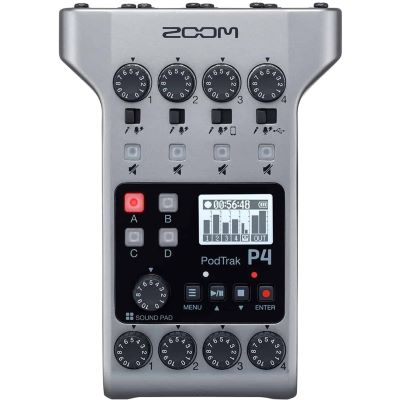
For two speakers, separate XLR microphones become especially useful. The Zoom PodTrak P4 offers four microphone inputs and several headphone outputs, which already leaves room for future expansion.
| Component | Product | Price* |
|---|---|---|
| Podcast Recorder | Zoom PodTrak P4 | €169.00 |
| 2 Microphones | 2 × Rode PodMic | €164.00 |
| 2 Headphones | 2 × KORN DK-770 | €118.00 |
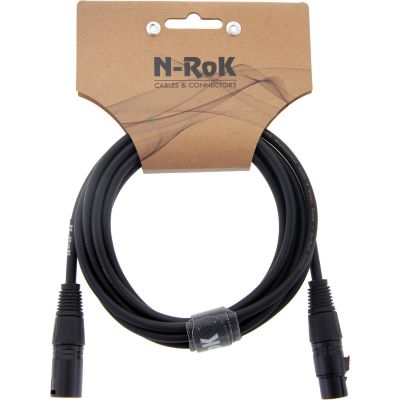
| 2 XLR Cables | 2 × N-RoK Premium XLR 3 m | €27.80 |
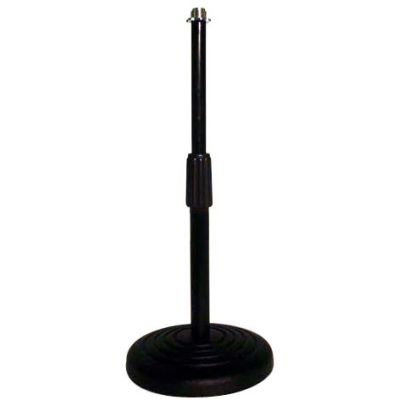
| 2 Desktop Stands | 2 × Tripod 3/8" Desktop Stand | €13.90 |
| Total | Two Separate Speaker Positions | €492.70 |
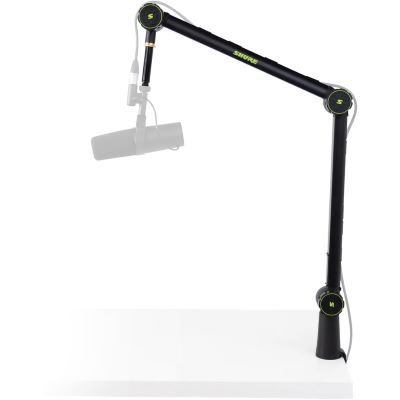
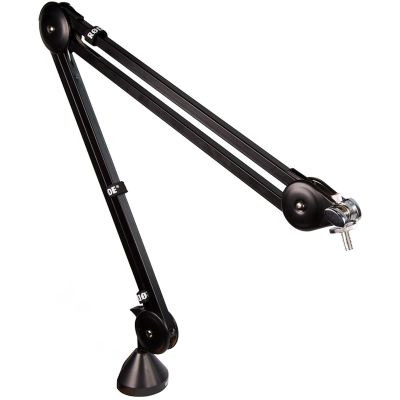
Four dedicated microphones and four personal headphones turn the duo setup into a complete roundtable workstation. Two articulated arms are provided for the permanent hosts, while guests can use compact desktop stands.
| Component | Product | Price* |
|---|---|---|
| Podcast Recorder | Zoom PodTrak P4 | €169.00 |
| 4 Microphones | 4 × Rode PodMic | €328.00 |
| 4 Headphones | 4 × KORN DK-770 | €236.00 |
| 4 XLR Cables | 4 × N-RoK Premium XLR 3 m | €55.60 |
| 2 Microphone Arms | 2 × Gravity MS TBA 01 | €118.00 |
| 2 Desktop Stands | 2 × Tripod 3/8" Desktop Stand | €13.90 |
| Total | Four Separate Podcast Positions | €920.50 |
These product groups cover routes from a simple single-user USB workplace to an expandable broadcast system. Always choose the microphone together with its connection type, mounting and monitoring solution.
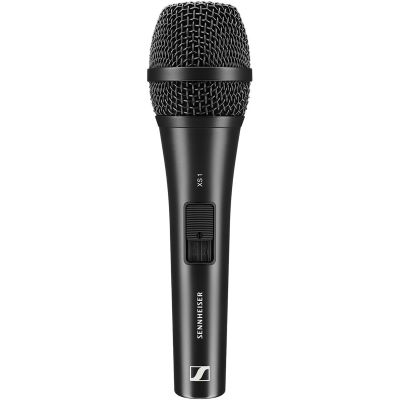
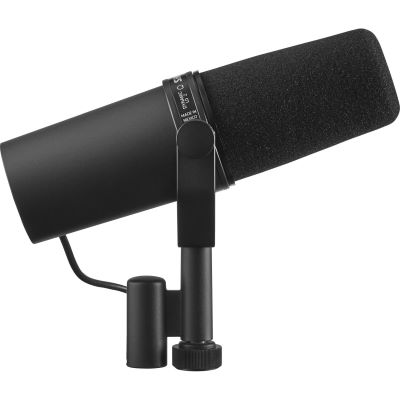
Better microphone placement can create a larger improvement than replacing a perfectly usable microphone with a more expensive model.
A short and consistent speaking distance increases the amount of direct voice relative to room reverberation and distant background noise.
With cardioid microphones, place distracting noise sources as far as practical towards the less sensitive rear area of the microphone.
Articulated arms and heavier stands can help keep keyboard noise, desk impacts and handling movement away from the microphone.
Curtains, bookshelves and existing furnishings may already help. Add dedicated acoustic products afterwards to solve a specific remaining problem.
Explore manufacturers represented by the microphones, recorders, interfaces, headphones and mounting solutions used throughout the current podcast selection.









A complete solo starting point is possible for roughly €100 to €200. For two independently recorded speakers, a budget around €500 offers considerably more flexibility. A four-person podcast studio with individual microphones and headphones can be built for under €1,000 depending on the selected equipment.
Anyone who wants the simplest possible start can choose a USB microphone or complete USB set. In ordinary living rooms, a dynamic microphone operated at a short speaking distance is another particularly interesting option.
A separate microphone per speaker is recommended when voices should remain independently editable. Two people can technically share a microphone, but this provides substantially less control during editing and mixing.
USB is particularly straightforward for solo recording. XLR becomes more attractive when several speakers need to be recorded simultaneously or microphones and the recorder should remain independently upgradeable.
A dedicated recorder can manage several microphones and headphone outputs and may also record directly to a memory card. This can make the podcast system less dependent on a computer during recording.
No. A stable desktop stand also works. An articulated arm makes it easier to keep the microphone at a consistent distance while freeing more space on the desk.
Monitoring helps you notice microphone position, unwanted noise and technical problems immediately during the recording. Closed-back headphones also reduce spill back into nearby microphones.
Condenser microphones can reproduce a high level of detail and work particularly well in controlled rooms. Dynamic broadcast microphones are often used closer to the mouth and can therefore be practical in normal living or office environments.
Yes. A suitable mobile podcast or audio recorder can record directly without a computer. The audio files can later be transferred to a computer for editing and publishing.
Improve the actual bottleneck first: add a second microphone path, improve microphone positioning, provide personal headphones for additional speakers or move to a system with more separate recording tracks.
A podcast setup does not have to be expensive at the beginning. USB microphones and complete sets provide an especially straightforward route for one speaker because microphone preamp, digital conversion and sometimes headphone monitoring are already integrated.
Once two or more people need to be recorded together, an XLR system with one microphone path per speaker becomes much more useful. A dedicated podcast recorder such as the Zoom PodTrak P4 can combine several microphone inputs, separate tracks and personal headphone outputs in one compact device.
This allows the setup to grow from one person to a complete discussion format without rebuilding the entire signal chain. Microphone positioning, room behaviour and reliable monitoring should remain part of every budget level.
Microphones, audio interfaces, home-studio equipment, musical instruments, DJ technology and event equipment: the central Musikhaus Korn guide connects suitable product categories, buying advice and complete setups.