Vocals, Speech or Guitar
For a single microphone or instrument, a compact interface with one or two microphone / instrument inputs and a headphone output is often sufficient.

Record a microphone and guitar, produce a podcast, integrate synthesizers or capture an entire band on separate tracks? The right audio interface depends first on your signal sources, then on connections, monitoring, software and possible future expansion.
Do not begin with sample rate or converter specifications. First determine what you want to record simultaneously and how you need to monitor the recording.
For a single microphone or instrument, a compact interface with one or two microphone / instrument inputs and a headphone output is often sufficient.
Two full-featured inputs allow you to record voice plus guitar, a stereo microphone pair or two musicians simultaneously onto separate tracks.
Look for enough microphone inputs, suitable headphone routing and loopback when computer audio, guests or live streams need to be integrated.
Drum kits and complete bands require several microphone preamps. Eight microphone inputs and ADAT expansion are particularly useful for these applications.
The most important buying rule: do not automatically buy the interface with the most inputs and outputs. Choose the connections, preamps and monitoring functions your actual workflow needs – plus a sensible amount of spare capacity for the next expansion.
Count every source that needs to reach a separate track simultaneously. One microphone counts as one signal, while a stereo keyboard normally counts as two.
The total number of interface inputs does not automatically tell you how many microphones can be connected. Several microphones require a corresponding number of microphone preamps.
Electric guitar and bass require a suitable Hi-Z instrument input. Synthesizers, external preamps and many effects units instead operate at line level.
One headphone output is enough for many solo setups. Two musicians can benefit from two independently adjustable headphone paths or more flexible routing.
MIDI can connect synthesizers and hardware sequencers. Loopback is particularly practical for podcasts, tutorials and streams involving computer audio.
ADAT, S/PDIF and additional line inputs can prevent the need to replace the entire interface as soon as the next larger project arrives.
The input must match the connected source. This is why the number of physical sockets alone is not enough to choose an interface.
A microphone signal requires amplification. Condenser microphones often additionally require 48-volt phantom power, while sufficient available gain is useful for lower-output dynamic microphones.
A high-impedance instrument input is designed for passive electric guitars and basses. The dry signal can then be recorded directly and processed later with amplifier and effects simulations.
Keyboards, synthesizers, drum machines and external preamps commonly provide line-level signals. A stereo source normally occupies two line inputs.
Modern interfaces offer sufficiently high recording resolutions for professional music production. Preamps, inputs and outputs, driver support, monitoring and routing are often more decisive for the practical buying decision.
Latency is the delay between playing and hearing the signal. Direct monitoring or an internal DSP mixer can make recording more comfortable by avoiding a distracting delay in the monitor signal.
ADAT is particularly attractive when a small studio may later need several additional microphone preamps. S/PDIF can integrate compatible digital stereo sources.
| Application | Required Signals | What to Look For | Sensible Class |
|---|---|---|---|
| Voice-Over | 1 microphone | Mic preamp, headphones, optional loopback | 1–2 inputs |
| Singer-Songwriter | Vocals + guitar | 2 suitable inputs, Hi-Z, direct monitoring | 2 inputs |
| Two-Person Podcast | 2 microphones | 2 preamps, loopback and monitoring | 2 inputs |
| Synthesizer Setup | Several line signals | Line I/O and MIDI | 4–8 inputs |
| Drum Kit | 4–10+ microphones | Mic preamps and ADAT | 8+ inputs |
| Project Studio | Changing sources | Routing, multiple outputs, ADAT and MIDI | Expandable interface |
The shape of the computer connector alone tells you very little about the interface's audio functions. Check operating-system support, required cables, power supply and manufacturer-supported drivers.
USB interfaces are widely used in compact home studios as well as extensive multichannel systems. The connector shape alone does not determine the interface's channel count or workflow.
The input signal can be routed directly to headphones or studio monitors without first passing through the DAW.
More advanced interfaces can provide separate monitor mixes and, depending on the model, internal processing without relying entirely on DAW routing.
Additional line outputs are useful for external effects, alternative monitor pairs and separate headphone mixes.
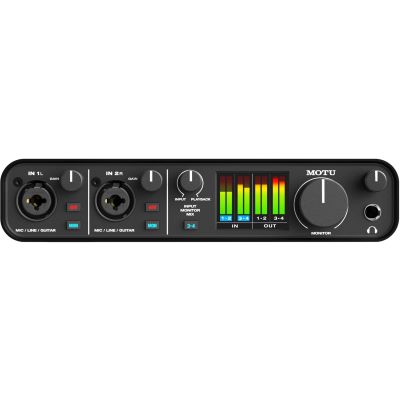
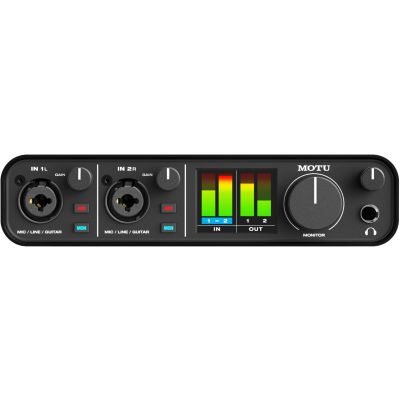
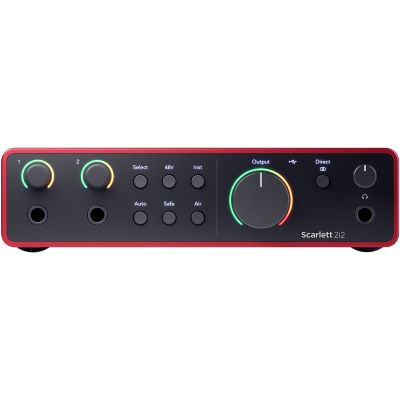
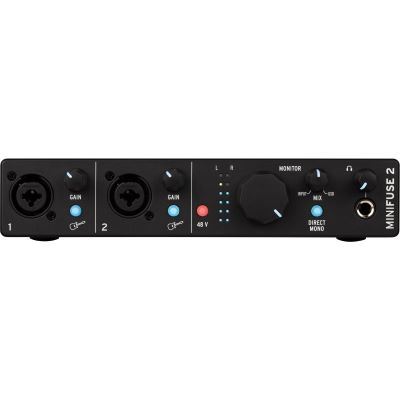
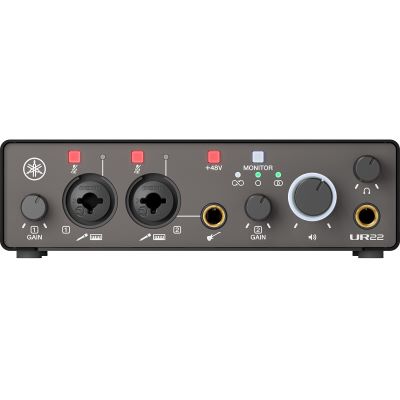
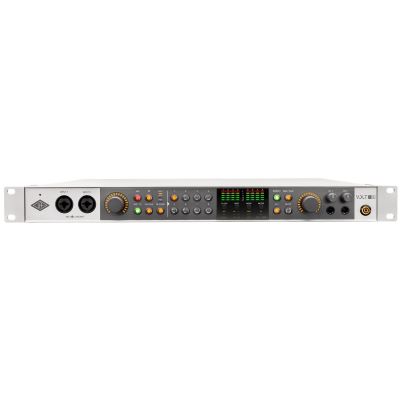
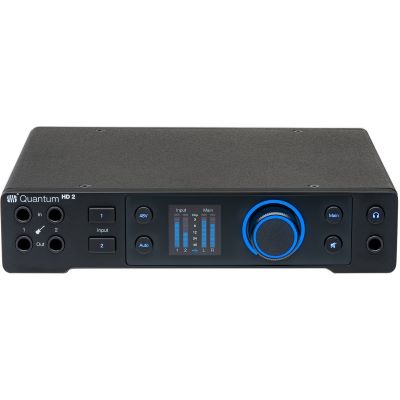
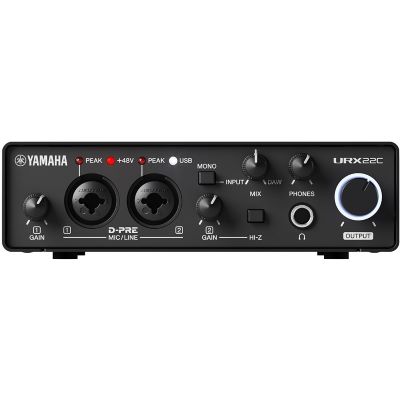
These models represent different approaches ranging from a compact first interface to an expandable project-studio centre.
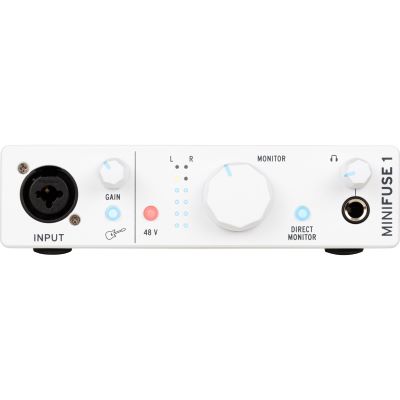
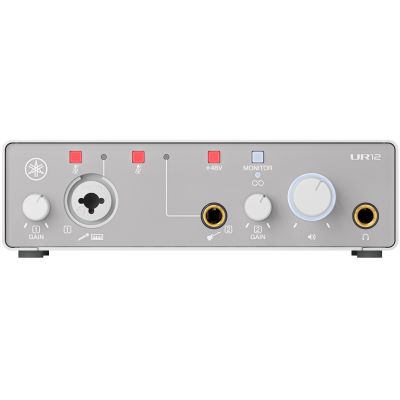

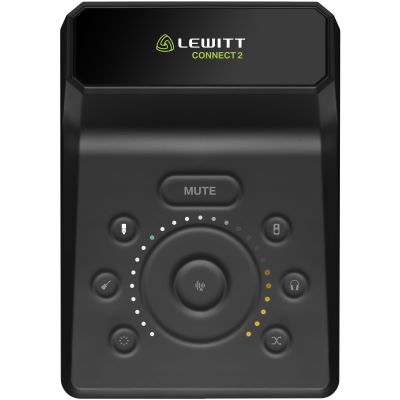
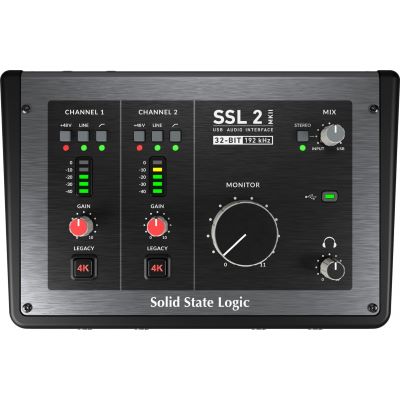
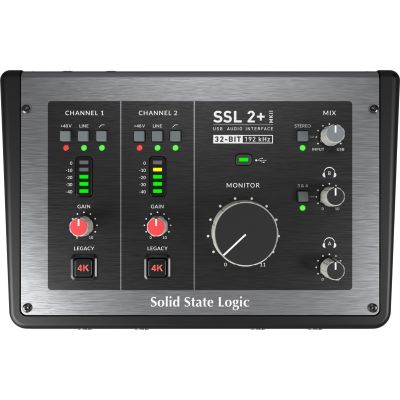
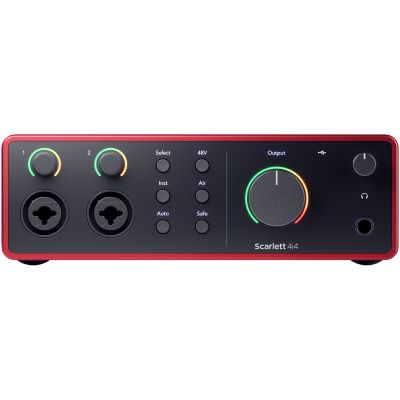
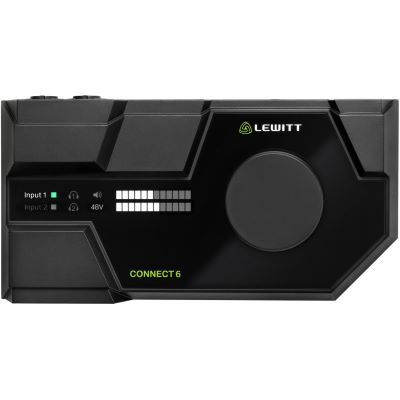
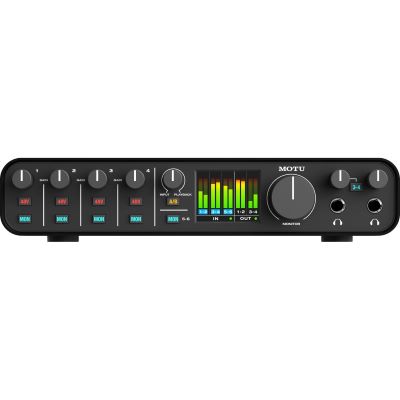
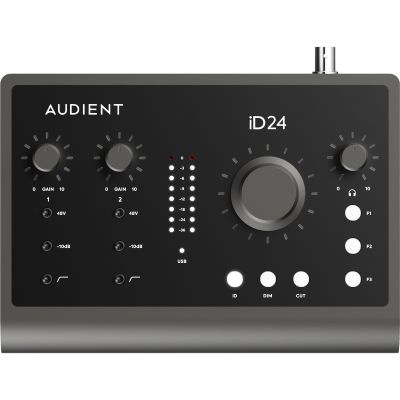
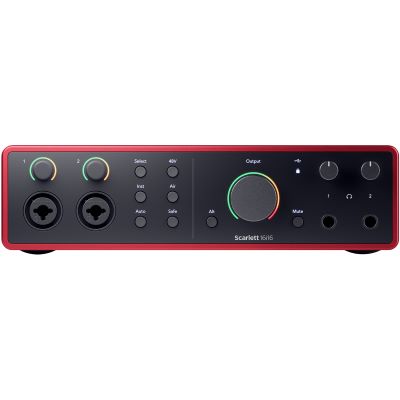
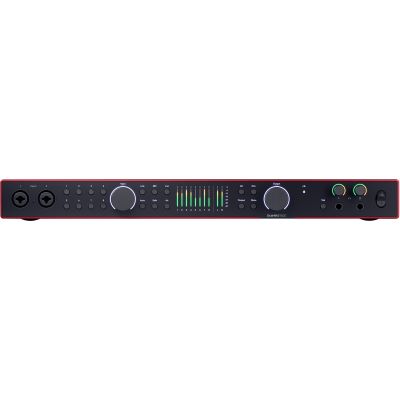
Vocals, speech and acoustic instruments require a microphone suited to the source, room and application.
Closed-back headphones help musicians monitor while recording without loudspeakers spilling into an open microphone.
Suitable nearfield monitors are the next important component for editing and mixing at the workstation.
Compatible multichannel preamps can expand an interface through ADAT with additional microphone channels.
Different manufacturers place different priorities on operation, routing, drivers, preamps and software. Compare the complete system rather than individual maximum specification values.








Four inputs do not automatically mean four microphone preamps. Check every input type individually.
A stereo synthesizer normally requires two line channels and can therefore completely occupy a small interface.
Two musicians may need separate headphone mixes. A single headphone output can then become a limitation.
If drums or several hardware instruments are likely to be added soon, consider ADAT and additional line inputs from the beginning.
For many beginners, an interface with one or two microphone / instrument inputs, direct monitoring and a headphone output is ideal. Two full-featured inputs provide more flexibility for vocals plus an instrument or a second musician.
Count the signals that need to be recorded simultaneously onto separate tracks. A solo setup often needs one or two inputs, while drums and bands may require eight or more microphone channels.
Yes, if two microphones need to be used at the same time – for example for an interview, a stereo microphone pair or vocals and acoustic guitar with a separate microphone for each.
Choose a model with a Hi-Z instrument input. This allows the instrument to be recorded directly and later processed in the DAW with amplifier and effects simulations.
Loopback routes computer audio internally back into a recording or streaming application. This is useful for podcasts, tutorials, live streams and productions involving several software audio sources.
Not necessarily. For classic hardware synthesizers, drum machines and effects units using DIN MIDI, integrated MIDI In and Out can save additional cables and a separate MIDI interface.
ADAT allows a compatible interface to be expanded digitally. Additional microphone preamps can therefore be added without replacing the central audio interface.
A high maximum sample rate alone does not make an interface more suitable. Preamps, connections, reliable drivers, monitoring and routing are also important practical buying criteria.
With typical recording interfaces, yes. A stereo monitor pair uses two suitable line outputs. Check which cables and connector types your monitors require.
Four channels can be enough for a reduced microphone setup. If every important drum and cymbal signal needs to be recorded separately, eight or more microphone preamps or an expandable system are more appropriate.
The right audio interface connects microphones, instruments and other sound sources to the computer while handling recording, playback and monitoring. Compact models with one or two inputs are often sufficient for solo recording and speech.
Singer-songwriters, duos, podcasters and producers with stereo synthesizers benefit from several flexible inputs, MIDI and loopback functions. For drum, ensemble and band recordings, the number of built-in microphone preamps becomes particularly important.
An interface with eight preamps or ADAT expansion creates considerably more flexibility for larger projects. Studios using external synthesizers, effects and other hardware should additionally consider line I/O, multiple outputs and flexible routing.
Make the decision in this order: which signals need to be recorded at the same time? Which are microphone, instrument or line signals? How many musicians need simultaneous monitoring? Do you require MIDI, loopback or digital expansion? These answers identify the correct interface class much more reliably than price or maximum technical specifications alone.
Microphones, audio interface, headphones, studio monitors, instruments and accessories need to work together. The Musikhaus Korn guide provides further decision support for instruments, studio, DJ equipment and stage technology.