Computer & DAW
The computer and recording software manage audio tracks, MIDI, virtual instruments, effects and the final mix. For beginners, software supplied with an interface or MIDI controller is often already sufficient.

A good home studio is not defined by having as much equipment as possible. It needs a complete signal path. Your computer and music software form the centre, an audio interface connects microphones and instruments, and headphones or studio monitors let you hear the recording. Depending on your project, you can then add a microphone, MIDI keyboard, cables, stands and acoustic treatment.
Not every component is essential for every project. If you produce only with virtual instruments, you do not need a studio microphone. If you record vocals, however, a microphone, microphone cable and suitable stand are fundamental.
The computer and recording software manage audio tracks, MIDI, virtual instruments, effects and the final mix. For beginners, software supplied with an interface or MIDI controller is often already sufficient.
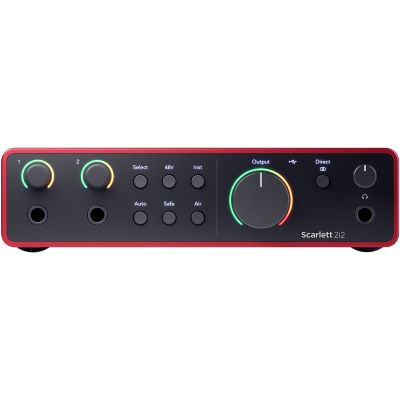
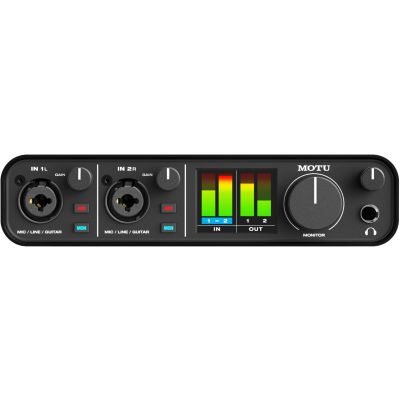
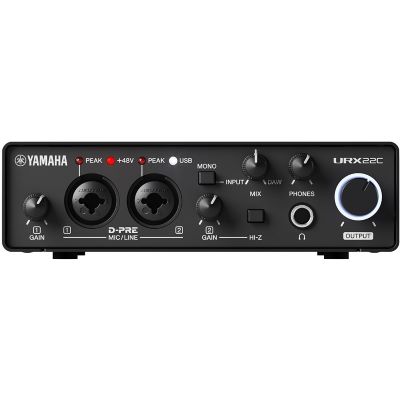
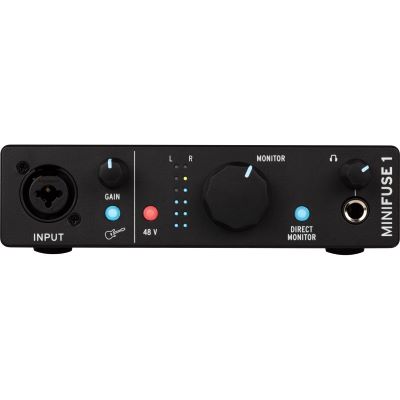
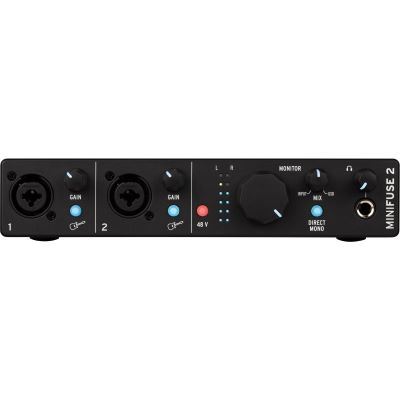
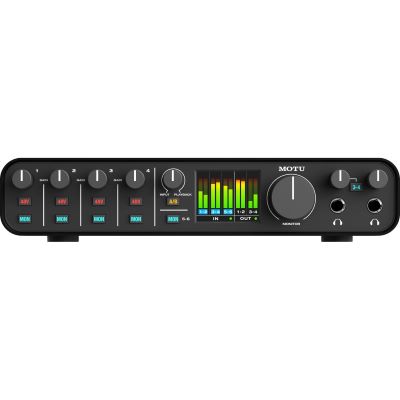
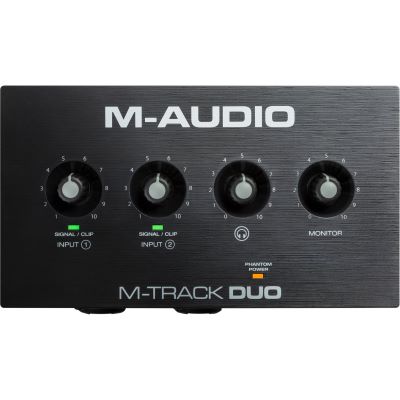
The interface connects a microphone, guitar or line-level device to the computer and simultaneously feeds headphones and active studio monitors with the playback signal.
Vocals and acoustic instruments need a microphone. Guitars can be recorded directly through a Hi-Z input. Software instruments do not require a microphone.
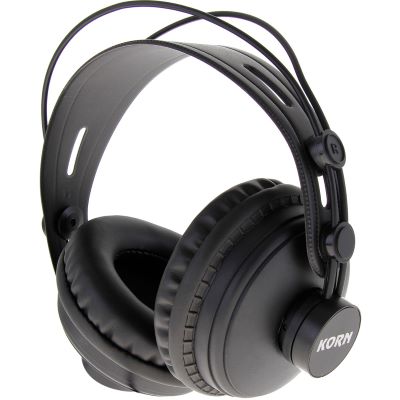
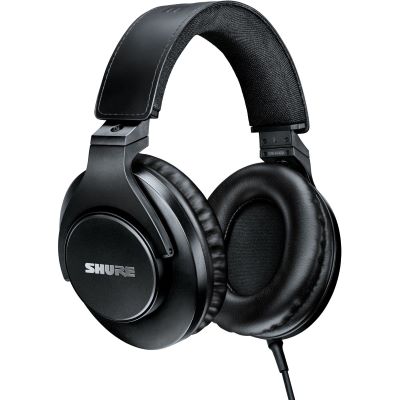
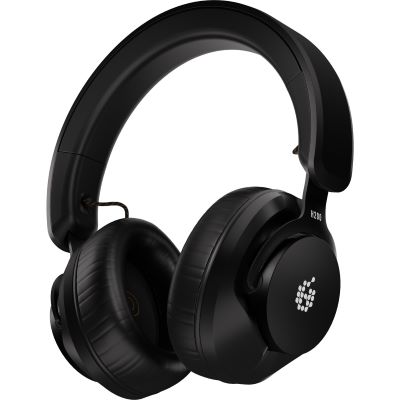
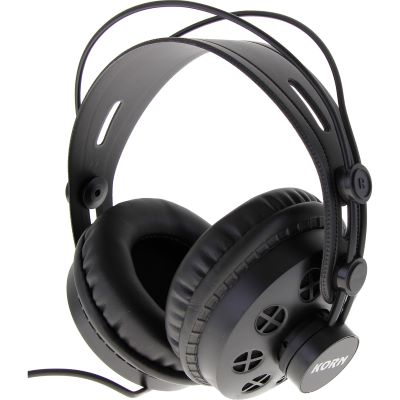
Closed-back studio headphones are particularly versatile because they work both for recording and quiet production. A monitor pair can later provide an additional loudspeaker reference for mixing.
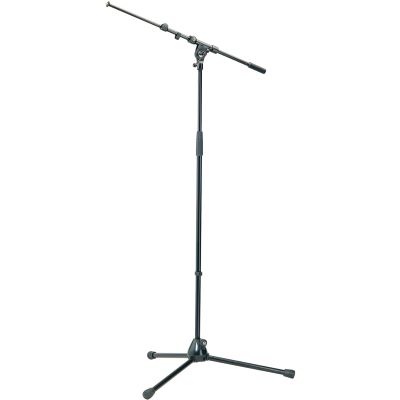
Minimum starting point: computer, DAW, audio interface and headphones are already enough for electronic music and directly recorded electric guitar or bass. For vocals, add a microphone, XLR cable, stand and ideally a pop filter.
Once you understand the signal path, almost every recording setup can be assembled logically.
Voice, instrument, synthesizer or another source generates the original signal.
A microphone or direct instrument connection sends that signal into the audio interface.
The DAW records the signal and handles editing, effects, arrangement and mixing.
Headphones or studio monitors let you assess the recording and final mix.
One vocal microphone requires one microphone input. Vocals and guitar recorded simultaneously need two separate channels. A stereo synthesizer normally occupies two inputs as well.
A detailed multitrack drum recording can quickly require eight channels or more.
XLR is typically used for microphones, Hi-Z jack inputs for passive guitars and basses, and line inputs for synthesizers and other audio devices.
Condenser microphones frequently require the interface's 48 V phantom power.
The most important planning principle: first define what you want to record simultaneously. Then buy exactly the equipment required to complete that signal path. Comfort features and expansion options come afterwards.
A modern computer with sufficient memory and free storage space forms the foundation. Large virtual instruments and sample libraries require more SSD capacity than simple audio recording.
Always check current software system requirements before buying.
A DAW records audio, processes MIDI, loads virtual instruments and plug-ins and exports the finished song.
Many current interfaces already include suitable entry-level software.
One or two inputs are often sufficient for solo vocals, guitar and podcasting. Two full microphone / instrument channels provide greater flexibility when a second source is added later.
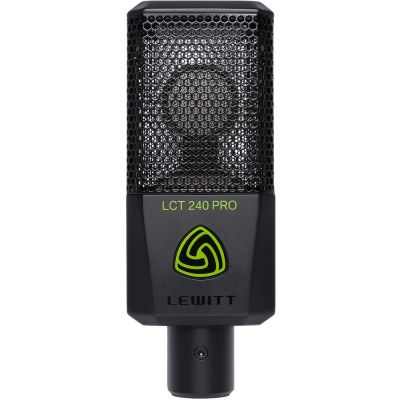
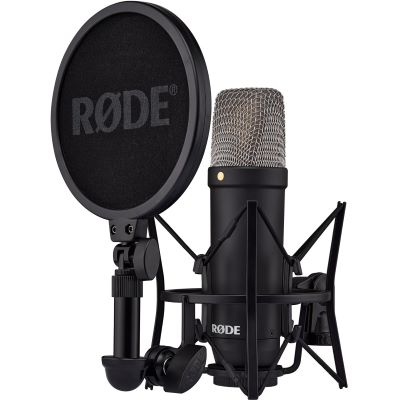
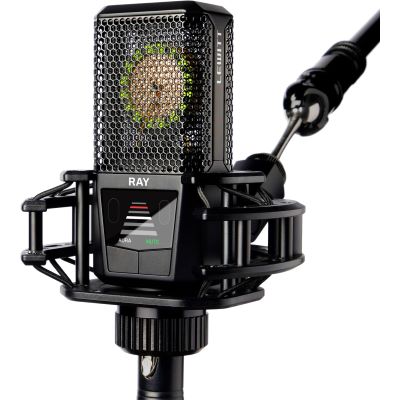
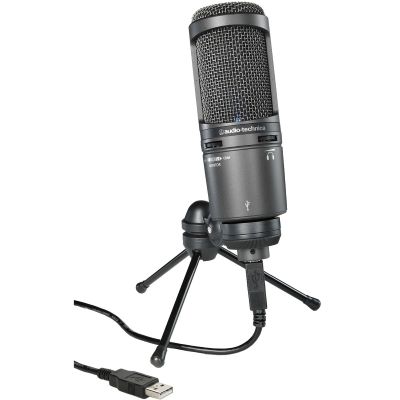
A large-diaphragm condenser microphone is a versatile starting point for vocals, speech and many acoustic instruments.
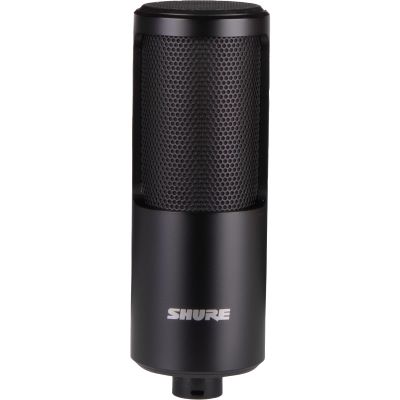
Dynamic microphones are particularly interesting for loud sources or very close voice recording.
Closed-back headphones reduce playback leaking into the microphone while recording.
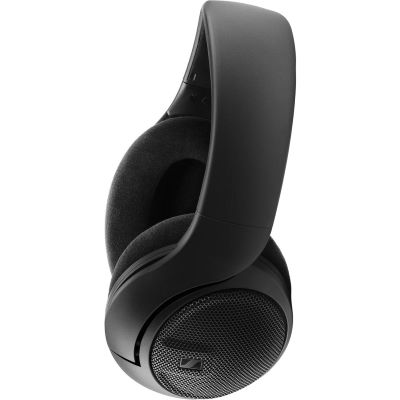
Open-back headphones are better suited as an additional mix reference when no microphone is being recorded.
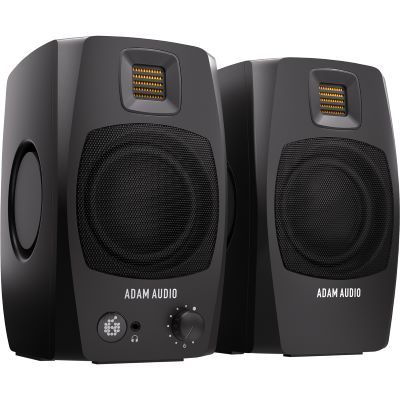
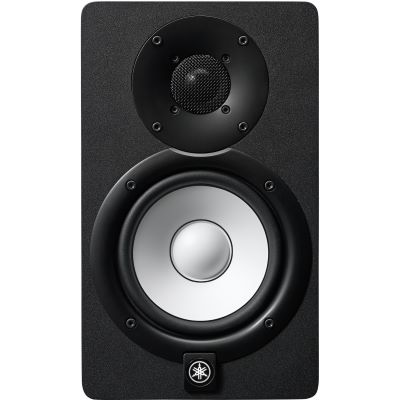
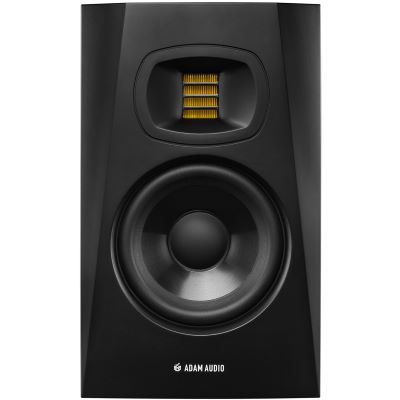
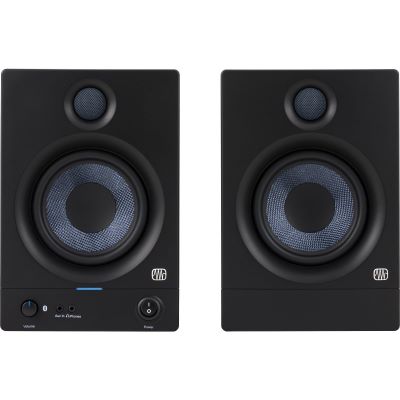
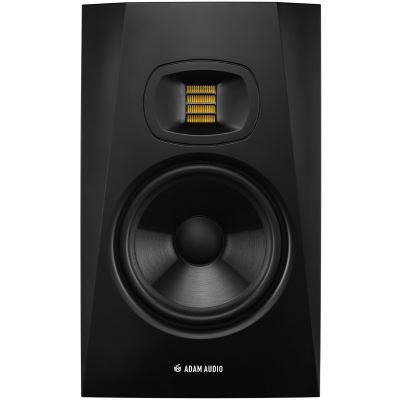
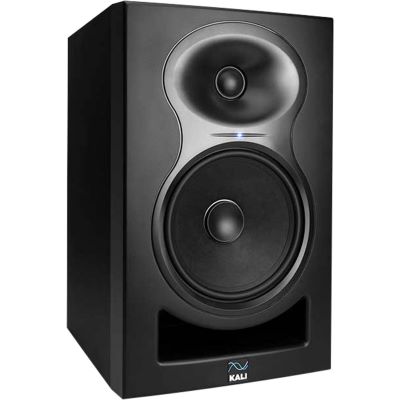
Active nearfield monitors become useful when you mix regularly and have a suitable listening position.
They complement headphones but do not necessarily need to be your first purchase.
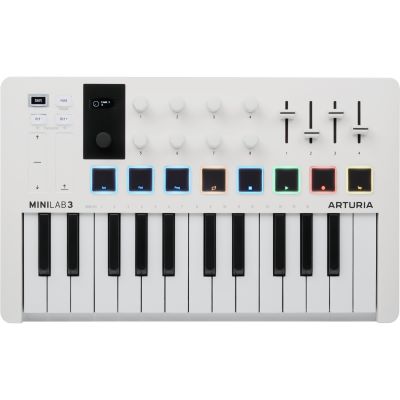
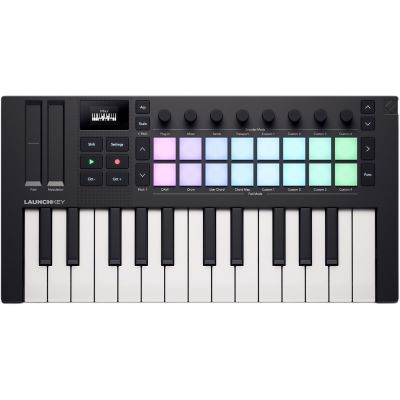
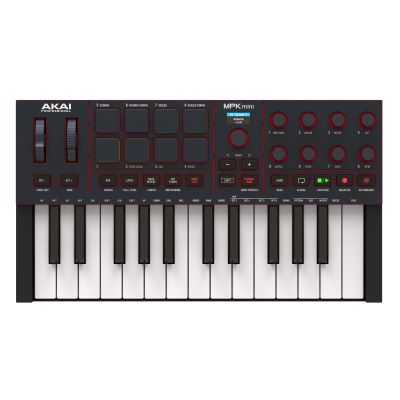
A MIDI keyboard saves considerable time when working with beats, piano, synthesizers and virtual instruments.
For pure audio recording of voice or guitar, it remains optional.
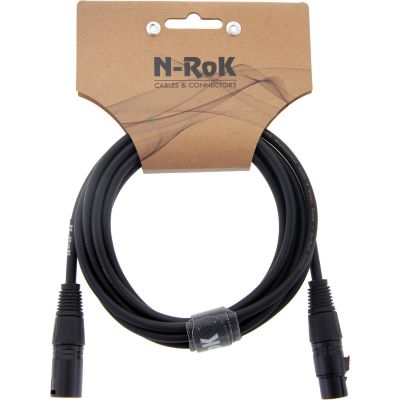
XLR cables, instrument cables, two lines for a stereo monitor pair and a stable microphone stand belong in the practical plan.
Without the correct connections, even high-quality studio technology cannot be used.
Begin with sensible microphone, monitor and listening positions.
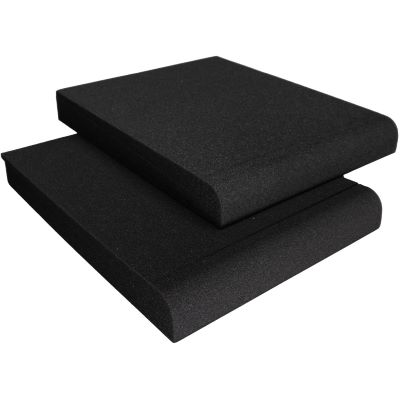
Monitor pads, reflection filters and other acoustic elements should then be used specifically where a real reflection or resonance problem exists.
Computer, DAW, interface, studio microphone, closed-back headphones, XLR cable, microphone stand and pop filter form a typical vocal-recording setup.
An interface with a Hi-Z input, instrument cable, headphones and a DAW with amp simulation are enough for a very compact guitar workstation.
Computer, DAW, headphones and MIDI keyboard already form a complete production system.
An interface becomes important once external sources or studio monitors need to be integrated.
Plan one microphone channel per person speaking simultaneously.
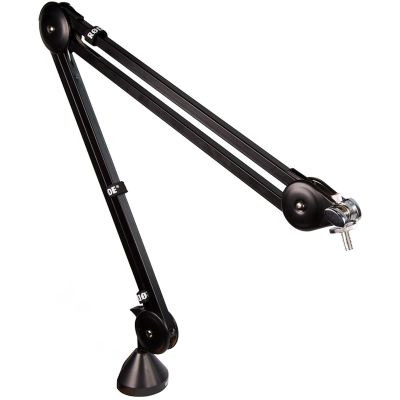
An articulated microphone arm, closed-back headphones and loopback functionality can make the workflow considerably easier.
| Component | Vocals | Direct Guitar | Beat Production | Podcast |
|---|---|---|---|---|
| Computer + DAW | Essential | Essential | Essential | Essential |
| Audio Interface | Essential with XLR | Essential | Can be added later | Essential with XLR |
| Microphone | Essential | Optional | Optional | Essential |
| Closed-Back Headphones | Very important | Very important | Very important | Very important |
| Studio Monitors | Expansion | Expansion | Recommended for mixing | Optional |
| MIDI Keyboard | Optional | Optional | Very useful | Optional |
| Stand / Pop Filter | Recommended | Only with microphone | Optional | Recommended |
Choose the appropriate equipment class first. The individual product pages contain the current technical specifications and availability information.

Keep microphones away from fans, open windows and strongly reflective surfaces where possible.
A better microphone position can make a greater difference than adding more equipment.
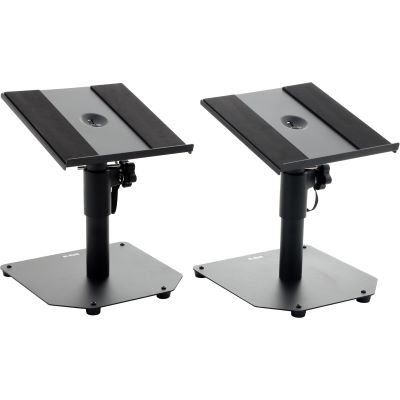
The left and right studio monitor should be positioned symmetrically relative to the listening position and aimed towards it.
An approximately equilateral triangle is a useful starting point.
Thin pads, reflection filters and larger room absorbers solve different problems.
Choose acoustic accessories according to an identified reflection or resonance problem rather than appearance.














For many projects, a computer, DAW, audio interface and headphones are sufficient. For vocals and acoustic instruments, add a microphone, cable and stand.
If you want to use XLR microphones, electric guitar, electric bass, studio monitors or other analogue audio sources, the interface provides the central connection to the computer.
For vocals, guitar, singer-songwriter projects and many podcast applications, two inputs provide a great deal of flexibility. Drums and complete bands require significantly more channels.
No. A good pair of studio headphones is more versatile at the beginning. Monitors become particularly useful once you mix regularly and have a suitable listening position.
A large-diaphragm condenser microphone is a versatile starting point for vocals, speech and many acoustic instruments. The room and sound source should still be considered.
Only if you want to play virtual instruments, synthesizers, piano sounds or beats directly. It is not required for pure audio recording.
XLR microphones need an XLR cable, electric guitars need an instrument cable, and a stereo monitor pair requires two suitable line connections to the audio interface.
Yes. Headphones allow very quiet production. Direct guitar and synthesizer recordings create very little additional acoustic sound. Vocals and acoustic instruments naturally retain the real volume of the source in the room.
Upgrade where your workflow reaches a real limit: more inputs for several sources, monitors for mixing, MIDI for software instruments or additional microphones for new recording situations.
For a home studio, start with a complete signal path: computer and DAW handle recording and processing, the audio interface connects external sound sources to the computer and studio headphones provide reliable monitoring.
If you record vocals or acoustic instruments, add a suitable microphone, XLR cable, stand and, for close speech or vocal recording, a pop filter. Studio monitors, a MIDI keyboard and acoustic accessories are important expansion options, but they are not immediately necessary for every project.
If you mainly produce beats and virtual instruments, a MIDI controller may become useful earlier than a microphone. If you mainly record singers or guitarists, invest first in inputs, microphones and monitoring.
Do not plan according to the largest possible number of devices. Plan around your next actual recording. A small home studio whose components fit together completely is more productive than a large setup filled with functions you do not need.
As new musicians, instruments or workflows are added, expand the system specifically where the existing setup reaches its limit.
From your first instrument and home studio to DJ equipment and event technology: the Musikhaus Korn guide provides further comparisons, decision support and routes to equipment that fits your project.