
Musikhaus Korn Guide
Which Audio Interface Is Right for Me?
An audio interface connects microphones, instruments, synthesizers and studio monitors to your computer or mobile device. What matters is not having the largest possible list of technical specifications, but having the right inputs and outputs for what you actually want to record.
From First Home Studio to Pro Setup
USB, Thunderbolt & Digital Expansion
Vocals, Guitar, Podcast, Synths & Band
Related Topics
Continue Planning Your Recording Setup
Combine the interface with the right microphones, instruments, MIDI equipment and monitoring for your recording workflow.
Quick Facts for Choosing an Audio Interface
The Most Important Buying Rule
How Many Inputs Do You Really Need?
Count all sources that need to be recorded at the same time. The number of tracks you may use later in your DAW is not relevant for this decision.
Vocals or Speech
For a single voice, one good microphone input is usually enough. If you use a condenser microphone, the interface should provide 48 V phantom power.
Vocals Plus Guitar
Two inputs give you considerably more freedom. For an electric guitar or bass, a switchable instrument or Hi-Z input is useful.
Synthesizers and Beats
A stereo synthesizer already requires two line inputs. If you use several synths, drum machines or effects units, additional connection capacity is worthwhile.
Band and Drums
Several musicians or a miked drum kit can quickly require four, eight or more simultaneous channels. Expandability and routing become particularly important here.
Rule of thumb:
Do not buy according to the maximum channel count printed on the box.
Check how many of those channels are actual microphone, instrument
and line inputs and which of them can be used simultaneously.
Choose According to Your Project
Which Interface Fits Your Recording Workflow?
Start with what you actually want to record. Different projects place different demands on inputs, monitoring, MIDI and routing.
Record Vocals and Instrument
Two combo inputs, Hi-Z, a headphone output and direct monitoring form a flexible basis for vocals, acoustic guitar and electric guitar.
Combine Speech and Computer Audio
Two microphone inputs and loopback are particularly practical when speech, music, videos or other computer signals need to be processed together.
Integrate Synthesizers and Drum Machines
Several line inputs reduce constant repatching. Traditional MIDI ports are useful when hardware without its own USB connection needs to be integrated.
Play Directly into the Interface
A Hi-Z input records passive guitars and basses directly. Amp simulations and effects can then be used in your recording software.
Record Several Musicians at Once
Four or more analogue inputs are the starting point. For extensive microphone setups, eight preamps or a system that can be expanded via ADAT is more convenient.
Notebook, Tablet or Smartphone
Compact bus-powered interfaces require very little space. Before buying, still check the operating system, power supply and supported mobile devices.
Understand the Signal Path
These Connections Determine Which Audio Interface Fits
The correct connector is more important than the highest possible sample rate. Plan your interface starting with the microphone, instrument and monitor system you intend to connect.
XLR and Microphone Preamps
Microphones require a mic preamp. Condenser microphones are often powered by 48 V phantom power. When recording several microphones, the number of simultaneously available preamps therefore matters.
Hi-Z for Guitar and Bass
Passive electric guitars and electric basses belong on an instrument input. A standard line input is not automatically an appropriate substitute for this type of signal.
Line Inputs for Hardware
Synthesizers, drum machines, preamps and many effects units work at line level. A stereo device generally occupies two analogue inputs.
Outputs and Headphone Mixes
A stereo monitor output and one headphone connection are enough for simple setups. Two independently controlled headphone paths or additional line outputs become valuable for duo recordings and larger studios.
MIDI, Loopback and ADAT: When Do You Need Them?
MIDI DIN connects synthesizers, drum machines and other hardware without requiring an additional MIDI interface. Loopback routes computer audio internally back into the interface as a recording signal and makes streaming, tutorials and podcast production easier. ADAT allows compatible interfaces to be expanded later with additional digital inputs and outputs.
Practical check before buying:
Write down every device in your planned setup and assign the required
connection to each one. This immediately shows whether two inputs are
enough or whether a larger system will be more economical in the long term.
Remember:
Count sources and connections first. Compare convenience features
and maximum technical specifications afterwards.
Decision Guide
Audio Interface Sizes Compared Directly
Match the interface class to the number and type of signals that need to be recorded simultaneously.
| Application | Typical Requirement | Important Functions | Sensible Class |
|---|---|---|---|
| Voice / Vocals | 1 microphone | XLR, preamp, 48 V, headphones | 1–2 inputs |
| Vocals + Guitar | 2 signals | XLR, Hi-Z, direct monitoring | 2 inputs |
| Two-Person Podcast | 2 microphones | 2 preamps, loopback, good headphone path | 2–4 inputs |
| Synth Setup | Several line signals | Line I/O, MIDI, routing | 4–16 inputs |
| Band / Drums | 4–8+ signals | Several preamps, headphone mixes, ADAT | Multichannel interface |
| Professional Studio | Complex routing | Digital I/O, many outputs, DSP, expandability | Desktop or 19-inch rack |
The Most Important Product Groups
USB, Thunderbolt, PCI or a Separate Audio Converter?
USB is the flexible standard for most home studios and mobile setups. Thunderbolt is used by selected professional systems. PCIe is suitable for stationary computers, while dedicated audio converters are particularly relevant to extensive digital and professional studio environments.
USB Audio Interfaces
A large selection ranging from compact beginner interfaces to multichannel studio systems.
Thunderbolt Interfaces
For compatible computers and professional systems equipped with the appropriate connection.
PCIe Sound Cards
Internal solutions for permanently configured studio computers and specialised digital setups.
Audio Converters
Converters and digital interfaces for professional routing and expansion tasks.
Selection by Application
All USB Audio Interfaces
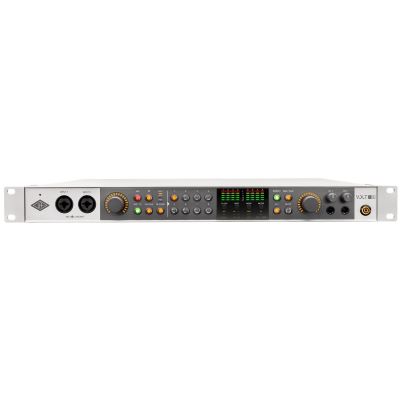
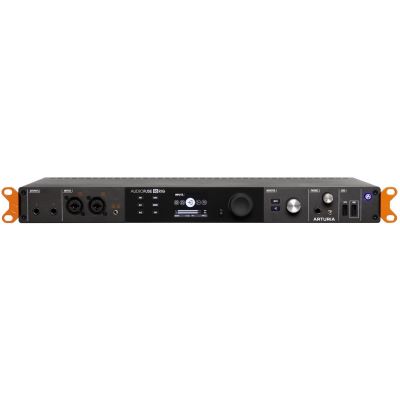
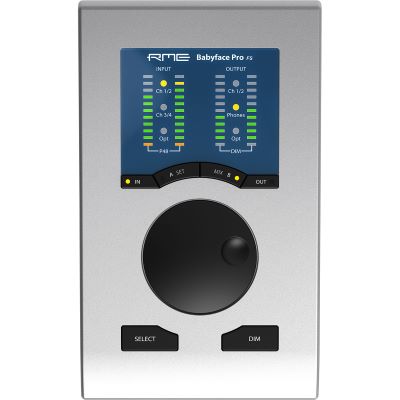
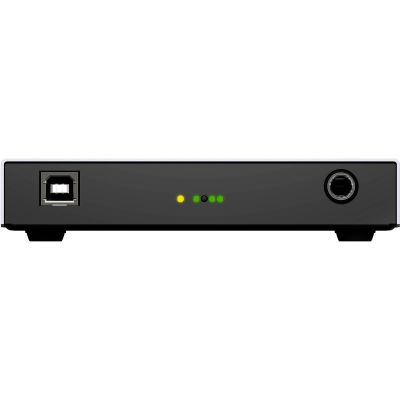
Suitable Audio Interfaces for Different Setups
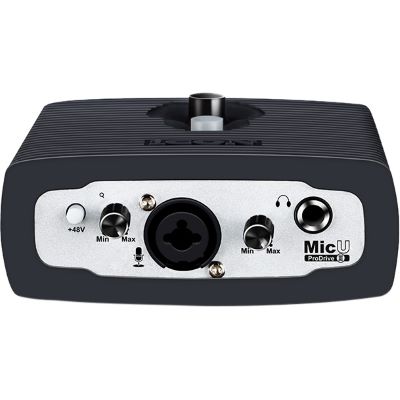
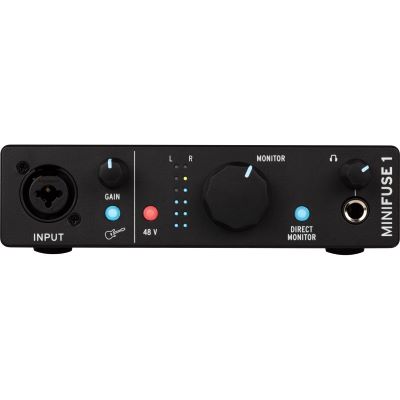
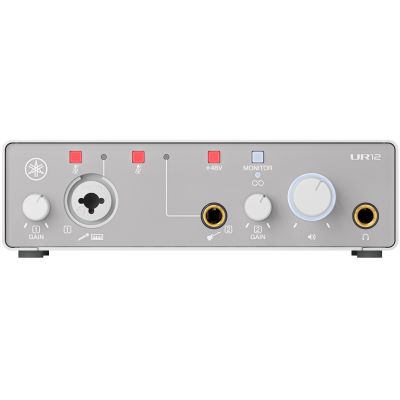
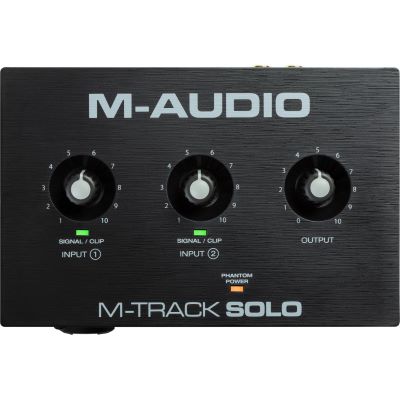
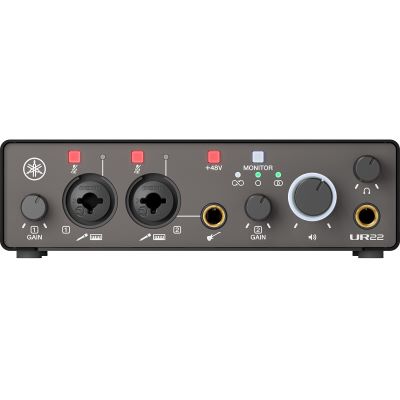
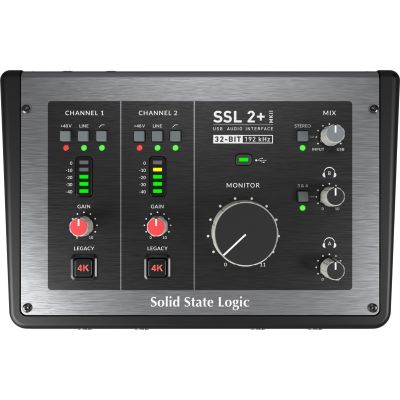
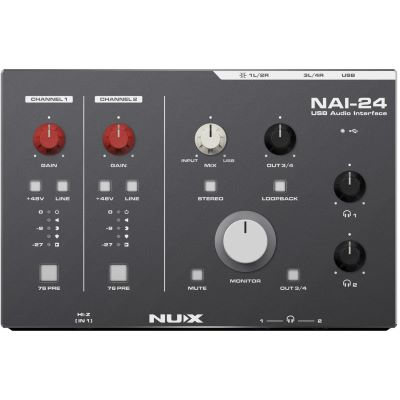
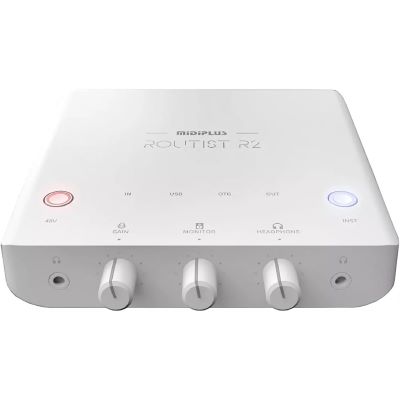
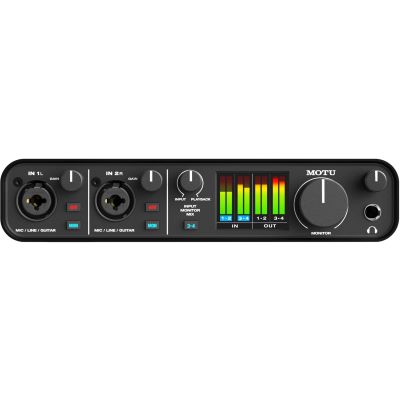
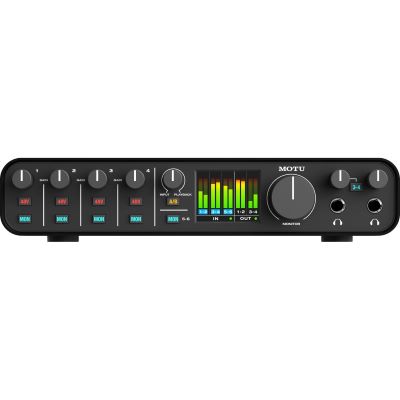
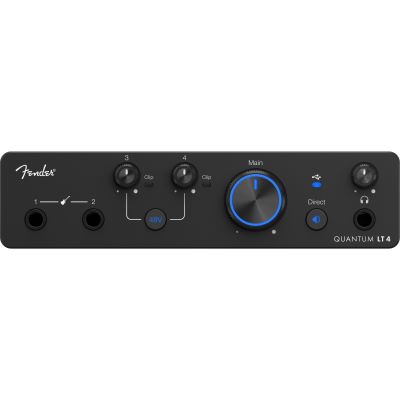
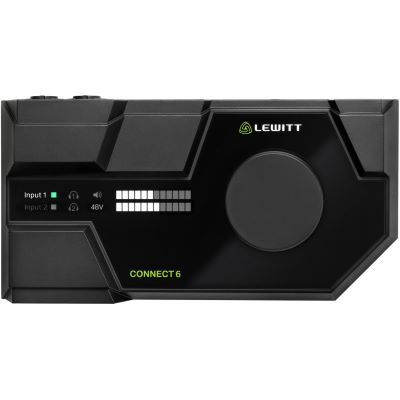
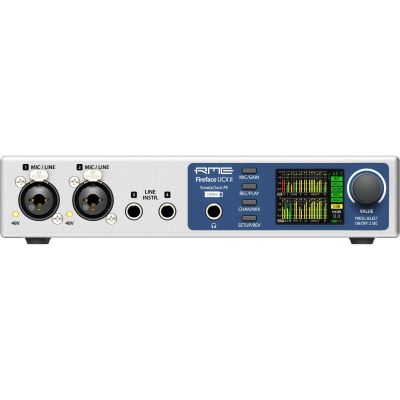
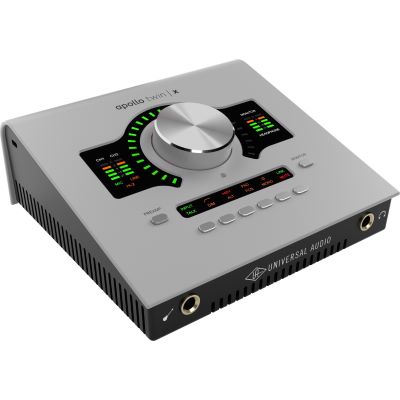
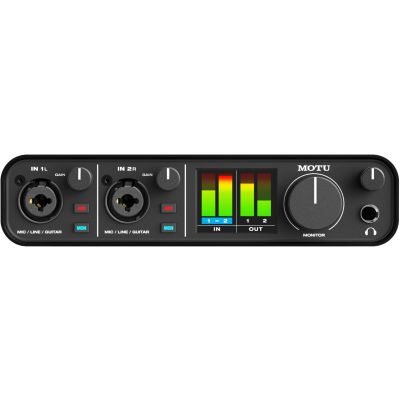
The following models show different routes from a compact single-user workstation to an expandable studio. Your specific connection requirements should always remain the deciding factor.
1–2 Inputs
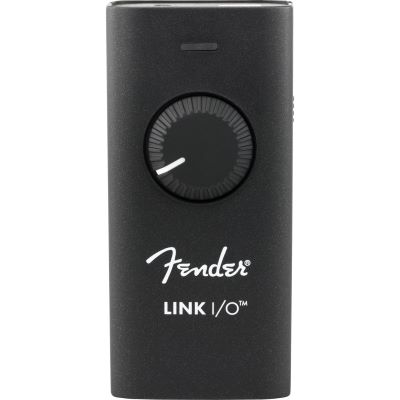
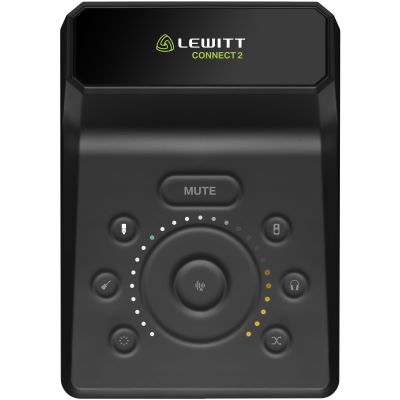
Compact Interfaces for Solo, Speech and Mobile Recording

Flexible Home Studios
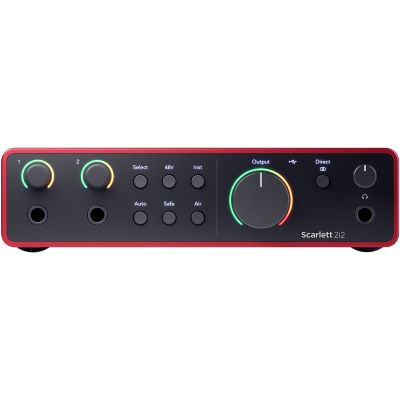
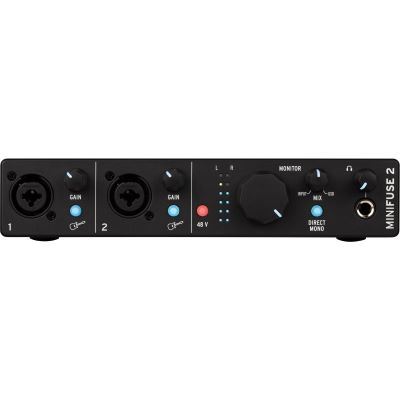
Two Inputs for Singer-Songwriters and Flexible Home Studios
More I/O
More Channels for Hardware, Streaming and Shared Sessions
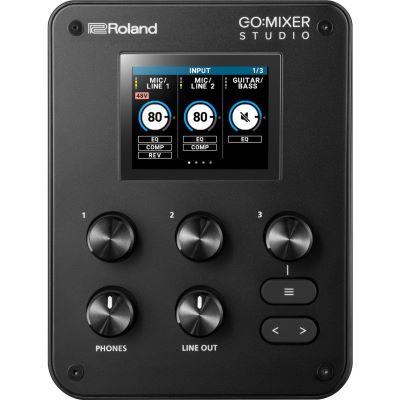
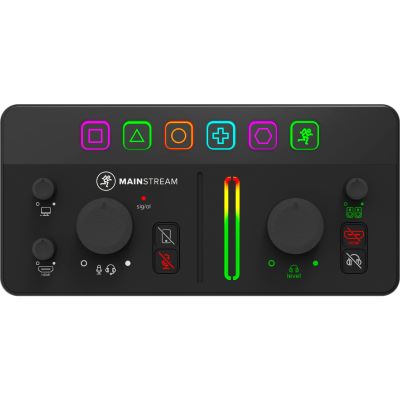
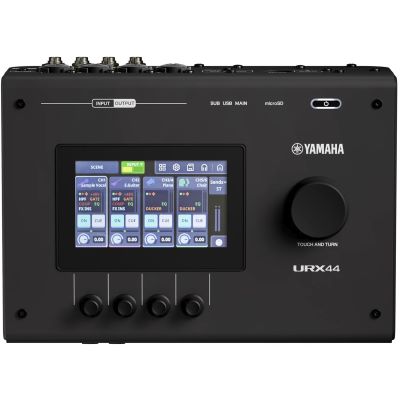
Professional & Expandable
Professional and Expandable Studio Solutions
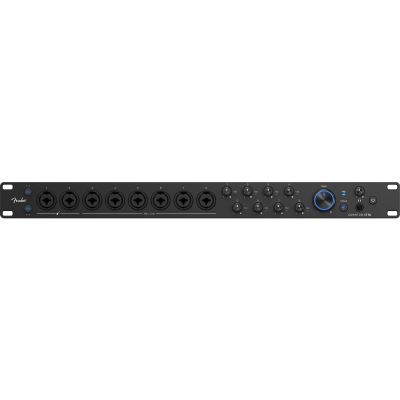
Check Before Connecting
Combine Computer, Microphones, Monitors and MIDI Correctly
Compatibility is not determined by the connector shape alone. Check the complete signal path before ordering cables or accessories.
- Computer: Check the operating system, drivers, connection type and power requirements of the interface.
- Microphone: Use an XLR input and activate 48 V when the connected microphone requires phantom power.
- Guitar: Connect passive instruments to a Hi-Z or instrument input.
- Studio monitors: Plan matching balanced outputs and the required cables.
- MIDI: DIN MIDI on the interface is particularly useful for external hardware without a suitable USB connection.
Common misconception:
USB-C initially describes the physical connector shape.
Whether a device uses USB or Thunderbolt and which computers
are supported must be checked against the technical requirements
of the individual interface.
Avoid Wrong Purchases
Five Points More Important Than Maximum Sample Rates
Too Few Inputs
Plan the maximum number of sources you will need simultaneously and allow some additional capacity.
Forgetting Stereo
A stereo keyboard or synthesizer normally requires two line channels.
Using the Wrong Input
Microphones, line-level signals and passive guitars have different input requirements.
Underestimating Monitoring
With several musicians, separate headphone paths quickly become more important than additional convenience features.
Forgetting Expansion
ADAT and additional line I/O can prevent the need to replace the entire interface later.
Manufacturer Worlds
Discover Audio Interface Brands at Musikhaus Korn
Compare series and additional studio products directly in the individual manufacturer worlds.












Frequently Asked Questions
Answers About Choosing the Right Audio Interface
Which Audio Interface Is Suitable for Beginners?
One or two inputs are usually enough for vocals, guitar and straightforward home-studio recordings. More important than a large channel count are suitable microphone and instrument inputs, an easily accessible headphone connection and uncomplicated operation.
Do I Need Two, Four or Eight Inputs?
The deciding factor is the number of signals you want to record simultaneously. Vocals plus guitar require two channels, and a stereo synthesizer also requires two. Four, eight or more inputs quickly become useful for several musicians or a drum kit.
Is USB or Thunderbolt Better for My Studio?
USB is a flexible choice for most recording setups. Thunderbolt is used by certain professional systems. Compatibility with your computer, stable drivers, the required feature set and your workflow are the important factors.
When Do I Need 48 V Phantom Power?
Many condenser microphones and some active audio devices require phantom power. It is supplied via the XLR signal path. Always check the requirements of the connected microphone or device.
What Does Loopback Do on an Audio Interface?
Loopback can make computer audio available internally as an input signal again. This is particularly useful for streaming, podcasts, tutorials, sampling and productions in which microphone and computer signals need to be combined.
Do I Need MIDI Connections on the Audio Interface?
Not necessarily. A USB MIDI keyboard can often be connected directly to the computer. DIN MIDI on the interface becomes particularly useful when synthesizers, drum machines or other traditional MIDI hardware are integrated into the setup.
Can I Expand a Small Audio Interface Later?
That depends on the model. Interfaces with ADAT or other digital connections are often easier to expand. If your home studio is likely to grow, it is worth planning this connection reserve when you buy your first interface.
Continue Planning Your Setup
Related Guides for Recording and Music Production
Record Guitar at Home
Record guitar directly, through an amplifier or with a microphone.
Choose the Right MIDI Keyboard
Compare key count, playing feel and controller functions for your production setup.
Record an Acoustic Drum Kit
Plan microphones, channels and multitrack recording for acoustic drums.
Build Your Complete Studio
Combine microphones, monitors, headphones, MIDI equipment and additional studio technology.
More Buying Advice
From the Audio Interface to a Complete Music Setup
In the Musikhaus Korn guide, you will find further decision paths for instruments, home studios, DJ equipment, microphones, loudspeakers and event equipment.