One Podcast Microphone at the Desk
A USB microphone with a headphone output is particularly straightforward. A microphone arm and pop filter create an ergonomic and repeatable recording position.

Record a podcast, livestream, comment on gaming, conduct interviews or produce videos: good content starts with an intelligible voice and a reliable signal path. This guide explains when a USB microphone is enough, when XLR plus an audio interface is more flexible and how podcast mixers, headphones, microphone arms, room acoustics, cameras and streaming controls fit into the complete workflow.
Start with the number of speakers and required audio sources. Then decide between USB, XLR, an interface, streaming mixer or dedicated podcast recorder.
The core setup consists of a microphone, a recording or streaming centre, headphones and a computer. Microphone arms, pop filters, acoustic treatment, cameras and additional controllers come afterwards.
For one speaker, a USB microphone is often the quickest route. The microphone preamp and digital converter are already built in, so the microphone connects directly to the computer without a separate audio interface.
If you want to record two or more speakers, combine different microphones or expand your studio later, XLR microphones with a USB audio interface or dedicated podcast mixer provide considerably more flexibility.
Livestreaming adds another task: computer audio, music, game sound, remote guests and other sources may need to be combined. Loopback, mix-minus, separate headphone paths and quickly accessible mute or scene controls can simplify this workflow significantly.
A USB microphone with a headphone output is particularly straightforward. A microphone arm and pop filter create an ergonomic and repeatable recording position.
Two microphone preamps allow separate recording tracks and individual gain settings. Two reliable headphone paths are also useful during the recording.
A dedicated podcast recorder with several XLR inputs and independent headphone outputs can reduce additional headphone amplifiers and complicated routing.
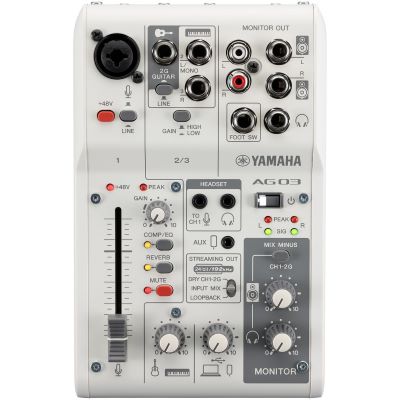
Loopback combines the microphone and computer audio. A streaming mixer keeps levels, mute functions and playback sources within immediate reach.
Add a webcam or camera, suitable lighting and, if required, an HDMI capture interface to the audio signal path.
Microphone distance, room reflections and background noise become especially important. A stable microphone arm and targeted absorption can improve the recording position.
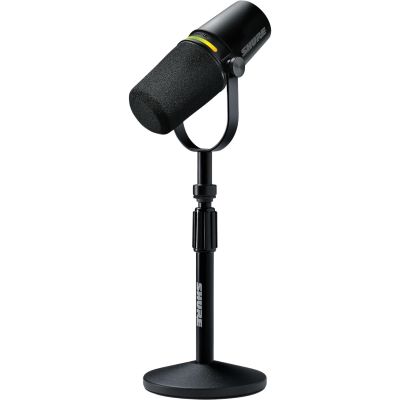
Microphone, preamp and digital converter are combined in one unit. This is ideal for one workstation and a fast start without a separate audio interface.
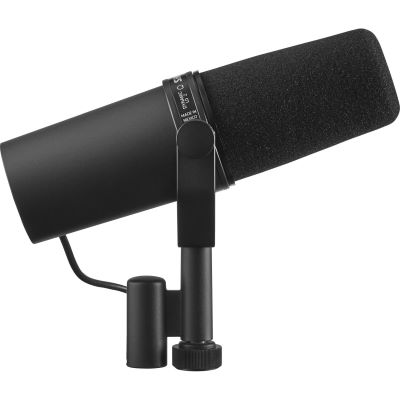
Dynamic broadcast microphones are commonly used at a short speaking distance. The voice then becomes relatively strong compared with room reflections, computer fans and other more distant sounds.
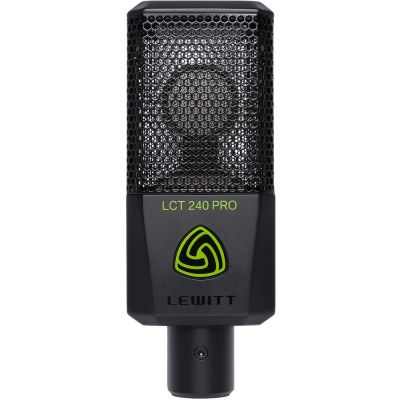
Condenser microphones can capture speech, vocals and instruments with high detail. At the same time, room reflections and background noise can become more apparent.
Optimise microphone distance first: with many podcast microphones, speaking relatively close is useful. A good distance and correct microphone orientation often improve the result more than extreme processing afterwards.
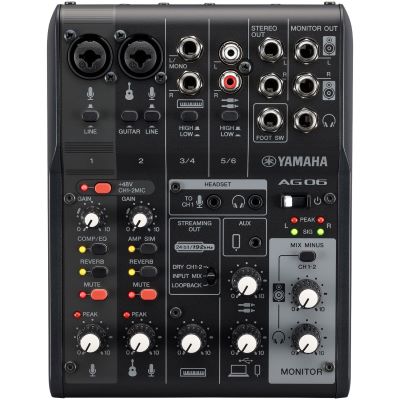
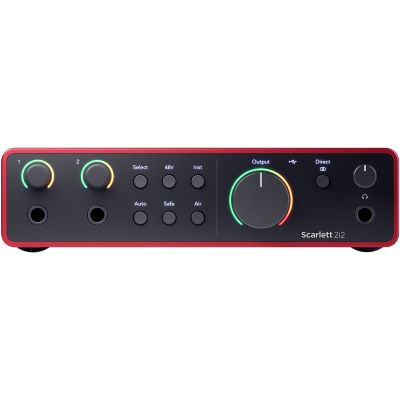
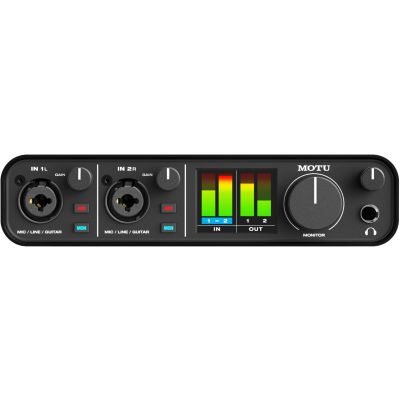
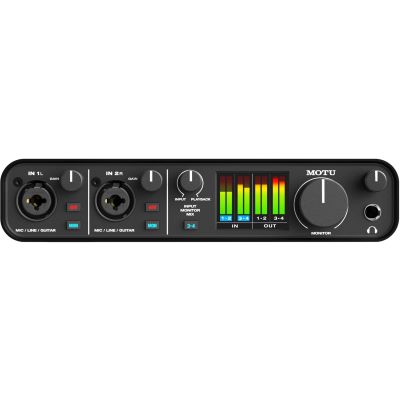
The most flexible approach for XLR microphones. Two preamps work well for a two-person podcast, while four inputs provide additional capacity for guests and other sources.
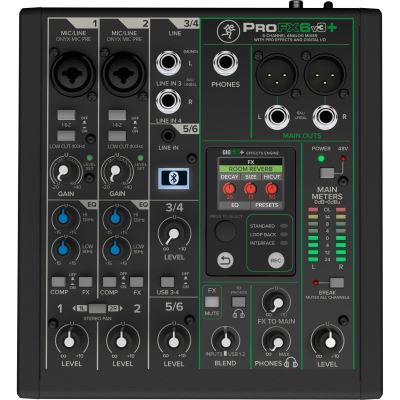
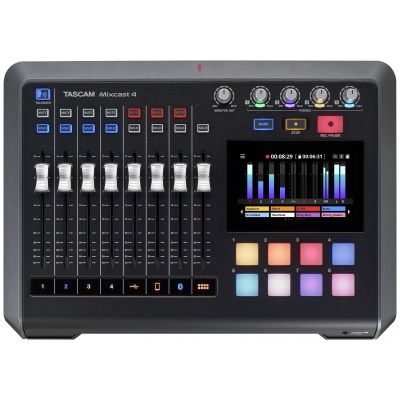
Models with loopback, effects and directly accessible controls can combine the microphone, computer, smartphone and additional audio sources within one workflow.
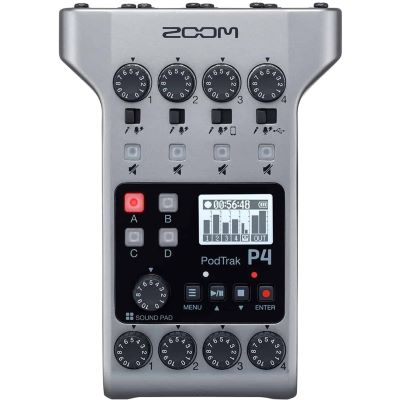
Multiple microphone inputs, independent headphone outputs, sound pads and direct recording to a memory card make this approach particularly useful for interviews and mobile productions.
Important for streaming: look for loopback if microphone audio and computer audio need to be delivered together to the same recording or streaming application.
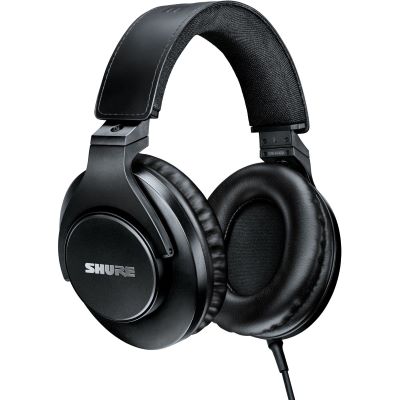
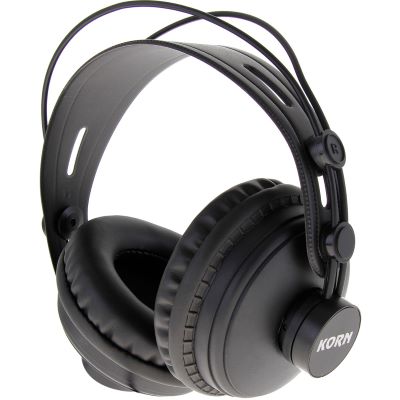
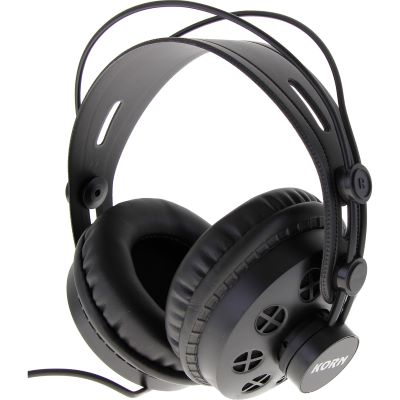
Closed-back headphones are especially practical while recording because as little playback as possible should leak from the earcups back into the microphone.
With two or more speakers, everyone should be able to monitor the conversation reliably. A podcast recorder with several dedicated headphone outputs simplifies this setup.
Conventional audio interfaces may require an additional headphone amplifier when several people need independent headphone connections.
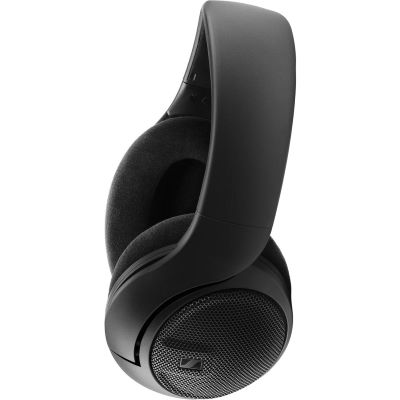
Open-back headphones are better suited to editing and longer post-production sessions than to microphone recording directly at the desk.
More direct voice relative to the room generally means less audible room sound in the recording.
Empty walls and hard desktop surfaces can create strong early reflections around the recording position.
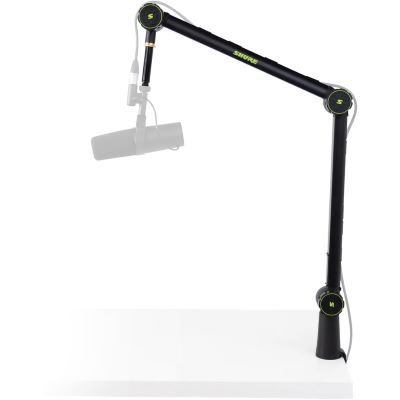
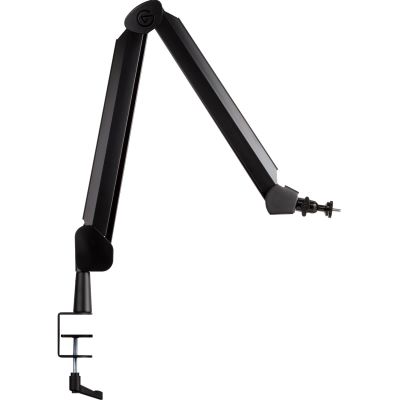
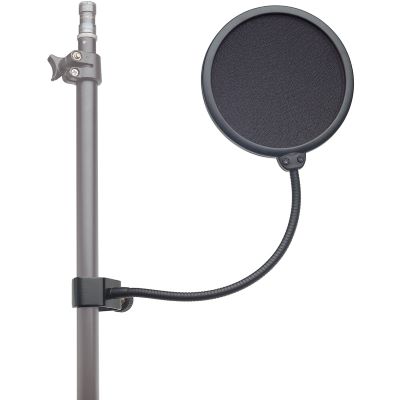
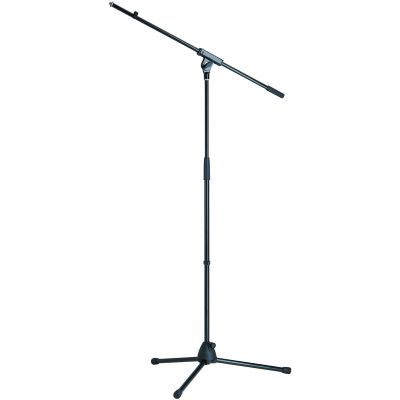
A stable arm reduces microphone handling and creates a repeatable speaking position close to the mouth.
Recording shields and mobile acoustic products can reduce reflections around the immediate recording position.
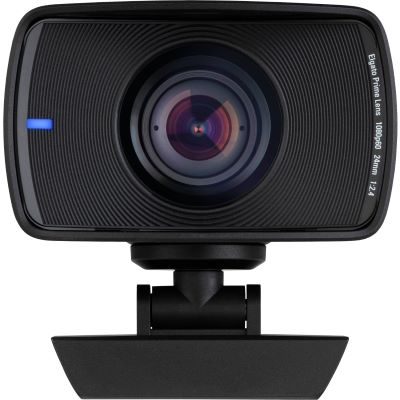
In addition to clean sound, a good stream often needs a camera, suitable lighting and quick access to mute, scenes, overlays and media.
A webcam is the simplest way to begin with video. If you already own a suitable HDMI camera, a capture interface can connect it to the streaming computer.
A microphone arm can keep the microphone close to the mouth without unnecessarily blocking the camera image.
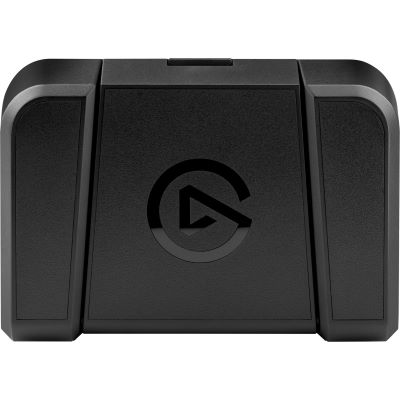
Controllers and foot pedals can trigger functions such as microphone mute, scene changes and media playback without searching for keyboard shortcuts during the stream.
| Setup | Speakers | Main Advantage | Expandability | Typical Use |
|---|---|---|---|---|
| USB Microphone | 1 | Very simple setup | Low to medium | Solo podcast, stream |
| Hybrid USB/XLR | 1 | Start directly, expand later | High | Creator workstation |
| 2-Channel Interface | 1–2 | Free microphone choice | High | Duo, voice-over |
| Streaming Mixer | 1–2+ | Loopback and direct control | High | Livestream |
| Podcast Recorder | 2–4+ | Several headphones and mobile recording | High | Interview, group discussion |
The selection ranges from a single USB microphone to a multi-person podcast studio. The number of speakers, room, required audio sources and preferred workflow determine which solution is appropriate.
Direct computer connection for individual creator workstations, with hybrid USB/XLR models offering an upgrade path.
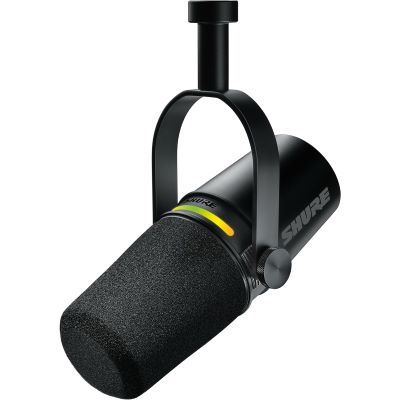
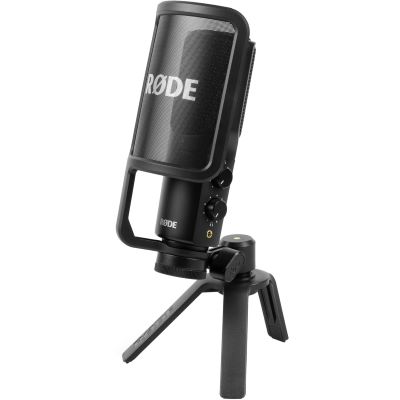
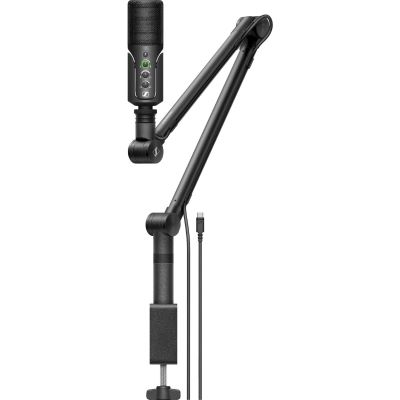
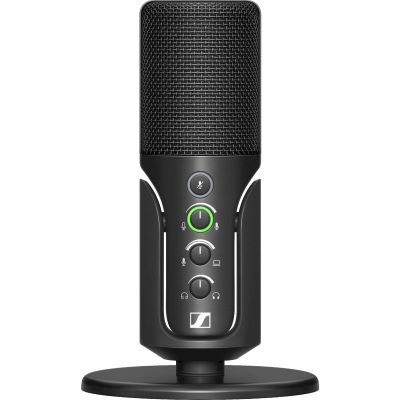
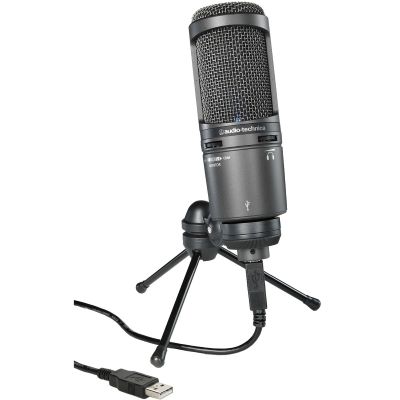
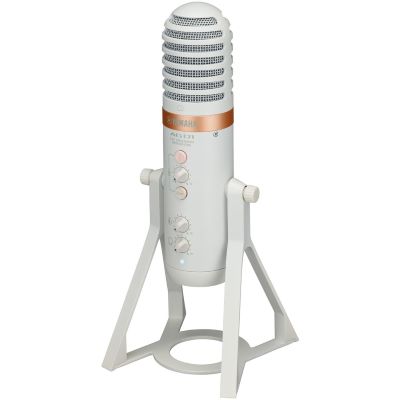
Solutions ranging from a single XLR workstation to four-person podcast production.

Closed-back monitoring for recording and more open reference designs for editing and longer sessions.
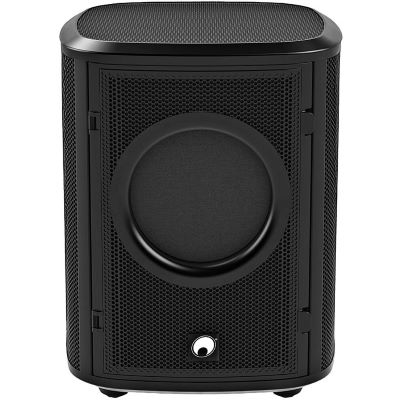

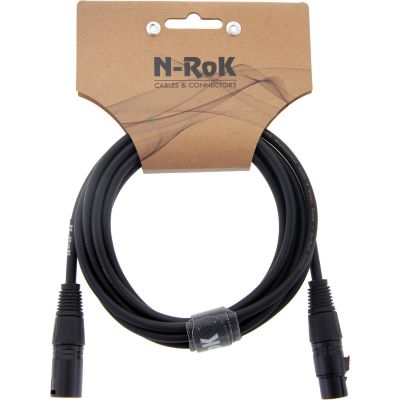
Manufacturer pages provide more microphones, interfaces, mixers and compatible accessories within the same product family.







More distance often means more audible room and less direct voice.
Microphone type and recording environment should be considered together rather than separately.
For podcasts, workflow, microphone preamps, headphone paths and loopback are usually more important.
One microphone per person provides easier gain control, editing and more consistent speech quality.
Noise, clipping and incorrect levels should be noticed during recording rather than during editing.
A few reliably accessible functions are more valuable live than an overloaded setup with unnecessary routing.
For a solo podcast, a computer, suitable USB microphone, headphones and recording software can be enough. A microphone arm or desktop stand makes positioning easier. An XLR microphone additionally requires an audio interface or suitable mixer.
USB is particularly simple and compact. XLR is more flexible if you want to use different microphones, record several people or replace interfaces and mixers independently later.
A dynamic microphone used at a short speaking distance can be practical in an untreated room. Regardless of the microphone type, distance, positioning and room design remain decisive.
Ideally, each person has an individual microphone. This allows gain, tone and post-production to be controlled independently for both voices.
Loopback makes it possible to route audio from the computer together with the microphone to a recording or streaming application. This is useful for music, videos, game sound and remote guests from software applications.
It becomes particularly useful with several speakers, computer or phone guests, sound pads and multiple headphone paths. For one speaker, a USB microphone or small interface may remain simpler.
Closed-back headphones are especially practical because less headphone playback escapes into the microphone during the recording.
A pop filter can reduce strong bursts of air caused by P and B sounds. Some broadcast microphones already include internal wind or pop protection, while other microphones benefit from an additional filter.
Move the microphone closer, keep the distance consistent, reduce reflections from the desk and walls and remove noise sources such as computer fans or open windows. These changes can have a greater effect than changing the microphone.
A good webcam is sufficient for a straightforward start. A suitable HDMI camera can be connected through a capture interface when more control over lenses and image design is required.
Even lighting can noticeably improve picture quality because the camera has to apply less electronic gain. Position and quality of light are generally more important than maximum brightness.
Frequently used functions such as microphone mute, scene changes, media playback and recording can be assigned to dedicated controllers or foot pedals, keeping live operation clearer.
Compare USB, XLR, dynamic and condenser microphones for podcasting, voice-over and streaming.
Plan input count, loopback, headphone monitoring and future expansion correctly.
Adapt microphone distance, reflections and the recording position to the room you already have.
Start with the number of speakers and decide whether USB or XLR fits your workflow. Then choose the interface, podcast mixer or recorder and add reliable headphone monitoring plus an ergonomic microphone position.
Room acoustics, cameras and streaming controls should extend the setup only after the fundamental audio signal path works reliably. This keeps the system straightforward today and expandable for future projects.