Audio Interfaces
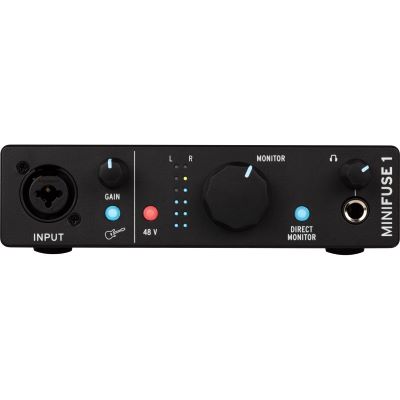
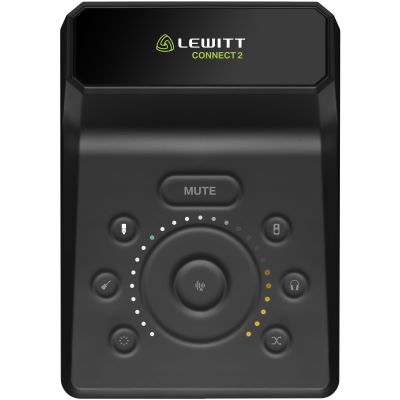
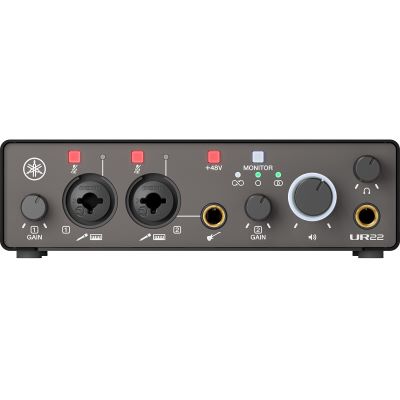
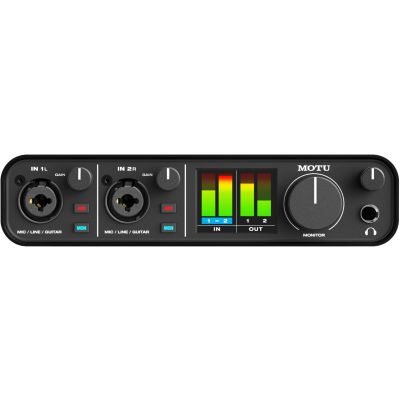
Connect microphones, guitars, line signals, headphones and active studio monitors to your computer.

Record vocals and guitars, produce beats, create podcasts or mix complete songs: a good home studio is not about owning as much gear as possible. It starts with a complete signal path. Here you can plan the audio interface, microphones, headphones, studio monitors, MIDI keyboards and accessories your personal recording setup actually needs.
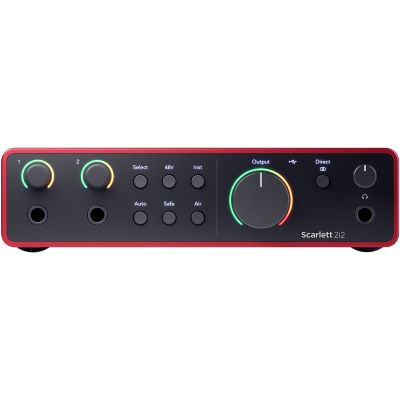
First decide what you want to record or produce. Anyone working exclusively with virtual instruments does not need a studio microphone. For vocal recording, however, a microphone is part of the basic equipment. Planning around the actual application helps you avoid unnecessary purchases.
Connect microphones, guitars, line signals, headphones and active studio monitors to your computer.
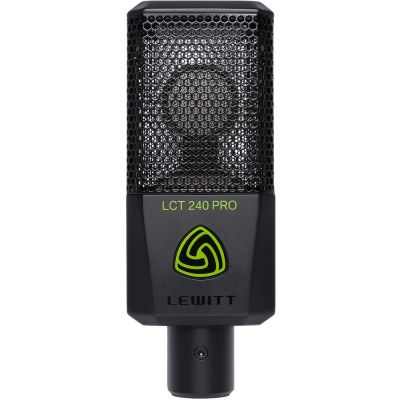
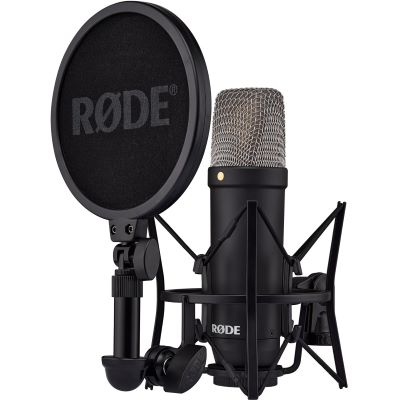
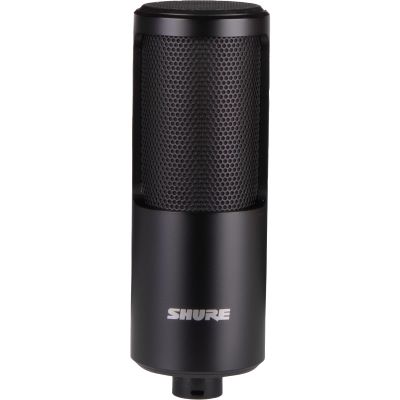
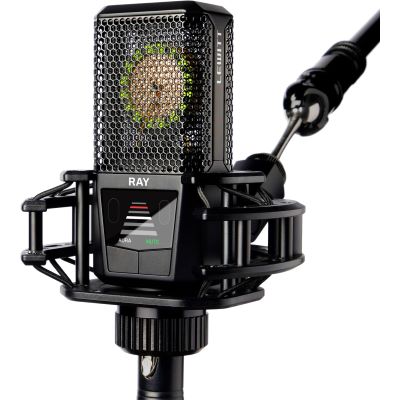
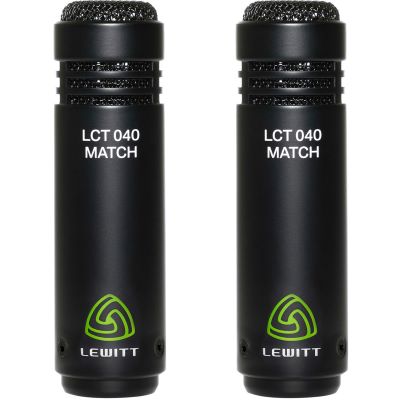
Record vocals, speech, acoustic guitar, piano, amplifiers and many other acoustic sources.
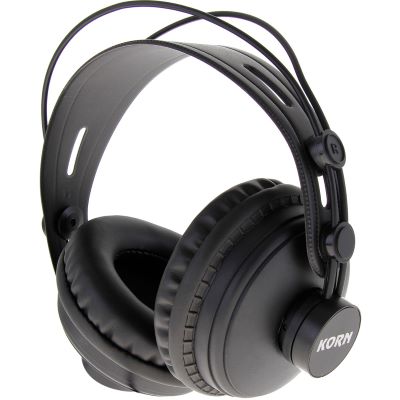
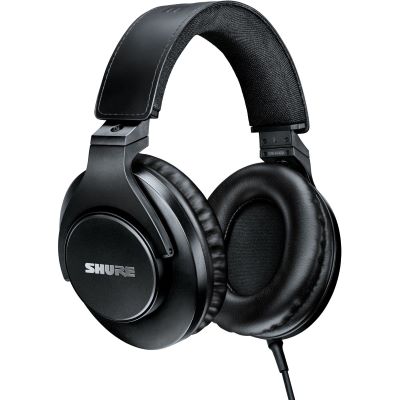
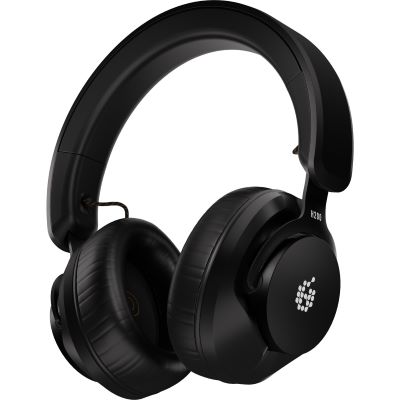
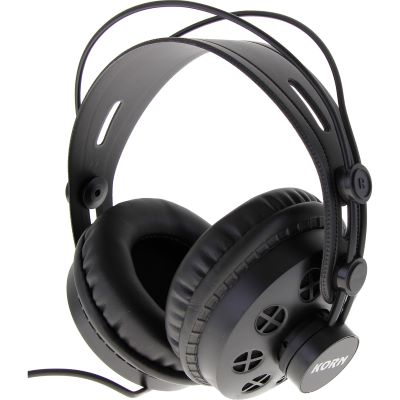
Record with closed headphones, produce quietly and use additional references when evaluating your mix.
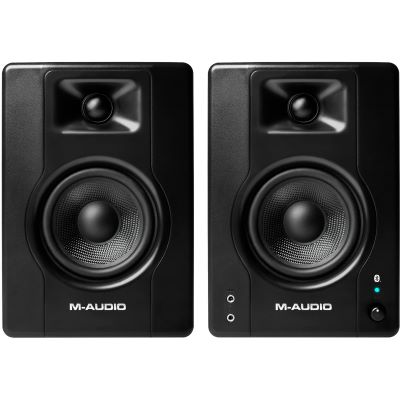
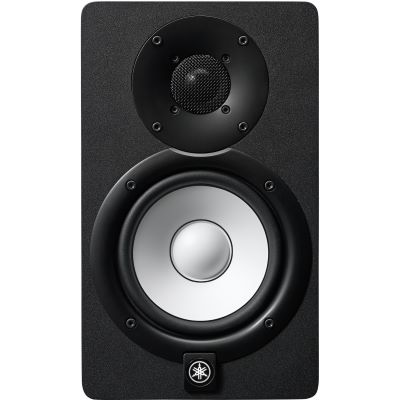
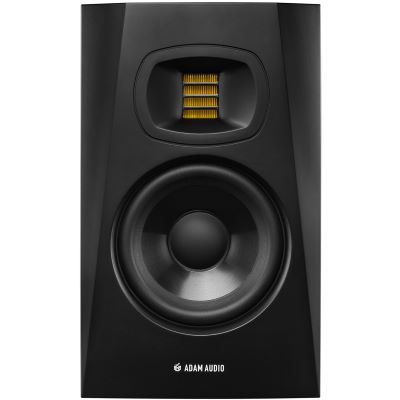
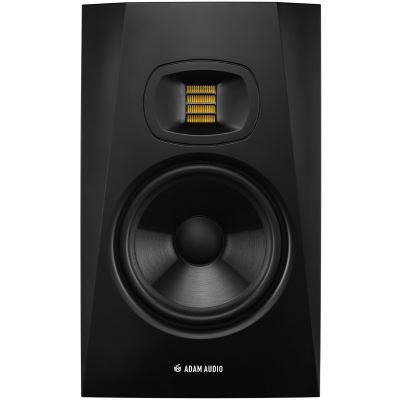
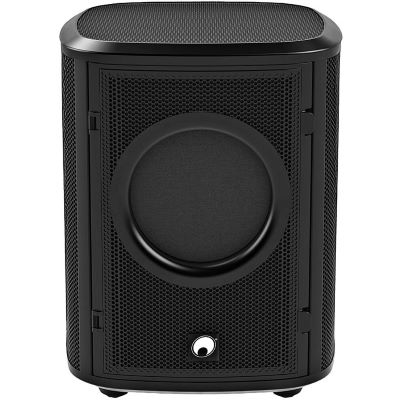
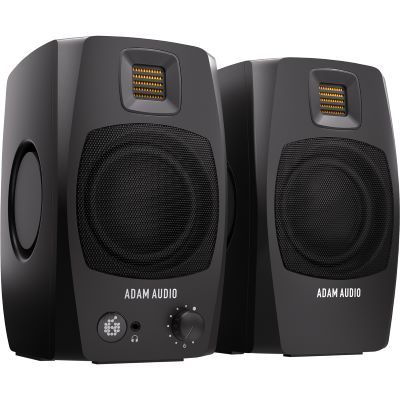
Evaluate stereo imaging, balance and dynamics with controlled nearfield monitoring at your workstation.
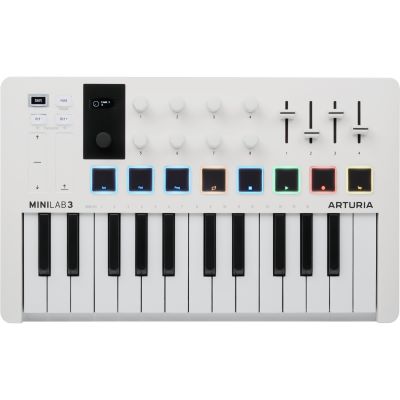
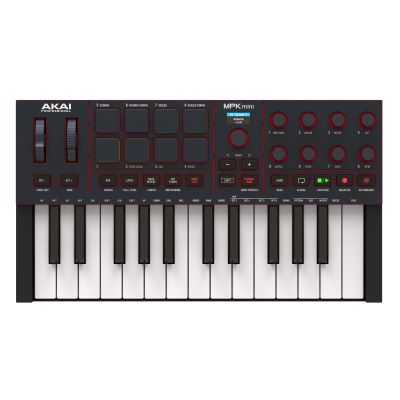
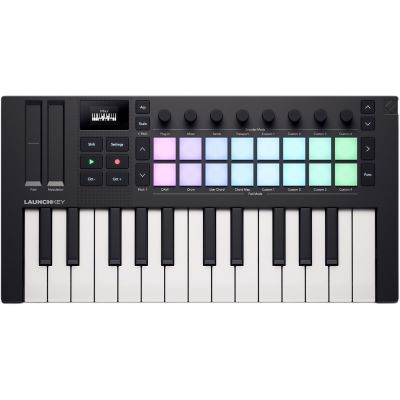
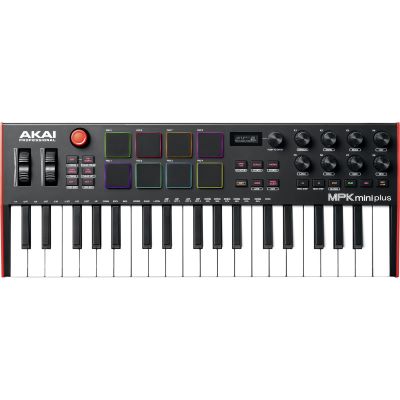
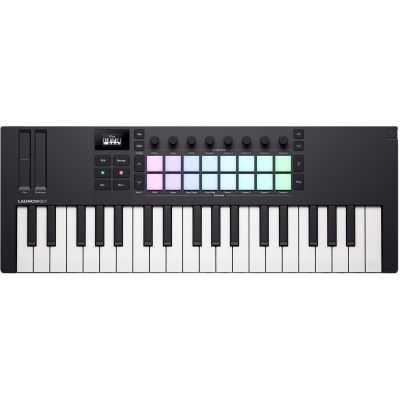
Play virtual pianos, synthesizers, drum sounds and other software instruments directly from a keyboard.
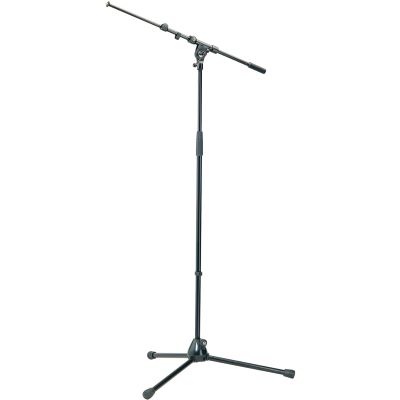
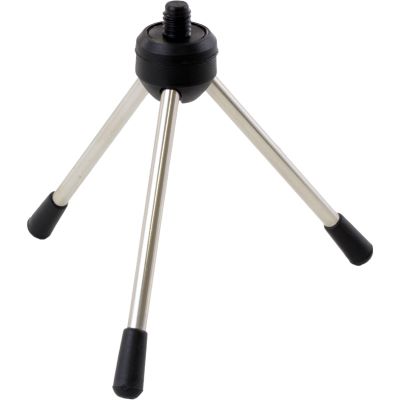
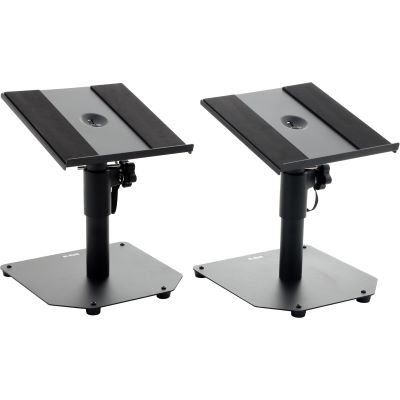
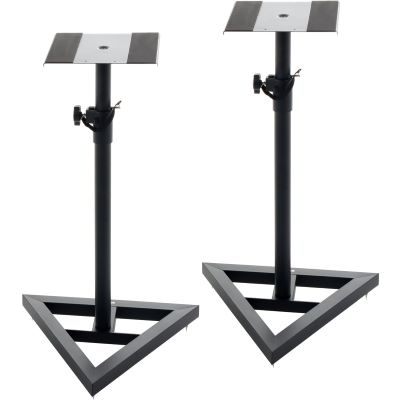
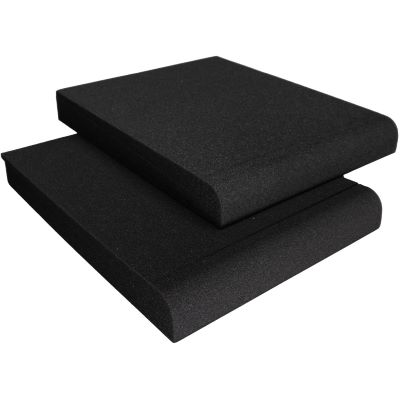
Position monitors correctly, place microphones safely and complete the workstation with suitable accessories.
Once you understand the path taken by a signal, you can plan almost any recording system yourself and quickly identify which connections are actually required.
The source determines whether you need a microphone, instrument input or line input.
A microphone converts sound into an electrical signal. Guitars and synthesizers can often be connected directly.
The interface transfers the signal to the computer while also feeding headphones and active studio monitors.
The software manages audio and MIDI. Headphones or studio monitors make the recording and mix audible.
Not every component is essential for every project. This overview shows a sensible starting point and the equipment that can be added afterwards.
| Project | Basic Equipment | Useful Expansion | Important |
|---|---|---|---|
| Vocals & Rap | Interface, microphone, headphones and XLR cable | Pop filter, microphone stand and studio monitors | Consider room acoustics and microphone position |
| Guitar & Bass | Interface with Hi-Z input, headphones and instrument cable | Microphone for recording a real amplifier | Direct recording is particularly compact |
| Beats & Electronic | Computer, DAW, headphones and MIDI keyboard | Interface, monitors and hardware synthesizer | MIDI transmits control data, not audio |
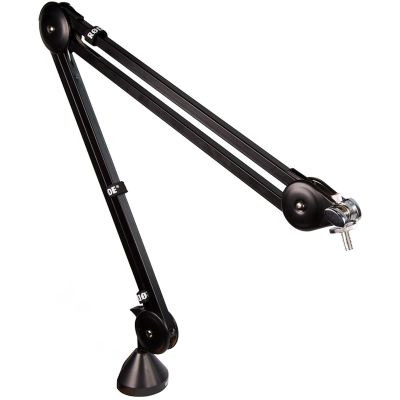
| Podcast & Content | Interface, microphone and headphones | Boom arm and second microphone | Plan one microphone channel per simultaneous speaker |
One or two inputs are sufficient for many solo projects. Hardware synthesizers, stereo sources or several musicians require additional line and microphone inputs. MIDI, loopback and digital expansion become increasingly useful as the studio grows.
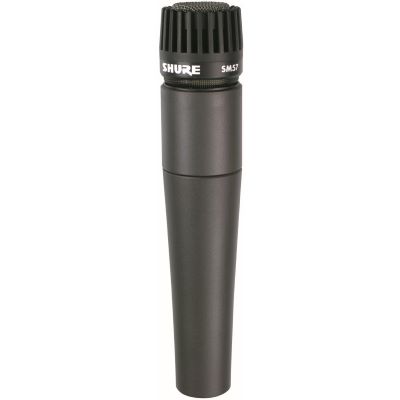
Large-diaphragm condenser microphones are versatile for vocals, speech and many acoustic instruments. Dynamic microphones are especially suitable for loud, closely miked sources such as guitar amplifiers or snare drums.
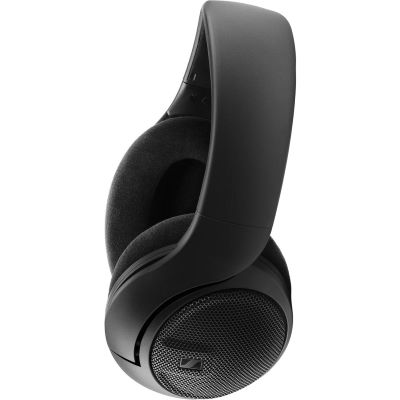
Closed headphones keep playback from reaching the microphone as strongly during recording. Open models provide little isolation but can offer another useful reference during editing and mixing.
Listening distance, room size, proximity to walls and the required bass extension matter more than a fixed woofer-size rule. Compact nearfield monitors can be the more suitable solution at a short desk distance.
25 to 37 keys save space and work well for beats and synthesizer lines. 49 keys are a versatile middle ground for many home studios. Pianists and orchestral producers often benefit from larger keyboards.
A DAW records audio and MIDI, arranges tracks, hosts virtual instruments and effects and exports the final mix. Many interfaces and controllers already include suitable software for getting started.
Good equipment can only be judged reliably when microphones and monitoring are positioned sensibly. Small changes at the workstation can make a greater difference than another technical purchase.
First select the type of equipment you need and then compare inputs, application, space requirements and workflow. Detailed technical specifications and available variants can be found on the respective English product page.
Direct access to selected manufacturer pages in the English Musikhaus Korn shop.









A small but complete signal path is more productive than owning many devices while essential connections between them are still missing.
Anyone who wants to record vocals and guitar or stereo hardware simultaneously should count the required channels before buying an interface.
Large monitors and sensitive microphones tend to make existing room problems more obvious rather than less important.
Playback can escape more easily from open headphones and be picked up again by the recording microphone.
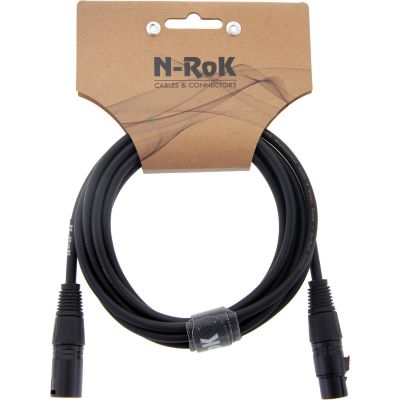
XLR cables, monitor cables, microphone stands and the correct USB connections belong on the shopping list from the beginning.
Suitable connections, an efficient workflow and reliable monitoring are usually more important than simply choosing the largest numbers on a specification sheet.
For many projects, a computer, DAW, audio interface and studio headphones are sufficient. For vocals and acoustic instruments, add a microphone, XLR cable and suitable microphone stand.
An audio interface forms the central connection to the computer for XLR microphones, electric guitar, electric bass, studio monitors and many external audio sources. Anyone working exclusively with software and a USB MIDI keyboard can initially start without one.
Two inputs are very flexible for vocals, guitar, singer-songwriter projects, podcasts and stereo sources. Drums, complete bands or several hardware synthesizers can require considerably more channels.
A large-diaphragm condenser microphone is versatile for vocals, speech and many acoustic instruments. A dynamic microphone can be more suitable for guitar amplifiers, snare drums and other loud sources.
No. Good studio headphones already allow recording, editing and production. Monitors become especially useful when you mix regularly and can create a suitable listening position in the room.
Closed studio headphones are the classic solution for recording. They keep the playback closer to the listener's ears and therefore reduce spill into an open microphone.
A controller is very useful for virtual pianos, synthesizers, drum sounds and played MIDI notes. It is not required for purely audio-based recording of vocals or guitar.
Yes. An audio interface with a suitable Hi-Z instrument input can record the guitar signal directly. Amplifier and effect simulations can then be used in the software.
Room acoustics matter, but you do not have to begin with complete acoustic treatment. Sensible monitor and microphone positioning, symmetrical placement and avoiding obvious reflection problems are the first steps.
Upgrade where your current workflow reaches a limitation: more inputs for additional sources, monitors for mixing, MIDI control for software instruments or additional microphones for new recording techniques.
Build your first complete signal path step by step.
Spend money where it makes the greatest difference for your own application.
Understand the interface, software, microphone and monitoring as one computer-based recording system.
Choose closed headphones, open headphones or nearfield monitors according to your recording and mixing needs.
Understand inputs, MIDI, monitoring and future expansion before buying.
Plan recording, monitoring, MIDI, cables and the workstation as one connected system.
A good home studio begins with a specific task. The computer and DAW form the production centre, the audio interface connects external signals to the computer and studio headphones provide reliable monitoring. For vocals, speech and acoustic instruments, a suitable microphone completes the signal path. Active studio monitors, MIDI keyboards and acoustic accessories can then be added exactly where the existing workstation needs to grow.
Instead of planning around the largest possible number of devices, start with the recording source, required inputs and the way you want to work. A small, completely connected setup whose functions you understand is more productive than an overloaded studio. When new instruments, musicians or production methods are added, the system can be expanded deliberately with more inputs, microphones, monitors or MIDI hardware.
From musical instruments and home-studio production to DJ and event equipment: the central Musikhaus Korn guide connects buying advice, product categories and complete setups.