
Musikhaus Korn Recording Guide
Record Music with a Smartphone or Tablet
Capture song ideas, vocals, guitars, rehearsals or complete productions wherever you are. With a compatible audio interface or microphone, the right recording app and wired headphones, your smartphone or tablet can become a compact mobile studio.
iPhone & iPad
Android & USB-C
Audio, MIDI & Video
Related Recording Topics
Find the Right Equipment Faster
Jump directly to mobile interfaces, microphones, recorders, MIDI controllers or additional Musikhaus Korn recording guides.
Important Facts About Mobile Recording
Four Routes to a Mobile Studio
How Do You Want to Record?
The best setup depends on what you want to capture. A quick rehearsal recording requires different equipment from multitrack vocals, guitar or a complete tablet-based production.
Record Directly with the Mobile Device
The built-in microphone is useful for song ideas, rehearsals and quick documentation. An external stereo, directional or lavalier microphone can provide more controlled sound while keeping the setup compact.
Use an Audio Interface
An interface lets you connect XLR microphones, condenser microphones, guitars, basses, keyboards and other line-level sources. Headphones connected directly to the interface also simplify low-latency monitoring.
Connect a USB or Wireless Microphone
USB-C microphones, lavalier microphones and compact wireless systems are practical for interviews, tutorials, podcasts, social-media content and music videos without a large recording rig.
Turn Your Tablet into a DAW
Combine an audio interface, MIDI keyboard and multitrack app to record audio, play virtual instruments, arrange songs, use effects and build complete mixes on a portable device.
Typical signal path:
microphone or instrument → audio interface → smartphone or tablet →
recording app → wired headphones. For speech or video, a compatible
USB or wireless microphone can replace the separate interface.
Compatibility Before Accessories
Understanding USB-C, Lightning and OTG
A connector that physically fits does not automatically guarantee that audio will work. The mobile device, operating system, cable, power supply, interface and recording app all need to support the intended setup.
USB-C
USB-C is widely used for mobile audio, but the cable must support data transfer rather than charging only. Check the interface manufacturer's compatibility information before purchasing additional adapters or cables.
Lightning
Older iPhones and iPads may require a suitable Lightning cable or adapter. The correct solution depends on the interface, its power requirements and the exact Apple device being used.
USB OTG
Android devices need to support the required USB audio hardware. Explicit Android or OTG compatibility makes selecting a suitable interface, microphone or adapter considerably easier.
Do Not Underestimate Power Consumption
Some interfaces draw their operating power directly from the smartphone or tablet. Longer sessions, multiple USB devices or more demanding interfaces may require a separate power supply, power bank, powered hub or USB-PD solution.
Charging While Recording
Simultaneous charging depends on the mobile device and connected hardware. Interfaces, adapters or hubs with a separate power input can be particularly useful when the recording session must run for an extended period.
Check compatibility before buying accessories:
identify the smartphone or tablet connector, operating system,
required power supply and recording app first. Only then select
cables, adapters and hubs.
Choose by Application
Which Mobile Setup Fits Your Recording?
Start with the sound source. The number and type of inputs you need become much easier to determine once you know whether you are recording vocals, guitar, a rehearsal, a podcast, a keyboard or video.
Microphone Recording
For an XLR microphone, choose an interface with a microphone preamp. If you use a condenser microphone, check whether the interface can provide the required phantom power. One or two microphone inputs are sufficient for many mobile setups.
Direct Instrument Recording
Connect a guitar or bass to an interface with an instrument or Hi-Z input. Mobile guitar interfaces are especially compact and work well with amp-simulation and effects apps.
Stereo or Multichannel?
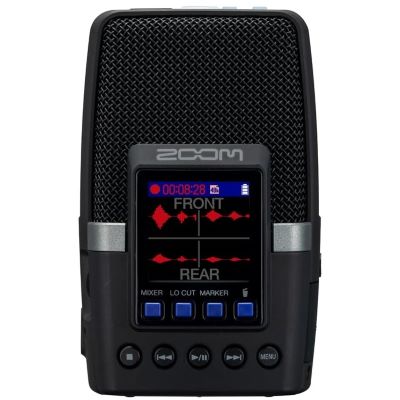
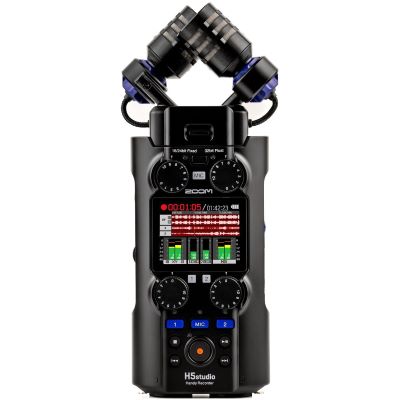
A stereo microphone or portable recorder is a simple way to document a rehearsal. If every instrument needs to be edited separately afterwards, use a multichannel interface and a suitable microphone setup instead.
One Signal Path per Speaker
A dual wireless system or an interface with two microphone inputs makes it easier to record two people separately. Independent tracks provide greater control when editing levels and processing voices.
Audio and MIDI Are Different
For a keyboard's stereo audio signal, use two suitable line inputs. MIDI transfers notes and control information rather than the instrument's actual sound and is therefore used for a different task.
Move the Microphone Closer
A compact directional microphone or wireless lavalier system can place the microphone much closer to the presenter or musician. A distant smartphone microphone generally captures more room and ambient noise.
From Voice Memo to Multitrack DAW
Which Recording App Do You Need?
The hardware is only one part of the mobile studio. Your app determines how many tracks you can use, how the audio is routed and which editing, MIDI and mixing tools are available afterwards.
Simple Recorder App
A straightforward recording app is often enough for song ideas, rehearsals or quick reference recordings. Check that the external input is selected correctly and that the chosen file can be exported in the format you need.
Multitrack DAW
Apps such as GarageBand, Logic Pro for iPad or Cubasis provide multitrack audio, MIDI, virtual instruments, effects, arrangement and mixing functions. Availability and workflow depend on the operating system and device.
Manufacturer Apps
Some interfaces and microphones include dedicated apps for gain, routing, DSP functions, presets or firmware updates. Check the manufacturer's current system requirements before relying on these functions in a mobile workflow.
Test before an important session:
not every recording app handles external audio hardware in exactly
the same way. Test input selection, monitoring, channel assignment,
recording and file export before the actual performance begins.
A Reliable Workflow
Record on a Smartphone or Tablet Step by Step
A short technical check before the performance prevents many of the most common mobile-recording problems.
Connect the Hardware
Connect the microphone, instrument or wireless receiver first. Then connect the interface to the mobile device and provide external power if the setup requires it.
Select the Input in the App
Open the recording app and confirm that the external hardware is recognised. Select the intended mono or stereo input and the correct track configuration.
Set the Recording Level
Play or sing the loudest expected section and adjust the input level so that peaks remain safely below clipping. Leave enough headroom for unexpected level changes.
Make a Test Recording
Listen with wired headphones and check noise, channel assignment, monitoring and sound quality. For valuable recordings, also check battery level, free storage and notification settings.
For important performances:
a second independent recorder can provide a useful backup when the
event cannot simply be repeated.
Compare the Main Options
USB Microphone, Interface, Wireless System or Recorder?
Each recording method has a different strength. Choose according to the sound source, required flexibility and how much equipment you want to connect.
| Solution | Especially Suitable For | Main Advantage | What to Check |
|---|---|---|---|
| USB Microphone | Voice, podcast, vocals and straightforward recording | Very simple signal path with little additional hardware | Connector, device compatibility and monitoring options |
| Audio Interface | Music production, vocals, guitar, bass and keyboards | Flexible XLR, instrument, line and headphone connections | Operating-system support, power supply and number of inputs |
| Wireless Microphone | Interviews, tutorials, mobile video and presentations | Freedom of movement and microphone placement close to the source | Battery charge, wireless connection and receiver compatibility |
| Attachable Mobile Microphone | Video, travel and fast stereo or directional recordings | Compact and ready to use quickly | The microphone must match the exact mobile connector |
| Portable Audio Recorder | Band rehearsals, concerts, field recording and backup | Can record independently of the smartphone or tablet | Additional device to carry, power and manage |
Selected Mobile Recording Hardware
View All Mobile Recording Products
Products for Smartphone and Tablet Recording
Compare compact interfaces, microphones and portable recorders for different mobile workflows. Always check the compatibility information for your exact smartphone or tablet before ordering.
Audio Interfaces & Mobile Mixers
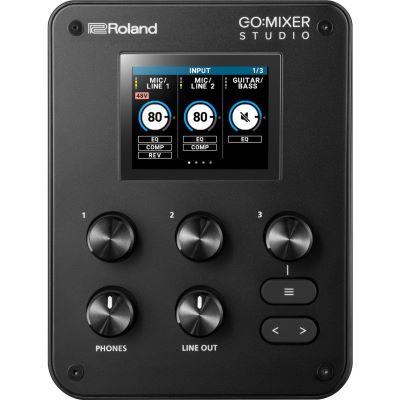
Roland
GO:MIXER STUDIO
View Product
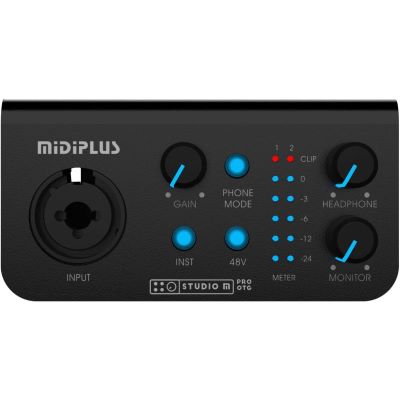
MIDIPLUS
Studio M Pro OTG Gen II
View Product
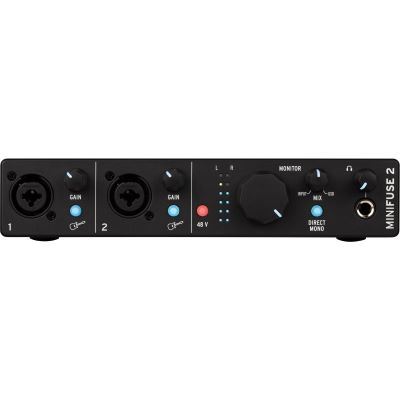
Arturia
MiniFuse 2 Black
View Product
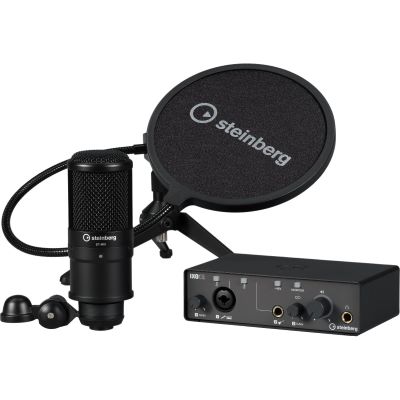
Steinberg
IXO Podcast Pack
View Product
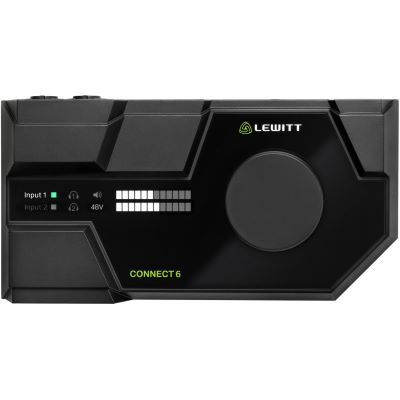
Lewitt
CONNECT 6
View Product
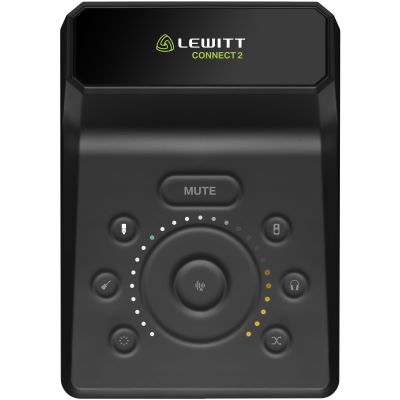
Lewitt
CONNECT 2
View Product
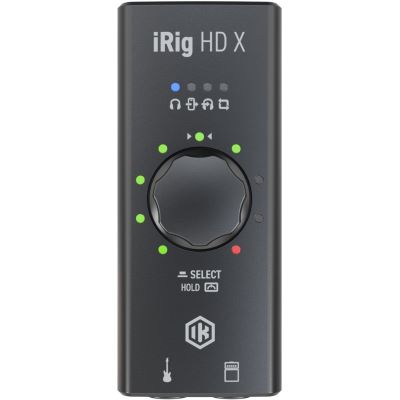
IK Multimedia
iRig HD X
View Product
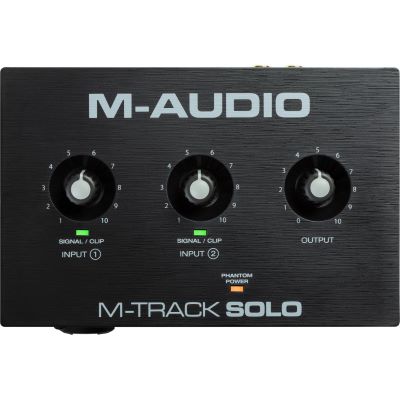
M-Audio
M-Track Solo
View Product
USB, Wireless & Mobile Microphones
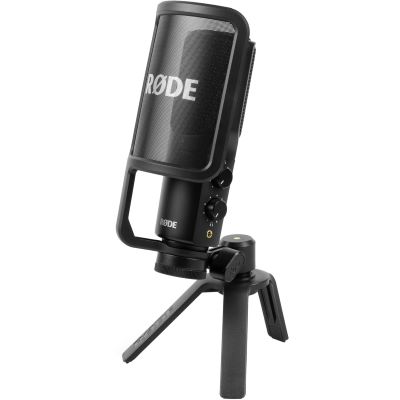
Rode
NT-USB+
View Product
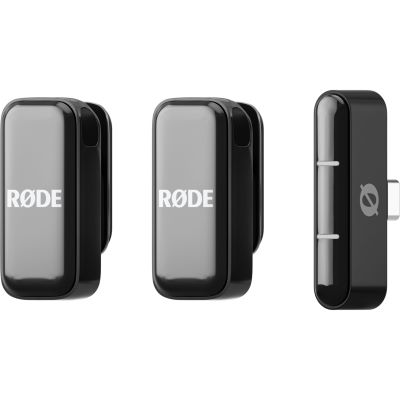
Rode
Wireless Micro
View Product
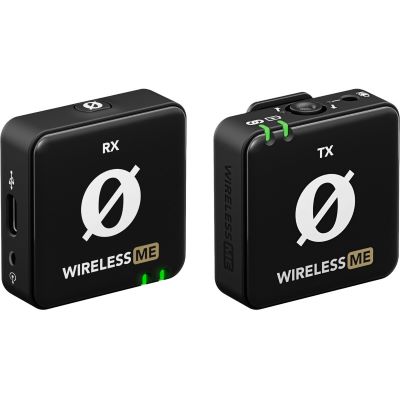
Rode
Wireless ME
View Product
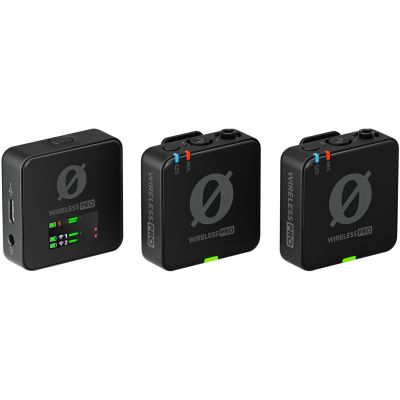
Rode
Wireless PRO
View Product
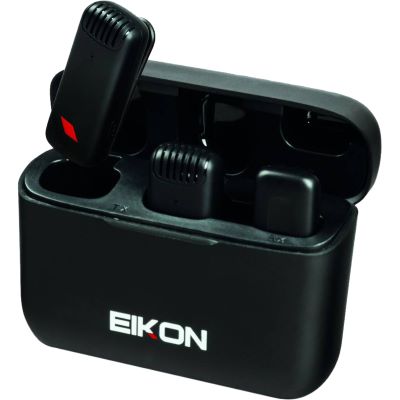
Eikon
TwinStream
View Product
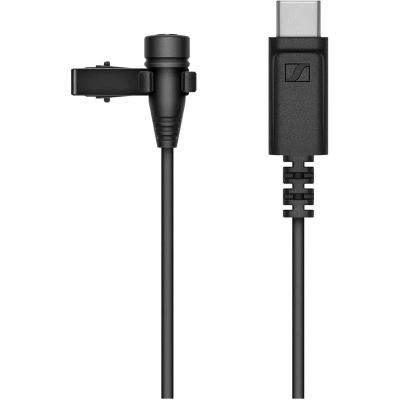
Sennheiser
XS Lav USB-C
View Product
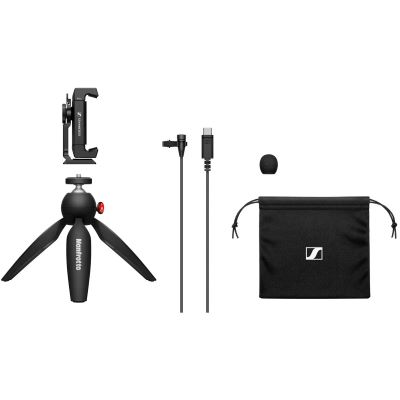
Sennheiser
XS Lav USB-C Mobile Kit
View Product
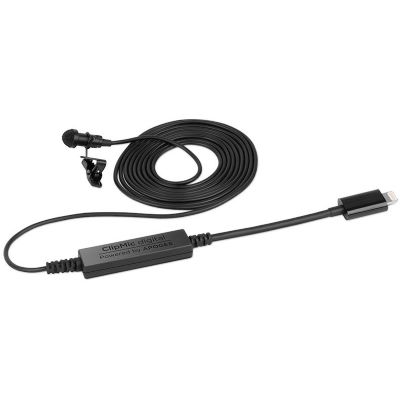
Apogee
ClipMic Digital
View Product
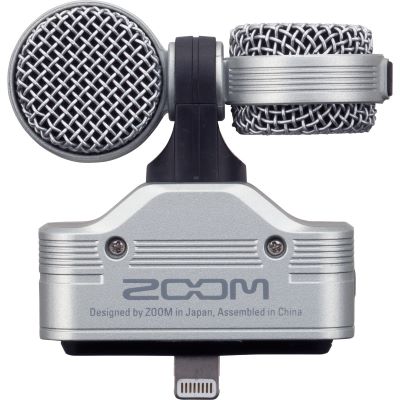
Zoom
iQ7
View Product
Portable Audio Recorders
Play Virtual Instruments
View MIDI Controllers
MIDI Keyboards for a Tablet-Based Studio
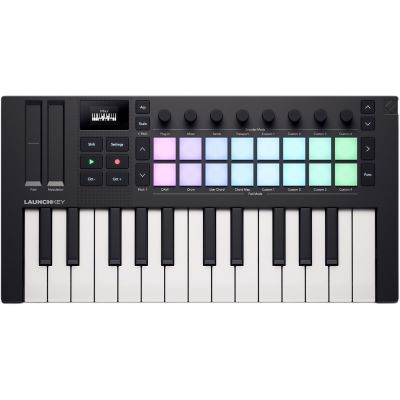
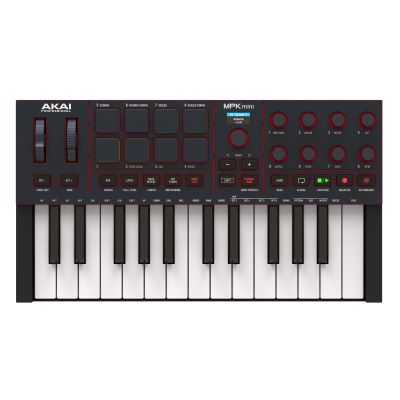
A compact MIDI keyboard lets you play software instruments, drums and synthesizers more naturally than with an on-screen keyboard. MIDI transfers performance and control information; it does not replace the audio connection for external instruments.
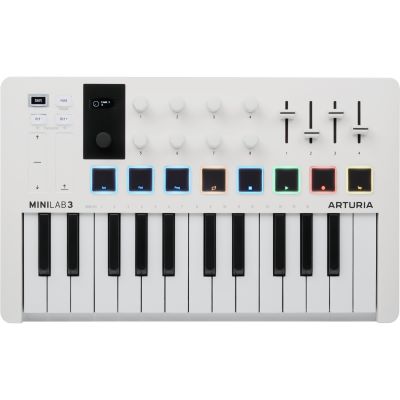
Arturia
MiniLab 3 White
View Product
Novation
Launchkey Mini 25 MK4
View Product
Akai Professional
MPK mini MK4
View Product
Important:
a MIDI connection controls notes, parameters and software instruments,
but it does not carry the audio output of an external keyboard.
To record the keyboard's own sound, connect its audio outputs to
suitable interface inputs.
Small Components, Big Difference
Useful Accessories for Mobile Recording
A reliable recording setup needs more than the main interface or microphone. Monitoring, mounting, power and the correct cables are equally important.
Wired Headphones
Wired headphones are preferable for time-critical monitoring. When possible, connect them directly to the audio interface rather than monitoring the live signal over Bluetooth.
Power Bank or Power Supply
External power can reduce battery anxiety and may be required by more demanding interfaces, hubs or additional USB devices. Always match the power solution to the connected hardware.
Stand and Holder
A microphone stand or suitable mobile-device holder keeps the setup stable and allows better microphone placement during vocals, instrument recordings, interviews and video production.
Correct Cables and Adapters
Choose cables according to the exact connection and signal type. A USB-C cable intended only for charging, for example, is not automatically suitable for digital audio data.
Recording Manufacturers
Popular Brands for Mobile Recording
Explore interfaces, microphones, MIDI controllers and additional recording equipment from established manufacturers.









Avoid Typical Problems
Four Common Mobile-Recording Mistakes
Buying Only by Connector Type
A USB-C plug alone does not confirm full audio compatibility. Check the operating system, device, interface and app together.
Underestimating Power
Interfaces, microphones and hubs can increase power consumption. Plan external power before a long or important recording session.
Monitoring over Bluetooth
Wireless headphones can introduce noticeable delay. For timing- critical recording, use a wired connection whenever possible.
Starting without a Test
Record and listen to a short test before the actual performance. Check both channels, input level, monitoring and available storage.
Questions & Answers
Frequently Asked Questions About Smartphone and Tablet Recording
Practical answers about interfaces, microphones, guitars, MIDI, Android, iPad recording and mobile power.
Can I Record Music Professionally with a Smartphone?
Yes. A compatible interface or USB microphone, sensible microphone placement, clean gain settings and a suitable app can turn a current smartphone or tablet into a capable mobile recording system. The final quality depends on the complete signal chain and recording environment.
Do I Always Need an Audio Interface?
No. Compatible USB microphones, wireless systems and mobile microphones can connect without a separate interface. An audio interface becomes especially useful for XLR microphones, guitars, basses, keyboards, multiple inputs and wired monitoring.
Can I Use a Condenser Microphone with a Tablet?
Yes, when the microphone is connected through a compatible interface with a suitable microphone input and, where required, the correct phantom-power supply. Also check whether the mobile device can provide enough power for the interface.
Can I Record an Electric Guitar Directly on an iPhone or iPad?
Yes. Use a compatible mobile guitar interface or an audio interface with an instrument or Hi-Z input. An amp-simulation app can then provide amplifier, cabinet and effect sounds.
Can an iPad Be Used for a Complete Music Production?
Yes. A multitrack DAW, compatible interface, wired headphones and an optional MIDI keyboard can provide a compact environment for audio recording, MIDI, virtual instruments, effects, arrangement and mixing.
Which Recording App Can I Use on Android?
Several recording and multitrack apps are available for Android, including mobile DAW solutions such as Cubasis on supported devices. Check the current requirements of the app as well as support for your exact smartphone, tablet and external hardware.
How Can I Record Two People on a Smartphone?
A dual-channel wireless microphone system or an interface with two microphone inputs is a practical solution. Recording both people on separate channels gives you more control over voice levels during editing.
What Is the Easiest Way to Record a Band Rehearsal?
A portable stereo recorder or compatible stereo microphone is an uncomplicated choice for documenting the whole room. If each instrument needs to be processed separately, use a multichannel recording setup with individual microphones or direct signals.
Do I Need an Audio Interface for MIDI?
Not necessarily. Many USB MIDI keyboards can communicate directly with a compatible mobile device. An audio interface remains useful when you also want to record microphones or instruments and monitor the resulting audio through headphones.
Why Does My USB Interface Not Work with My Smartphone?
Check the USB cable, OTG or host support, operating system, recording app and power supply. A connector that physically fits is not sufficient by itself; all parts of the digital connection need to support the intended audio device.
Can I Charge the Smartphone or Tablet While Recording?
It is possible with suitable hardware. Depending on the device, an interface, adapter or powered hub with a separate power or USB-PD connection can provide a practical way to keep the mobile device powered during longer recording sessions.
Mobile Music Production
Record Music with a Smartphone or Tablet
Smartphones and tablets can do much more than capture quick voice memos. With the right recording hardware, they can become compact production systems for vocals, guitars, keyboards, interviews, rehearsals and complete multitrack projects. The decisive factor is not the mobile device alone, but a signal chain in which the microphone or instrument, interface, connection, power supply, recording app and monitoring solution work together.
For a simple setup, a compatible USB microphone or mobile microphone may already be sufficient. Musicians who want to connect XLR microphones, electric guitars, basses, synthesizers or several sound sources at the same time will usually benefit from a suitable audio interface. A compact MIDI keyboard can additionally turn a tablet into a practical workstation for virtual instruments, beats and software synthesizers.
Before choosing a product, check the exact connector on your smartphone or tablet, operating-system compatibility, required power supply and support in the intended recording app. With these points clarified first, it becomes much easier to select the right interface, microphone, cables, headphones and accessories for a reliable mobile studio.
From Mobile Recording to a Complete Studio
Plan Your Next Recording Setup
Expand your mobile studio step by step with microphones, interfaces, headphones, MIDI controllers, software and further recording equipment that matches your project and workflow.