Record Sounds Directly into the Arrangement
Compact keyboard or desktop synthesizers are practical with Ableton, Cubase, Logic and other DAWs. MIDI carries notes and automation while the audio outputs deliver the actual sound.

Analog, digital, hybrid or sample-based? With a keyboard, as a desktop module, workstation or groovebox? This guide shows you which synthesizer fits your production style, how to integrate hardware into a DAW and which device categories are useful for beats, basslines, pads, leads and complete songwriting.
The best synthesizer is not automatically the device with the most functions. The important question is at which point in your production process hardware makes you faster, more inspired or less dependent on the computer screen.
Compact keyboard or desktop synthesizers are practical with Ableton, Cubase, Logic and other DAWs. MIDI carries notes and automation while the audio outputs deliver the actual sound.
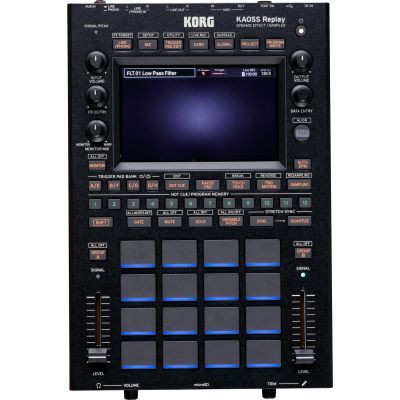
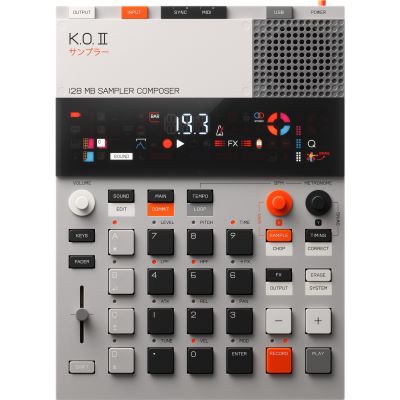
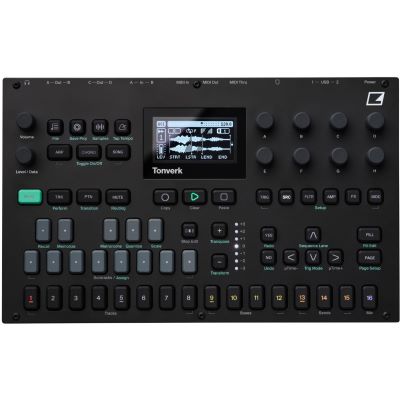
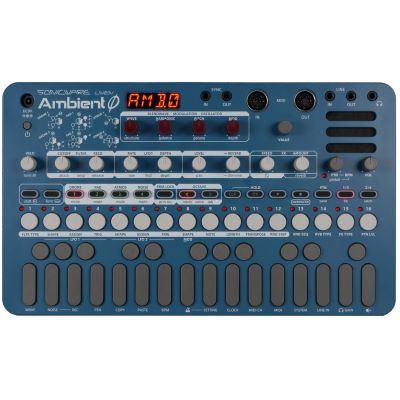
Grooveboxes, samplers and drum machines combine sequencing with immediate hands-on operation. They are particularly useful for electronic music, hip-hop and spontaneous pattern-based arrangements.
Direct controls, flexible modulation, several oscillators and an accessible signal path are often more useful than thousands of presets. Analog, wavetable and hybrid concepts provide different tools for this task.
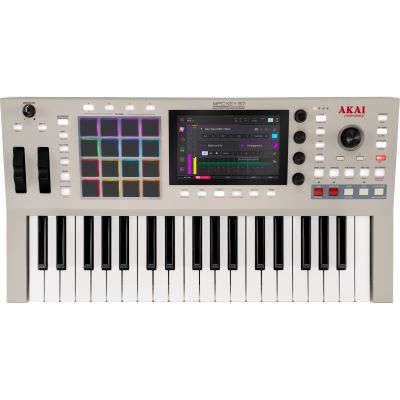
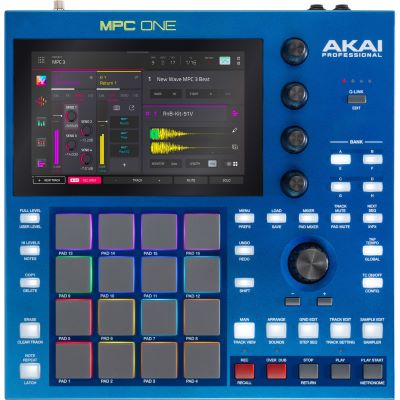
Workstations, MPC systems and powerful grooveboxes combine several sound generators with sequencing, storage and performance functions and can become the centre of a standalone setup.
A synthesizer generates its own sound. This distinguishes it from a pure MIDI keyboard, which normally controls another sound generator or software. Hardware synthesizers can be played as instruments, programmed by sequencers, automated via MIDI and recorded as audio tracks in a DAW.
Many synthesis methods begin with one or more oscillators. These can generate sawtooth, square, wavetable or more complex digital waveforms.
The filter changes the frequency spectrum, while the amplifier determines the level contour. This basic signal path is especially easy to understand in subtractive synthesis.
Attack, Decay, Sustain and Release determine how a parameter develops after a note is triggered. Short attacks create immediate sounds; longer envelopes are useful for pads and atmospheric textures.
LFOs and other modulation sources can change pitch, filter, volume and numerous additional destinations, creating animated textures and rhythmic movement.
Depending on your workflow, a classic synthesizer, desktop module, workstation or specialised rhythm and sampling instrument may be the more useful centre of your setup.
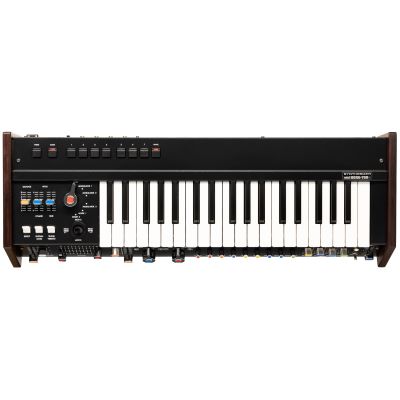
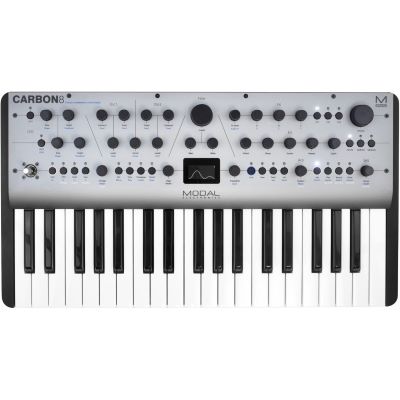
Ideal when sounds should be played and shaped immediately. Polyphonic models are useful for chords and pads, while monophonic concepts are particularly suitable for bass, leads and sequences.
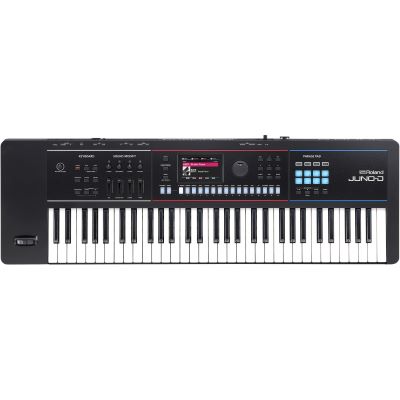
Combine extensive sound libraries with sequencing, performance and arrangement functions. Interesting for songwriters, live musicians and productions requiring many different instrument sounds.
Save space and can be played through an existing MIDI keyboard or DAW. Particularly practical when a good master keyboard is already part of the studio.
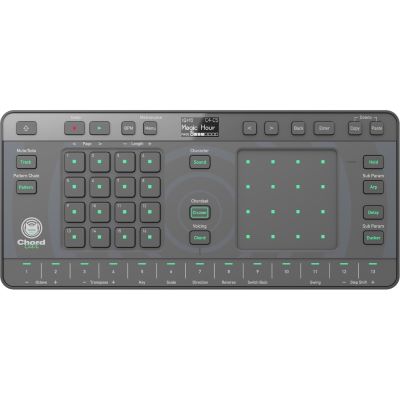
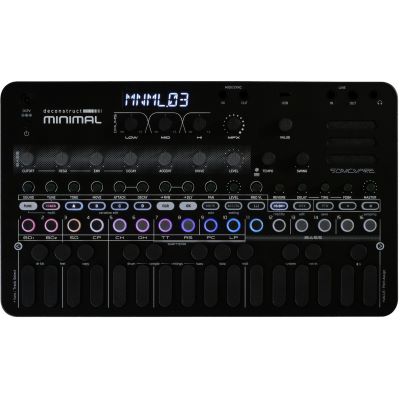
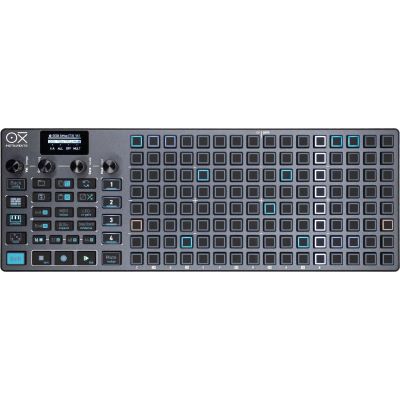
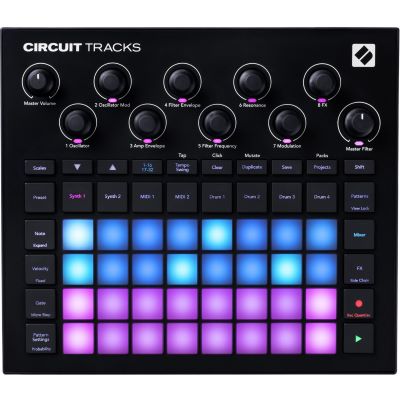
Put patterns, clips and spontaneous arrangements at the centre of the workflow. Many combine several tracks, synthesis, drums and MIDI sequencing.
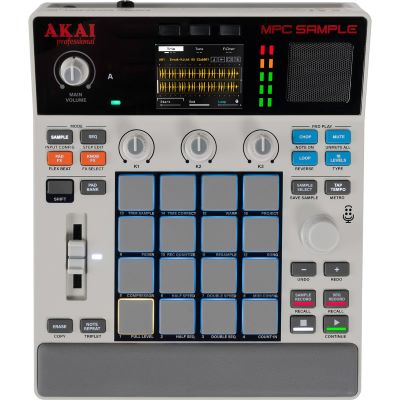
Work with your own or prepared recordings. Samples can be cut, tuned, filtered, arranged and transformed into complete beats or textures.
Focus on rhythmic sound generation and fast pattern creation. They complement synthesizers especially well for techno, house, electro, hip-hop and live jams.
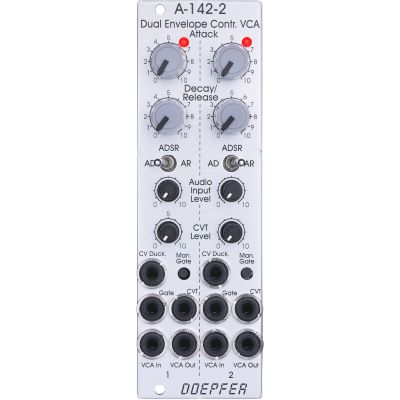
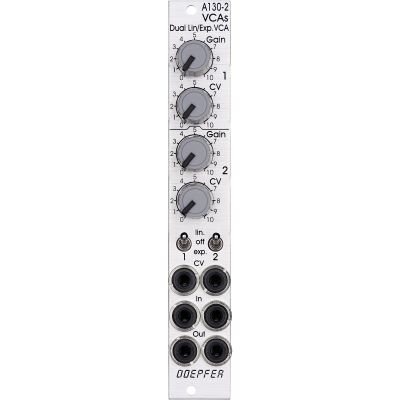
The signal path is assembled from individual modules. This allows exceptionally flexible patches but requires more planning for cases, power, levels and connections.
If your first goal is to finish songs, a clearly structured polyphonic synthesizer or groovebox is often easier to integrate. Modular systems are especially exciting when experimentation and an individual signal path are themselves part of the creative goal.
No technology is inherently better. For production, sound character, operation, polyphony, modulation and the speed with which an idea can be turned into music are more important.
| Method | Principle | Strengths | Well Suited For |
|---|---|---|---|
| Analog | Electronic circuits generate and shape the signal. | Direct signal path, hands-on programming and characteristic responses. | Bass, leads, sequences and classic sound design |
| Virtual Analog / Modeling | Digital processing recreates familiar synthesis structures. | Many voices, memory locations and flexible functions. | Versatile studio and live setups |
| Digital | Wavetable, FM and other digital synthesis methods. | Complex spectra, extensive modulation and high flexibility. | Modern sound design, pads, textures and experimental sounds |
| Hybrid | Analog and digital sections are combined. | Different sonic worlds within one instrument. | Producers looking for flexible oscillators and tactile sound shaping |
| Sample-Based | Recordings form the source material. | Real instruments, custom recordings, drums and creative resampling. | Hip-hop, pop, beatmaking, sound collage and film music |
Chords and long pads require several voices. Monophonic instruments can be ideal for bass and lead sounds. Multitimbral devices can play several different sounds simultaneously.
If you play extensively, consider the number and size of keys, Velocity and possibly Aftertouch. If you already own a MIDI keyboard, a desktop module saves space.
Internal sequencers make hardware more independent and can generate ideas quickly. For purely linear DAW production, a simple MIDI workflow may be sufficient.
Direct access to filters, envelopes and modulation encourages spontaneous sound design. Menu-driven instruments can offer more functions in a smaller physical space.
Presets accelerate the beginning of a production. Reliable storage and quick recall are particularly useful for live performance and parallel projects.
Chorus, delay and reverb can shape a sound inside the instrument before recording. A flexible modulation matrix extends the possibilities far beyond basic presets.
MIDI and audio perform different tasks. Understanding that distinction makes almost every hardware instrument much easier to integrate into an existing setup.
MIDI carries notes, controller data and possibly synchronisation. Depending on the model, USB may carry MIDI, audio or both.
The synthesizer's audio outputs are normally connected to an audio interface and recorded there as an audio track inside the DAW.
Sequencers, arpeggiators and drum machines can be synchronised using MIDI Clock. Modular and semi-modular setups additionally use Clock, Sync, CV and Gate.
The audio interface routes the signal to studio monitors or studio headphones, keeping the complete signal level under control.
Sequencers, immediate parameter control, bass synthesizers and drum machines encourage patterns, automation and spontaneous sound changes.
Polyphony, useful presets and versatile keyboard sounds become more important when the goal is to create chords, hooks, pads and complete arrangements.
High polyphony, long envelopes, flexible modulation, wavetables and high-quality effects support slowly evolving soundscapes.
Samplers, MPC systems and grooveboxes are particularly useful for chopping, resampling, drum programming and fast arrangement.
The selection is grouped by product category so that classic synthesizers, workstations, desktop devices, grooveboxes, samplers, drum machines and modular equipment can be compared directly.



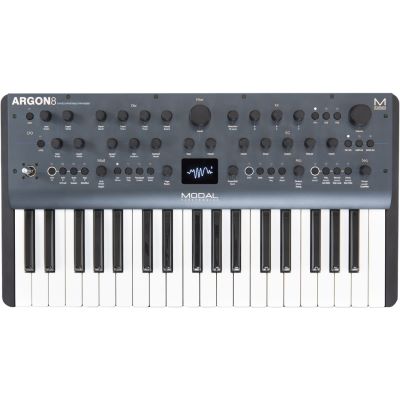
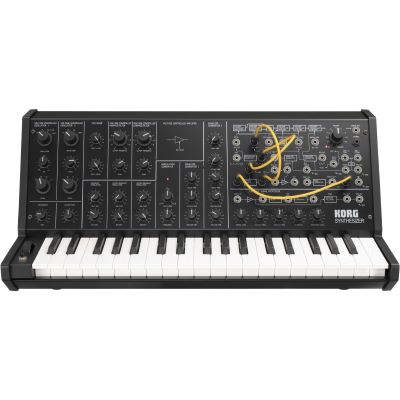


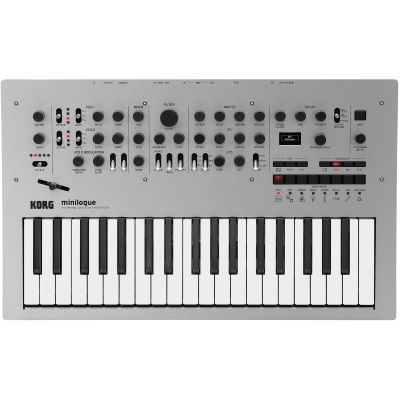
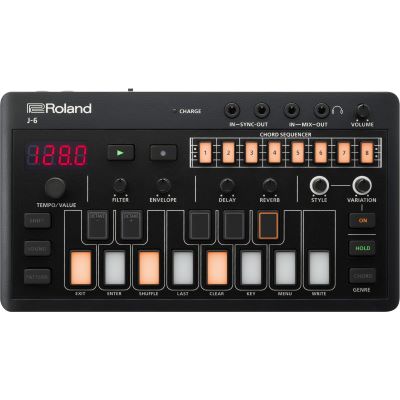


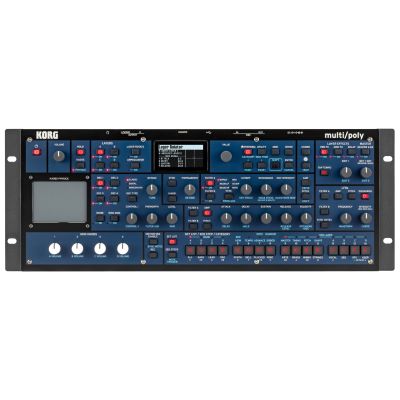
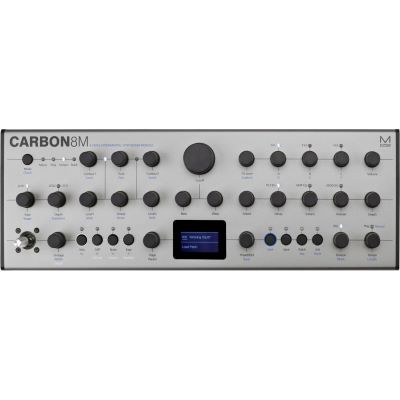

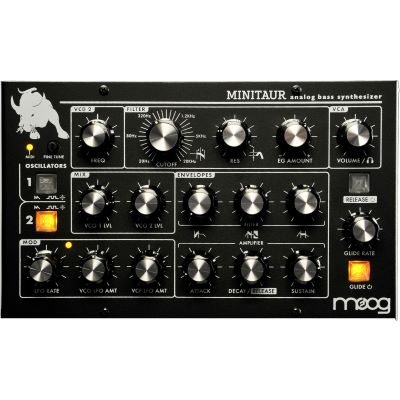
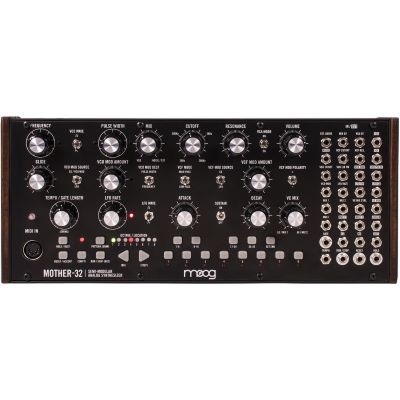





Useful for desktop modules and software instruments or as a central keyboard for several sound generators.
Bring the analog outputs of synthesizers into the computer, DAW and monitoring system in a controlled way.
Help you judge bass, treble, panorama, effects and the position of the synthesizer inside a mix.
Suitable bags, power supplies, stands and additional accessories protect and complete a hardware setup.
Different manufacturers follow different operating and sound concepts. Use the brand pages to go directly to the respective Musikhaus Korn ranges.








An impressive sound is of little use when operation and workflow do not fit the way you actually produce music.
MIDI controls the instrument. The audible hardware sound additionally requires an audio signal path unless the device itself supports audio transmission over USB.
A clearly structured instrument can be more productive than a complex system whose possibilities are rarely used in everyday production.
Audio outputs, MIDI, USB, Clock and, where required, CV/Gate should be matched to the existing studio before choosing the device.
For DAW producers, a well-integrated polyphonic keyboard or desktop synthesizer is often a good starting point. Beatmakers may benefit more from a groovebox or sampler. Workflow, desired sounds, polyphony and connections are decisive.
Analog instruments are particularly suitable for direct subtractive sound design. Digital instruments can provide wavetable, FM and complex modulation concepts. Hybrid devices combine different technologies. The musical task is more important than the technology alone.
A synthesizer has its own sound generation. A MIDI keyboard primarily sends control data and normally requires software or an external sound generator. The MIDI Keyboard Guide explains the difference in more detail.
An audio interface is the usual way to record conventional audio outputs into a computer. Some instruments additionally transmit audio over USB, so the USB functions of the specific model should be checked before buying.
Yes. Workstations, MPC systems and powerful grooveboxes can handle sequencing, several instrument tracks, sampling and arrangement. Their possibilities for mixing, editing and export vary by device.
Polyphony becomes important when you want to play chords, broad pads or overlapping notes. For classic basslines, leads or individual sequences, a monophonic instrument may be completely sufficient.
37 keys save space and are sufficient for bass, leads and many electronic productions. 49 keys are a flexible middle ground. 61 keys provide more room for two-handed playing, extensive chords and arrangements.
Sequencers, drum machines and directly controllable synthesizers are popular for techno. Hip-hop benefits strongly from sampling and groovebox workflows. For ambient, high polyphony, flexible modulation and spacious effects are particularly useful. Overlaps between these approaches are explicitly encouraged.
A synthesizer for music production should fit the point in your workflow where hardware provides a genuine advantage. Keyboard synthesizers are ideal for direct playing, desktop modules save space, workstations can become complete arrangement centres and grooveboxes combine sequencing with immediate pattern-based operation.
Analog, digital, hybrid and sample-based instruments each provide different tools rather than a simple hierarchy of quality. Analog systems are particularly intuitive for subtractive synthesis, digital instruments provide complex modulation and modern synthesis methods, and hybrid systems combine different technologies within one instrument.
When integrating hardware into a DAW, keep MIDI and audio separate conceptually. MIDI carries notes, controller data and synchronisation, while the audio output contains the actual sound. A suitable audio interface, MIDI connection and monitoring system therefore form the practical bridge between synthesizer and computer studio.
Choose by workflow before choosing by specification. Polyphony, key format, sequencer, controls, preset memory, modulation and the available connections should support the music you actually want to create. A smaller instrument that encourages you to finish tracks can be more valuable than a much larger system whose possibilities remain unused.
Selection criteria, connections and product categories were compiled with practical studio workflows in mind. Updated: August 2026.
Want to find more than just the right synthesizer? Explore Musikhaus Korn guides for complete home studios, instruments, DJ setups, stage equipment, MIDI, recording and music production.