Reduce the Level Immediately
Pull down the affected microphone channel or monitor path before the feedback continues to increase.

The familiar whistle occurs when a microphone picks up sound from a loudspeaker, the signal is amplified again and an acoustic loop builds up. The best solution therefore does not begin with the equalizer. Start with microphone distance, polar pattern, loudspeaker position and gain. This guide explains step by step how to achieve more gain before feedback with vocals, speech, stage monitors and acoustic instruments.
If feedback suddenly becomes loud, first reduce the affected microphone channel or monitor path in a controlled way. Then find the cause instead of removing large parts of the frequency spectrum from the complete mix.
Pull down the affected microphone channel or monitor path before the feedback continues to increase.
Bring the voice or instrument closer to the microphone. Less preamp gain is then required and the wanted signal becomes stronger relative to room and loudspeaker sound.
Check whether the front PA or stage monitor is radiating directly into a sensitive area of the microphone's polar pattern.
Close microphone channels that are not currently required. Every additional open microphone captures more stage and loudspeaker sound.
Only after the physical setup and levels have been checked should a parametrical or graphic equalizer be used to reduce an actually identified critical frequency with a targeted filter.
The most effective order: position → distance → gain → monitor level → EQ. This approach preserves considerably more sound quality than immediately cutting large areas of the frequency response.
In addition to the desired voice or instrument, some sound from the front PA or stage monitor reaches the microphone.
The mixer sends this already amplified loudspeaker signal back through the same PA or monitor path.
Room acoustics, microphone, loudspeaker and their positions favour certain frequencies more strongly. Once the loop gain becomes high enough, the familiar whistle or low-frequency howl develops.
Feedback is therefore a property of the complete acoustic loop, not of the microphone alone. Changing only one component does not guarantee that the system will become stable.
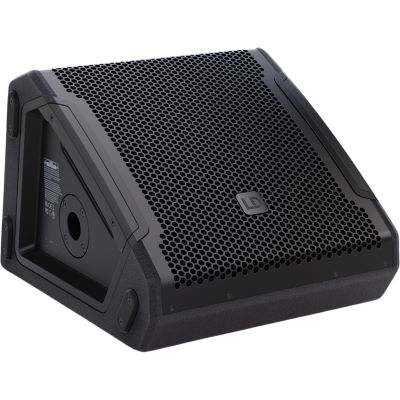
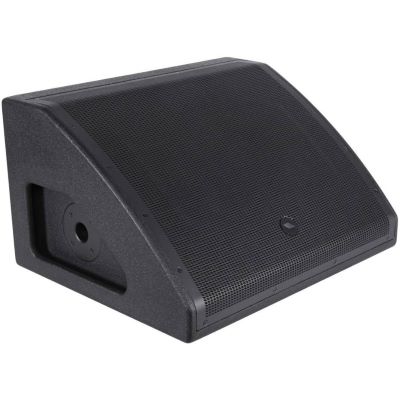
A microphone's polar pattern determines the angles from which it picks up the least sound. These areas should be used when positioning stage monitors.
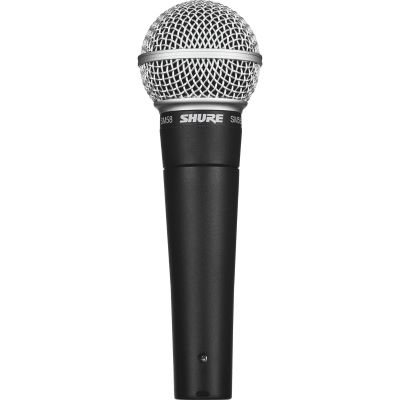
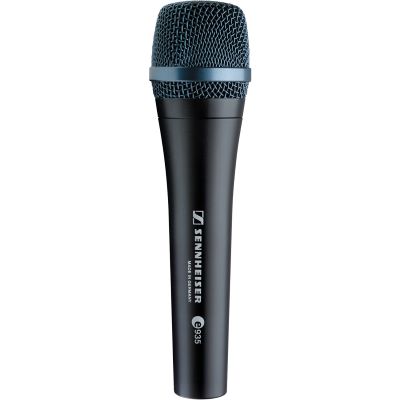
A classic cardioid microphone normally provides its strongest attenuation directly behind the capsule. A floor monitor can therefore often be placed centrally in front of the singer, radiating towards the rear axis of the microphone.
Typical examples include the Shure SM58 and Sennheiser E 935.
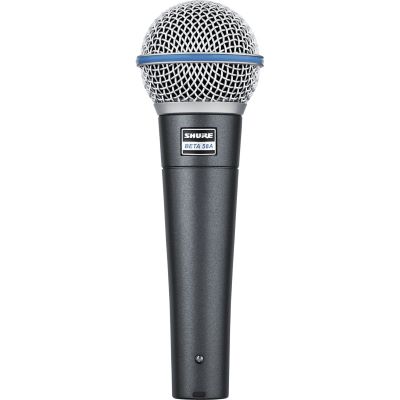
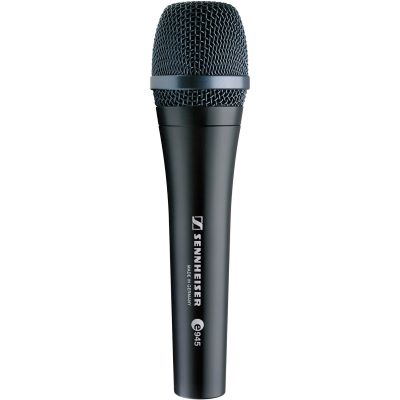
Supercardioid microphones have a small rear pickup lobe. Their strongest rejection therefore does not lie directly at the rear of the microphone. One monitor directly behind the mic can be less suitable than wedges positioned towards the off-axis nulls.
Examples include the Shure Beta 58 A and Sennheiser E 945.
Cupping the microphone changes the acoustic behaviour around the capsule. The useful side or rear attenuation can become substantially worse precisely when maximum feedback reserve is required.
“Supercardioid is more directional” does not mean that a wedge should automatically be positioned directly behind it. The complete polar plot shows where the actual areas of strongest rejection are located.
If singers change between different microphone patterns during a show, the optimum monitor position can change too. The microphone should therefore be part of the stage plan.
Main speakers should be positioned ahead of the microphone line wherever possible. Every position behind the singer increases the amount of amplified sound that can return to the microphone.
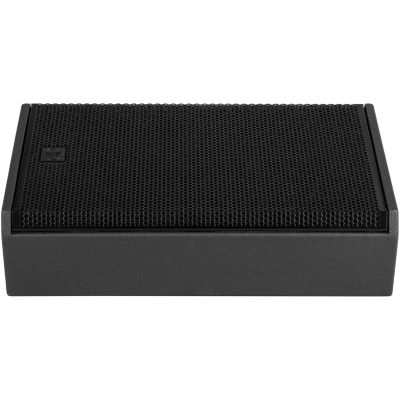
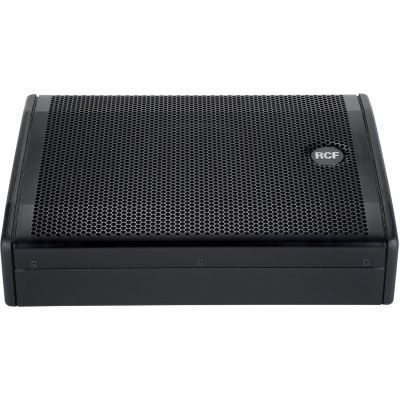
The monitor should cover the musician rather than unnecessarily filling the complete stage. Consider microphone polar pattern and loudspeaker dispersion together.
If the distance is unnecessarily increased, more preamp gain is required. A sensible close-microphone position improves the ratio between wanted sound and the acoustic return path.
Hard surfaces can reflect loudspeaker sound back into microphones. In difficult rooms, changing the direction or position of the PA can provide more benefit than additional EQ.
The microphone preamp should bring the source to a sensible working level. If the singer or instrument is too far from the microphone, unnecessary gain is often added – and unwanted stage and loudspeaker sound is amplified at the same time.
| Tool | Task | Typical Application |
|---|---|---|
| High-Pass Filter | Remove unnecessary low frequencies | Vocals, speech and many instrument microphones |
| Parametric EQ | Adjust frequency, gain and bandwidth precisely | Individual critical resonances |
| Graphic EQ | Adjust fixed frequency bands in a monitor path | Traditional system or monitor ringing-out |
| Notch Filter | Reduce a very narrow frequency range | A stable individual feedback frequency |
| Feedback Detection | Help identify critical frequencies | Live and speech systems |
Do not use too many filters: if new frequencies start feeding back after several large cuts, the actual problem is often excessive overall level or poor positioning. EQ cannot compensate for stage geometry indefinitely.
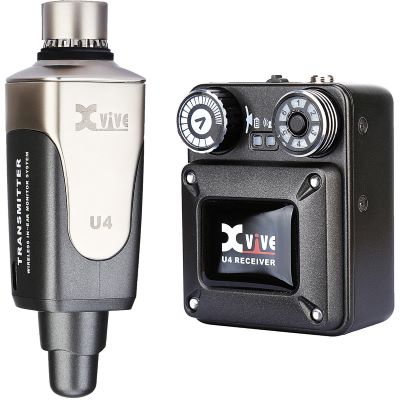
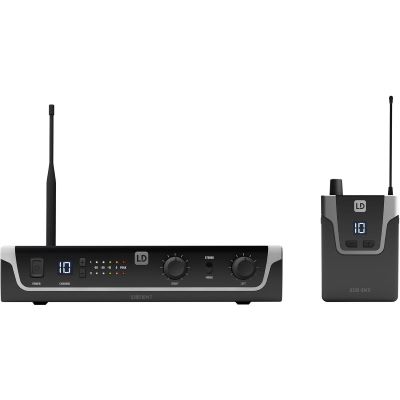
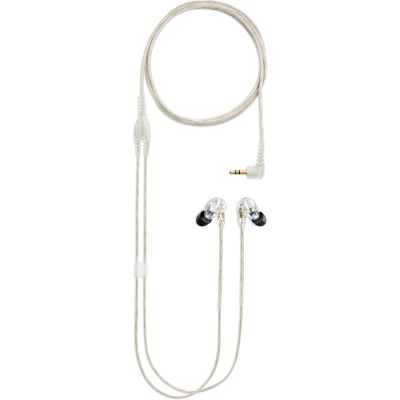
If a floor monitor is completely replaced by in-ear monitoring, one important amplified sound source close to the microphone disappears from the acoustic loop.
If guitar amplifiers and other monitors can also operate more quietly, less unwanted stage sound enters the open microphones.
Every musician can receive the signals that are genuinely needed instead of entering a continuous monitor-level competition.
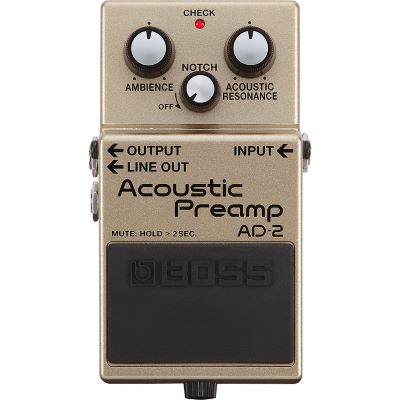
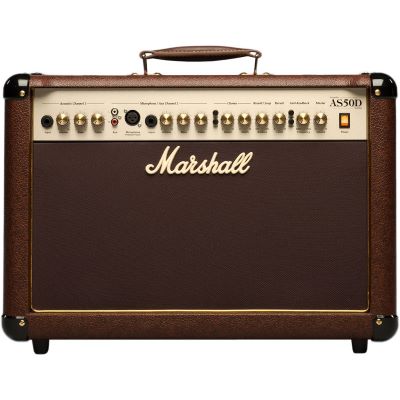
Electro-acoustic guitars can also develop problematic body resonances. Phase switches and narrow notch filters are therefore particularly common on acoustic preamps and acoustic amplifiers.
With certain stage positions, polarity reversal can change the coupling between instrument and loudspeaker enough to reduce an unstable resonance. Judge the result directly by listening.
Low-frequency acoustic-guitar howl can often be reduced using a narrow notch without removing the complete body of the instrument.
A pickup system can still be acoustically excited through the guitar body and strings. Distance and angle relative to the monitor therefore remain important.
Choose cardioid or supercardioid according to the stage geometry.
Controlled dispersion and DSP directly at the musician position.
Replace some or all stage-monitor loudspeakers close to microphones.
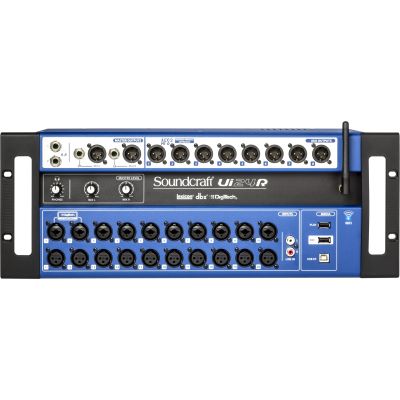
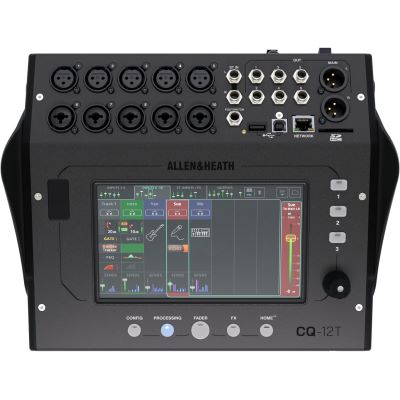
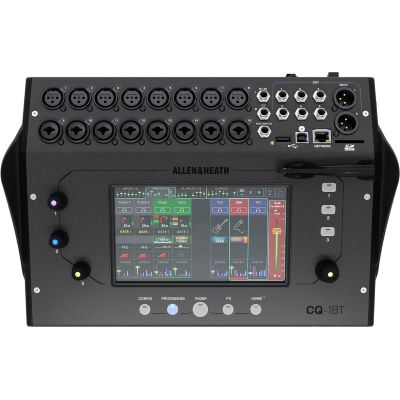
Manage parametric EQ, monitor paths and analysis centrally.
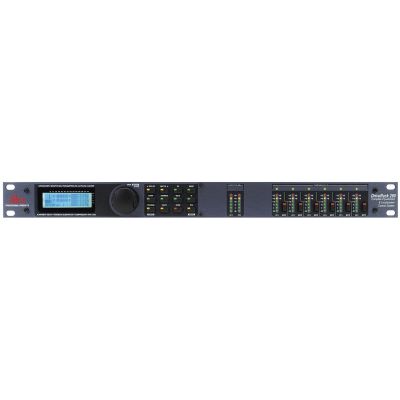
Reduce individual critical frequency ranges precisely.
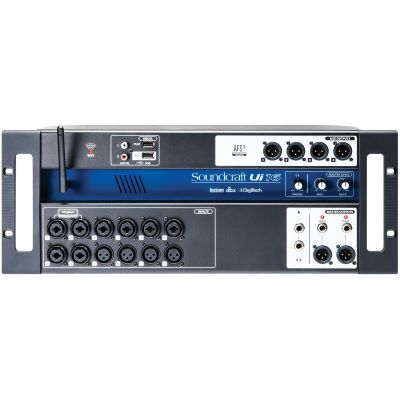
Extend system processing with dedicated outboard hardware.
Keep microphone distance and angle reproducible during the show.
Plan microphones, mixer, monitoring and front PA together.
The selection follows the concrete products linked on the current German source page. Product images use the corresponding Musikhaus Korn item numbers. Prices and stock levels are intentionally not hard-coded.











Loudspeaker sound reaches the microphone input directly again.
More gain becomes necessary and the proportion of room and monitor sound increases at the same time.
A centrally positioned wedge can radiate towards the rear pickup lobe instead of towards the strongest rejection angle.
Every unnecessary microphone channel picks up additional stage and PA sound.
Several strong cuts can destroy the tonal balance while the incorrect loudspeaker geometry remains unchanged.
Continuously increasing wedge levels normally create more spill and less overall control.
Part of the loudspeaker sound reaches the microphone again, is amplified once more and builds up at a critical frequency.
Reduce the level briefly, move the microphone closer to the source and correct the loudspeaker or monitor position. Then check the gain structure.
No. It provides stronger side rejection but also has a rear pickup lobe. The stage monitor therefore needs to be positioned differently from a classic cardioid microphone.
A wedge can often stand centrally in front of the singer and radiate towards the rear axis of the microphone because a cardioid typically has its strongest attenuation there.
Position it off to the rear sides towards the strongest rejection area. The exact position should always follow the polar diagram of the specific microphone.
No. EQ can create additional reserve at individual problem frequencies but cannot indefinitely compensate for poor loudspeaker positioning or excessive overall level.
The monitor or PA path is carefully raised towards the feedback threshold, a critical frequency is identified and that frequency is then reduced in a controlled way.
It can remove unnecessary low-frequency energy and rumble and can therefore create more reserve for vocals or speech. It does not automatically solve high-frequency whistling.
The guitar body can be acoustically excited by a stage monitor or PA loudspeaker. Position, phase and a narrow notch filter are common tools for controlling the resulting resonance.
It removes the corresponding stage monitor as one possible feedback source. The front PA, side fills or other open loudspeakers can still feed sound back into microphones.
Your hand changes the acoustic polar behaviour of the microphone and can reduce the useful side or rear attenuation.
Yes, when they are not currently required. Fewer open microphones mean less stage and loudspeaker sound is captured, which normally provides more feedback reserve.
Microphone type, monitor position, number of open channels, mixer EQ and front PA all influence one another. With loud bands or several wedges, planning them as one complete system is especially valuable.
Feedback is most reliably prevented when microphones and loudspeakers are positioned correctly from the beginning. The front PA should remain in front of the microphone line, while a stage monitor should be placed in an area where the microphone's polar pattern provides strong attenuation.
Microphone distance is just as important. Keeping the microphone sensibly close to the desired source increases the direct signal and reduces the amount of gain needed. Unnecessary open channels should be muted and monitor sends should be kept only as loud as required.
Electronic processing comes after these fundamentals. High-pass filters remove unnecessary low-frequency energy, parametric and graphic equalizers reduce identified critical frequencies and narrow notch filters can control stable resonances.
On very loud stages, in-ear monitoring can remove individual monitor loudspeakers and reduce overall stage volume. Acoustic guitars can additionally benefit from phase controls and narrow notch filters when body resonances become unstable.
The goal is not to remove as many frequencies as possible. The goal is a stable acoustic system in which microphone direction, loudspeaker placement, gain and monitoring work together before corrective EQ is required.
Compare polar patterns, microphone types and applications for vocals, speech and instruments.
Learn how microphone distance, position and the recording environment affect acoustic and amplified guitar signals.
Keep microphone positions reproducible and complete the signal path with suitable stands and connections.
Find further decision guides covering loudspeakers, mixers, microphones, instruments, monitoring, recording and event technology in the central Musikhaus Korn guide world.