
Musikhaus Korn Recording Guide
Studio Guide: Plan Your Own Recording Setup
Record vocals, podcasts, guitars, keyboards, drums or a complete band: this studio guide takes you from the sound source, room and required channel count through audio interfaces, microphones and monitoring to software, cables and studio acoustics.
Home Studio, Podcast & Music Production
From One Input to a Complete Setup
Computer, Tablet & Mobile Recorders
Related Recording Guides
Studio Guide Quick Facts
Plan According to the Actual Recording Task
Fourteen Questions Lead to the Right Recording Setup
Begin with your recording project and then work through the room, channel count and complete signal chain. Each topic provides a clear route towards suitable equipment.
What Should Be Recorded?
Classify vocals, instruments, podcasts, drums or a complete band before choosing microphones and interfaces.
Which Room Is Used for Recording?
Evaluate reflections, background noise, speaker placement and the available positions for microphones and monitoring.
How Many Signals Are Needed at the Same Time?
Count microphones, stereo sources and instruments before deciding how many inputs the recording system actually needs.
Which Audio Interface Suits Me?
Compare microphone preamps, Hi-Z and line inputs, headphone outputs, drivers and future expansion.
Which Microphones Are Needed?
Compare dynamic, large-diaphragm and small-diaphragm microphones according to source, room and desired sound.
Which Headphones or Monitors Fit?
Recording, editing and mixing require different monitoring priorities. Match headphones and monitors to the task and room.
Which Music Software Suits Me?
Consider audio recording, MIDI, editing, mixing, plugins and operating-system compatibility.
Cables, Stands & Studio Acoustics
Complete signal paths, stable microphone placement, monitor isolation and reflection control.
Home Studio for Beginners
Create reliable first recordings with a compact, understandable signal path and manageable equipment.
What Do You Need for a Home Studio?
Combine the computer, interface, microphone, monitoring and necessary accessories into one compatible system.
Home Studio by Budget
Allocate the available budget to components that create the most meaningful practical improvement for your project.
Record Music with a Computer
Prepare the audio interface, drivers, DAW, storage and monitoring for computer-based production.
Record Music with a Smartphone or Tablet
Consider the connector, power supply, app, mounting and monitoring before building a mobile setup.
Put Together a Complete Recording Setup
Connect every component compatibly and leave sensible room for later expansion.
The Complete Decision Path
Plan Your Recording Setup in Eight Steps
Define the recording task first and choose equipment afterwards. This reduces the risk of buying an interface that is too small, an unsuitable microphone or monitors that do not fit the room.
Define the Sound Source
Vocals, speech, guitar, keyboards, drums and complete bands have very different requirements for microphones and inputs.
Evaluate the Room Realistically
Reflections, street noise, computer fans and available space influence microphone selection and monitor positioning.
Count Simultaneous Signals
A mono source needs one channel. A genuine stereo source needs two, while drums and bands often require considerably more.
Choose the Audio Interface
Compare microphone preamps, Hi-Z, line inputs, headphone outputs, drivers and future expansion together.
Choose Microphones by Source
Large-diaphragm, small-diaphragm and dynamic microphones respond differently to voices, instruments and rooms.
Plan Monitoring by Task
Closed headphones help during recording. Monitors and suitable studio headphones support later mix decisions.
Choose Software & Workflow
The DAW should fit the operating system, audio and MIDI workflow, editing needs and project size.
Add Accessories & Acoustics
XLR and monitor cables, microphone stands, pop filters, mounts and acoustic products complete the signal path.
Plan expansion where it cannot easily be added later:
another cable is easy to buy. Missing microphone preamps or only
one headphone output can become a real limitation during a band
or multi-person podcast session.
Count Before Buying the Interface
How Many Recording Channels Does Your Project Need?
Every simultaneously recorded mono signal occupies one recording path. Stereo keyboards, stereo microphone techniques and two independent speakers therefore require two channels.
| Recording Project | Simultaneous Paths | Typical Input | Useful Monitoring |
|---|---|---|---|
| Podcast / Voice-Over | 1 per speaker | USB microphone or XLR mic input | Closed headphones |
| Vocals + Guitar | 2 | Microphone + Hi-Z or second microphone | Headphones for tracking, monitors for mixing |
| Acoustic Instrument in Stereo | 2 | Two microphone preamps | Monitors or studio headphones |
| Keyboard, Synth or Beats | 2+ | Two line inputs, optionally MIDI | Nearfield monitors + headphones |
| Acoustic Drums | 2–8+ | Several microphone preamps or ADAT expansion | Closed musician headphones |
| Complete Band | 4–16+ | Multichannel interface with sufficient preamps | Several independent headphone mixes |
From Sound to the Finished Track
Build the Recording Signal Chain Correctly
Every component has a specific job. Missing or incorrectly connected stages can result in low level, noise, latency or an incomplete recording path.
Sound Source
Voice, acoustic instrument, loudspeaker or electronic line signal.
Microphone or DI
Converts acoustic sound or adapts an instrument signal to the recording input.
Audio Interface
Amplifies, converts and transfers the audio signal to the recording system.
Computer or Tablet
Stores the tracks and provides the production environment.
DAW & Plugins
Recording, editing, processing, mixing and export.
Monitoring
Headphones and monitors make recording and mixing controllable.
Microphone Level
Microphones use a microphone input and normally a balanced XLR cable. The microphone preamp supplies the required gain.
Passive Guitar & Bass
Passive electric guitars and basses require an instrument or Hi-Z input rather than a conventional line input.
Keyboard, Synth & External Hardware
Keyboards, synthesizers and external preamps normally provide line-level signals.
Easy rule:
microphone → Mic, passive guitar → Hi-Z,
keyboard → Line and active studio monitors →
suitable line outputs.
48 V phantom power:
many traditional XLR condenser microphones require phantom power.
Connect the microphone correctly first and activate the supply
according to the manufacturer's instructions.
Three Routes to a Recording
Computer, Smartphone or Standalone Recorder?
The best platform depends on mobility, the depth of editing you require and the number of connections you need.
Record with a Computer
Many tracks, virtual instruments, detailed editing and extensive mixing inside a DAW make the computer the most flexible production platform.
Smartphone or Tablet
Useful for rehearsals, outdoor work, content production and small recording spaces where minimum setup time matters.
Mobile Audio Recorder
Built-in microphones, direct memory-card recording and battery operation provide a fast solution for rehearsals, concerts and location recording.
Before mobile recording:
check the connector format, operating-system compatibility,
required adapters, power supply, storage medium and whether
the device can be charged while audio accessories are connected.
Evaluate Three Components Together
Room, Microphone & Monitoring Influence One Another
A sensitive microphone also captures room reflections. Large monitors can excite low frequencies more strongly in a small room. Good results therefore depend on matching the equipment to the environment and positioning it sensibly.
Reduce Reflections with Positioning First
Distance from walls, microphone direction, furniture and curtains all change the amount of room sound captured by the microphone.
Match the Microphone to Source & Room
Condenser microphones capture fine detail. A dynamic microphone used close to the source can produce a stronger direct-to-room ratio in difficult spaces.
Place Monitors Symmetrically
Listening distance, wall proximity and room dimensions are generally more important than simply choosing the largest available woofer.
Acoustic note:
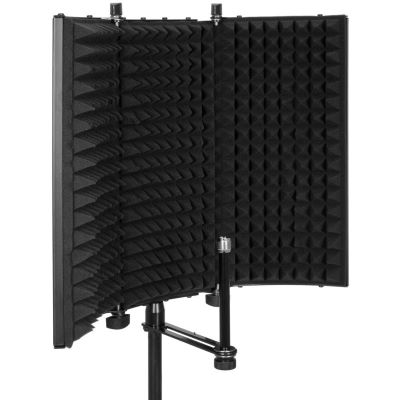
a compact reflection filter can reduce some early reflections
around a microphone. It does not make the room soundproof
and cannot replace sensible microphone positioning
or appropriate room treatment.
Grow According to Your Actual Requirements
Develop Your Home Studio by Experience & Budget
A functioning signal path is more useful than a long equipment list. Start with what the current project really needs and add components when they solve an actual limitation.
Compact Beginner Workspace
An interface with one or two inputs, a suitable microphone, headphones, stand, XLR cable and a simple DAW can cover many solo recording projects.
Invest in Audible Improvements
For speech and vocal recordings, room, microphone position and reliable monitoring can matter more than adding another collection of plugins.
Test the Complete Setup on Paper First
Check inputs, cable types, power requirements, operating-system compatibility, headphones, monitor connections and available physical space together.
Directly to the Right Product Group
All Important Categories for a Recording Setup
Define the sound source, number of channels and workflow first. Afterwards the shop filters and connection specifications can be used much more efficiently.
Audio Interfaces
Preamplification, conversion, inputs and outputs.
Studio Microphones
Large diaphragm, small diaphragm and microphone accessories.
Studio Monitors
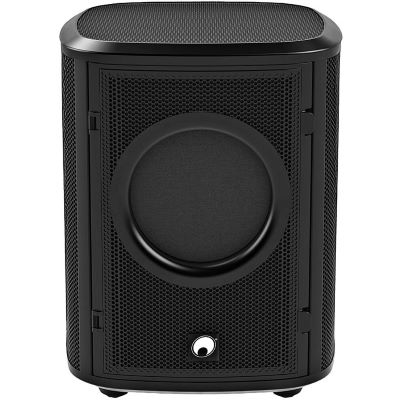
Active nearfield monitors, systems, subwoofers and controllers.
Headphones
Closed, open and semi-open designs for different monitoring tasks.
Software & DAW Controllers
Recording software, virtual instruments and DAW control.
MIDI Hardware
Keyboards, controllers, interfaces and MIDI accessories.
Tablet & Smartphone
Mobile interfaces, mounts and recording accessories.
Audio Recorders
Handheld, field and multitrack recorders.
Cables & Connectors
XLR, jack, USB, adapters and digital connections.
Microphone Stands
Boom, desktop, overhead and broadcast stands.
Studio Acoustics
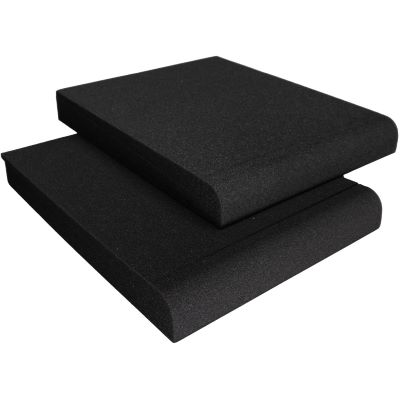
Absorbers, isolation products and monitor decoupling.
Recording & Studio Deals
Current studio and recording offers in one category.
Selected Examples from the Shop
Complete Studio Range
36 Products for Recording, Monitoring & Studio Accessories
The examples are grouped by their role in the recording setup. Detailed specifications, included accessories and current availability are shown on the respective product pages.
Audio Interfaces for Solo Projects & Multichannel Recording
Compact Start

Focusrite
Scarlett Solo 4th Gen
View Product
2 Inputs
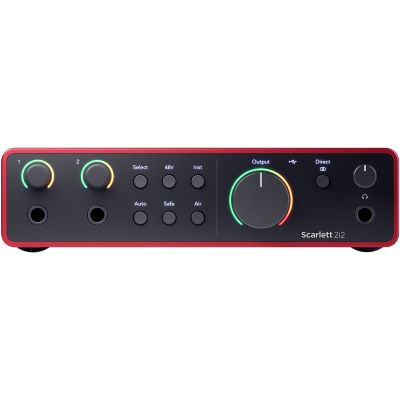
Focusrite
Scarlett 2i2 4th Gen
View Product
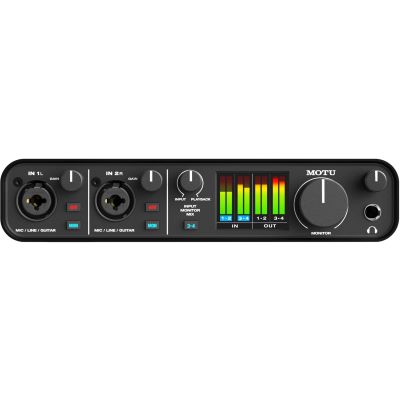
MOTU
MOTU M4
View Product
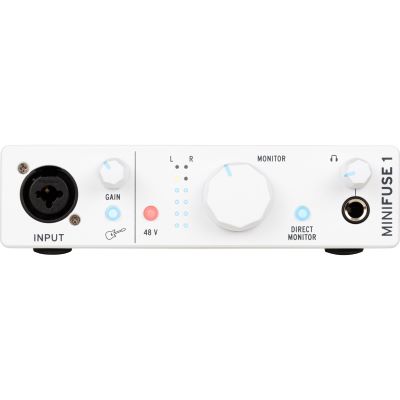
Arturia
MiniFuse 1 White
View Product
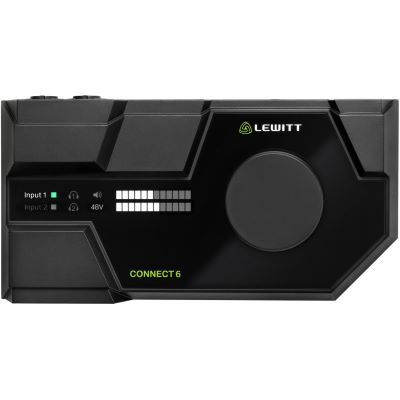
Lewitt
CONNECT 6
View Product
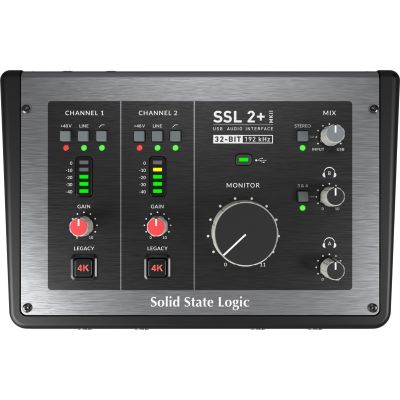
Solid State Logic
SSL 2+ MKII
View Product
Expandable
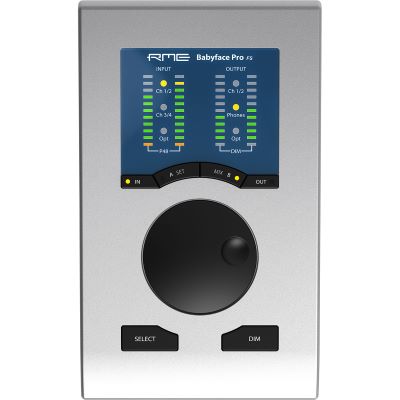
RME
Babyface Pro FS
View Product
Professional Desktop
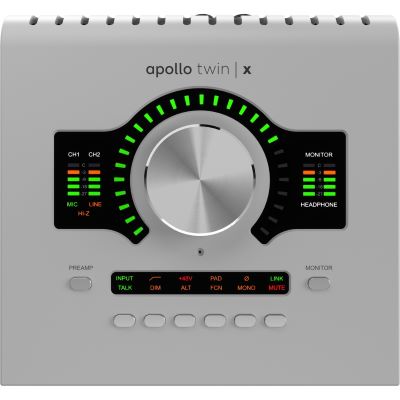
Universal Audio
Apollo Twin X DUO Gen 2
View Product
Studio Microphones & Safe Positioning
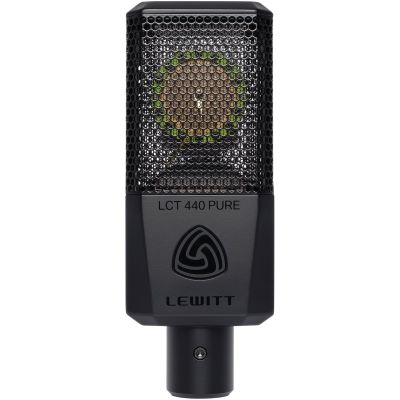
Lewitt
LCT 440 PURE
View Product
Lewitt
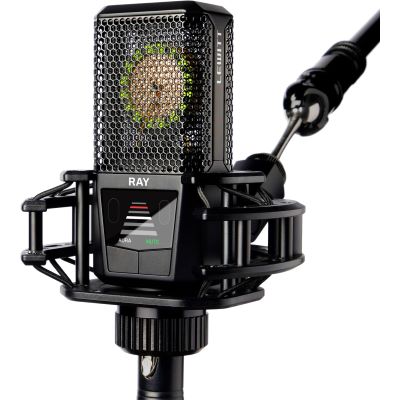
RAY XLR
View Product
Lewitt
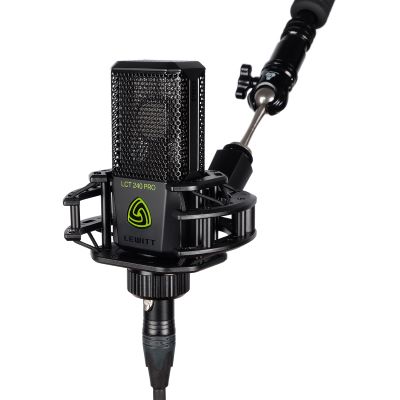
LCT 240 PRO BK VP
View Product
Stereo Pair
Lewitt
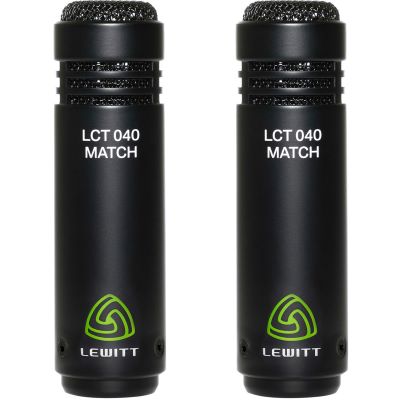
LCT 040 MATCH Stereo Pair
View Product
Lewitt
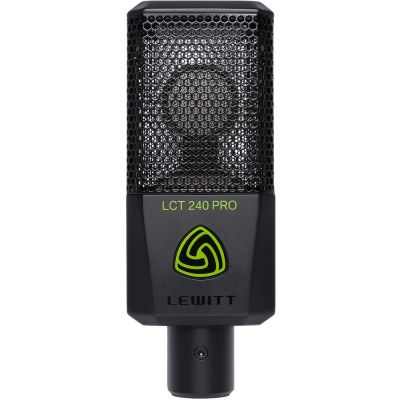
LCT 240 PRO BK
View Product
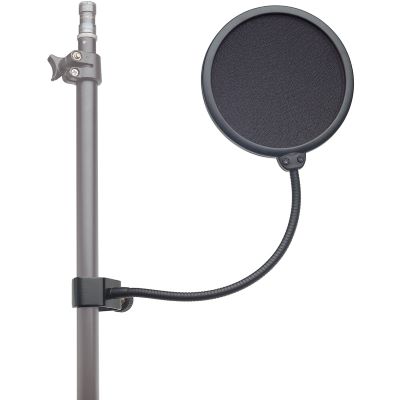
König & Meyer
K&M 23956 Pop Filter
View Product
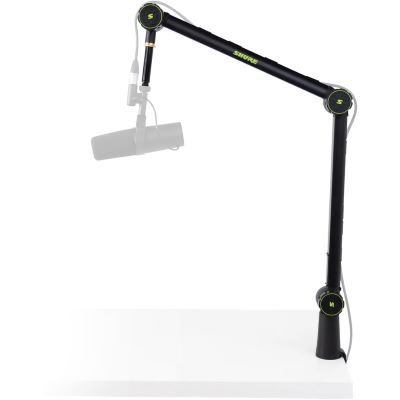
Shure
SH-BROADCAST1
View Product
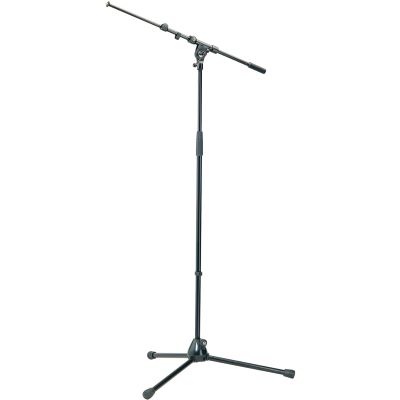
König & Meyer
K&M 210/9
View Product
Studio Monitors & Headphones
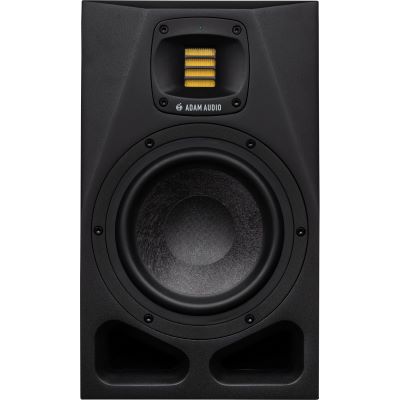
ADAM Audio
A7V
View Product
Compact
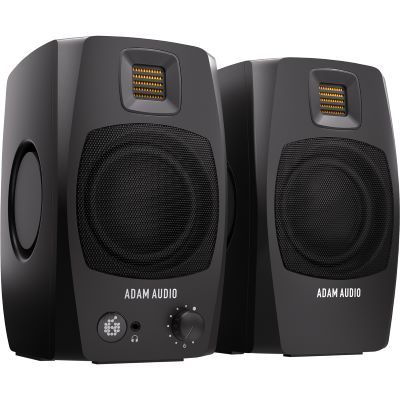
ADAM Audio
D3V Black
View Product
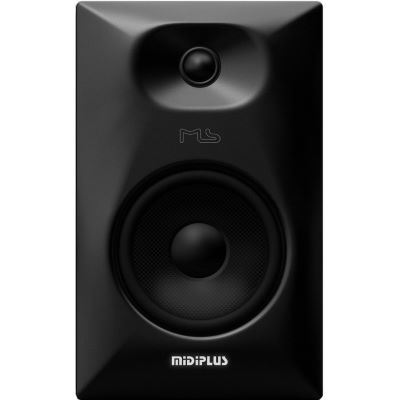
MIDIPLUS
MS6 V2
View Product
3-Way
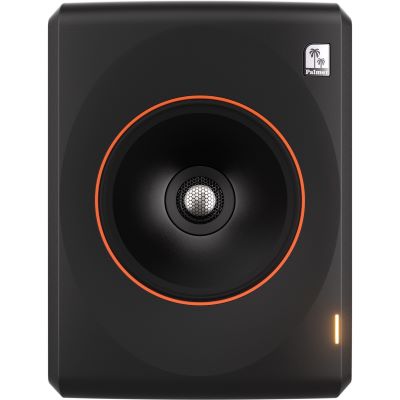
Palmer
ORBIT 11 Black
View Product
Closed
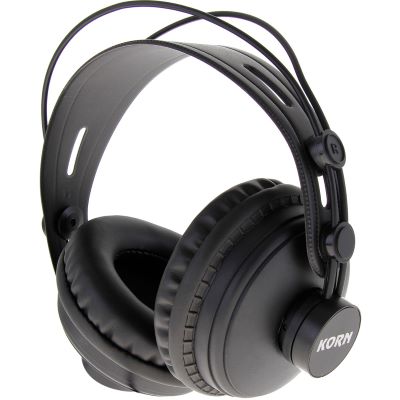
KORN
DK-770
View Product
Semi-Open
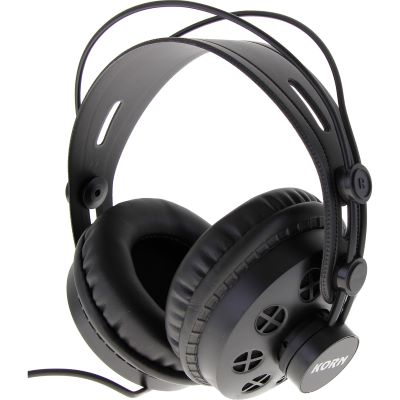
KORN
DK-880
View Product
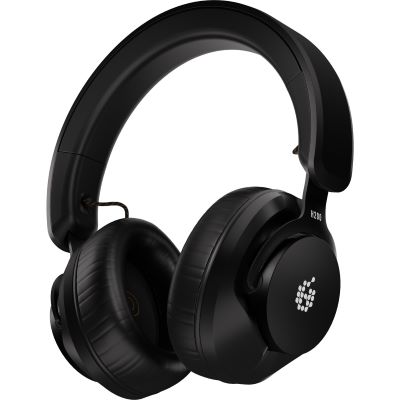
ADAM Audio
H200
View Product
Mobile Audio Recorders
Multichannel
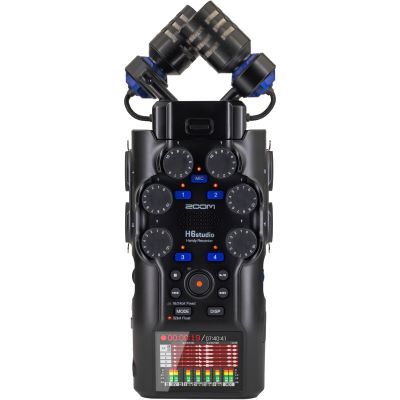
Zoom
H6 Studio
View Product
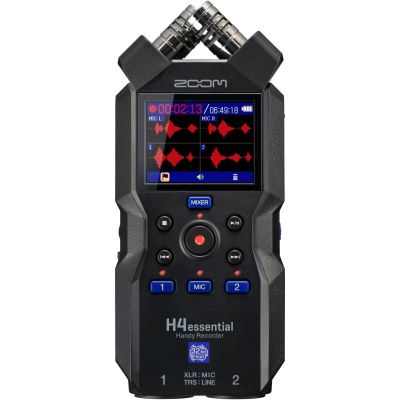
Zoom
H4essential
View Product
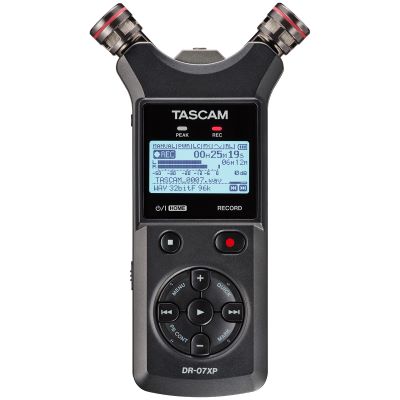
Tascam
DR-07XP
View Product
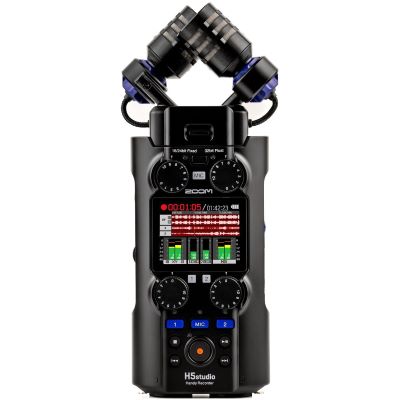
Zoom
H5 Studio
View Product
Music Software & Virtual Instruments
Ableton
Live 12
View Product
Suite
Ableton
Live 12 Suite
View Product
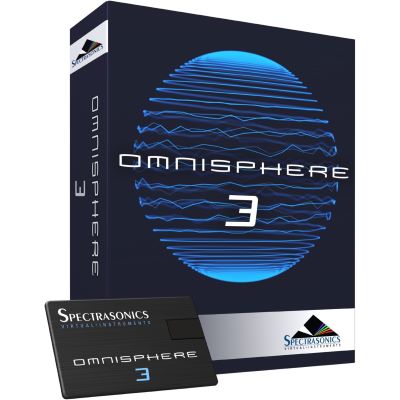
Spectrasonics
Omnisphere 3
View Product
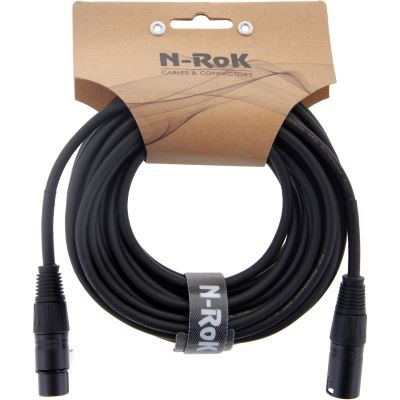
Cables, Studio Acoustics & Mobile Mounting


Brand Worlds at Musikhaus Korn
Manufacturers for Interfaces, Microphones & Studio Equipment
Explore additional equipment, accessories and product ranges directly on the internal manufacturer pages.











Frequently Asked Questions
Answers About Planning Your Own Recording Setup
What Is the Minimum Equipment Needed for a Home Studio?
For a traditional XLR recording setup you need a recording device or computer, audio interface, suitable microphone, microphone cable, stand and headphones. Recording software and sufficient storage complete the workspace.
Is an Audio Interface with Two Inputs Enough?
Two inputs are often enough for vocals and guitar, two-person podcasts and many stereo recordings. Acoustic drums or a complete band require substantially more channels when separate tracks are needed.
Is a USB Microphone or an XLR Setup Better?
A USB microphone is a simple route for a single speaker. An XLR microphone with an audio interface remains more flexible when additional microphones, instruments, separate headphone mixes or different preamps may be added later.
When Is 48 V Phantom Power Required?
Many XLR condenser microphones require phantom power. Most modern audio interfaces provide it. Connect the microphone correctly first and then activate the supply according to the manufacturer's instructions.
Do I Need Both Headphones and Studio Monitors?
Closed headphones help prevent playback from spilling strongly into a microphone during recording. Studio monitors provide a spatial reference for mixing. In small or untreated rooms, checking the mix on headphones remains particularly useful.
Which Monitor Size Fits a Small Room?
Compact nearfield monitors are often easier to position than very large loudspeakers. Listening distance, wall proximity, symmetrical placement and the room's bass behaviour are more important than woofer diameter alone.
What Does Latency Mean During Recording?
Latency is the delay between the incoming signal and the sound you hear. Smaller audio buffers reduce it but increase computer load. Direct Monitoring can route the incoming signal to the headphones without first passing through the DAW.
Can Professional Recordings Be Made with a Smartphone or Tablet?
Mobile devices can create high-quality recordings when the microphone or interface is connected compatibly. Check the connector, power supply, app, storage capacity and headphone requirements in advance.
Does a Recording Shield Make a Room Soundproof?
No. A shield can reduce reflections immediately around the microphone, but it cannot stop exterior noise or low-frequency room reverberation. Microphone positioning, furnishing and targeted acoustic treatment remain important.
In What Order Should Studio Equipment Be Purchased?
Define the sound source, room and channel count first. Then choose the interface, microphone and headphones. Studio monitors, acoustic treatment, MIDI hardware and additional software can be added according to workflow and remaining budget.
The Studio Guide Summarised
Plan a Home Studio & Recording Setup Properly
A reliable recording setup begins with the specific recording task. A single speaker or solo vocalist only requires a compact signal path, while stereo instruments, acoustic drums and complete bands require more inputs, microphone preamps and sometimes several independent headphone mixes.
The audio interface, microphone, headphones, studio monitors and software need to work together technically and acoustically. XLR microphone signals, passive instrument signals and line-level sources use different input types, while suitable cables, stands, pop filters and acoustic products complete the workspace.
Choose the room and required channel count before buying the audio interface. This prevents the number of preamps or outputs from becoming the limiting factor later. For many solo home studios, one or two inputs are enough; drum and band recording often requires considerably more.
Monitoring also depends on the task. Closed headphones are particularly useful while recording, while studio monitors help evaluate balance and stereo imaging during mixing. Room dimensions and speaker placement should be considered before simply choosing a larger monitor.
Finally, consider the complete signal path before purchasing: connection types, cables, power supply, software support, headphone outputs, monitor connections and available physical space. A smaller but fully compatible studio is more useful than a larger equipment collection with missing connections.
More Buying Advice
Continue Exploring Instruments, Studio, DJ & Stage Equipment
The main Musikhaus Korn guide connects specialist advice for musical instruments, studio and recording, DJ equipment and event technology.